

 Sanster
Web UI has Network timeout issue on macOS M1
I got everything up and running with the help of other threads with this:
docker run -p 8080:8080
-v /Users/jim/.cache/torch
-v /Users/jim/.cache/huggingface
--rm cwq1913/lama-cleaner:cpu-0.26.1 \
lama-cleaner --device=cpu --port=8080 --host=127.0.0.1 --model=sd1.5 --sd-disable-nsfw --sd-run-local
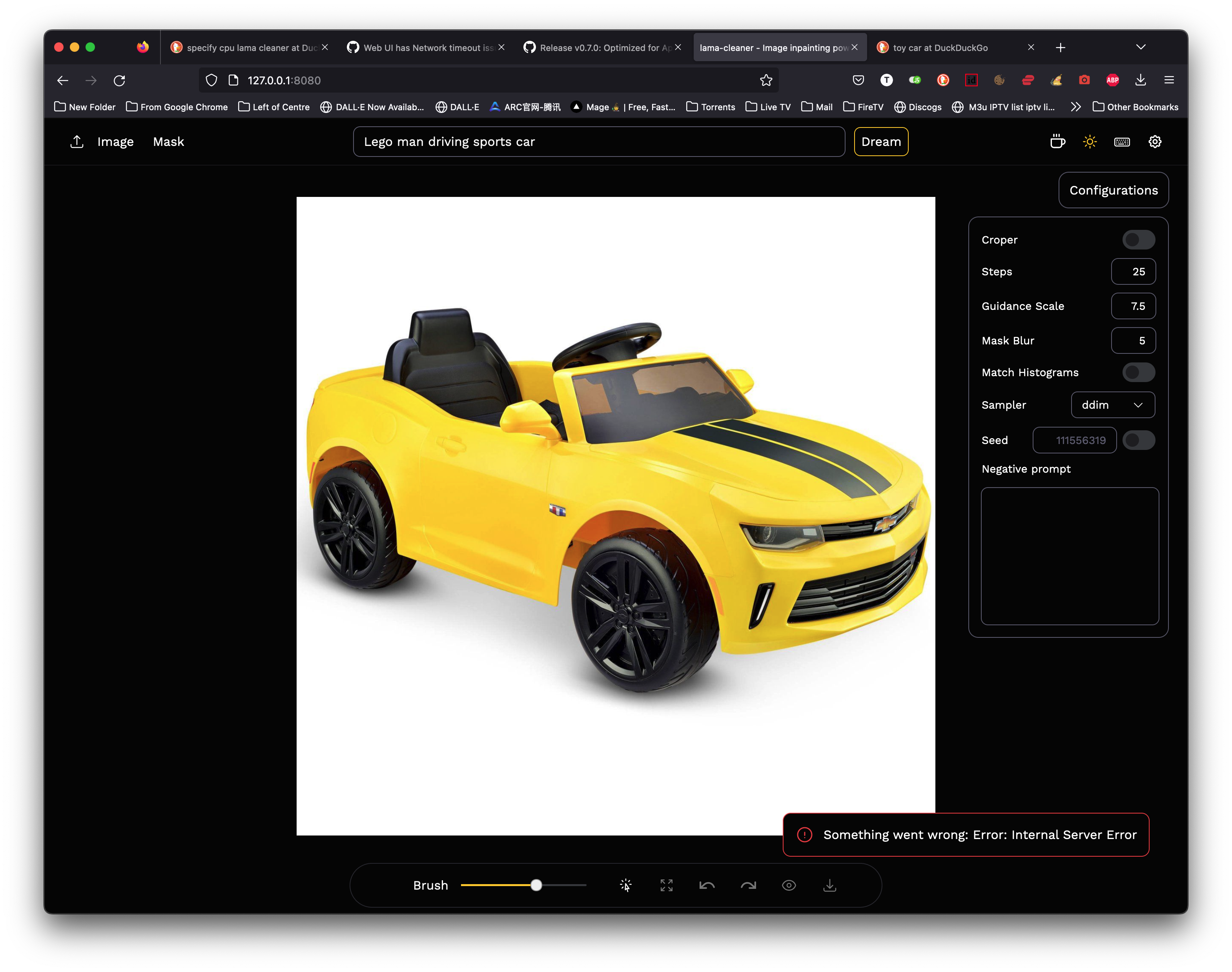
After starting Lama-cleaner the Web UI opens at the local address and starts to diffuse, but after about 30 seconds there's an Network has stopped responding error in the Web UI, even though the Terminal powershell shows the SD is still running.
1 - How do I fix this? 2 - Where is the image output directory?
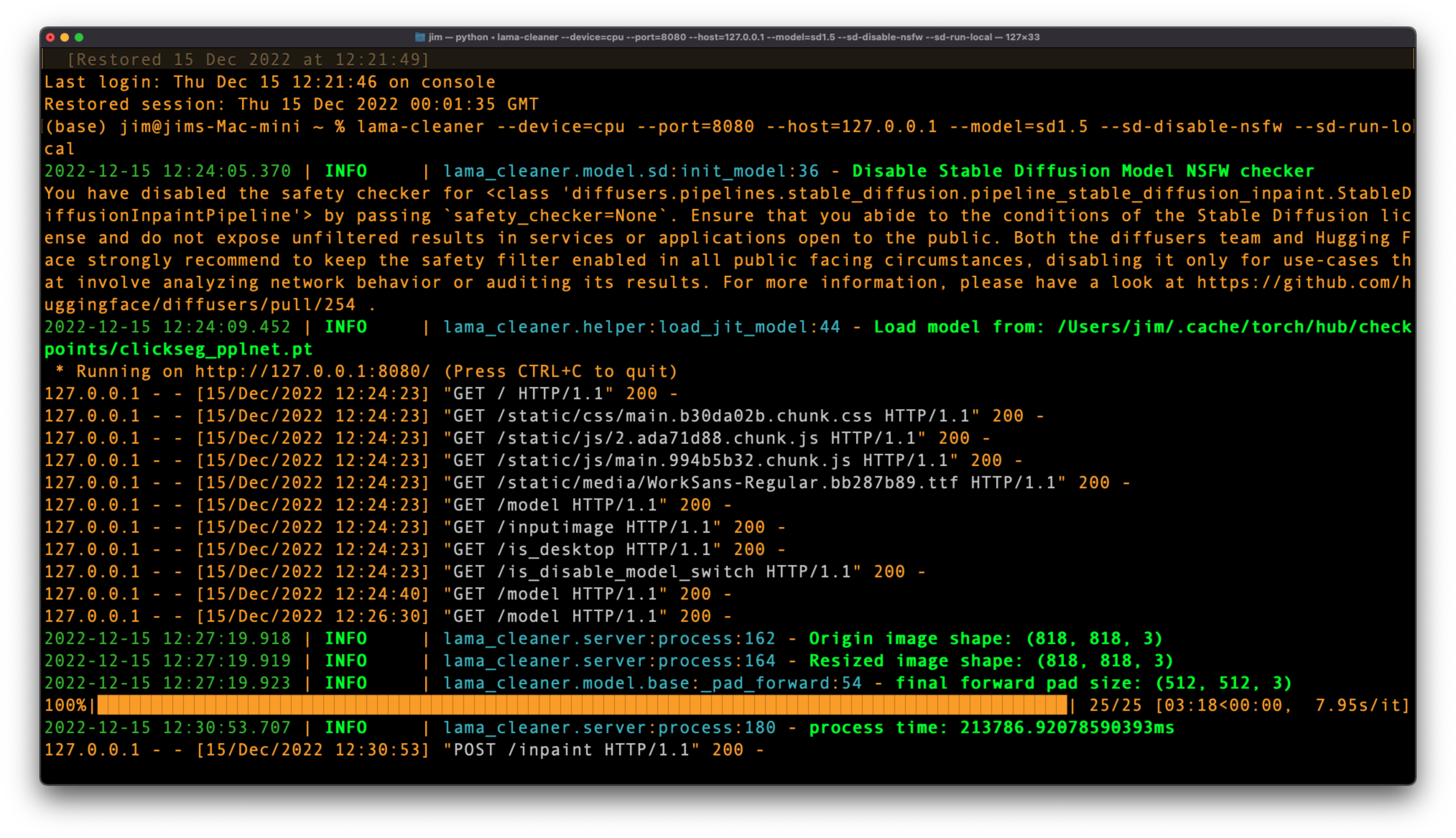
EDIT: It did exactly the same thing when installing with pip. I tried Docker without being fully familiar with how it works - which possibly answers my own question, as it does give a warning during install that the CPU didn't match what was expected, and in the Docker app it shows AMD64 instead of ARM64 (Apple M1).

SD model runs really slow on CPU devices, I suggest using --device mps.
- Install the latest lama-cleaner via pip:
pip install lama-cleaner==0.30.0 - Make sure to follow the requirements from diffusers

- start lama-cleaner with
--device mps
In theory, Lama Cleaner's code is device agnostic, but I don't have an M1 device to test it on, so if you encounter any problems, feel free to post it here

pip install lama-cleaner==0.30.0

The Web UI loads and operates normally - but then...
But the process is still running in the command line:

So, presumably, somewhere on my computer there's an image of a Lego man sitting in a sports car, despite that the Web UI encountered a problem, but I have no idea where the Output directory is.

pytorch's package name is torch :smile: pip install torch==1.13.0
This is no output directory in lama-cleaner...If the model run successful, you can click download button on the bottom
