

 SafeExamBrowser
Manually Set User Interface Language
Is your feature request related to a problem? Please describe. Can all dialogs be displayed in English regardless of the language set by the user?
Describe the solution you'd like Display all dialogs in English regardless of the language set by the user in Windows user settings
Describe alternatives you've considered None
Additional context
We have many native Chinese speakers in our exams who have set their laptops to display all text in Mandarin. This is very confusing for in-person invigilators to know what they are dealing with. They have to ask the student what the dialog says. Obviously the exam itself is displayed in English.
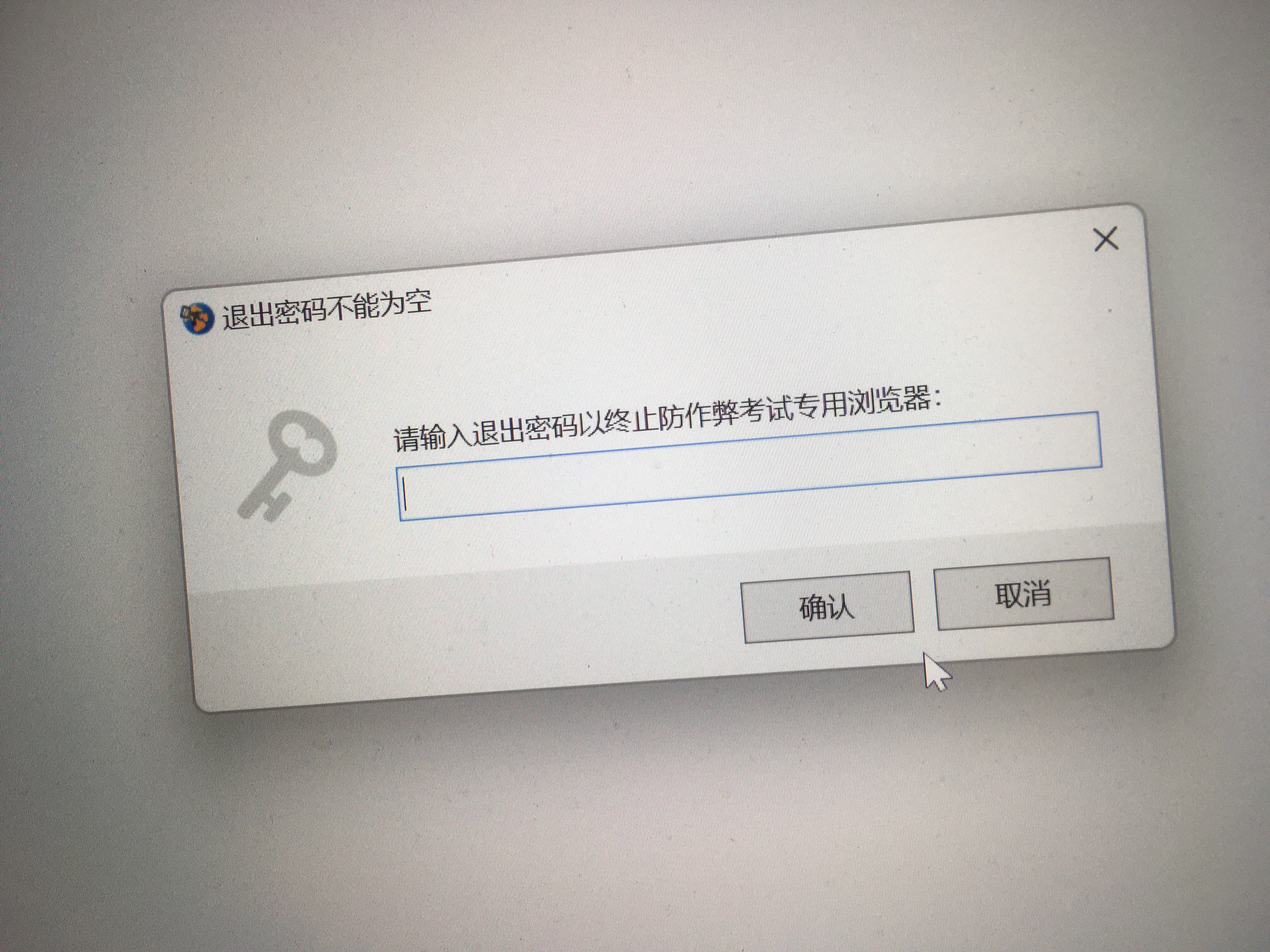

Related to this feature request about the user-interface language, is the language sent with the HTTP request. After this issue, the "Accept-Language" language header in HTTP requests uses the system language. This is also problematic in linguistically diverse student populations. For example, GeoGebra translates its graphing commands based on the language in the HTTP-request, despite all students having learned the English commands during math class.
I think the larger feature request for these international contexts is to allow control over the different language in the .seb settings file by the teachers (one setting for user-interface of SEB, one for HTTP-requests, other relevant languages...) with defaults "use system language".

This sounds like a nice-to-have feature. Unfortunately our backlog of really important features is very long, so I don't expect we implement this earlier than in a year (unless a SEB Alliance contributor requests the feature).
Btw. on maOS and iOS you can set the user interface language separately for specific apps. This then applies to UI and HTTP requests, but I wouldn't consider that an issue (why should the UI language of the browser be different than of the used assessment solution/web app). Don't know if Windows has such a per-app setting.

@Spruce8913 Thanks for the input, that would however be a separate issue (please do feel free to create one, given the precondition mentioned by @danschlet regarding development capacity).
Don't know if Windows has such a per-app setting.
Unfortunately not, at least according to my knowledge, but some applications allow for command-line / startup arguments which can be saved in e.g. an application shortcut.
