Ryzee119
how to program
Dear Sir Ryzee119
your project Tinyogx360 seems very interested i'm really want to try to build it , every thing seems good in the project file (BOM, PCB GERBER, FW) but just only thing for block me for go ahead the build that is how to program FW Could you share the way what you know for program the FW many thanks your project hand hope can get you help for let me join this good project

See my readme
The board does not have any programming headers. The Atmega32u4s should come from factory with a DFU bootloader which can be programmed via the xbox side USB connector.
I didnt have much luck with this so I hacked on a ISP programming header and programming via TinyISP or any AVR programmer.
Alternatively program it externally
This is for advanced users.
I manually soldered wires to the avr ISP programming points and used my avr programmer

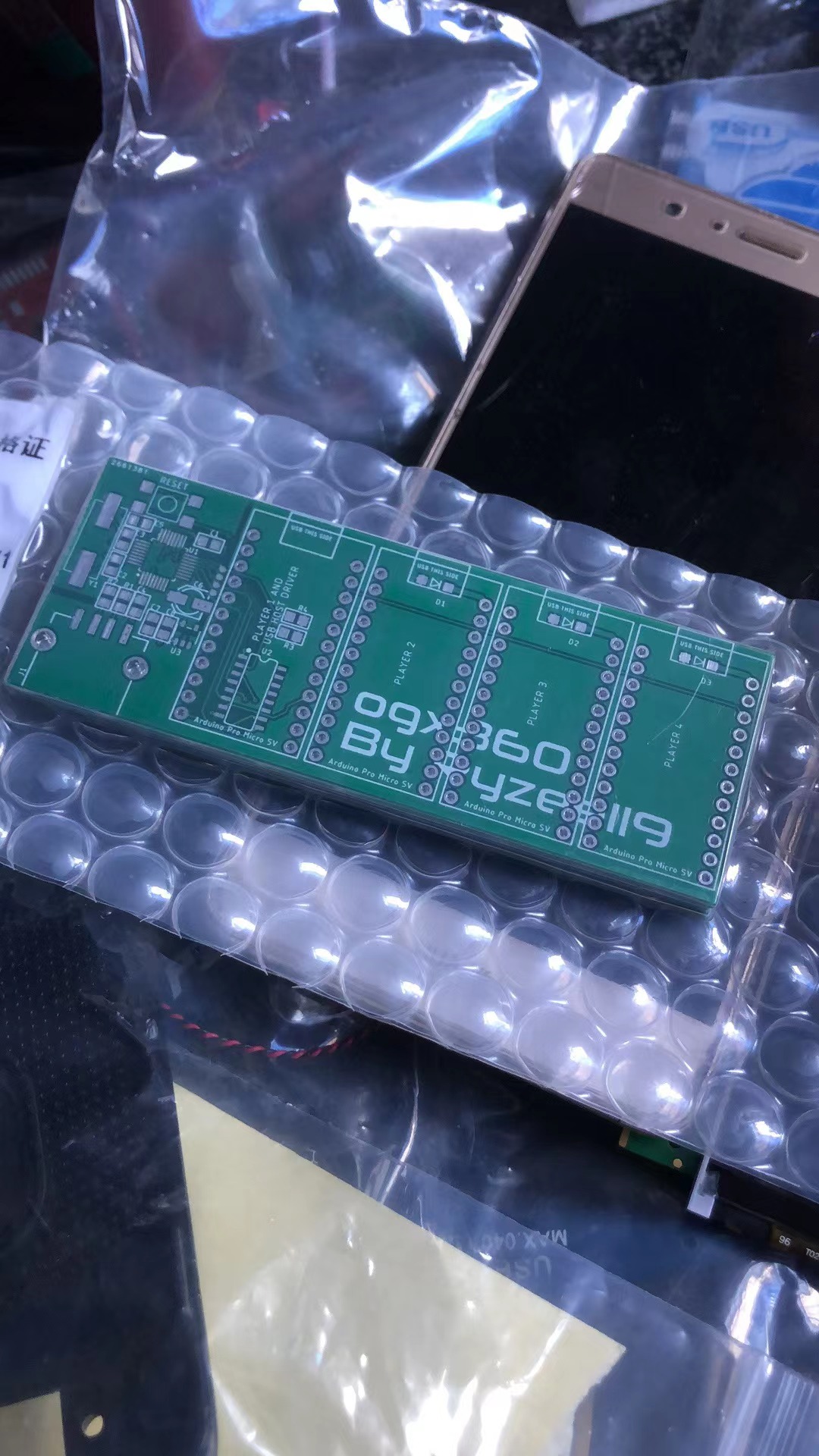
Actual i have got PCB of your original OGX360 project but seems the Tinyogx360 seems good for me as the BOM is very simple than the original OGX360 project so i want to try Tinyogx360 first
could you share the photo of your soldered wires and ispProgrammer and program tool i will try to follow the setup same of your then i think it may easier for success than i just try more other ways