

 Russian-Doom
[BUG] Screen doesn't return to full screen in Linux
International Doom version
7d719ae
What Operating System are you using?
Linux
What Build variant of International Doom are you using?
x64 (x86_64, win64, amd64)
Please describe your specific OS version
Manjaro Linux (5.15.57-2 kernel)
Relevant hardware info
No response
Have you checked that no other similar issue already exists?
- [X] I have searched and not found similar issues.
A clear and concise description of what the bug is.
I want to preface this by saying that it's necessarily not a bug with Inter Doom, but could be my window manager that's at fault.
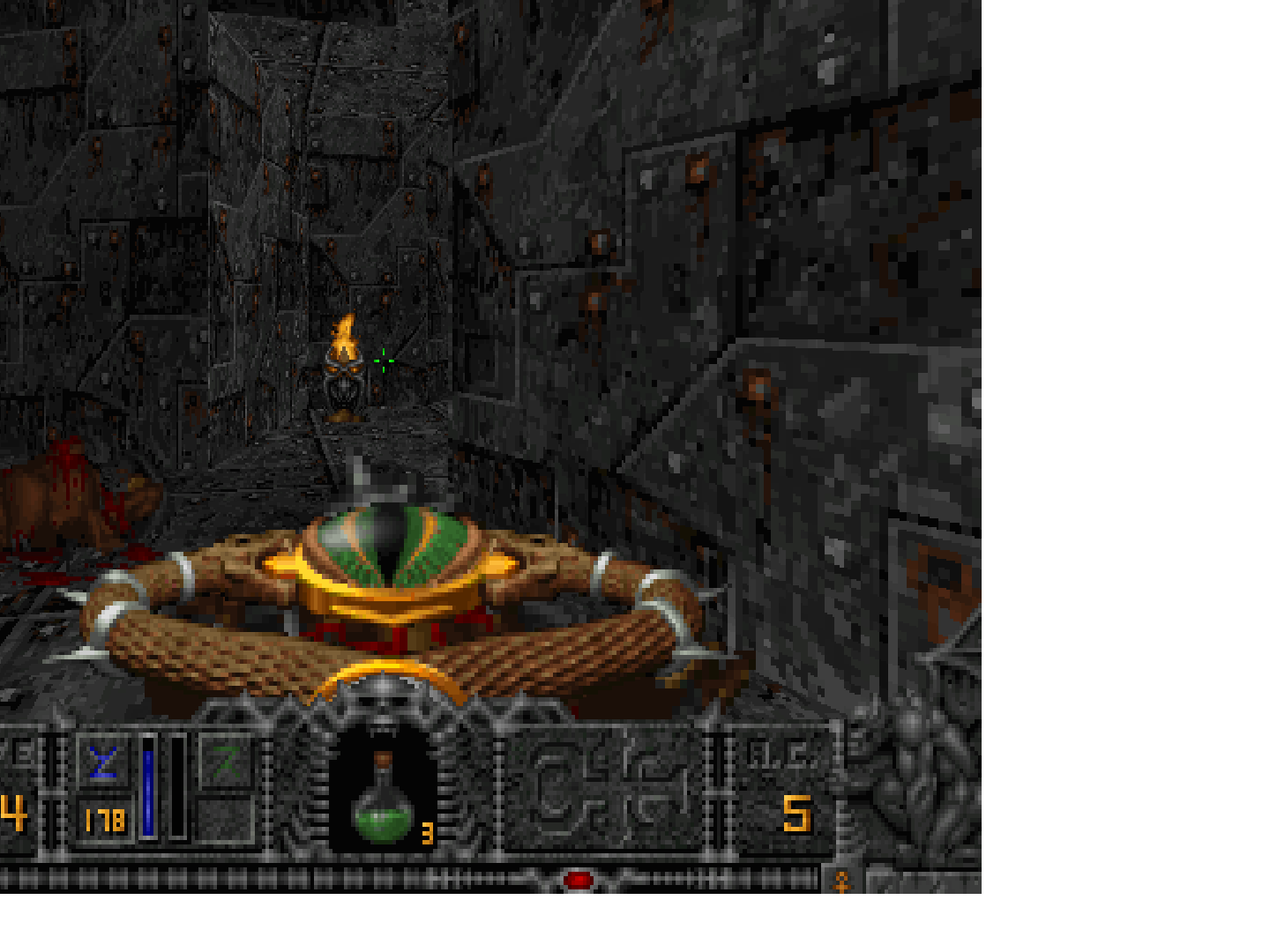
Sometimes when I alt-tab into another program, the game doesn't return to full screen half of the time. Instead of being centered (in 4:3 aspect ratio), the game window is drawn at the top left of the screen, and at a lower resolution. Taking screenshots is also affected, because the game creates screenshots that are half empty and with the window out of focus, like this example which was taken with the game's screenshot key:
Taking a screenshot with the OS screenshot function shows the window as I described earlier:
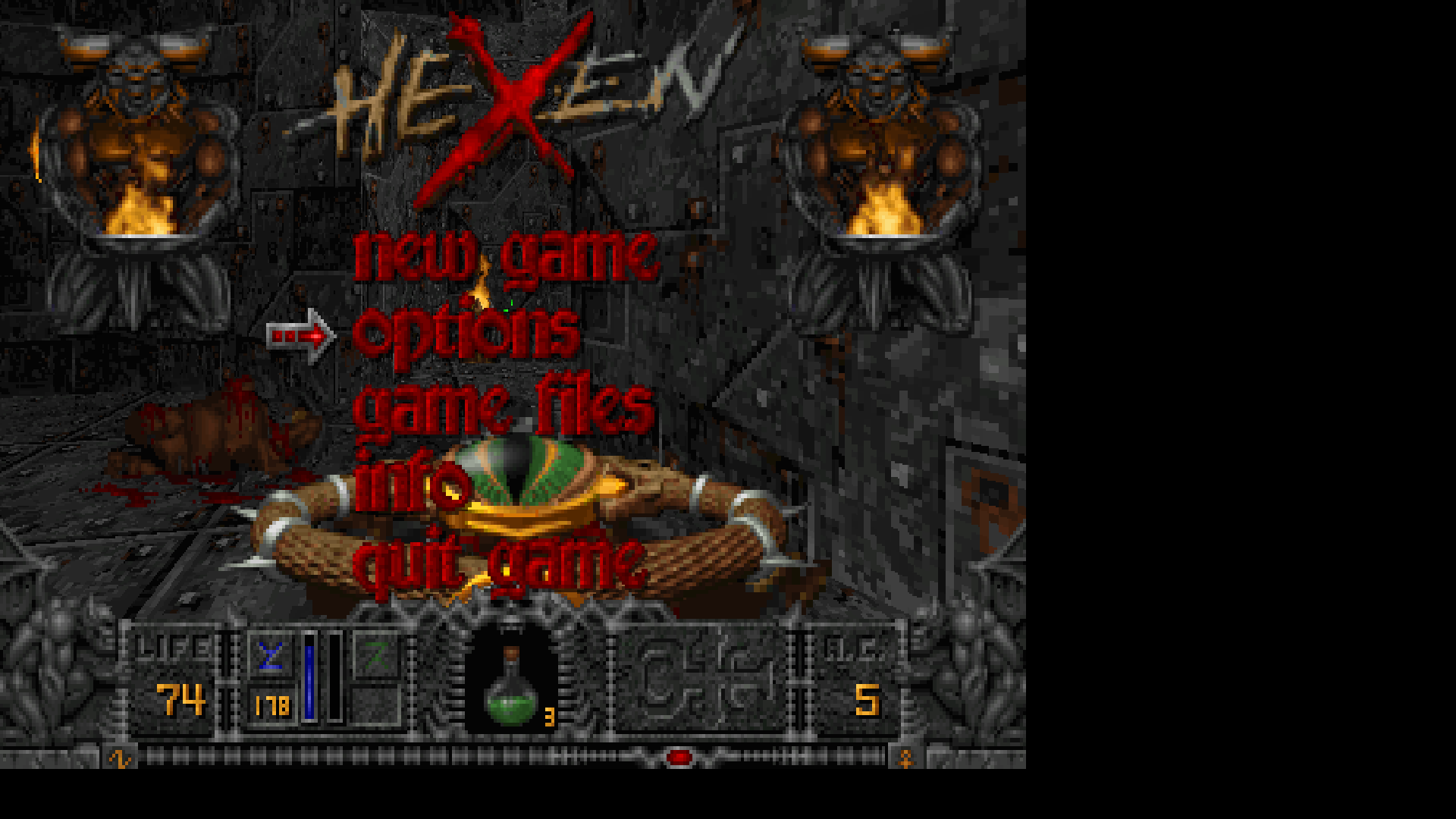
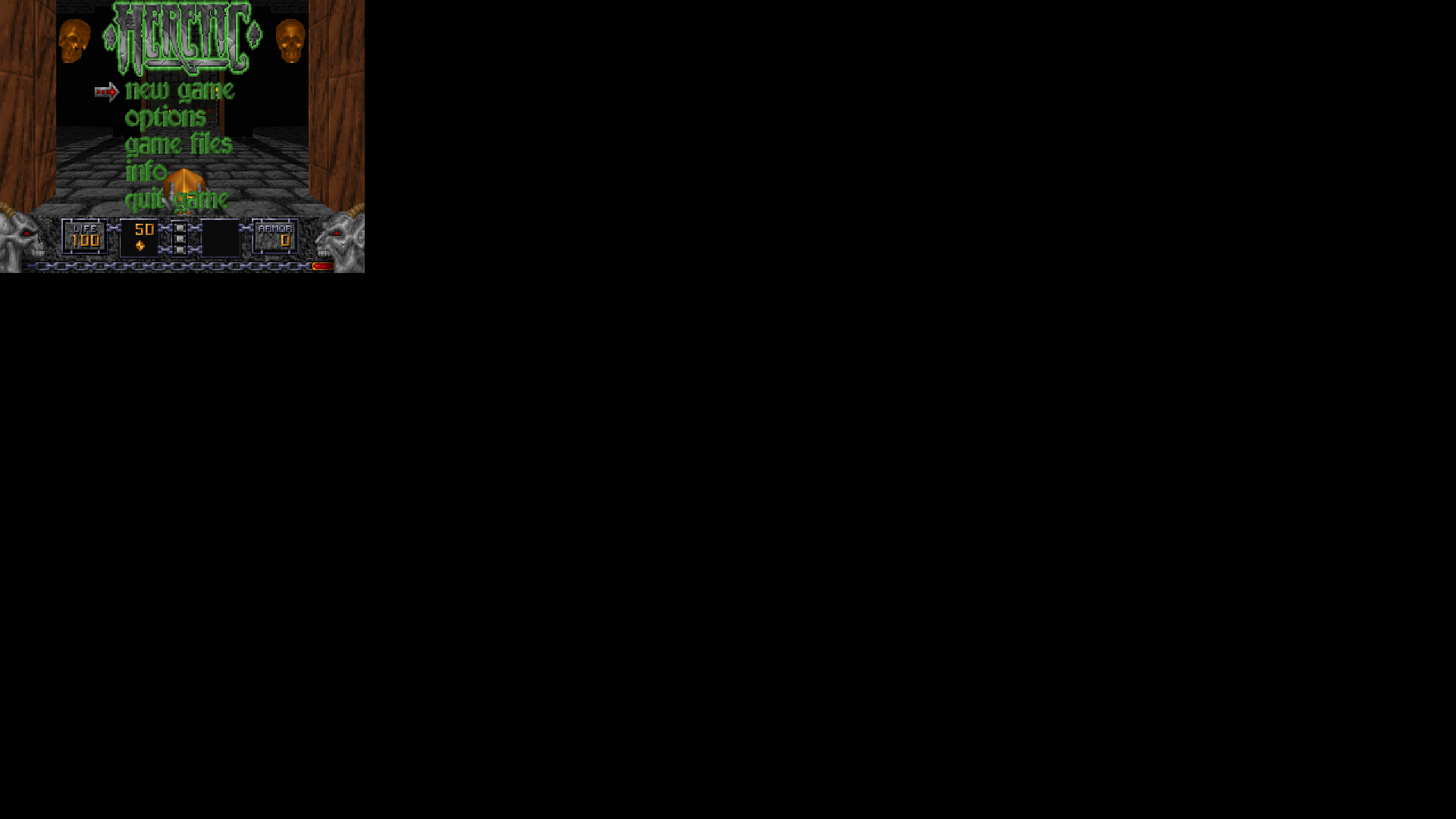
I said it may be KWin's fault, because it has certain issues with games at full screen, which requires the workaround of disallowing apps from blocking the compositor. However, I'm not sure they're related.
I use the KDE Plasma desktop with KWin manager (one of the defaults for Manjaro).
Steps to reproduce the behaviour.
Explain how to reproduce
- Start any game
- Alt+tab to another window so the game minimizes
- Alt+tab back to the game and there's a 50% chance the game window is buggy now.
Your configuration
No response
Provide a Log
No response

The window resizing works terrible on linux, or at least on KDE Plasma. The rendered image is resized, but the window itself isn't adjusted to match the size of rendered image. SDL_SetWindowSize function don't do anything for some reason.
I think this issue is related to those window problems.

I said I'm not sure it's related to the issue with KWin because this doesn't happen in Chocolate Doom at all. But what I notice is that when alt-tabbing out of Choco, the game doesn't minimize. It simply stays in the background. Maybe the developers noticed it was an issue and that is the workaround.
But even when I force it to minimize, nothing abnormal happens with it either. It's just the act of minimizing Inter Doom that leads to this. Alt-tabbing causes Inter Doom to minimize automatically.
EDIT: I wanted to see if this also happens with the Windows version running through Wine, and it doesn't at all, but it's probably Wine that's responsible here. Strangely, running this port through Wine causes another bug, this time with the music. Not sure if I should open a new issue considering Wine is (I think) pretty much out of the scope for this project, but at the same time, it doesn't happen with other Doom source ports, or any other programs that use MIDI that I try running with Wine. I tried Chocolate Doom and Crispy Doom through Wine and they play fine with music and all.
The error message produced by Wine:

The terminal output shows this accompanying the error above:
02b8:fixme:imm:ImeSetCompositionString PROBLEM: This only sets the wine level string
02b8:fixme:imm:ImeSetCompositionString Reading string unimplemented
02b8:fixme:imm:NotifyIME NI_CLOSECANDIDATE
Error loading midi: Failed to register song.
Couldn't reproduce this on current version of Manjaro with KDE. Seams like it was fixed in SDL 2.24.0 or other package. Problems with window resizing also gone.