

 RupertAvery
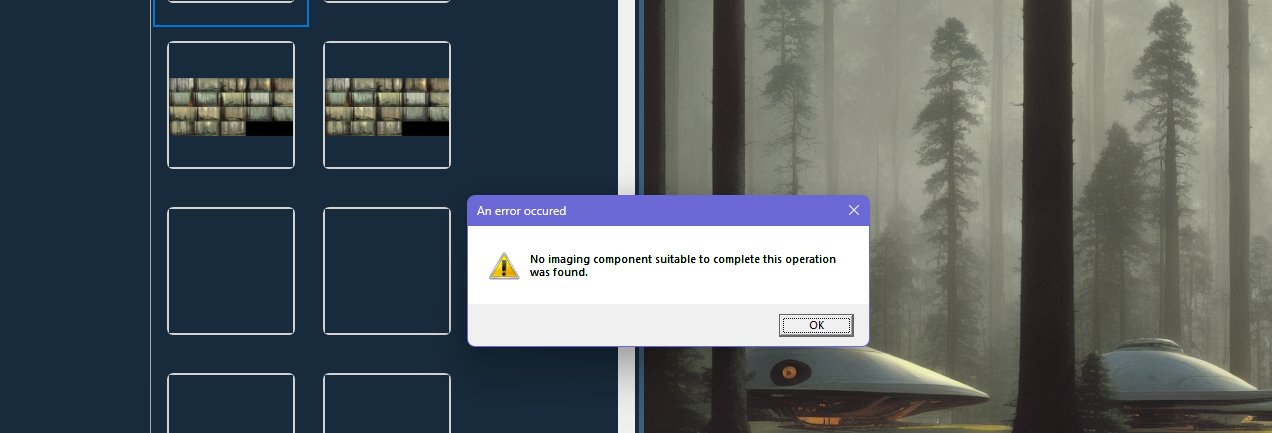
No imaging component suitable to complete this operation was found

Which version are you using?
Are you sure the image is valid? (Non-empty image, opens in other image viewers?)
Could you post a few samples of the affected images here so I can try on my end?

Which version are you using?
Latest (v1.1)
Are you sure the image is valid? (Non-empty image, opens in other image viewers?)
Yes, I am able to preview them in my browser (webp files)
Could you post a few samples of the affected images here so I can try on my end?
Sure, here's a zip with the iamges I tried: images.zip
It seems to work fine for me.

Can you try right-click > Remove Entry then Scan folders for new images?
Can you try right-click > Remove Entry then Scan folders for new images?
Still receiving the same error. Here's a screen-recording displaying the error. I would assume this is an error related to caching, because, before creating this recording, the folder I had it set to was non-existing and it still loaded the same entries you see in the video. 🤷🏼
According to this
https://github.com/dotnet/wpf/issues/6337
WPF will call the system to decode other image formats.
Can you try installing WebP image extensions?
https://apps.microsoft.com/store/detail/webp-image-extensions/9PG2DK419DRG?hl=en-ca&gl=ca