

 RossWang
Loading/disconnected
I have both Aria2 Download Manager Integration 0.4.5 and aria2 1.35.0. I know aria2 is not for beginners, so I appreciate your patience. I have several questions.
Does Aria2 Download Manager Integration depend on aria2 1.35.0 to operate? I have it set up, and tried to test it on a YouTube video, but it got stuck here
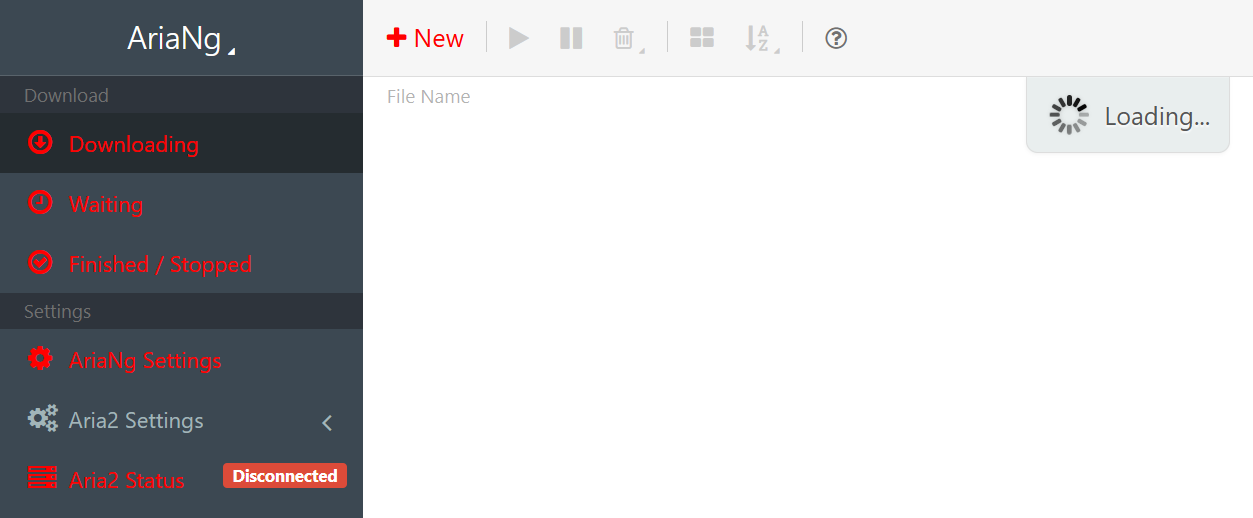
Perhaps I didn't get the options settings correct? Please advise.
Thanks

-
You should have a running aria 2 instance, not installed program.

-
In firefox addon settings, make this addon link to that aria 2 instance, using IP address/hostname, port, and the token if you have set one. Remember click "Save"

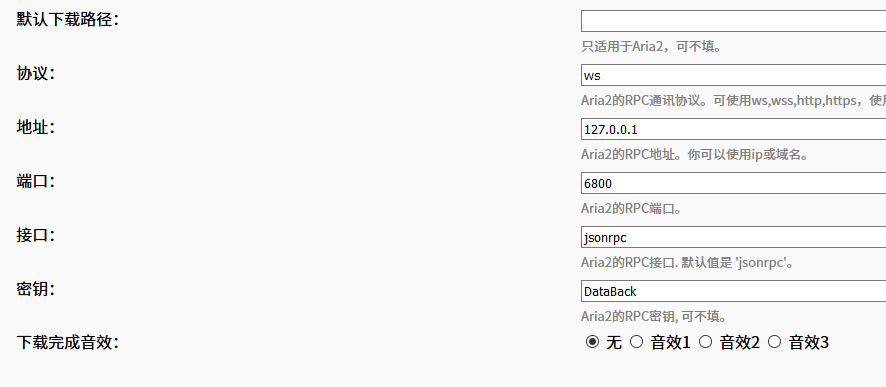
-
Then open AriaNg it should be working.

This is what i have so far
aria2-1.35.0-win-64bit-build1


You said "Then open AriaNg it should be working." I'm assuming you mean like this?

But I still get this
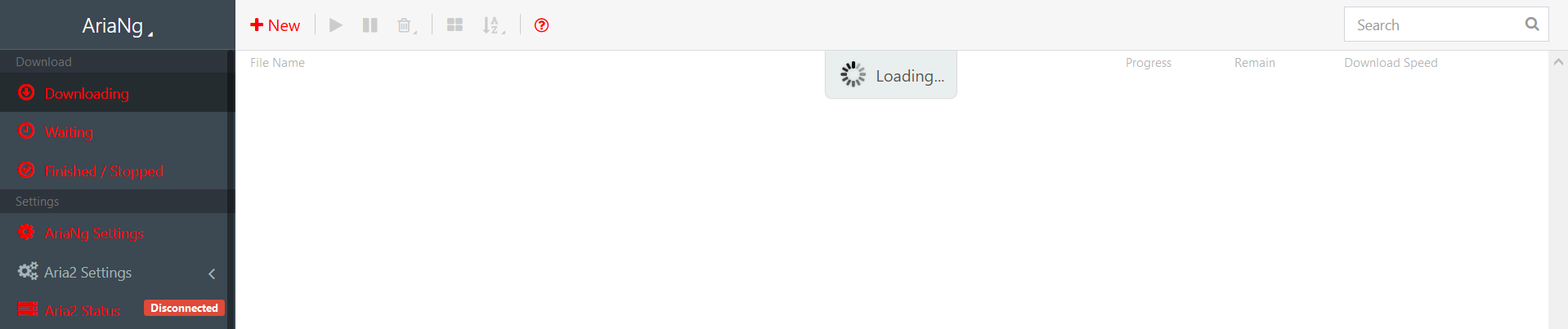
I also tried this, but all I get is a file called watch

no, you need an RPC server instead of a one-time downloader. See aria2c --help=#rpc
I don't know how to implement this. I can't get the syntax right, or the steps.

I ran across this, at https://github.com/ziahamza/webui-aria2

but it says insecure.
So I have to create a token? I'm not sure how to go about it.
You need also --rpc-allow-origin-all option, if you want to see details from "Details" button. Everything else seems okay and you are ready for adding tasks.
You can enable token authentication with --rpc-secret=<TOKEN>.
More on token: TL;DR: A token is not forced but highly recommended, just like you would probably lock your house if everyone from all over the world goes everywhere everyday in hundreds of milliseconds. Detailed: Since the server can be easily accessed with HTTP GET, any web page you visit thus its provider (might be evil) is allowed to add/remove a task to/from the aria2 server, even to flood-attack another server by adding many many tasks to your aria2 server. However, with token enabled, the evils must know the token before doing evil things.
Since I already ran it without a tokwn, albeit with a "watch" download result, have I opened/risked a security breach?
I'm still getting the "watch" download


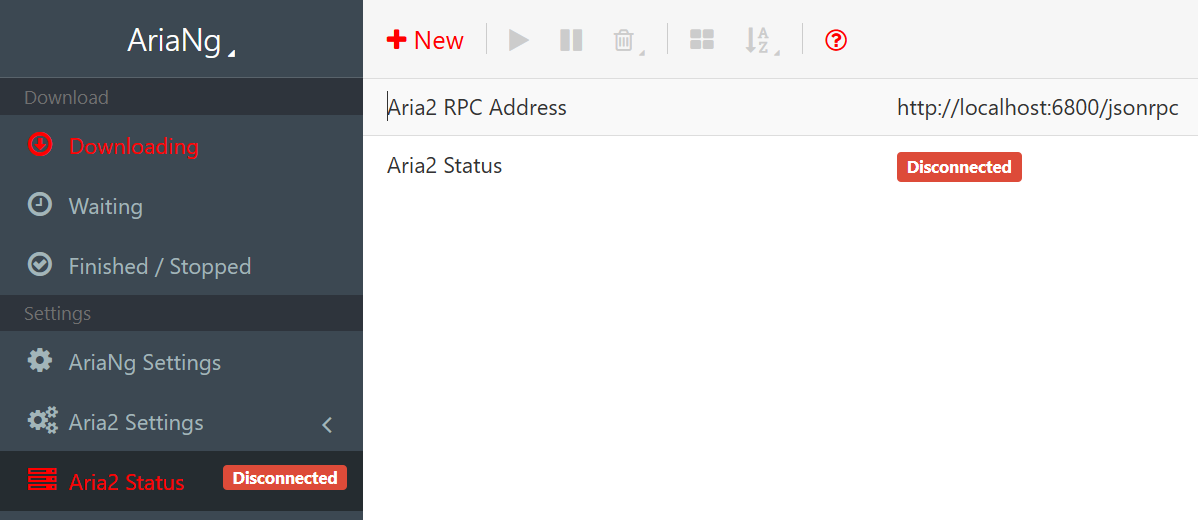


You need aria2c --enable-rpc --rpc-listen-all --rpc-allow-origin-all --rpc-secret=<TOKEN> in one row.
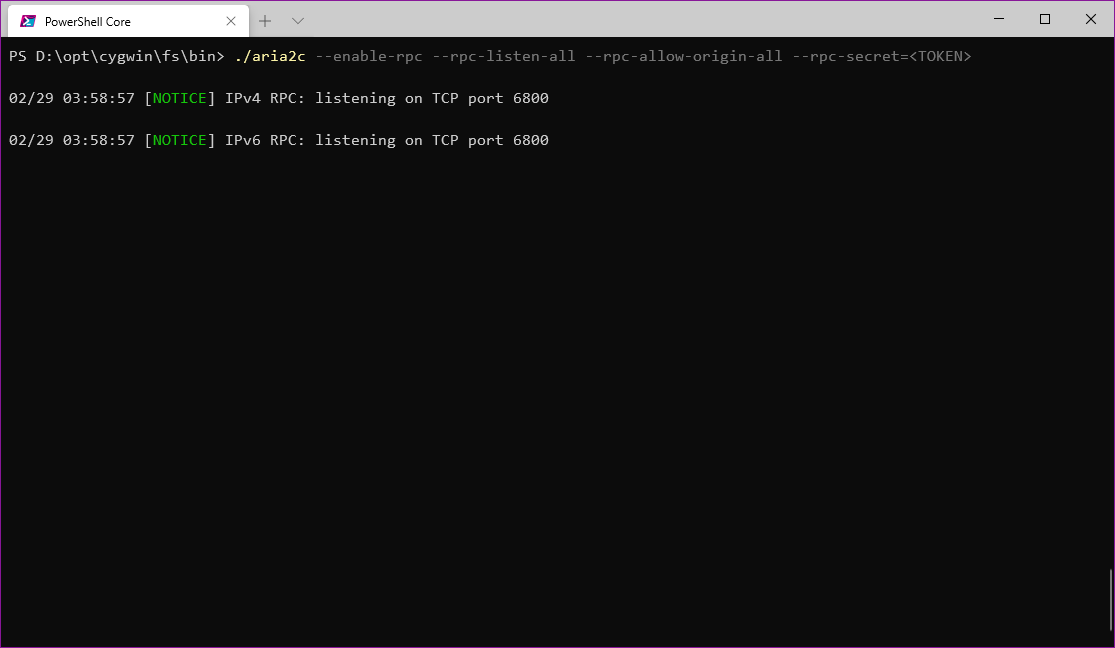 Then this terminal cannot run any command as intended. Don't close this window or press Ctrl-C to stop it. You will be able to connect with Web-UI, AriaNg or others.
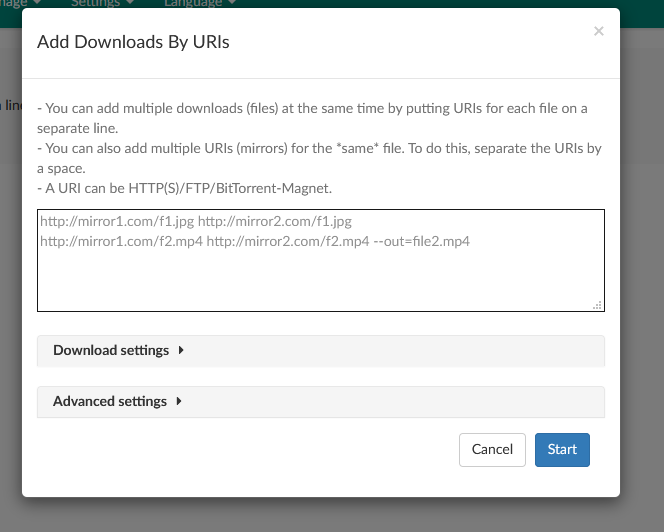
Then you can use any of Web-UIs or Aria2-Integration to add task to it.
What's more, YouTube videos cannot be simply downloaded this way. You will only download the web page alone.
Please clarify. You say YouTube videos cannot be simply downloaded "this way". Are you saying that aria can only be used for downloading web pages, or that it is just not possible using the webgui? If possible, please let me know how to go about video download.
EDIT: II days ago i posted at https://github.com/aria2/aria2/issues/1560. I don't know if this is loosely what you may be referring to, but according to the response there "Aria2 is a download manager, it downloads whatever is pointed to by your URL; in this case, a YouTube page (HTML document). If you want to download a specific resource you see on webpage, (said resource is usually referenced by the HTML document, or a script in the document,) be it a video or an image, you’ll need the URL for that."
When I try to do it thru CMD, I use the "Copy video url at current time" from the video context menu, but, as I said, I only get the "watch" file.
"Then this terminal cannot run any command as intended. Don't close this window or press Ctrl-C to stop it. You will be able to connect with Web-UI, AriaNg or others."
Tho this seemed to succeed, and I left it open,

everything else still fails
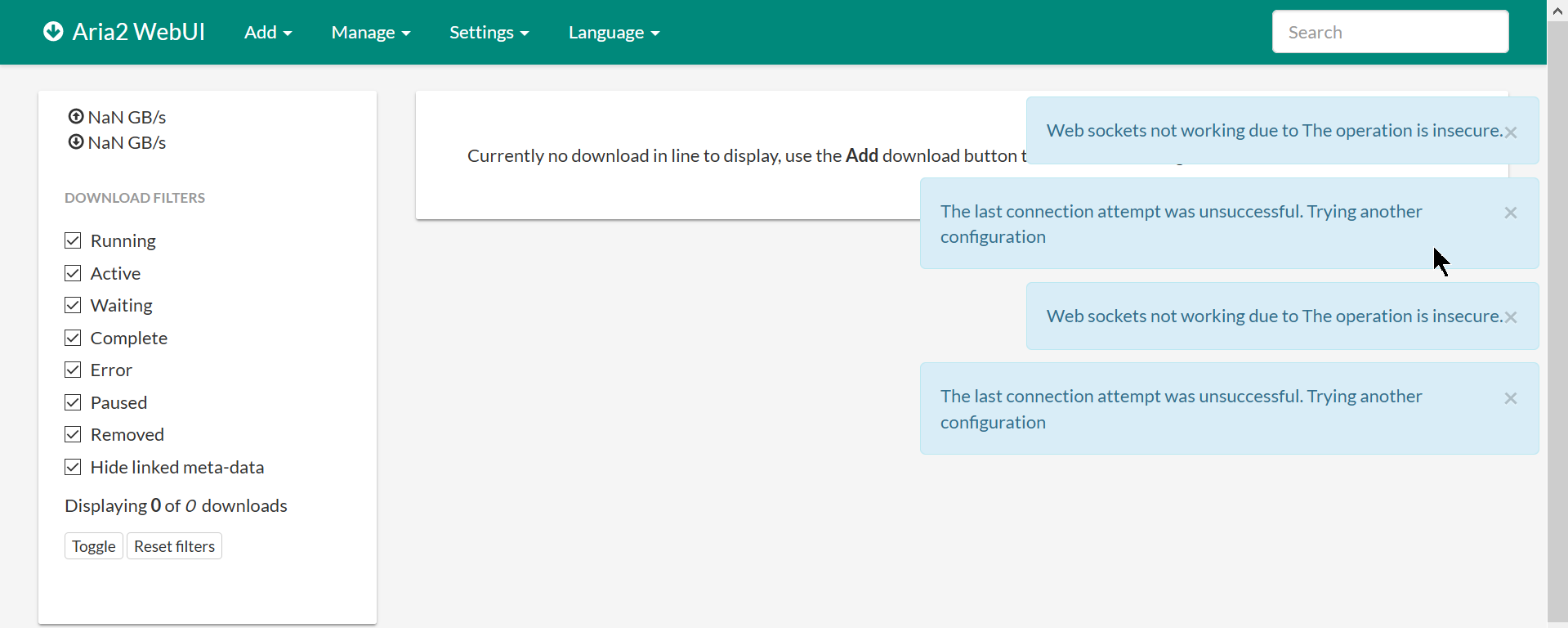
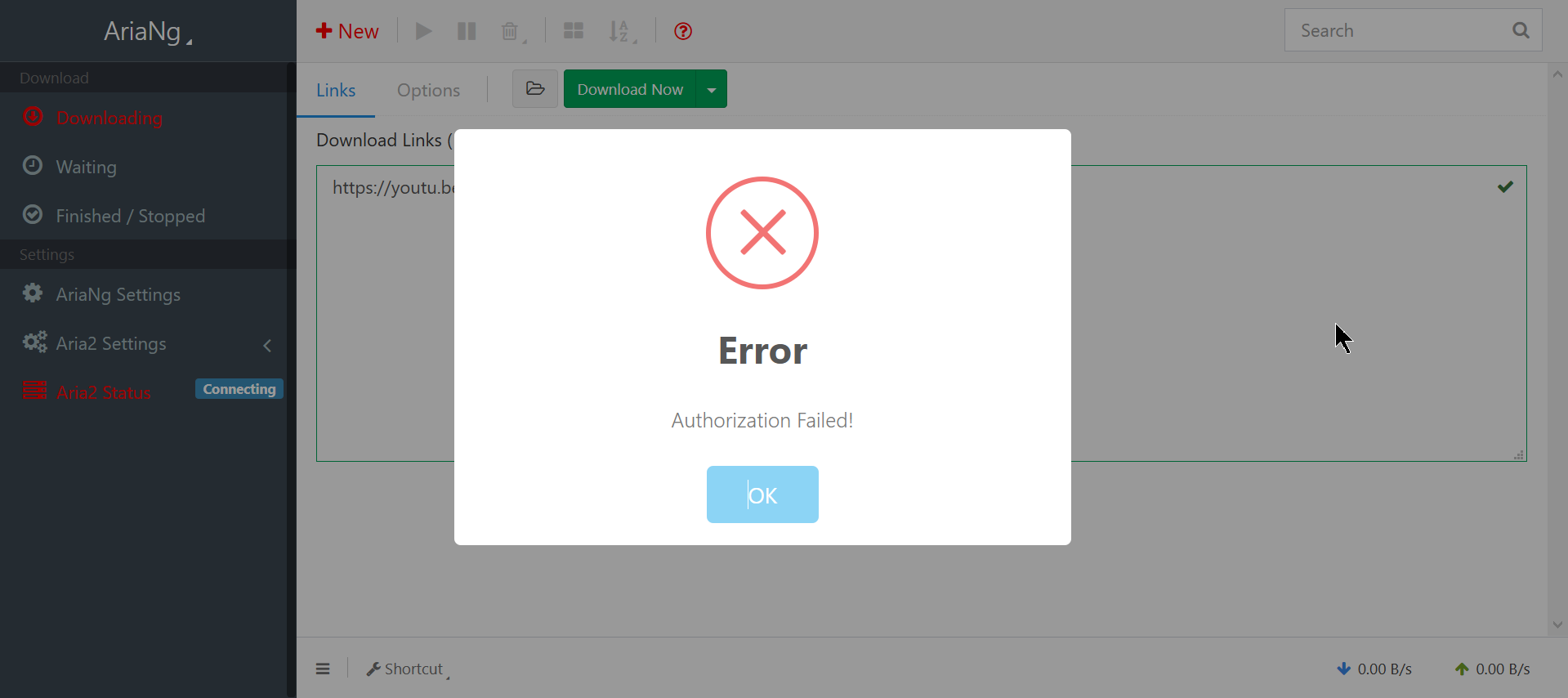
What about settings adjustments
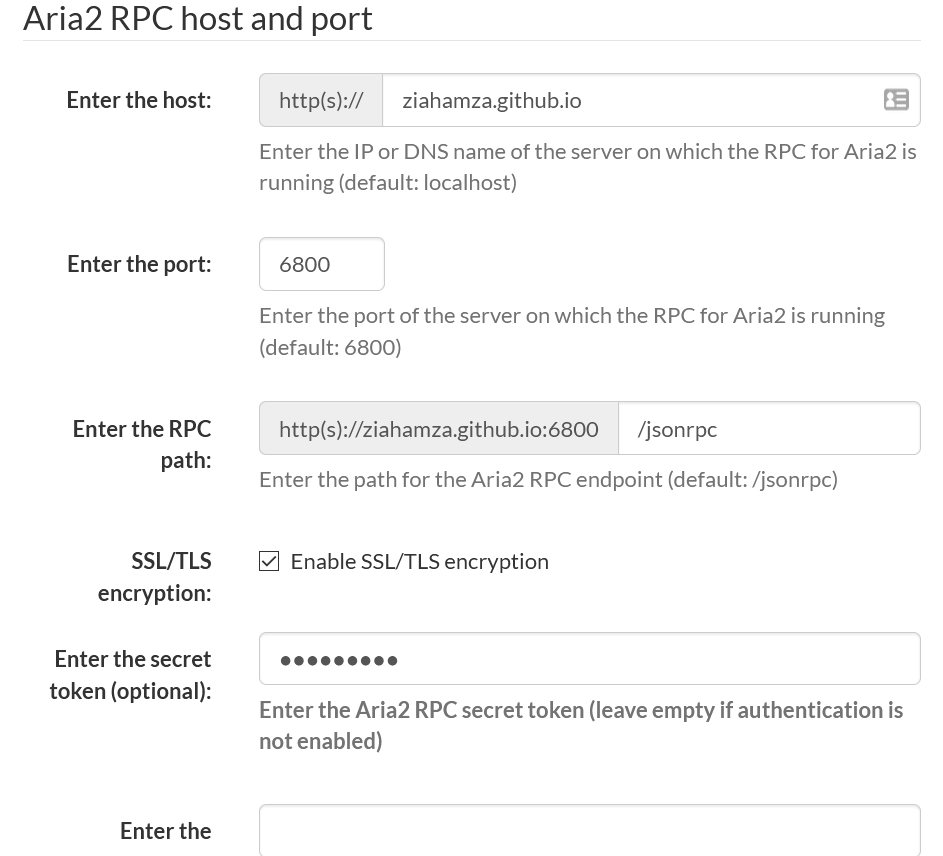
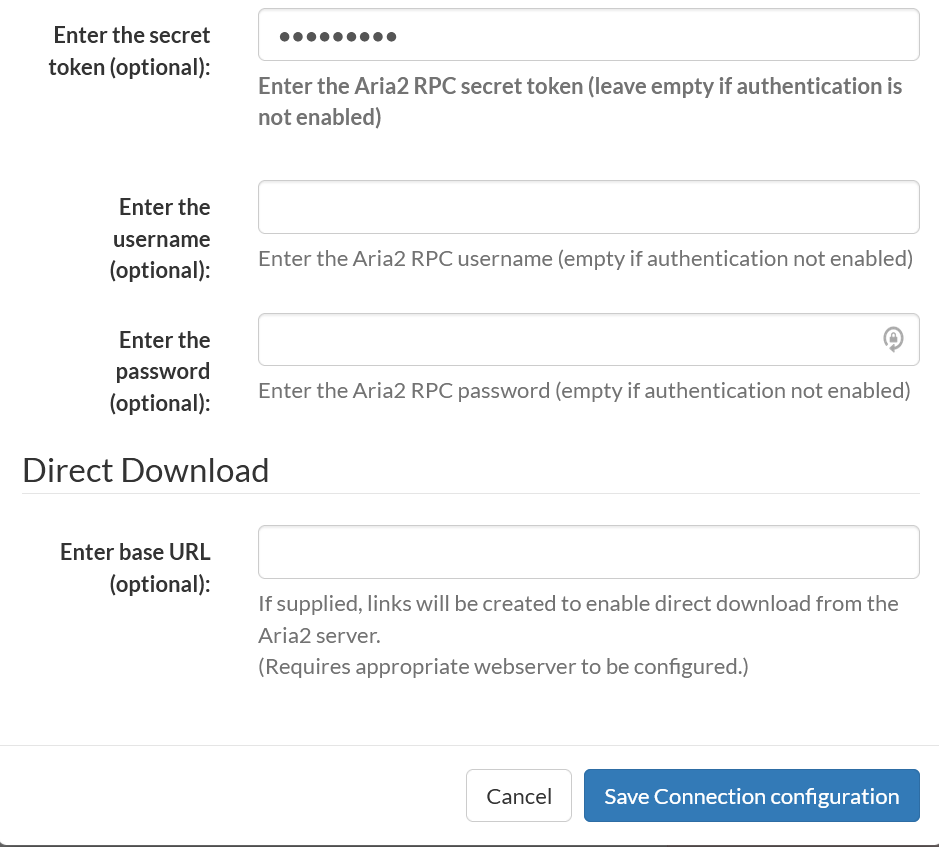
Generally you only need to change the host name and the token.
For host name, if you are running aria 2 instance and browser on same machine, you can use 127.0.0.1. Otherwise use the IP address of that computer.
For token, you know what you chose.
YouTube is an online player not a video host. Yes it hosts videos, but what you opens in the browser is a video player written in JavaScript. This video player downloads video from googlevideo.com and plays it. "Copy video url at current time" only adds a tag to video player URL telling the player where to start playing. However, YouTube don't want videos to be easily downloaded, since this will cut their ad fees. You can hardly find anything from google :( There are two project on GitHub to download YouTube videos, you-get and youtube-dl.