

 RoganDawes
how i can give raspberry pi wan access
Hi, how i can give raspberry pi wan access for P4wnP1 because I tried plenty of ways but each of them does not work ?

My preferred way of connecting my P4wnP1 to the Internet is just to connect it to my home wifi network (via Wifi Client + AP fallback option). I case you can't or don't want to do that you can also use the guide written in issue #64 to configure your Linux (Debian/Ubuntu based) PC to forward packets from and to P4wnP1.

... or:
Configure the USB RNDIS interface to work in DHCP client mode. Attach to onternet connected Windows host and enable Internet connection sharing for the spawned RNDIS interface
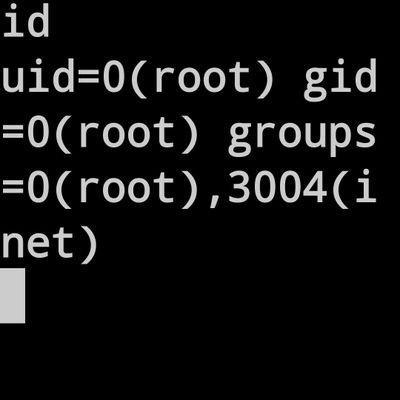
I still have problem getting wan access. If i understood it correct, i have to configure usbeth to act like a dhcp client. In Windows i have to enable the sharing options on the existing wan nic for the rndis nic. My problem is that my raspberry wont get a dhcp ip on usbeth. I thought it is supposed to get an ip from the Windows machine? At least my the rdnis nic on the windows machine gets an ip: 192.168.137.1.
Am i supposed to do this some other way?

I have this same issue For the life of me I can not connect this to the internet. I have tryed a few ways one is to use web interface and connect to wifi with fail over, It connects to wifi router but no ip given to the pi 0. I have tryed ICS with RNDIS. Will not get ip and ping is always unreachable but can ping computer its conneted to via USB but no DNS or WAN side ping. I know How to use a ethernet gadgetas a ethernet device I have tried this with piratebox and works fine if modifyed the /boot/cmdline.txt and add "modules-load=dwc2,g_ether" at the end of the line but this fails to bring up a ip address. Would it be better just to download raspbain and just download the P4wnP1 aloa repo and install it that way instead of useing your kali image? Im at a lost.

@Commander-Crash were you able to resolve this? I'm at the same place, and haven't been able to fix figure it out now for 2 weeks...
