

 RocketChat
LDAP "Name Field" setting not working in message display after upgrade to 5.0.0
Description:
LDAP "Name Field" setting not working after upgrade to 5.0.0.
Steps to reproduce:
- Use LDAP
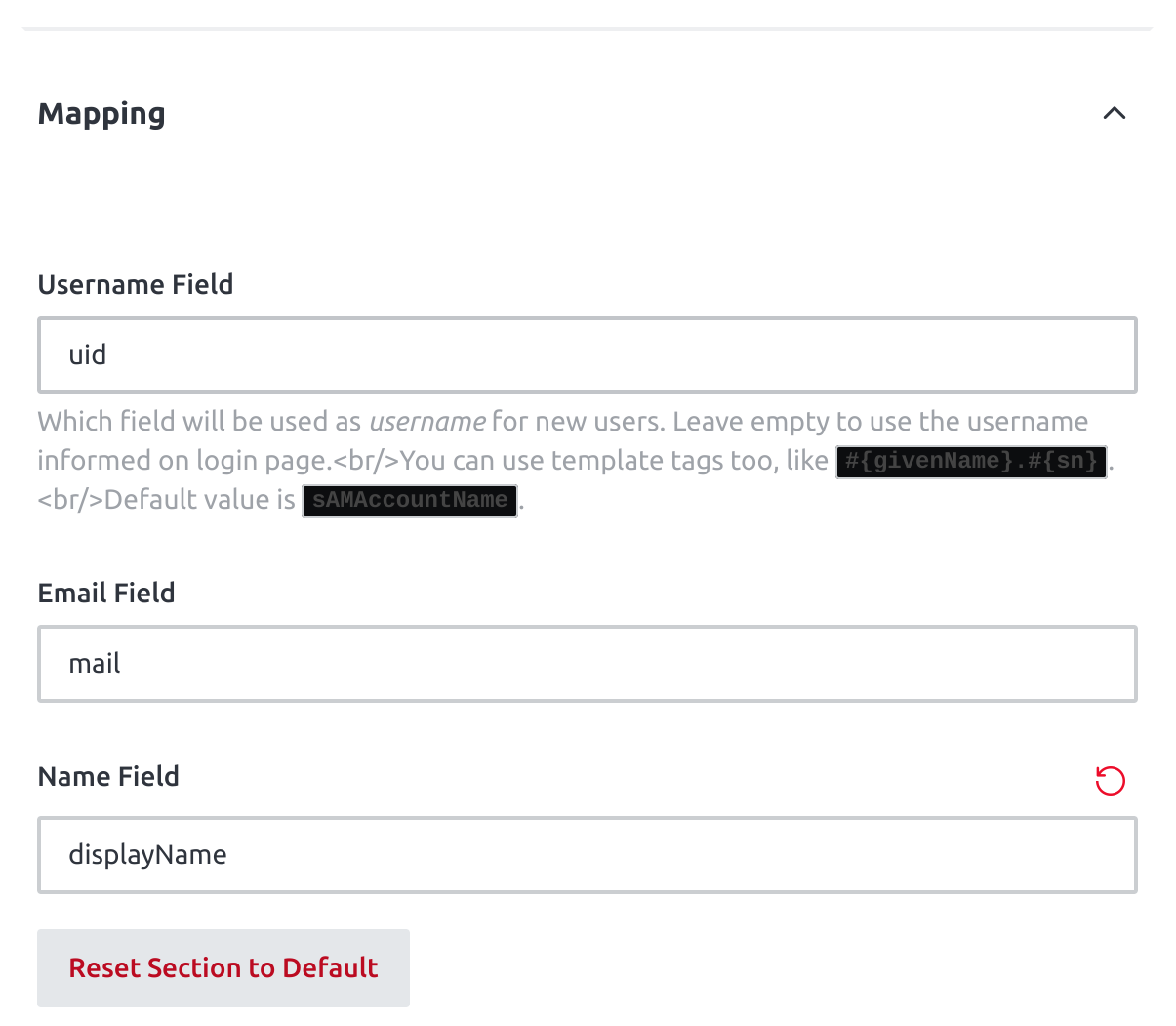
- Set "Name Field" in LDAP settings to be "displayName", assuming that that field is populated with data in LDAP (which it is)
- Observe that in messages in channels, users are shown by their username instead of by the LDAP displayName (which worked in version 4.8).
Settings:
Expected behavior:
See users shown by their real name not by their username in channel messages, e.g. "John Doe").
Actual behavior:
Username is shown instead (e.g. "john.doe").
Server Setup Information:
- Version of Rocket.Chat Server: 5.0.0
- Operating System: Ubuntu 20.04 LTS
- Deployment Method: Docker
- Number of Running Instances: 1
- DB Replicaset Oplog:
- NodeJS Version:
- MongoDB Version:
Client Setup Information
- Desktop App or Browser Version: Desktop App
- Operating System: Chrome browser
Additional context
This worked in 4.18.
The connection to LDAP itself is working fine, as authentication works. In the user list as an admin, I do see users' full names. But in chat messages, I just see usernames.
Relevant logs:

Hi! Not a long term solution but a possible workaround could be switching to use legacy message template at
Administrator -> Settings -> Accounts -> Default User Preferences -> Use Legacy message template
Does switching it on or off help? (Requires refresh/reload of the browser session to activate.)
