
vertical-overview
 vertical-overview copied to clipboard
 RensAlthuis
Overview entirely greyed out after reboot
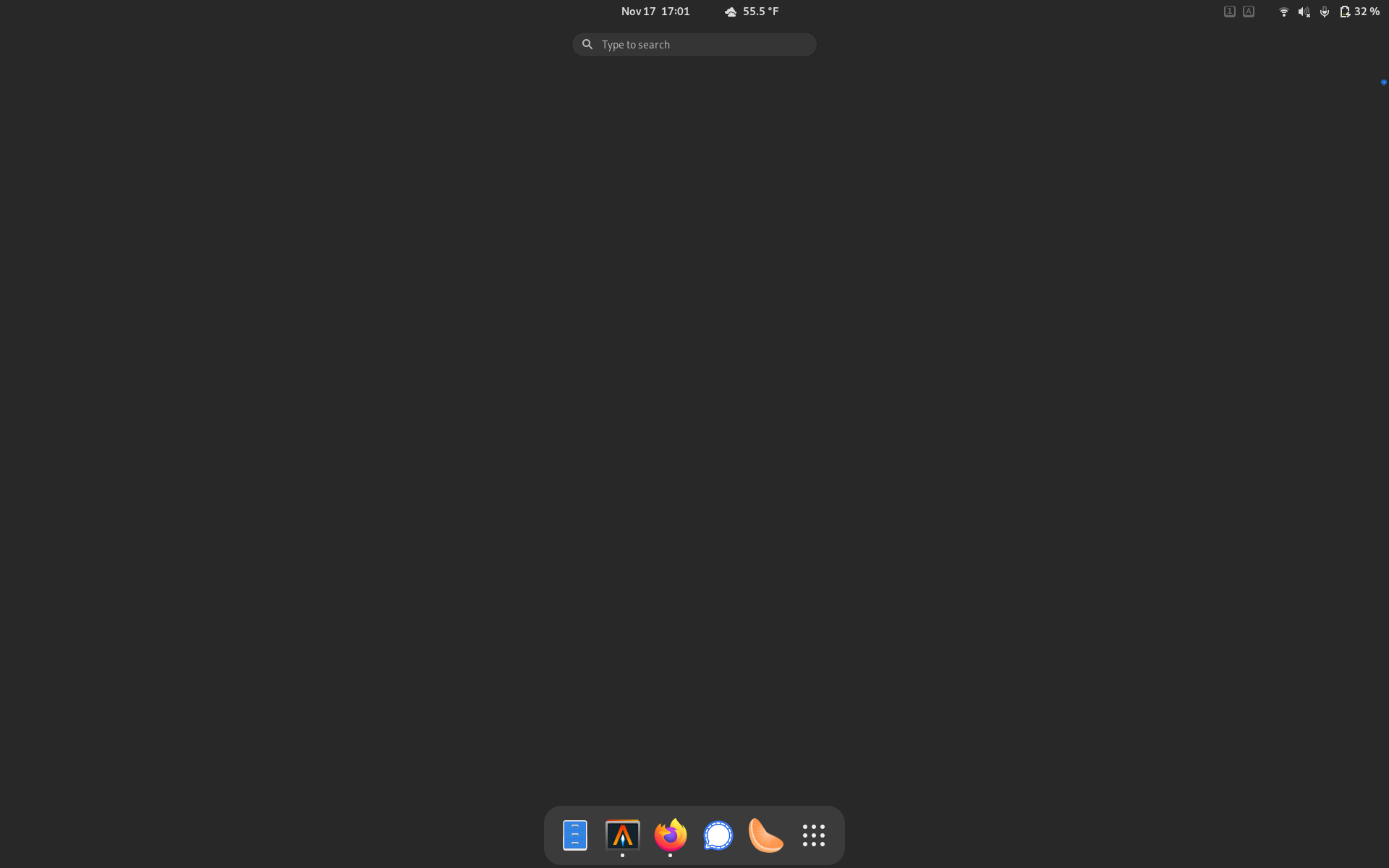
When I restart my computer and start GNOME, vertical overview shows a grey background and no windows, although the dock is still visible, and strangely enough, so is the indicator for which desktop is selected but scrunched down to a tiny blue dot:
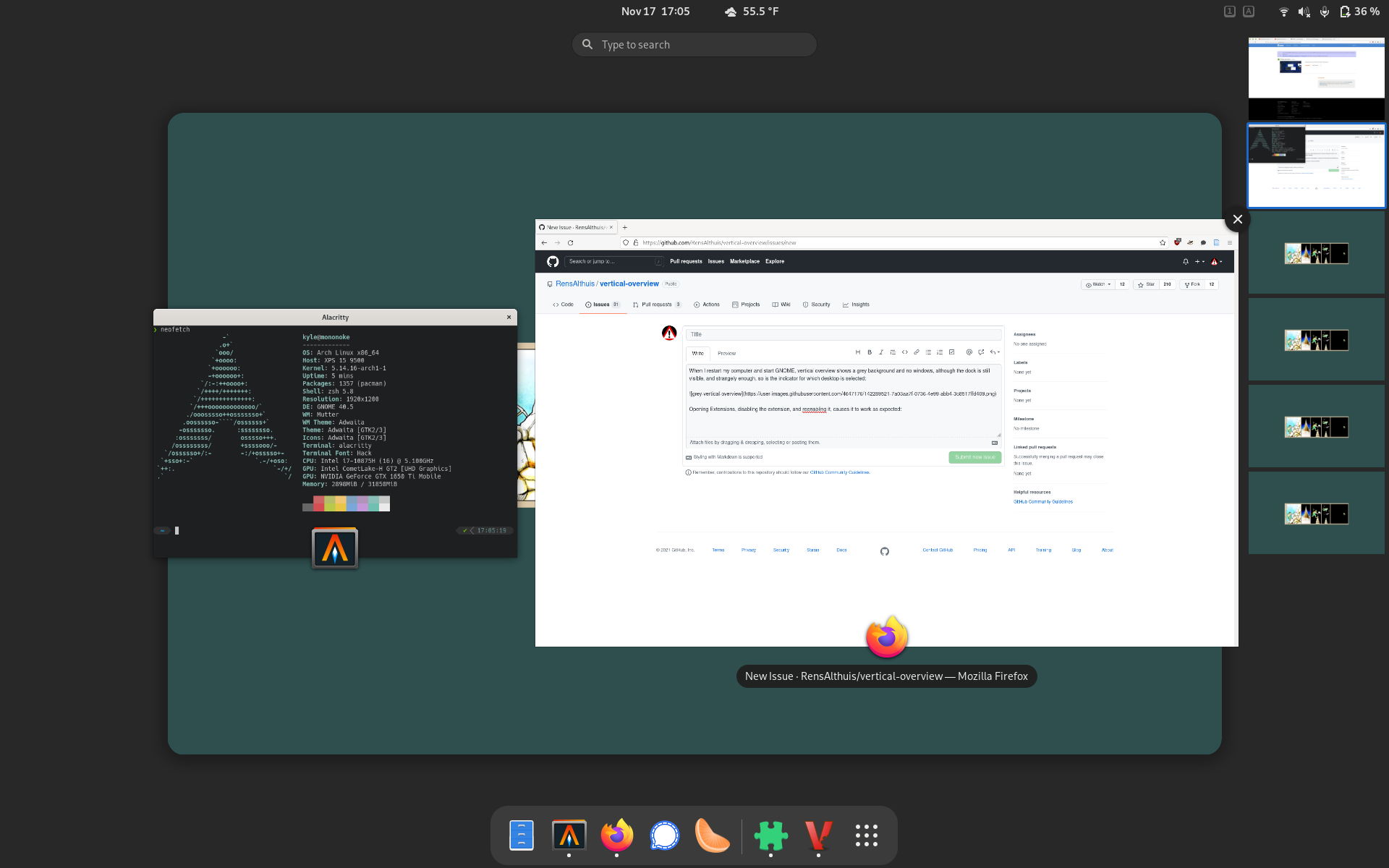
Opening Extensions, disabling the extension, and reenabling it, causes it to work as expected:
I'm not sure what's causing this. Potentially of note, I have a standard GNOME installation except for that I don't use GDM --- I start GNOME using startx. Additionally, I installed vertical-overview via the Arch AUR using gnome-shell-extension-vertical-overview-git rather than the GNOME browser extension interface.
My system:
OS: Arch Linux x86_64 Kernel: 5.14.16-arch1-1 GNOME: 40.4.0 vertical-overview: v6.r0.g832fb87-1
Thanks for any suggestions!


Got hit with this one after updating to 42, which is a problem since this plugin is at-time-of-writing broken on gnome 42.
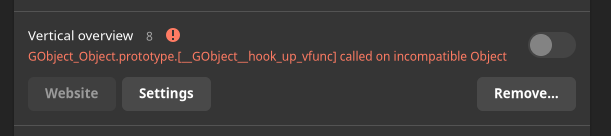
GNOMEs attempt to run this extensions with the settings i've configured for it results in this bug issue triggering as a side-effect.
My solution is to either disable all extensions, uninstall this extension(not automatically updating it when available as a consequence), or disable this extension one using dconf (thanks gnome, for disabling this switch when the plugin is broken), then restart with ALT+F2 followed by r.
