

 Rem0o
Rem0o
Need to refresh multiple times to get all sensors detected on every boot
Most of the time, after resuming from sleep and/or fresh start, Fan Control complains it can't find all sensors/fans. I need to click the refresh button up to 5 times to get everything detected properly. This also happens many minutes after the system is up, so everything should be initialized.
Are there any logs or config files I should include in this issue report?

I have same issue for months now. Cant use the program at all, as it loses sensors and updating sensors takes lots of clicks. It loses all the sensors, even Nvidia. Would be great if this program had some way to tell what is wrong with it.
Every shutdown (Hybrid sleep off), longer idle or PC Sleep mode it fails to detect any sensors at all. Havent figured out what software or hardware is causing those issues.
Even when its running well, changing things around too fast will fail and fans will get stuck in some random mode, either full blats, totally off or somewhere random %.
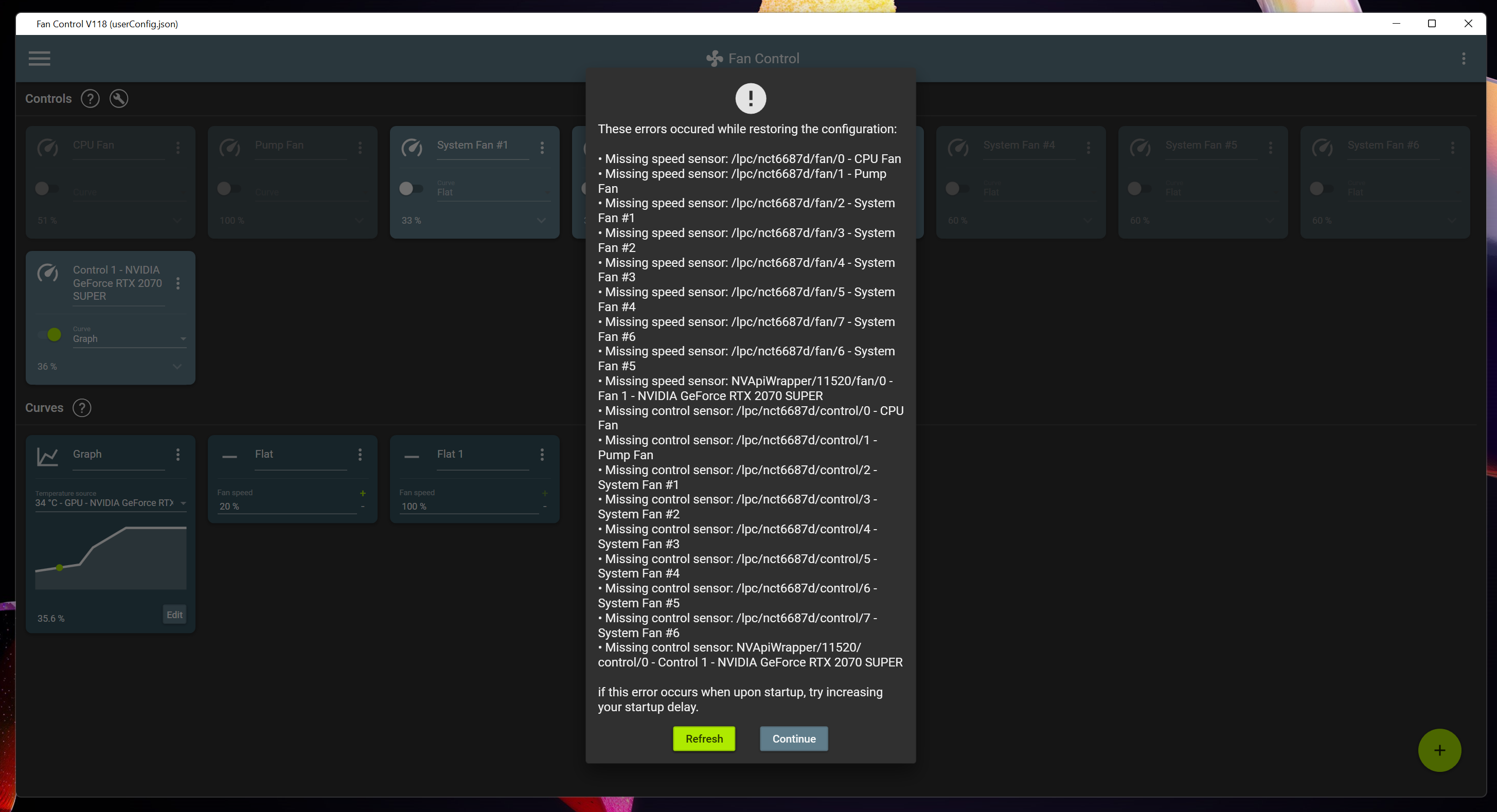
First click (after fresh PC startup/wake or manual program start - I know about startup delay, doesnt fix issue):
Second click (things in background disapeared):
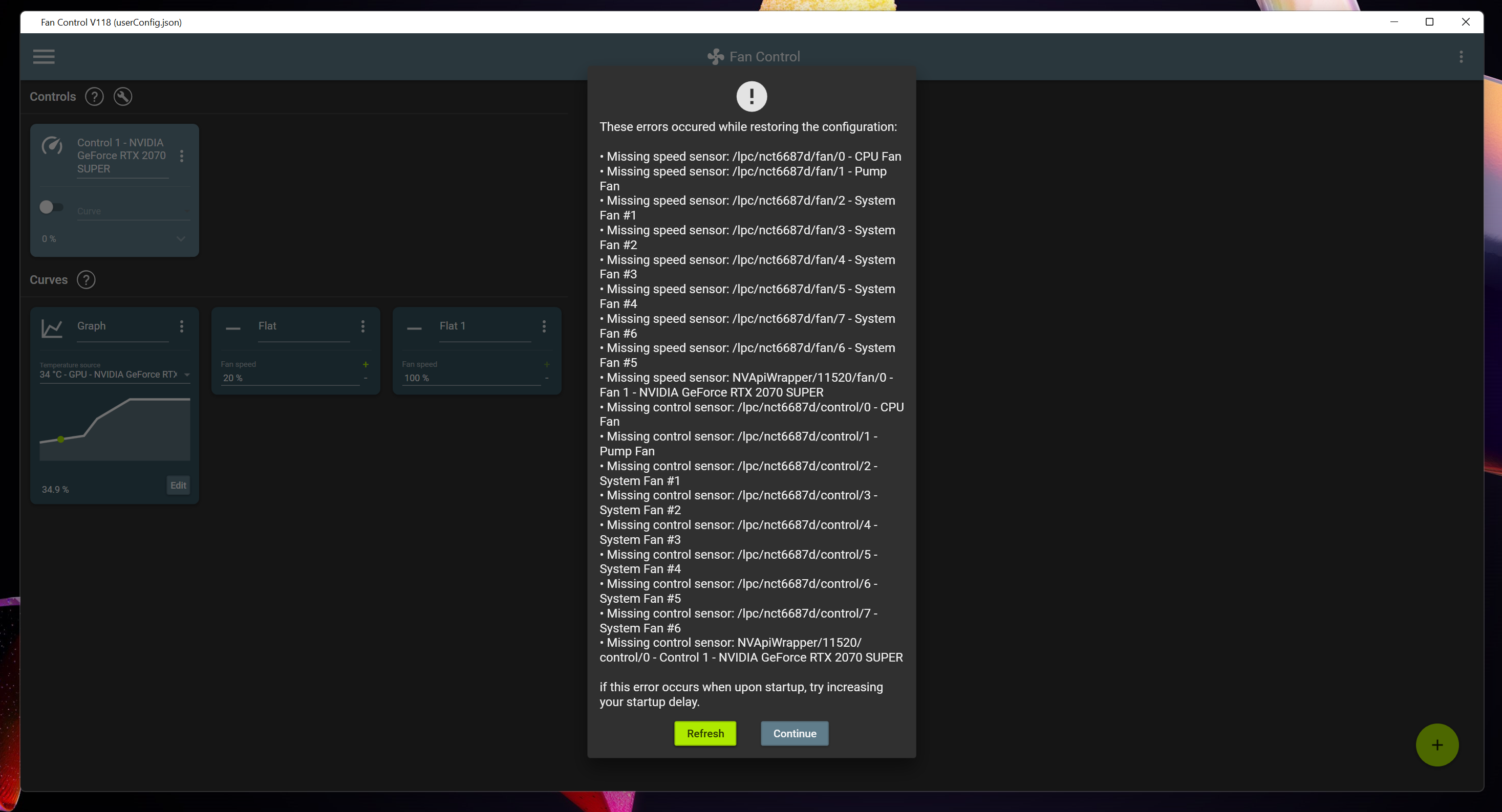
Its as if something is interfering with the software.

@ArtursGailis1995 multiple things can interfere with the software. For eg. some guy reported that the Asus Fan service was causing similar issues, and had to be running before fan control was started, otherwise his controls were all messed up.

@Rem0o would it be possible to add some more logging to be able to determine the cause? It's just weird that hitting refresh 4 or 5 times fixes it. This doesn't seem to fit the picture of it being caused by other software.
@hapklaar Yes and no.
From what I've seen, when "that" happens, the "Detect() " method here https://github.com/LibreHardwareMonitor/LibreHardwareMonitor/blob/54a407dc50149e255209e4642f7bbcd828fc36fa/LibreHardwareMonitorLib/Hardware/Motherboard/Lpc/LpcIO.cs#L15 doesn't detect anything. Refreshing will basically call this over and over until some LPC port returns the super io identifier. Now why does the LPC port doesn't return the ID for a while after boot/sleep, that, I have no idea.
@Rem0o thanks for explaining. Is this issue specific to the NCT6687 by any chance? I have the same on my MSI Z590.
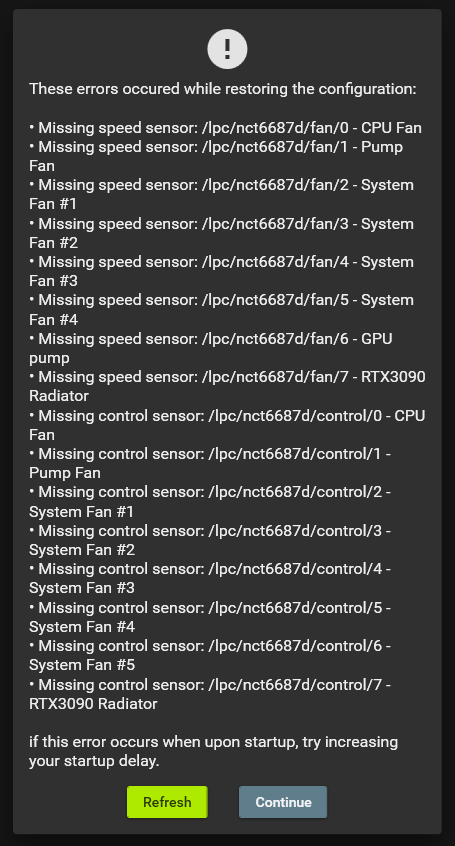
Seems to be specific to NCT6687d but could be other chips too. Even on clean installed system without any Junk RGB controllers etc. this issue happens and also HWMonitor freezes on open and barely refreshes any values.
I'm seeing the same thing on my MSI B550 (NUVOTON NCT6687-R Controller Chip). Works great on boot, but hit-and-miss (mostly miss) coming out of hibernate/sleep.
There are several references to Chip.NCT6687D in the LibreHardwareMonitor code. Not sure if the "D" refers to all hardware revisions for that chip or not.

Same problem, MSI Z690 EDGE A solution that comes to mind is calling mentioned Detect() a bunch of times with a delay before showing the error.

The thing I discovered is that when this happens, LHM doesnt show my motherboard AT ALL in its interface. As it doesnt exist. Happens rarely on cold boot but always when coming out of sleep,
@Rem0o Checked it with latest version. As soon as I turn on any fan control, it instantly is overridden by an external source. I don't have any external source installed and bios crap is disabled too. Even the GPU gets overridden every few seconds and then goes back to normal. :D
Curious to see if my changes made in V121 help in any way.
Installed, put my PC through a sleep/wake cycle a couple of times, so far so good.
Still the same problem for me, but now it sometimes shows that the fans are controlled by an external source.
@Rem0o Good news, I have had no detection issues when waking from sleep since updating to v121. Also no issues with external source notifications for me.
fyi I do still have the issue when doing a cold boot. Don't do this very often, so not sure if this happens all the time.
@hapklaar From cold boot it's an other issue that I will tackle separately. My V121 changes only applied to wake from sleep.
@hapklaar what about from cold boot with the most recent version? implemented basically the same thing I did for sleep, but for cold boot.
@Rem0o It's looking good. As long as I use a +-30 sec delay, no more issues for me.
Seems to be more stable now, but sometimes still fails to find the sensors with 120s delay.
@Rem0o the issue seems to be back, at least since v133 but also in v134. Has anything changed that could cause this?
@hapklaar you are right. There was a regression. Will get to it asap and push a fix.
@Rem0o Is it possible there has been a regression again? Most of the time when resuming from sleep, I need to refresh 5-10 times before all sensors are detected again. This has been so for at least a couple of weeks, maybe more. Not sure when it started again. Tested up until v176.
@hapklaar I can't see any change recently on that front that would affect resume from sleep.
@Rem0o Hmm curious... any debugging or log checking I can do to try and determine the cause? I don't see anything relevant (or recent) in the error log.
I'm seeing the same thing. Every time I come out of sleep (but only sleep--not after a reboot), I have to refresh ~3x before everything loads. Running v175.