
FanControl.Releases
 FanControl.Releases copied to clipboard
 Rem0o
Rem0o
Error when trying to use the built in updater
Hello,
I opened FanControl today and asked me if I wanted to update it. I clicked on "Update" and then FanControl closed and this window popped up with what appears to be an access denied error. It won't update due to this error. How can I fix it? I am on an Admin account and FanControl is set to run as administrator. FYI I'm on Windows 11.


I had the same issue. I manually ran the updater.exe and that worked.
Ah yep that works. Thank you.

Access denied means it wasn't running as admin somehow.
FanControl does run as admin though. Everytime I manually launch it it pops up with the UAC prompt. Though when it starts with Windows that UAC pop up doesn't occur. So idk if that is the problem or not
Yeah I did as per @vaibhav2912 suggestion earlier in these replies and that worked. Idk why the in-app updater didn't work though lol
@nefariouslegion That's odd, the "built-in" one is actually just FanControl calling updater.exe. It's like your FanControl instance didn't have the right user privileges to run it or something.
Maybe take a look at the scheduled task that starts FanControl, and see if something is wrong as far as user/admin etc..
Here's what task scheduler shows. I'm not exactly sure which setting I should be focused on. But it does say it's set to execute with highest priveledges
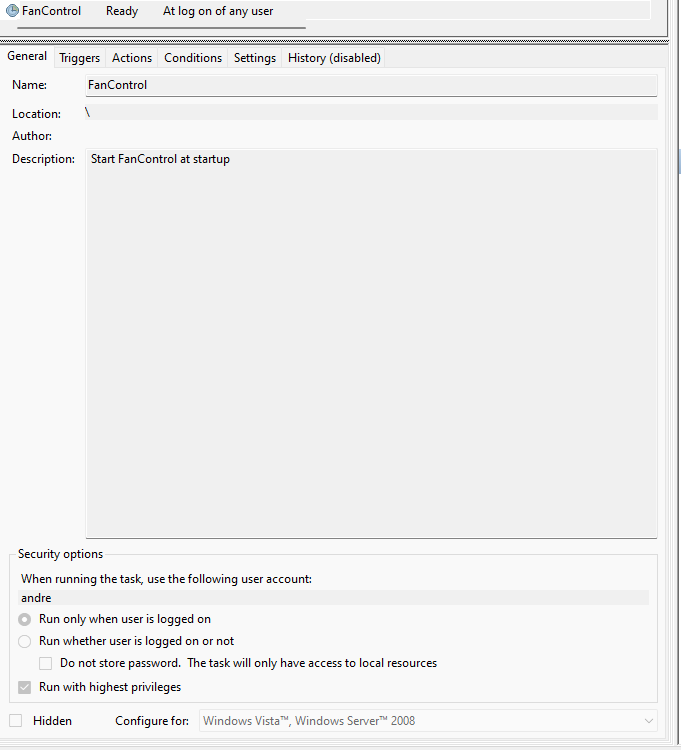
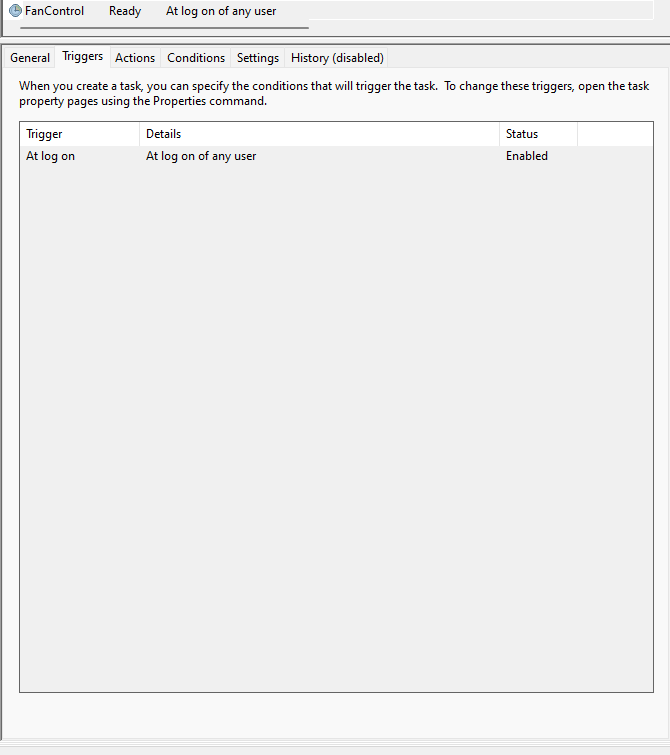
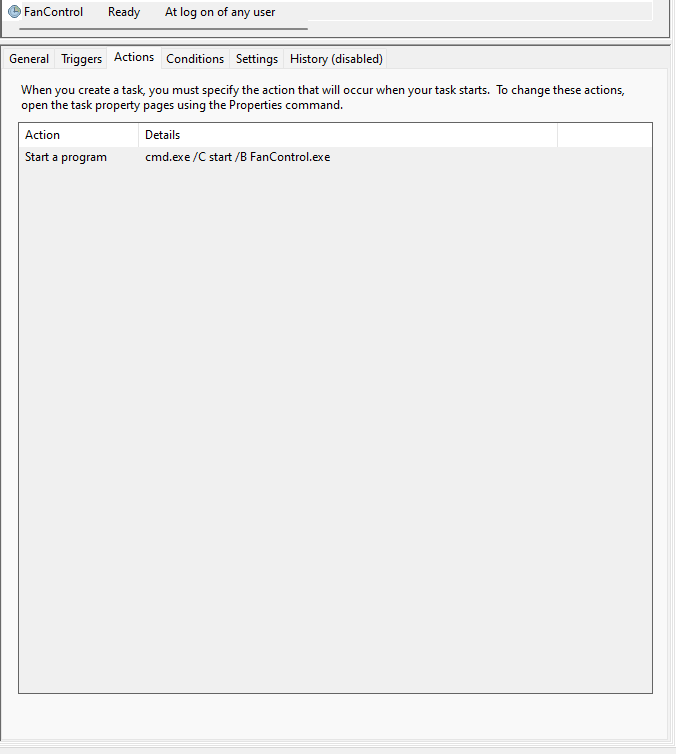
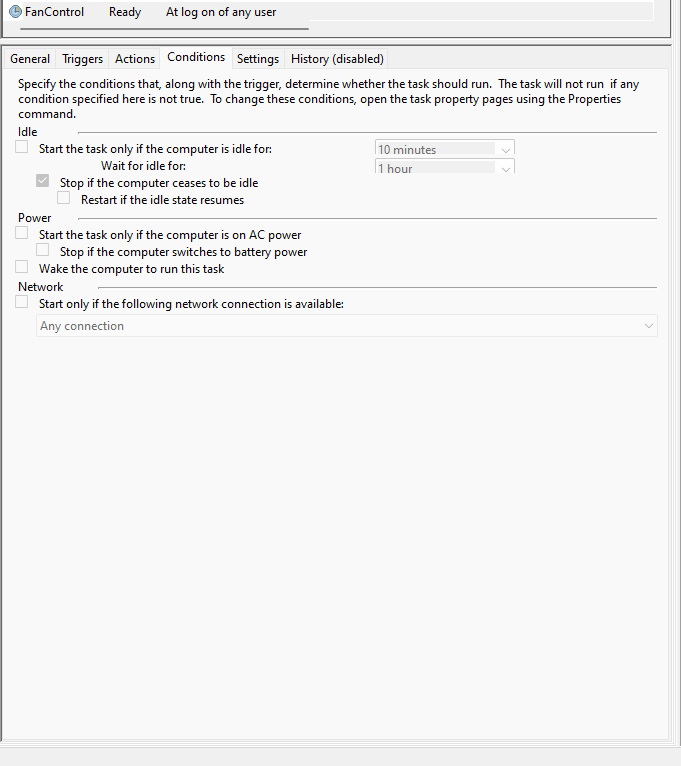

I assume the "andre" account is admin, I don't know really what would be missing, as this setup works for 99% of users.
Yeah that's my account (which is admin). For some reason using a microsoft accounts causes Windows to shorten Andrew to andre lol. Idk either honestly. Maybe it'll fix itself when it tries to update next time lol
Still getting this issue trying to update from 112 to 114. I had to close FanControl and manually re-open it as admin in order for it to install the update. But idk why since you can see in those previous screenshots that it's set to run with the highest priveledges.