
Linear_Color_Correction_Matrix
 Linear_Color_Correction_Matrix copied to clipboard
 RayXie29
Basic algorithm for color correction
Usually, color correction is included in image preprocessing of camera devices. Normally this process will be done by the ISP(image signal processor) in the camera device. In this repo, the implementation of Color correction is more like a color calibration process in the beginning. We first take an image sample of colorchecker(24 color chart) which took by the our camera device. This camera device might have not tune the image quality yet(at least the color correction part), which means its ISP doesnt have suitable color correction matrix for this camera device.
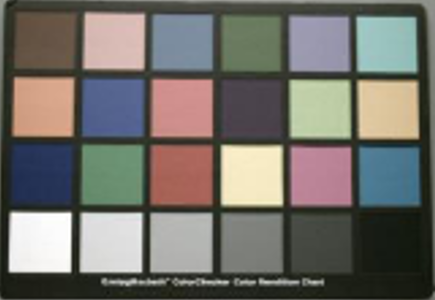
The image have not been corrected might be like this:
After it generates the color correction matrix by function "LCC_CMC", its ISP can use this specific color correction matrix for color correction in the future.
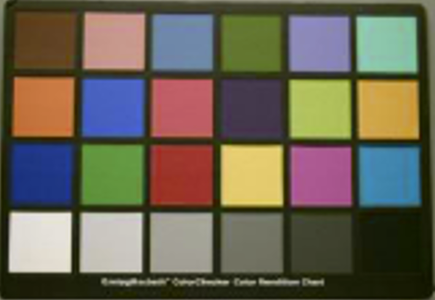
The image had been corrected like this:
The "ReferenceColor.csv" file is the reference color value we want to refer and the "LCC_CMC.csv" file is the color correction matrix.
There is "ROISelection" function for taking the color value of original condition. The ROI cropping order should be "from top to the bottom, from left to the right.". It will collect 24 color values of your colorchecker image sample.
The ROI cropping process:

If you dont like the color performance of your own camera, you can use this algorithm to correct the color either.
 RayXie29