
QXlsx
 QXlsx copied to clipboard
Published
20 hours ago •
 QtExcel
QtExcel
It is possible to lock an image within a specified cell?
As the test code of image, we can insert a floating image into Spreadsheet cell. But I want to lock an image within a specified cell. How can I do this?
floating image

locked image
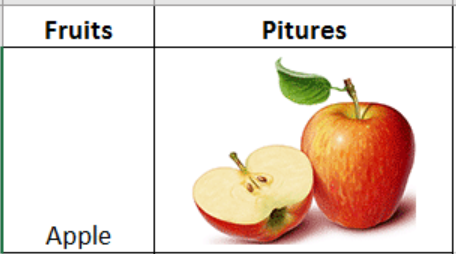

Dear @winkyz
- The answer is No. The image is not a cell dependent element. The image is dependent on the sheet, and the position of the image is independent of the position of the cell.
- But, there are ways to put an image like the following. (See TestExcel example for more information.)
int image()
{
    using namespace QXlsx;

    Document xlsx;

    for (int i=0; i<10; ++i)
    {
        QImage image(40, 30, QImage::Format_RGB32);
        image.fill( uint(qrand() % 16581375) );

        int index = xlsx.insertImage( 10*i, 5, image );

       QImage img;
       if ( xlsx.getImage( index, img ) )
       {
           QString filename;
           filename = QString("image %1.png").arg( index );
           img.save( filename );

            qDebug() << " [image index] " << index;
       }
    }
    xlsx.saveAs("image1.xlsx");

    QXlsx::Document xlsx2("image1.xlsx");
    xlsx2.saveAs("image2.xlsx");

    return 0;
}
- Sorry for not responding for a long time. I am currently working in a place where the internet is not available. Internet access is only a few days a month. (It's the 21st century now...)
