

 Qiskit
[General UI] Button active state
Button active state stays active after clicking the navigating away. This state should only be used when mousing over or is active.
Reproduce
- Go to this page
- click the primary CTA, which will open the next page in a new tab
- navigate back to other tab (still this page)
- The button is in the active state without user input
Screenshot
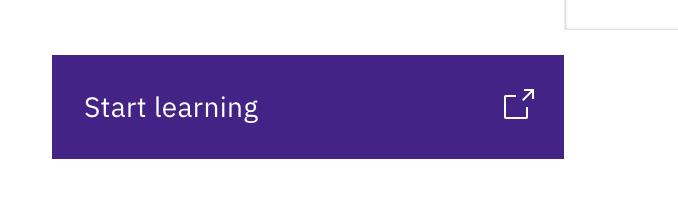

It's quite tricky at first, but I believe this is working properly.
We basically have 4 states here, which I coloured in the following video. The button states –and their colours– are:
- Default - Purple
- Hover - Red
- Active - Blue
- Focus - Green
When one changes back to the initial tab, the button's state is focus, which makes sense since it was the latest button to have been clicked.
In the following video, I click on the button first and then go back to the initial tab. There you can see the button being green. After that I navigate through some elements with the tab button.
https://user-images.githubusercontent.com/22047320/136684882-5e25d43f-251d-4723-baff-ebfc14b8ca1b.mov
While the button states are working as expected, we might consider creating multiple styles for the different button states.

That clarifies a lot. Thank you! It seems like the culprit here is the "Focus" state. What do you recommend for updating it? I think at the least we should change it so that the icon only changes on hover (the arrow shifting to the top right).
I would vote that we follow the default carbon behavior on focus and having the difference be the boarder instead of the color. That seems like a good pattern.
That sounds like a good idea.
To follow Carbon's pattern we could do:
- Default: Purple
- Hover: Darker purple
- Active: Even darker purple
- Focus: Inside border
Additionally, the arrow animation would only occur on hover, right? That would mean that when navigating with tabs, one wouldn't see the animation.
Good point about tabbing. When a user tabs to a button, does it change the button state to focus?
In my opinion the arrow animation is decoration in the true sense. It serves purely as a subtle visual element for those who notice it, and I think the effect is diminished on focus. So if it's omitted on tabbing because it changes to focus, we still have the standard state differences.
That's right. When tabbing, the button state would be focus.
As you mention, we would be missing the arrow animation but still have the border to visualise where the current focus is.
I'm also OK with the idea of only moving the arrow on hover then.
