
Qplaysuper
Qplaysuper
I try old version ist work but i update and doesnt work
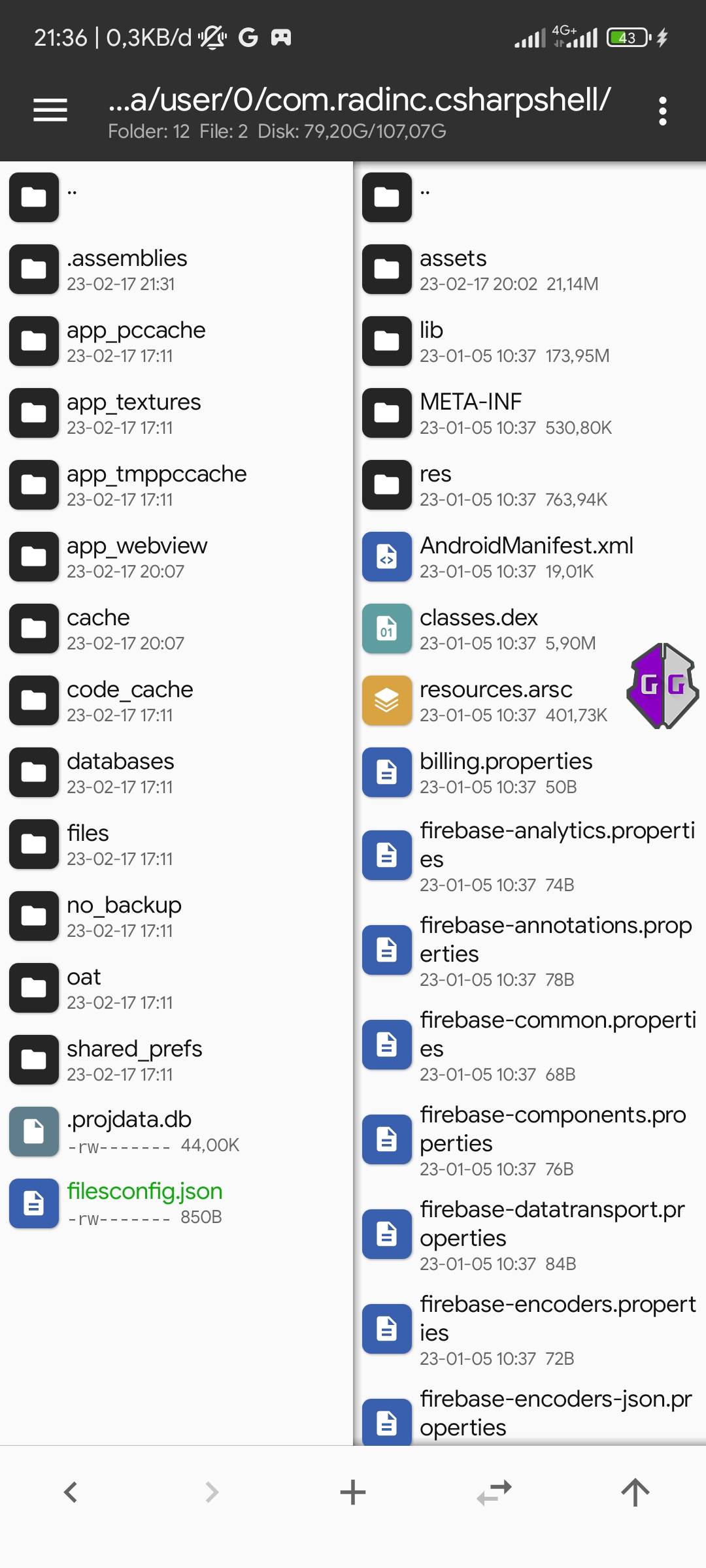 Already fix but must manualy edit file name to name filesconfig.json
 And work now But firs install and run project this file name not filesconfig.json and must manual edit rename to fileconfig.json
Yes must manualy edit but after reopen app error because apk cant read filesconfig.json
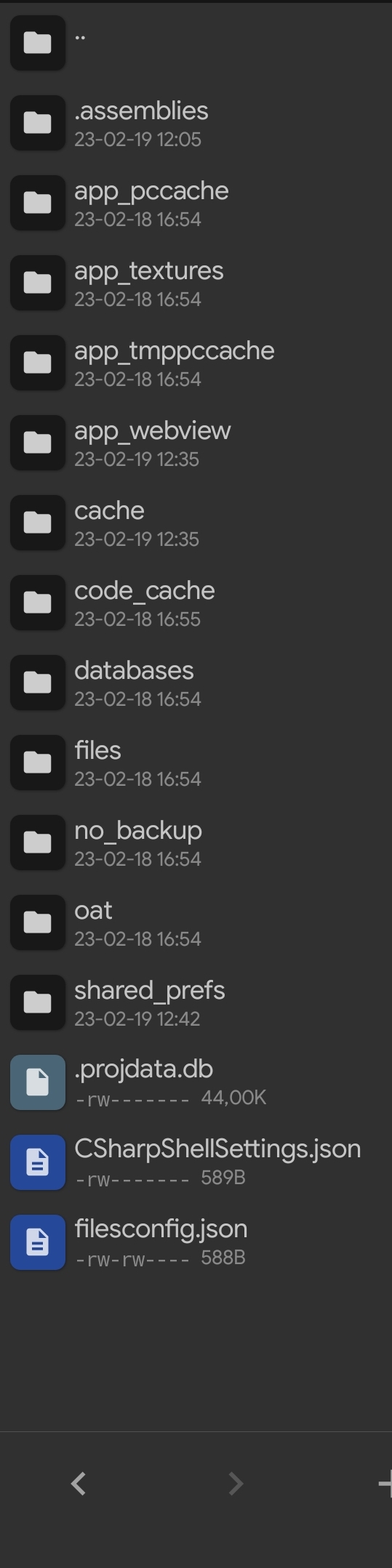 So i created two file CSharpShellSettings.json fix for reopen app error And filesconfig.json for fix project error
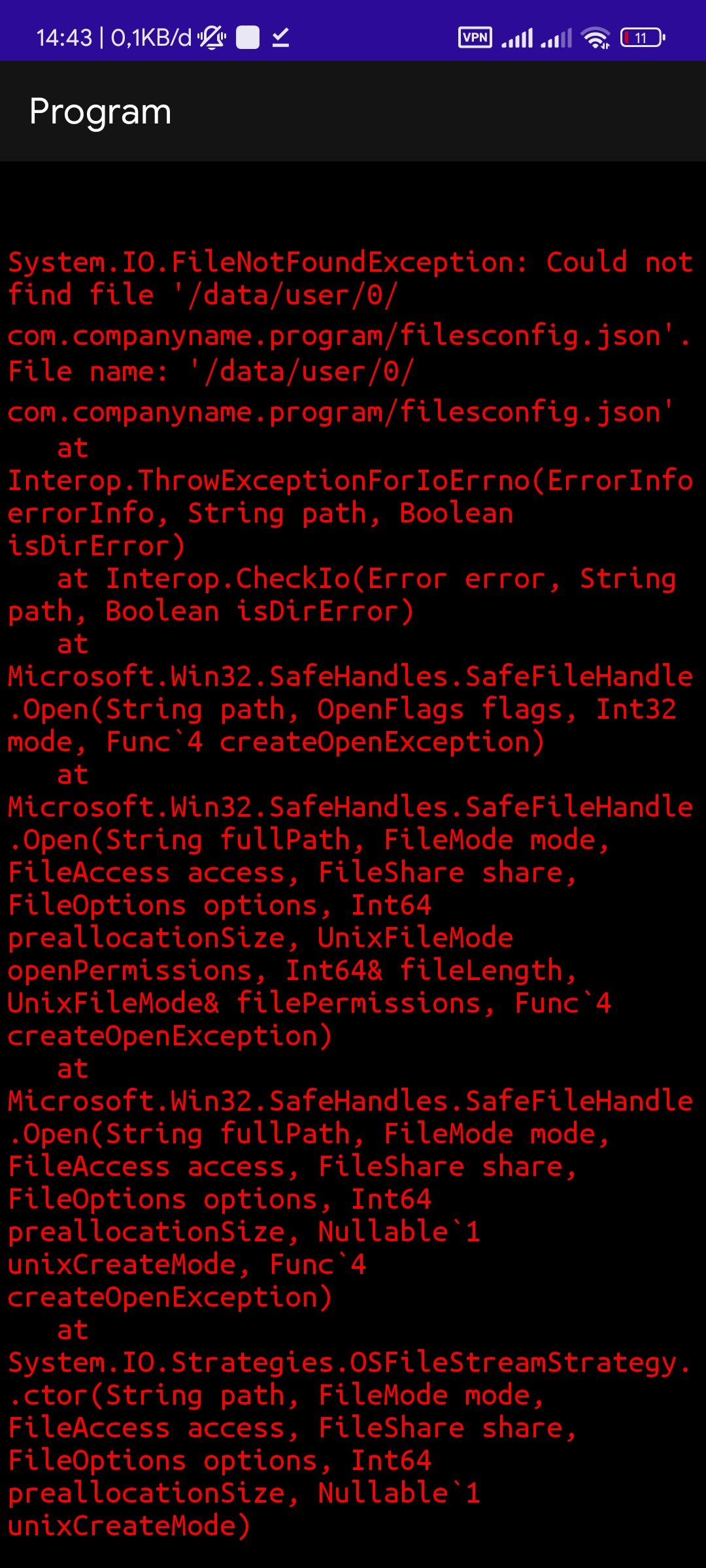 Same error after i export to apk And i installed apk and open i get same error
> The APK might not have a writable default path? Are you using relative paths? However the second statement is impossible unless you've renamed the file from "file**s**config.json" to "fileconfig.json"...
It same when i firs time instaal c shell and i run error must create new file on directori root /Data/app/cshell But versi old can doit without add filels because...
> @QPLAYid I can't fix since I don't think there is something wrong. I've already released an update to the plugin that does `Directory.SetCurrentDirectory(FilesDir.AbsolutePath);`. So that is the default path....
yes for some applications it doesn't work, I tried Indomaret point' but it didn't work https://apkcombo.com/id/indomaret-poinku/mypoin.indomaret.android/