

 ProxymanApp
macOS 13: Toolbar items not visible, breakpoint window size multiple times wider than screen
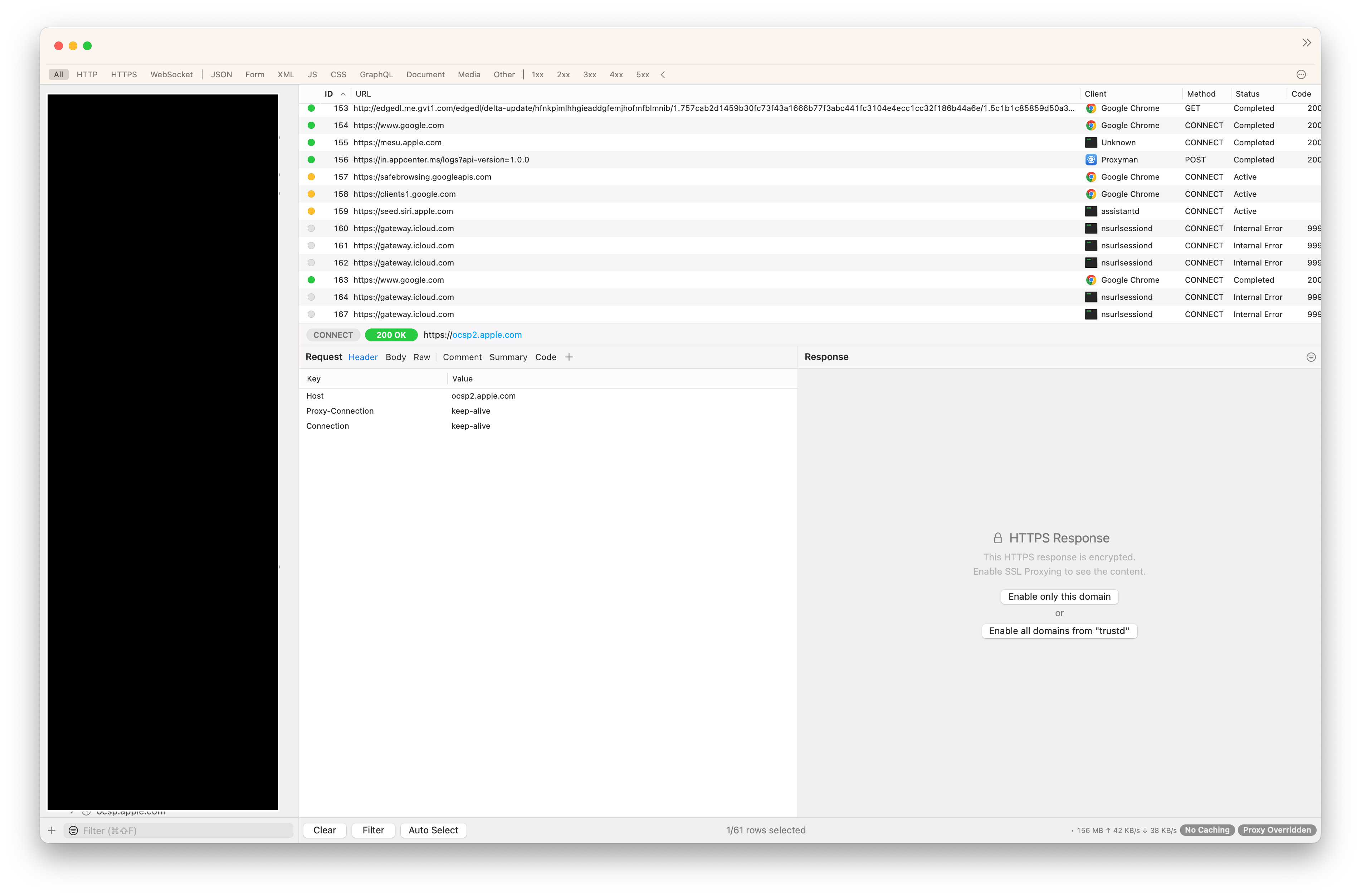
I'm having some major issues with the windowing and toolbar interfaces when running on the macOS 13 developer beta 1. I have toolbar set to "Icon & Text" and all my icons are being overflowed (chevron). Interestingly if I set to "Icon" only toolbar icons appear. If I set to "Icon & Text" or "Text" the icons disappear and are shown in the overflow menu.
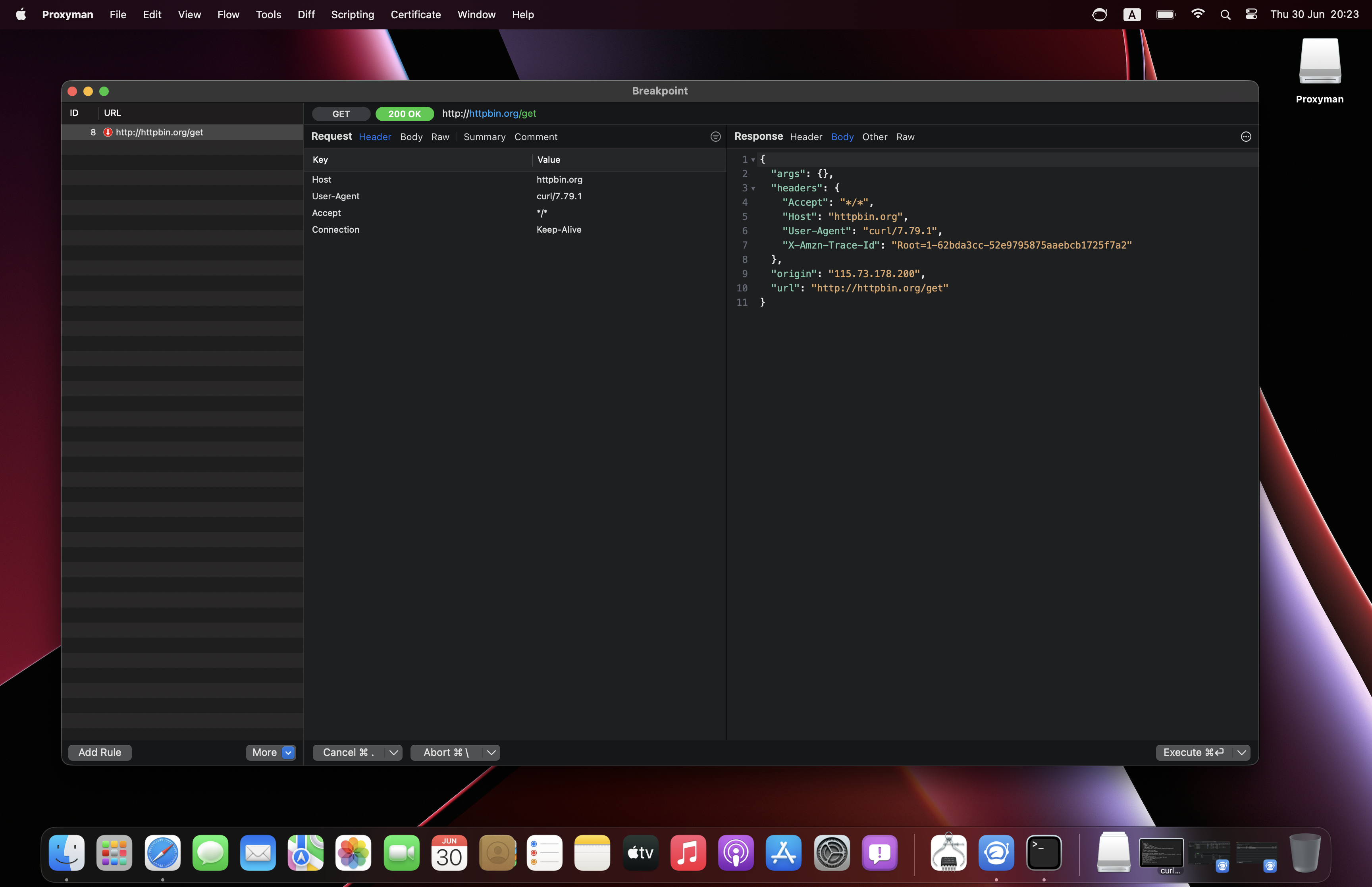
Also some windows that are presented automatically, i.e. when hitting a breakpoint are multiple times wider than the screen resolution making it almost impossible to use.
I have not noticed issues like this with other 3rd party software so far.
Proxyman version? (Ex. Proxyman 1.4.3)
Version 3.5.2 (30520)
macOS Version? (Ex. mac 10.14)
macOS 13.0 Beta (22A5266r) (aka Ventura) - Developer Beta 1
Steps to reproduce
- Install macOS Ventura Developer Beta 1
- Set toolbar to "Icon & Text"
- Enable breakpoints
- Trigger breakpoint
Expected behavior
Toolbar items to be visible unless they actually overlow. Window sizing to be within the bounds of the screen.
It appears maybe in both cases that the screen size logic might be incorrect causing both icons to overflow and windows to be too wide.
Screenshots (optional)


Thanks for the report @cameroncooke. Some UI is broken on the Beta Ventura 👍
Regarding the Breakpoint layout issue, you can try this beta build: https://github.com/ProxymanApp/Proxyman/issues/739#issuecomment-1154626111
It's the folder rule, but I also fix the Breakpoint Layout too. I suppose that it should be fixed.
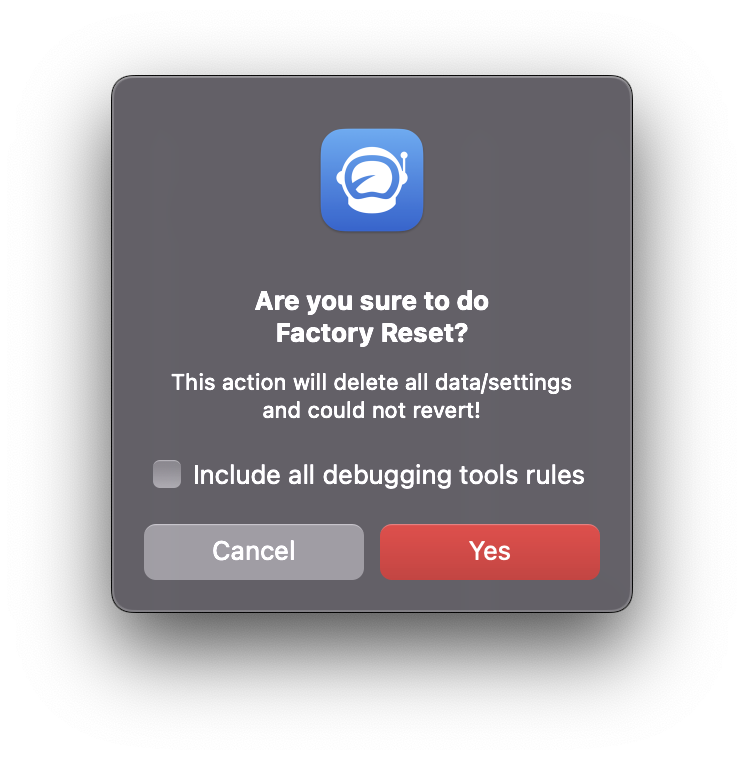
If the toolbar doesn't fix, you can try the safe Factory Reset in this Beta build (Help Menu -> Advanced -> Factory Reset). It allows resetting all configurations without deleting your debugging rules.

Hey @cameroncooke, sorry for the delay, I finally install the Ventura macOS again on a different disk partition.
The breakpoint issue is fixed on this Beta build: https://proxyman.s3.us-east-2.amazonaws.com/beta/Proxyman_3.6.0_Fix_Breakpoint_issue_on_Ventura.dmg
I'm going to fix the toolbar in the next release soon 👍
Screenshots
Don't really want to reset all my settings, are you able to reproduce the toolbar overflow bug when icons and labels are enabled before I go down that route?
https://user-images.githubusercontent.com/630601/177511392-326a1456-6da5-4304-9af6-b69289214bfd.mov
Yes, I can reproduce the toolbar issue on macOS 13 beta. The problem is that we can still not build the project on Xcode 14 (beta 1 & 2) due to the conflict with SPM libraries. I checked Xcode's release note, and there is no workaround.
Thus, no toolbar fix on Proxyman 3.6.2. (Fixed the breakpoint issue since it blocks dev work ✅ )
I'm working on an alternative solution to make it builds on Xcode 14 + macOS 13, then I can fix it 👍
I will definitely include the fix on the next release 😄 👍
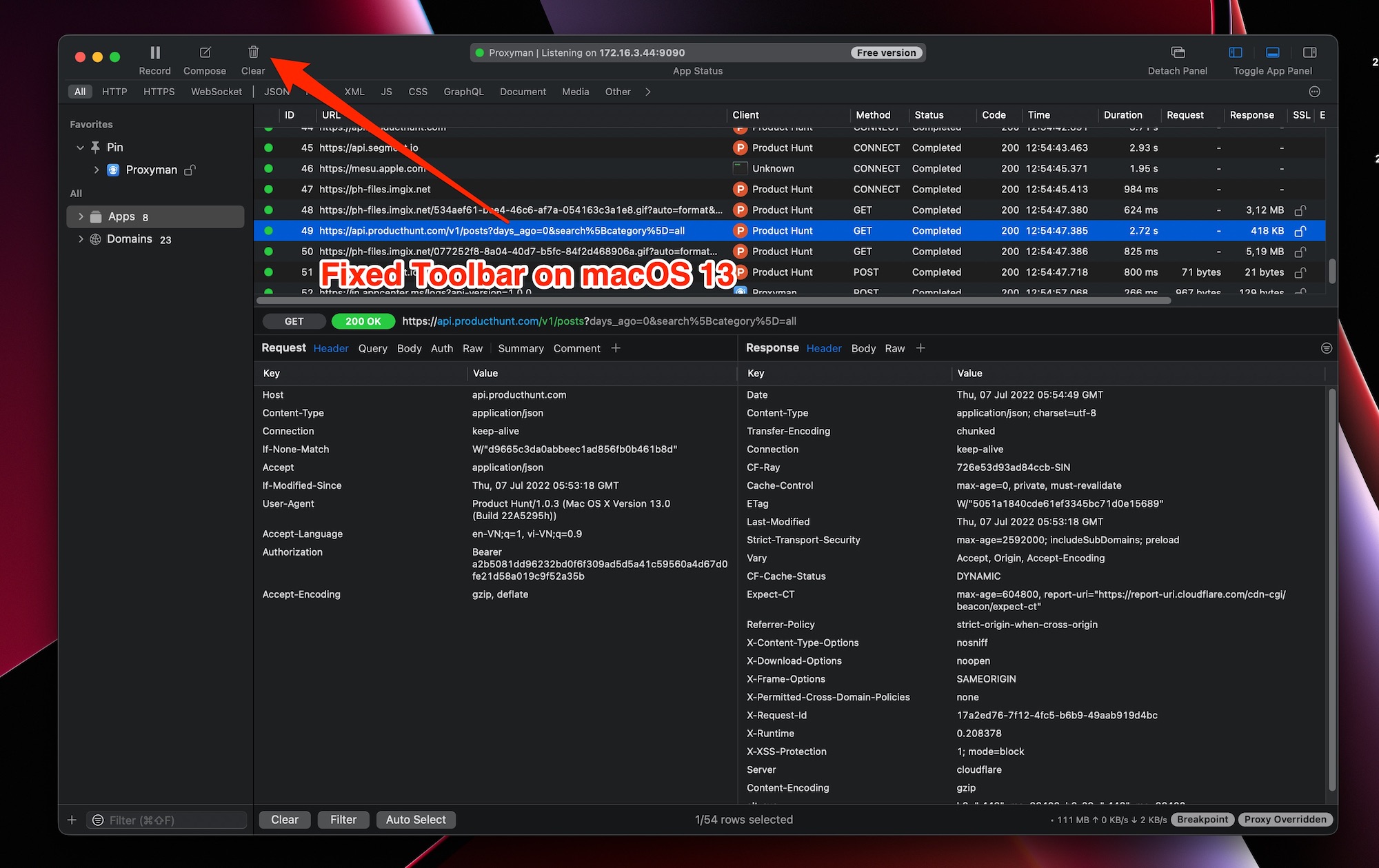
Fixed: https://proxyman.s3.us-east-2.amazonaws.com/beta/Proxyman_3.6.2_Fix_missing_toolbar_items.dmg
- Toolbar items is missing
- Crash when clicking on the Customize Toolbar
Hi! I have the same issue. Unfortunately my license expired a while ago. Is there any way to get this fix without renewing a license?

Hi! I have the same issue. Unfortunately my license expired a while ago. Is there any way to get this fix without renewing a license?
You might try to do Factory Reset in the Help -> Advance menu (uncheck the reset user data, or your tools rules are reset). It might fix the bug 🐛
Hey @Floperoid please email to [email protected] with your license key, we can help you to change the expiry date, so you can get the update 👍
Hey @Floperoid your new expiry license is 1 Jan 2023, which allows you to get the fix update 👍