
kicad-db-lib
 kicad-db-lib copied to clipboard
 Projektanker
Application auto closed after adding first part
Hi Sebastian,
I am reporting a bug that it is automatically closed when I add my first part. the version I used is 2.14
the detail steps are:
1, Create 4 folders :
Footprint
JsonParts
KicadLib
OriginalSymbols
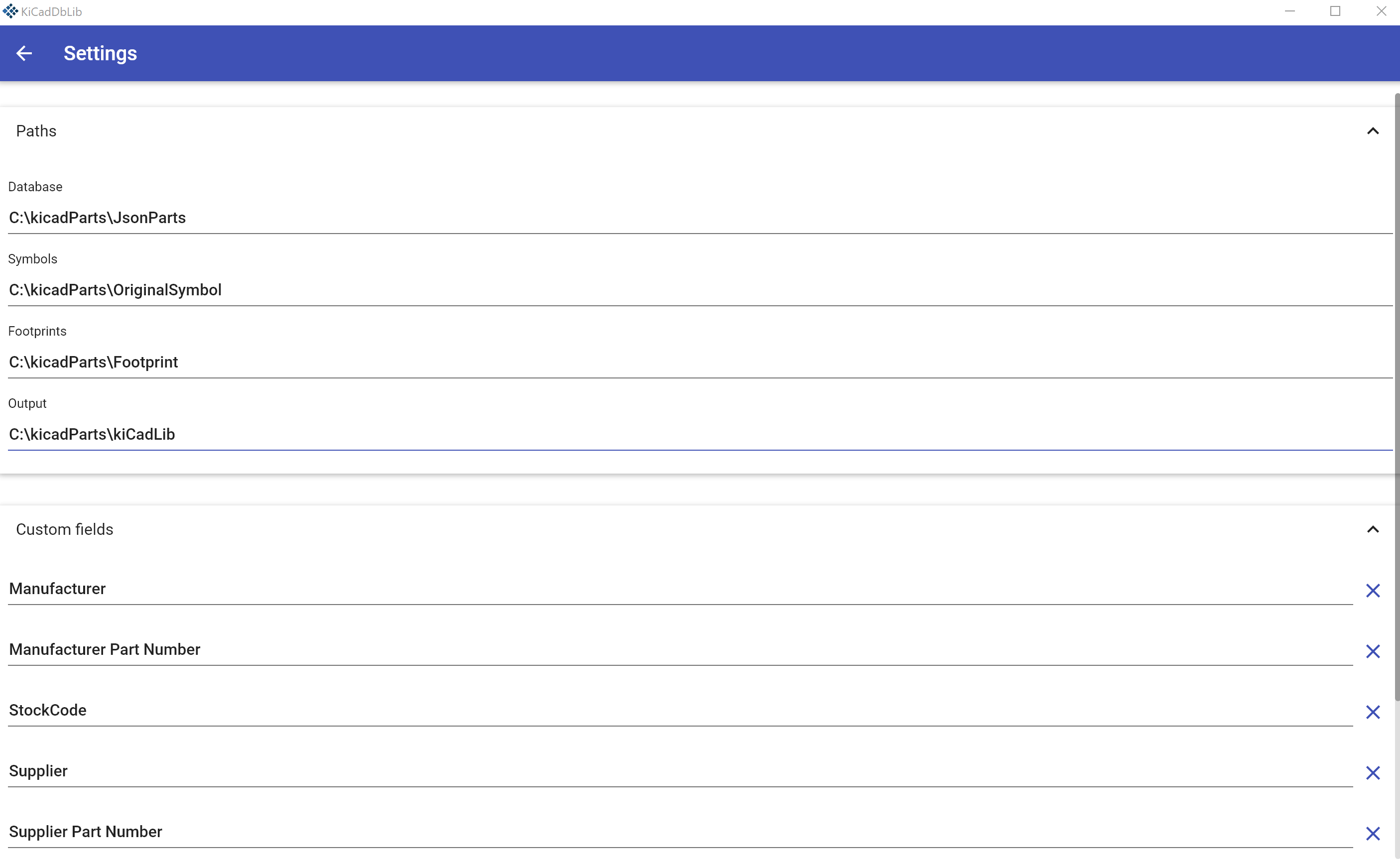
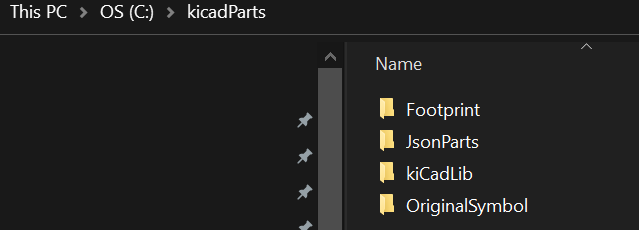 2: I set the path in settings:
3, I copy and paste resistor and capacitor lib from kicad 6.0.7 to folder footprint and OriginalSymbols
4,then create first 0 ohm resistor
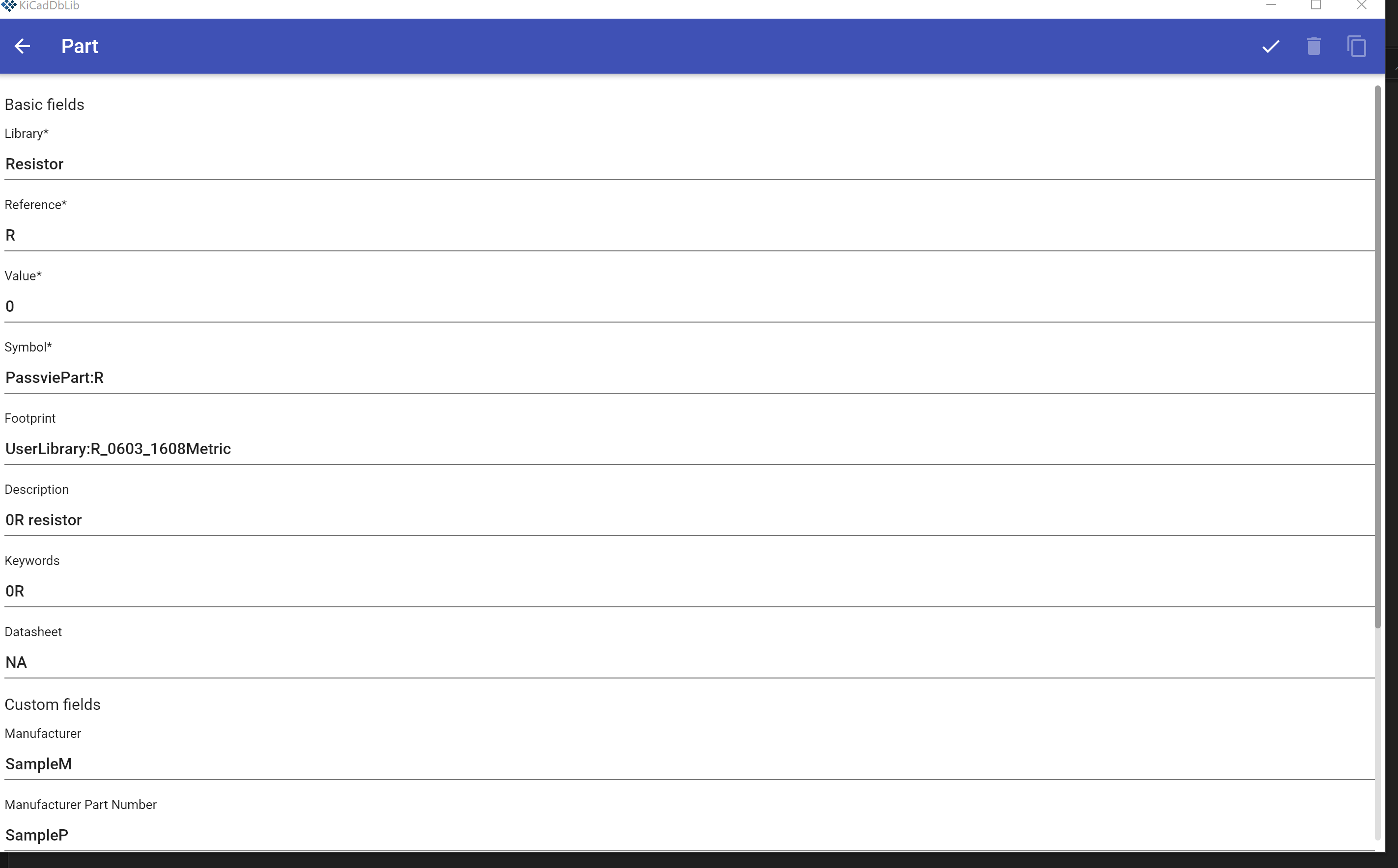
5, it closed when I click the tick symbol on up-right corner.
6, When I restart KicadDbLib.exe. it flashs and disappered.
Do you have any ideal how to fix this problem?
Best regards Dylan

Thank you for using kicad-db-lib.
My guess is that kicad-db-lib is unable to build the library because one or more library files are missing. Are you sure there is a file named PassivePart.kicad_sym and a directory called UserLibrary.pretty?
Nevertheless there was a bug in build-error handling. Please try again with version 2.1.5.
If the app still crashes please send me the dump.txt. Since version 2.1.5 this file contains the exception causing the crash. You will find it under C:\Users\{your user}\AppData\Roaming\kicad-db-lib\dump.txt.

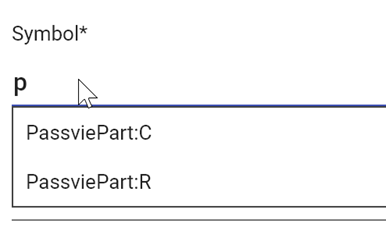
By the way: The input fields Symbol and Footprint are auto-complete inputs.
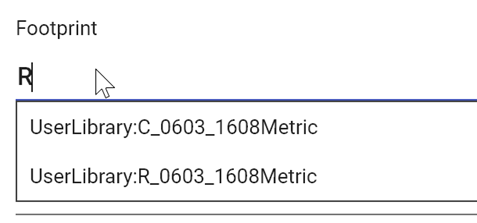
If you type R_06 in the Footprint field you should get matching footprints displayed.
Hi Sebastian,
Thanks for you reply.
I have tried 2.1.15. but the issue is still there
I can confirm that PassivePart.kicad_sym and UserLibrary.pretty are correct as the part can auto-complete inputs,
I attached the dump file here dump.txt
Thank you for your provided information. There is a bug with custom fields containing whitespace. If you remove the whitespace from your custom fields it should work as expected. I'm not sure how to fix this bug right now. An easy fix would be to forbid whitespace from custom fields. What do you think?
Hi Sebastian,

Thanks, that is the reason! it works after I deleted the whitespace. I am a hardware engineer so I have little ideal about fix the bugs. but my personal advice is that it may be a work around if you add this limitation in Readme.
Best regards Dylan
Added a warning to README. Spaces are converted to underscores when a field is added.