

 PowerShell
Getting Started Walkthrough
Prerequisites
- [X] I have written a descriptive issue title.
- [X] I have searched all issues to ensure it has not already been reported.
#3647
Summary
Currently, The PowerShell Extension in VS Code does not have an introductory experience.
To make the getting started experience more convenient, users will be offered a Visual Studio Code Walkthrough that:
- gives step-by-step explanations on how to set up the PowerShell environment
- sets up their PowerShell environment automatically rather than manually.
- introduces them to settings and features of the VS Code PowerShell extension that they might not be aware of.
- Provides clarity regarding setting, features, and versions of the PowerShell extension
Feel free to leave feedback, suggestions, or topics you would like to see covered in upcoming Walkthroughs!
Proposed Design


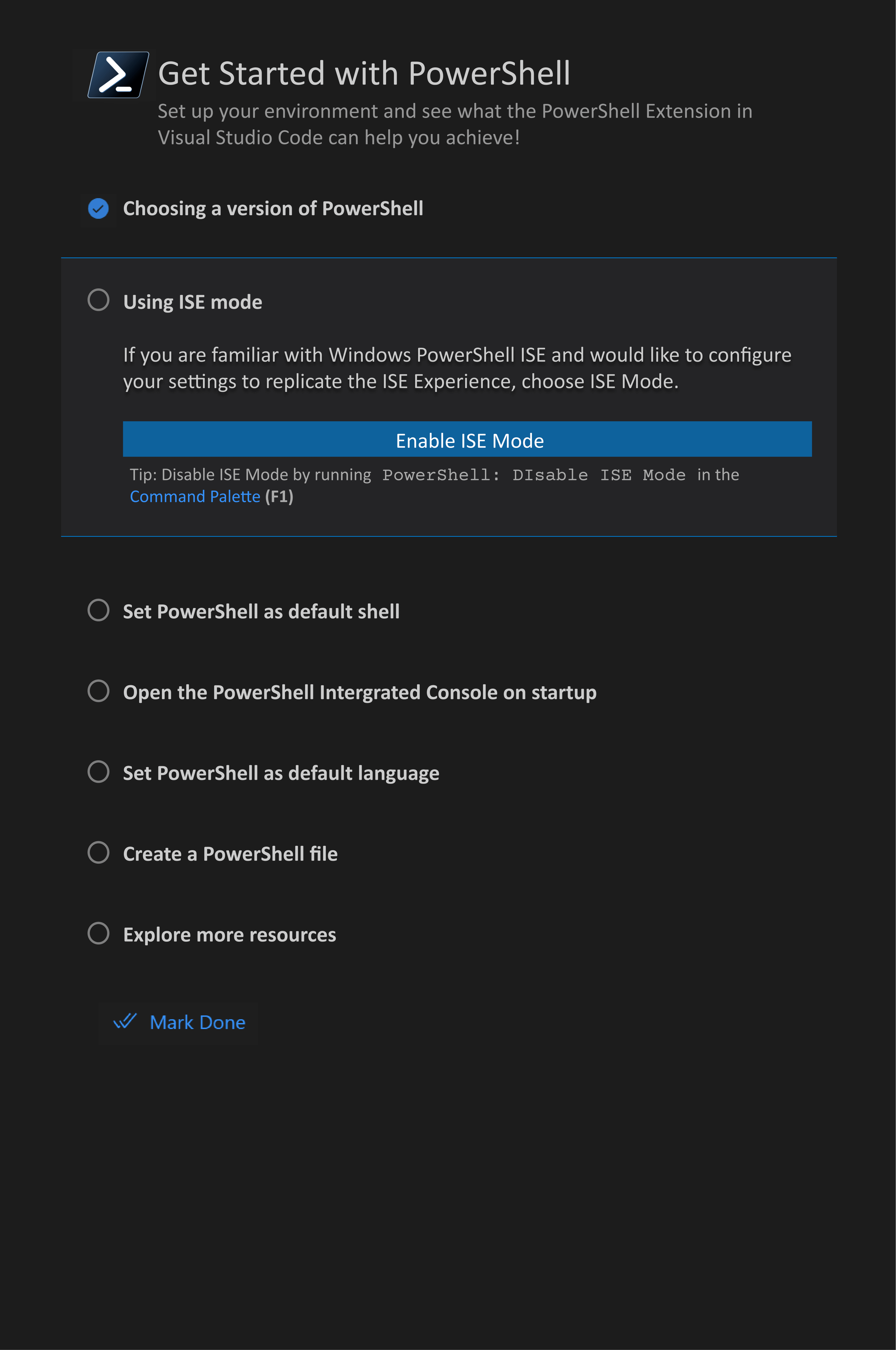


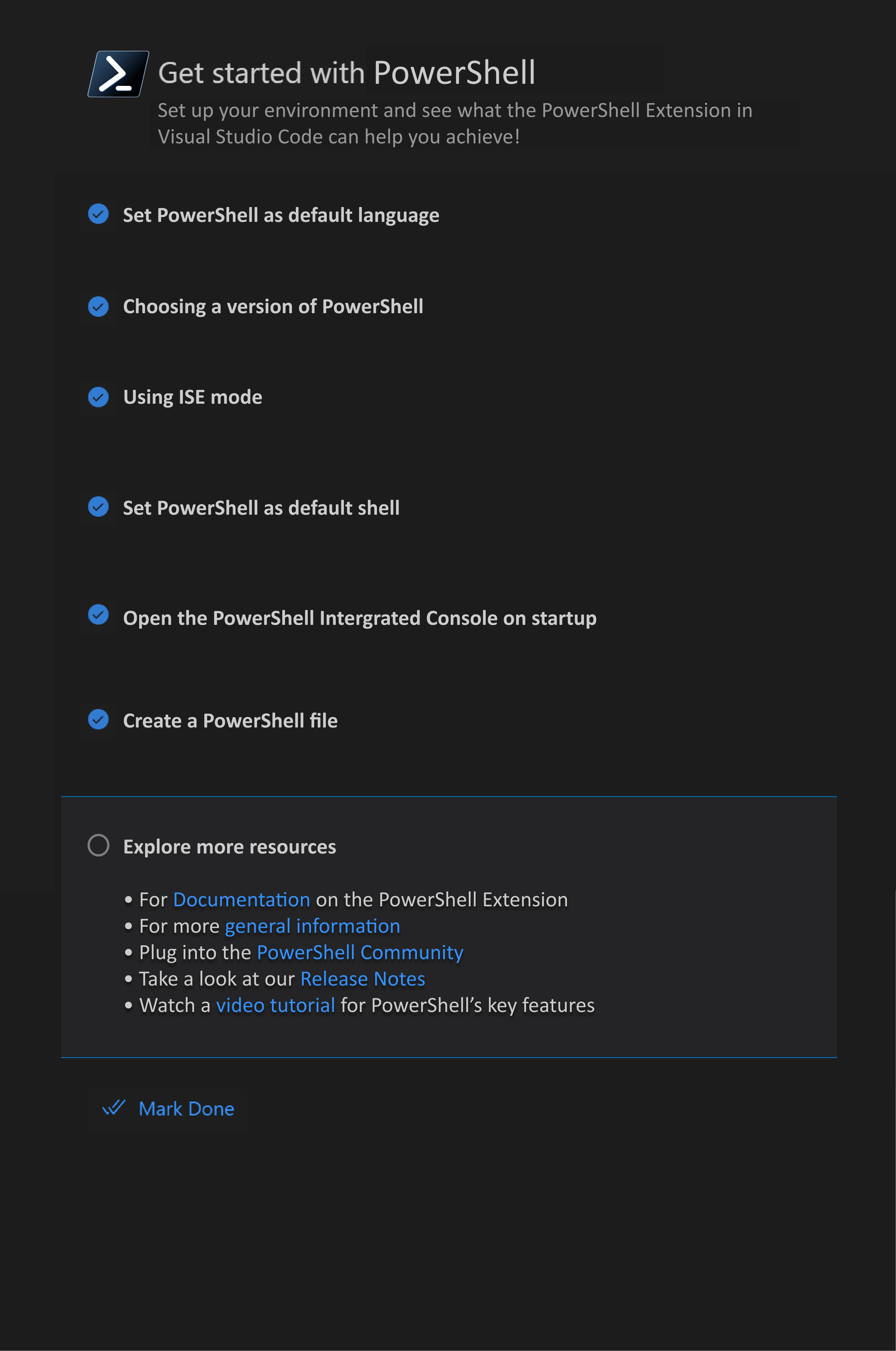


This is looking really nice. Couple of comments:
- this walkthrough is contributed by the PowerShell extension so you have to already have the extension installed so the first step isn't needed
- I ❤️ the Install PowerShell 7 step
- I think the ISE mode step should be a toggle instead of an Enable so that the user can click it once, see what it looks like, and decide if they want it and if not click toggle again
- Does the Set PowerShell as your default shell set it as the default in VS Code or the default for the OS? I think the language needs to be clearer here
- Does the "Open PowerShell Terminal" toggle the setting or does it open a terminal?
I think this is a great set of steps. I'm excited to see PowerShell contribute a walkthrough!

Would setting PS7 as default be blocked if they only have Windows PowerShell, or would the button lead them to install PS7?

Also is the Mark Done button needed to navigate to the next option? Maybe a more progressional button would be better like Next>
I think the ISE mode step should be a toggle instead of an Enable so that the user can click it once, see what it looks like, and decide if they want it and if not click toggle again
+1 for the toggle. Or even a preview image on the right side with picture that you could switch between.
Should there be a step to introduce with images some of the basic controls like the play-buttons above the editor + common keybindings like F5/F8 (could that be read from user settings?)? This could be their first PowerShell editor experience.

Would setting PS7 as default be blocked if they only have Windows PowerShell, or would the button lead them to install PS7?
The button would lead to a link where they can get the most updated version of PowerShell! They would then return to the Walkthrough to complete the other steps.
Also is the Mark Done button needed to navigate to the next option? Maybe a more progressional button would be better like Next>
The Mark Done button isn't necessary to navigate to the next step, but is an option to complete the checklist with one click rather than clicking each checkpoint manually. The user can go through the steps by clicking the block, so the Next> button won't be needed.