

 PostHog
Filter by attribute name
Bug description
I am using Autocapture, so I went ahead and added name and data-name to most input, button, anchor that I would like to track.
When checking the event, I can only find that data inside the JSON tab:
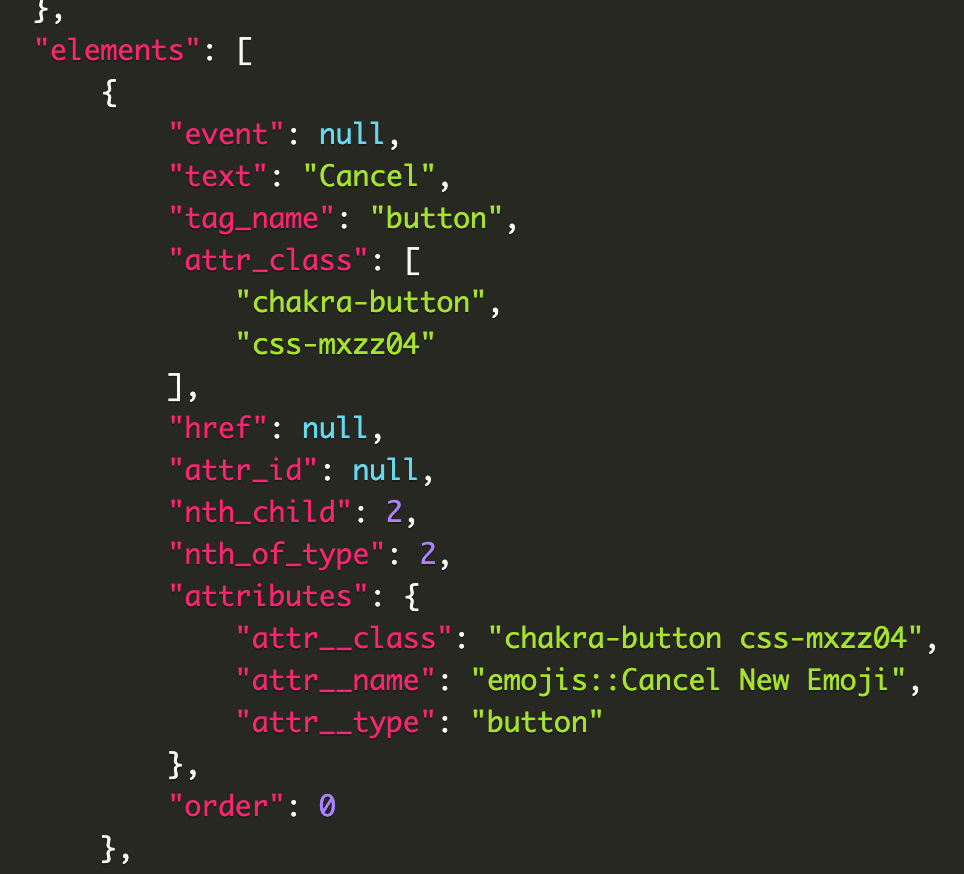
There is no way to filter by that element name or create a custom metric.
Also the toolbar doesn't use the name to come up with the CSS selector, that could be useful and more resilient than div > div > div > button.
This screenshot shows the selector for that same element using the Toolbar:
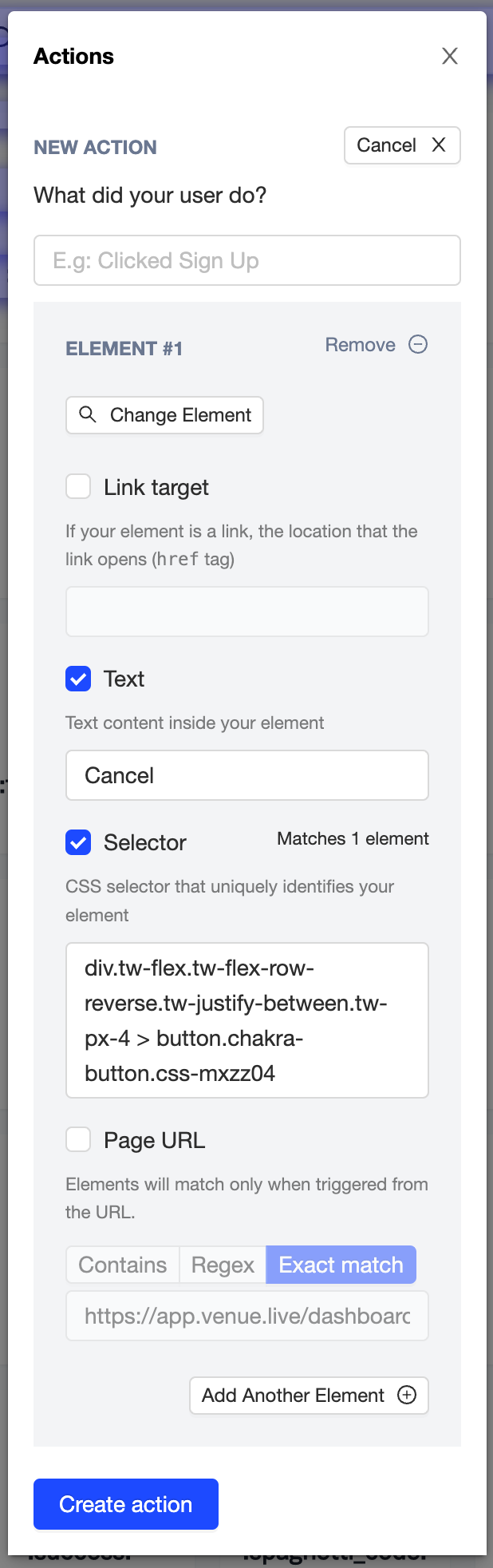
The selector I was hoping it would write button[name="emojis::Cancel New Emoji"] maybe that is inefficient with a large dom? 🤔
It's worth mentioning tag name does show as an option to filter but not the input element name.
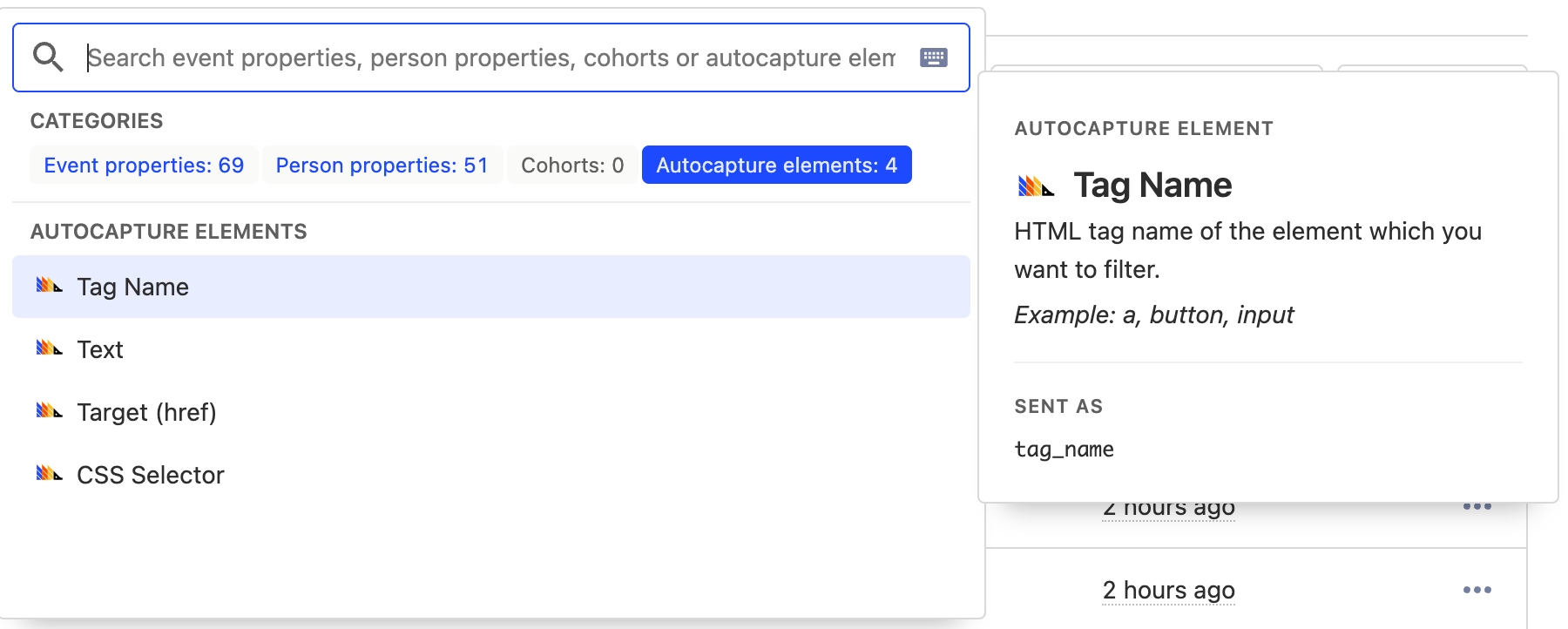
The docs does mention that to remain sensitive minimal information is capture on autocapture, but I was hoping I would be able to filter it.
How to reproduce
- Add
nameattribute to an input - Turn autocapture on
- See events coming through instance
- Check the JSON tab to confirm name is being captured by Posthog
- Try to filter/search by that name
attr__name
Environment
- [x] PostHog Cloud
Thank you for spending the time and care to take a look into this issue! Appreciate it. 🙇
