

 Phobos-developers
Trajectory=Straight fixes & improvements
Fixes and improves several things regarding Trajectory=Straight projectiles:
- Fixes issues with
PreImpactAnimdisplaying at different coordinate from warhead detonation and/or warhead detonation not waiting until it has finished playing. - Projectiles no longer instantly detonate upon entering a cell with building at low enough altitude.
- Whether or not the projectile snaps at intended target upon detonation is now customizable via
Trajectory.Straight.SnapOnTarget. Distance from which it can snap is defined byTrajectory.Straight.SnapThreshold(in cells). Trajectory.Straight.PassThroughcan be used to create projectiles that travel in straight line even through their target until certain distance reached.
Additionally Trajectory.DetonationDistance can be used to customize the minimum distance in cells projectile has to be from intended target to detonate immediately. Default value depends on trajectory type (0 for Straight, 0.4 for Bombard).
Additionally fixes EMEffect=true / Airburst=true projectiles with Inviso=true not snapping on their intended target like normal.
Trajectory.DetonationDistancecan be used to customize the minimum distance the projectile must be from target for it to automatically detonate. Default value depends on trajectory type.Trajectory.Straight.SnapOnTargetdetermines whether or not the projectile snaps on intended target upon detonation or if it will detonates on its current location. It will only snap if it is within distance defined byTrajectory.Straight.SnapThresholdfrom the intended target, however.Trajectory.Straight.PassThrough, if set, will ignore the projectile's target (and any snapping settings) and pass through it and travels until has traveledTrajectory.DetonationDistancecells (or indefinitely if it is 0) until it detonates. It will not pass through objects blocked by, for an exampleSubjectToWalls, however.
In rulesmd.ini:
[SOMEPROJECTILE]                       ; Projectile
Trajectory=Straight                    ; Trajectory type
Trajectory.DetonationDistance=0.0      ; double, distance in cells
Trajectory.Straight.SnapOnTarget=true  ; boolean
Trajectory.Straight.SnapThreshold=1.0  ; double, distance in cells
Trajectory.Straight.PassThrough=true   ; boolean
Closes #644

Nightly build for this pull request:
- compiled-dll-97cfbd7c1edc977ae15401a37aa55e1a6c089d7f.zip This comment is automatic and is meant to allow guests to get latest nightly builds without registering. It is updated on every successful build.
![github-actions[bot] avatar](https://avatars.githubusercontent.com/in/15368?v=4 "Published by a pub.dev verified publisher")
For the tests I used This weapon:
[TWSonicWeapon]
Damage=5
ROF=120
Range=7
Projectile=TWSonicWaves
Warhead=TWSonicWarhead
Report=TWSonicAttack
Trajectory.Speed=45.0

[TWSonicWaves]
Arm=2
Shadow=no
Proximity=no;yes
Ranged=yes
Image=WavesFakeProjectile
IgnoresFirestorm=yes
SubjectToCliffs=yes
SubjectToElevation=no
SubjectToWalls=yes
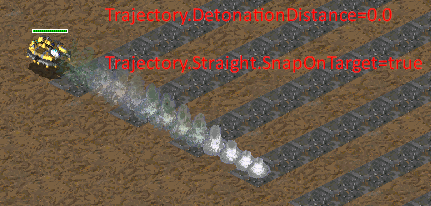
Case 1: looks that works.
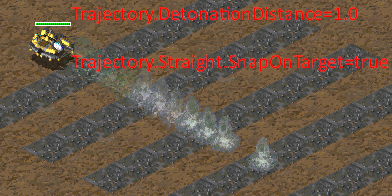
Case 2: looks that works.
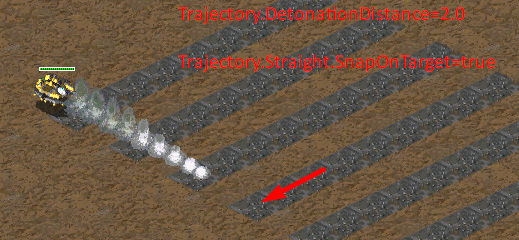
Case 3: looks that works.
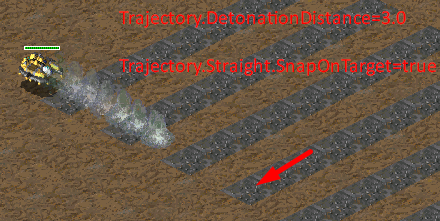
Case 4: looks that works.
Case 5: looks that works.
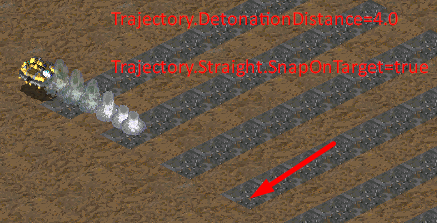
The next tags works as expected: Trajectory.Straight.SnapOnTarget= Trajectory.Straight.SnapThreshold=
Trajectory.Straight.PassThrough= works as expected but the documentation says "true" as defaut value and in reality is "false" the default one. "SubjectToWalls=yes" is ignored.
Trajectory.Straight.PassThrough=true Trajectory.DetonationDistance=0.0
Case 1:
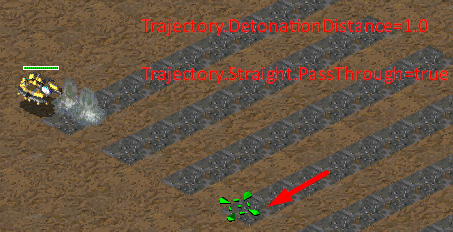
Case 2:
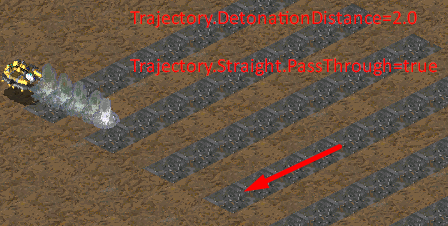
Case 3:
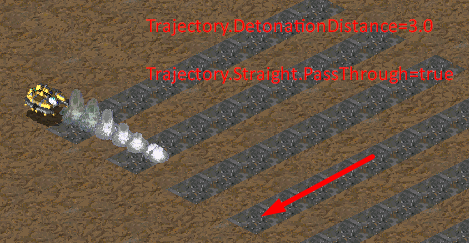
Case 4:
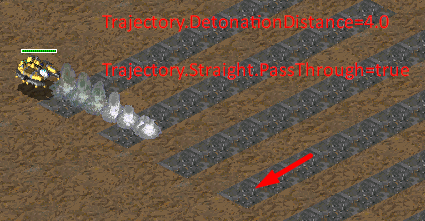
Case 5:
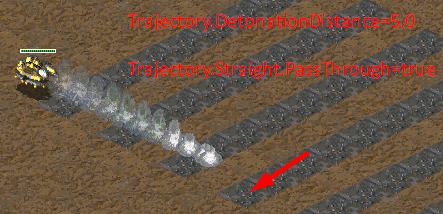
Case 6:
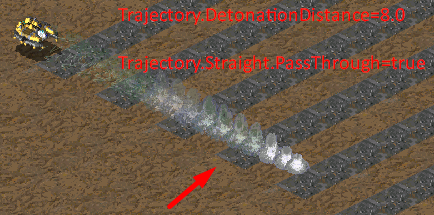
Case 7:
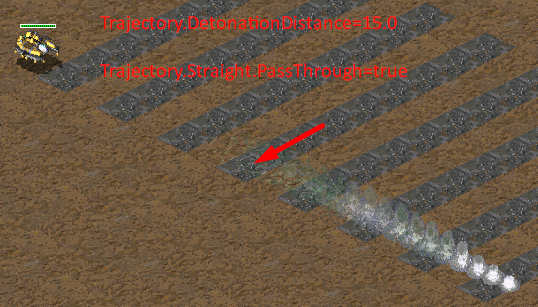


Did some testing and found several potential issues (or maybe i just did something wrong).
Here is the code for the first projectile.
[Coilgun]
Range=9
Projectile=Shell
ProjectileRange=9
Speed=100
IsDetachedRailgun=yes
AttachedParticleSystem=RailSysCoilgun

Trajectory.Speed=300

[Shell]
Ranged=yes

SubjectToCliffs=yes
SubjectToElevation=yes
SubjectToWalls=yes
SubjectToBuildings=yes

Trajectory=Straight
As for the projectile image, the only things that matter is that it's a voxel and uses a basic line trailer (the particle system does not use the railgun laser!).
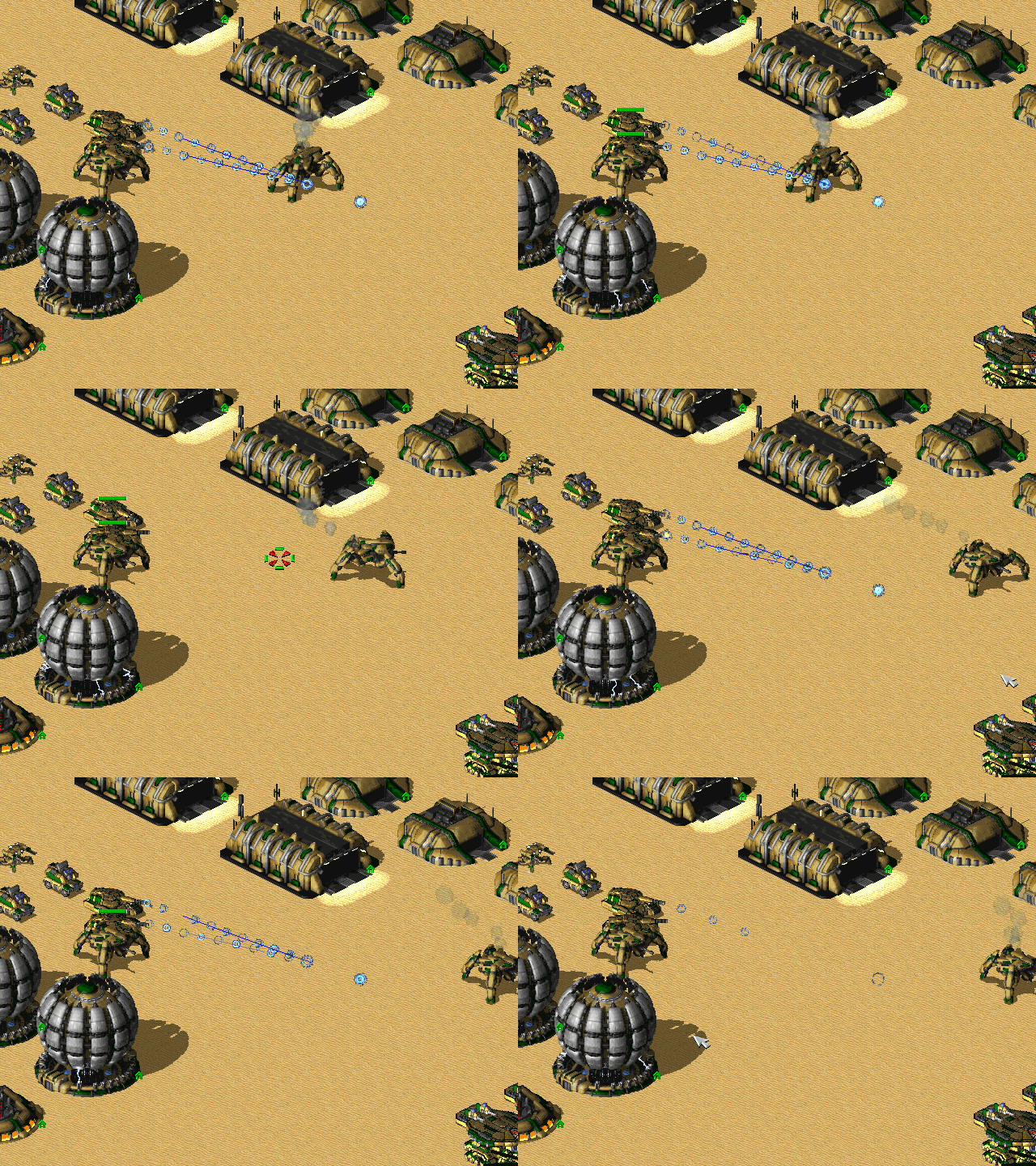
Here is how it used to look like.
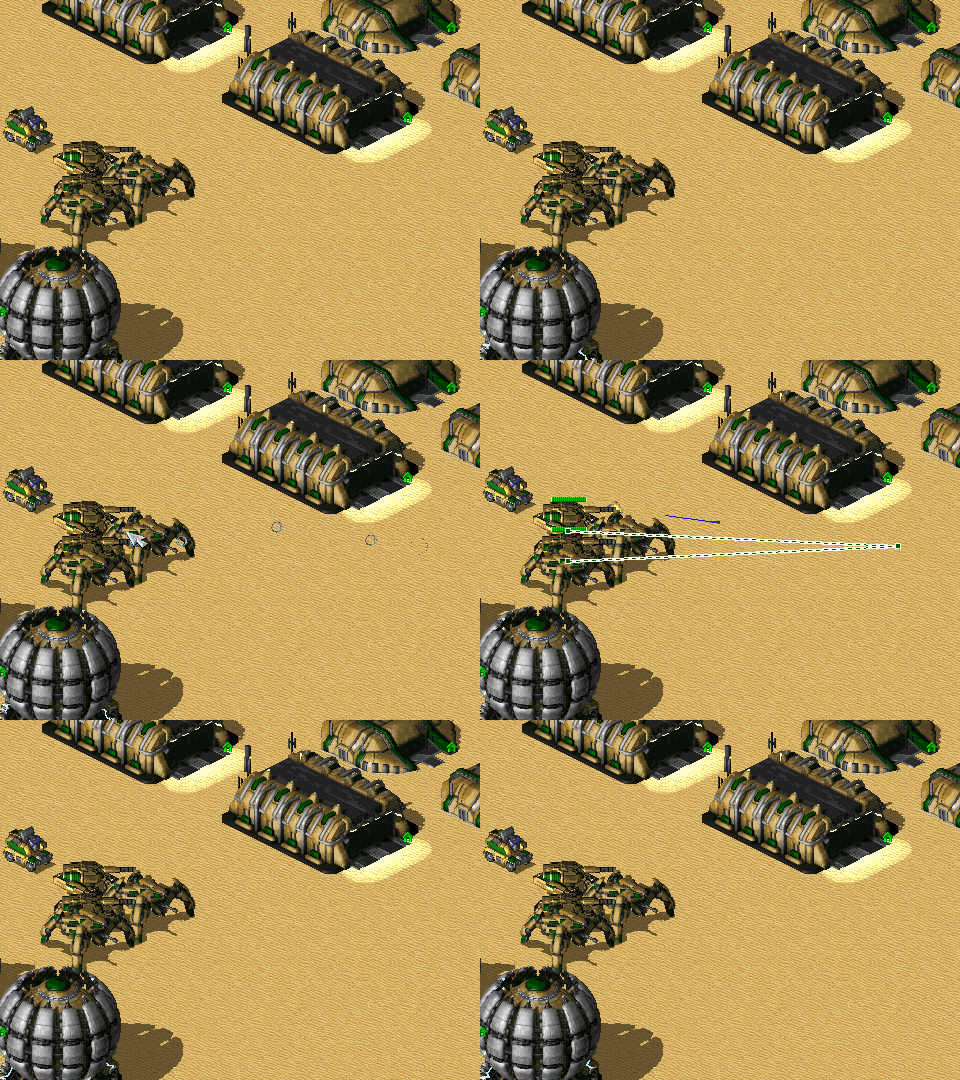 If you look closely you can see that the trailer disappears around 1 cell before the target - clearly the projectile snaps to the target.
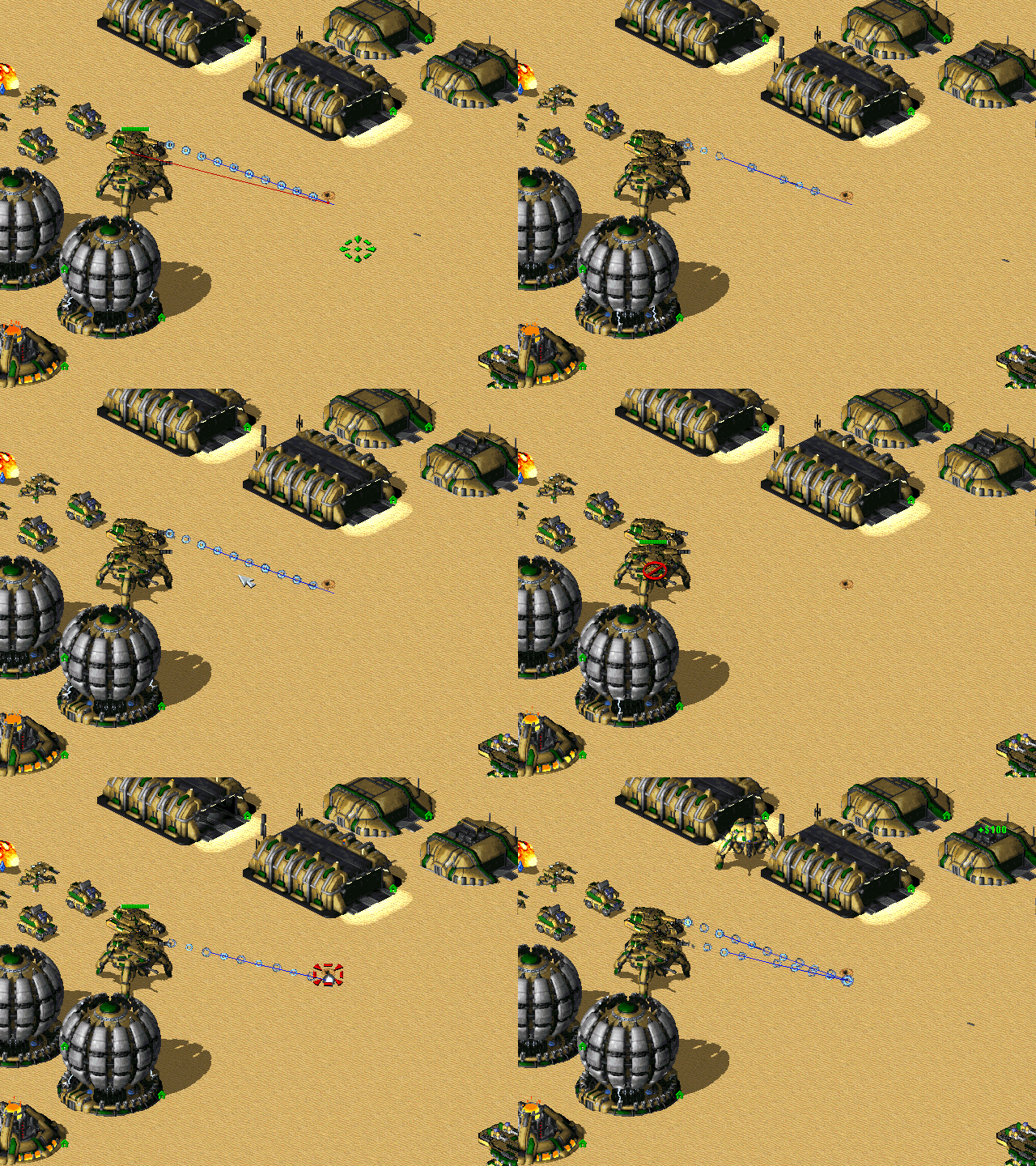
First case of new implementation. This one uses the current default values.
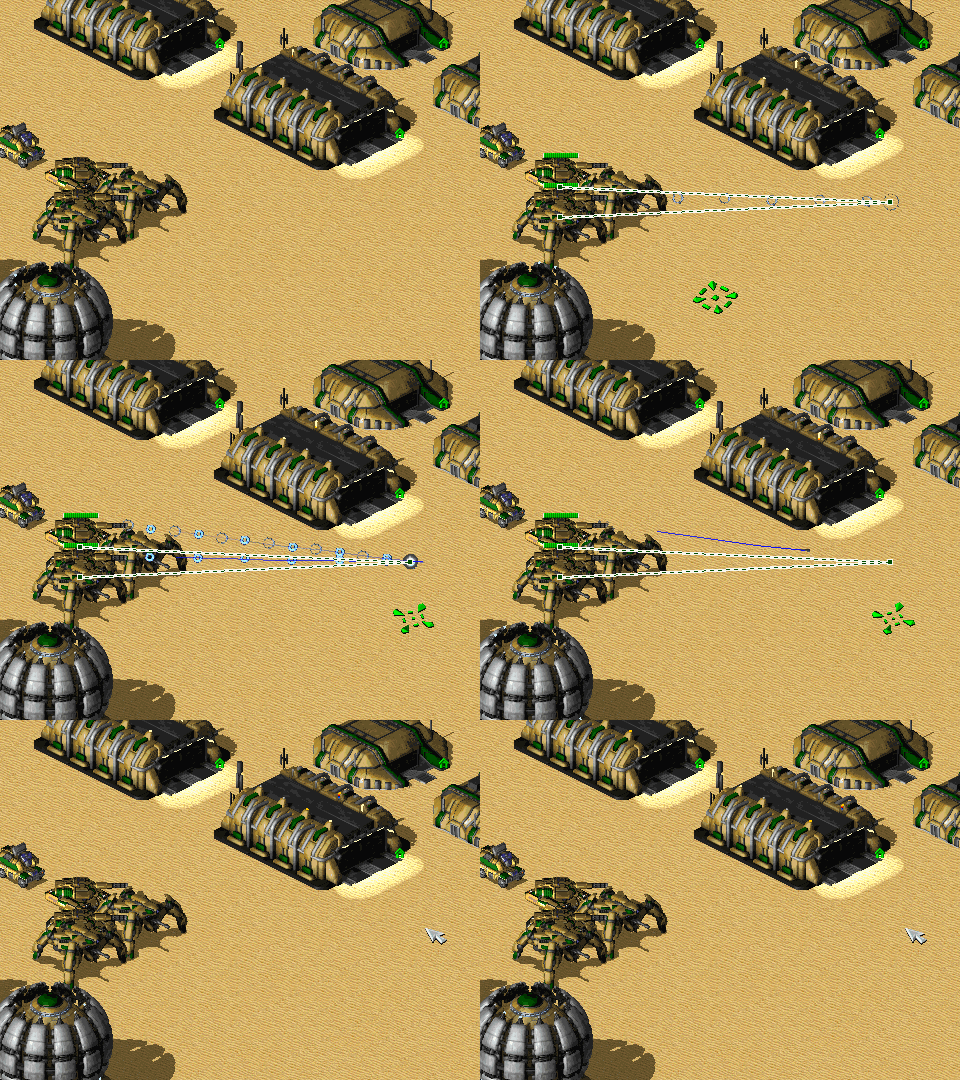 It looks different than it used to look before. Instead of disappearing 1 cell before the target, the trailer overshoots. Despite that (not shown here) the weapon is still accurate even at max range.
Second case. These values were added to the base code.
Trajectory.Straight.SnapOnTarget=no
Trajectory.Straight.PassThrough=no
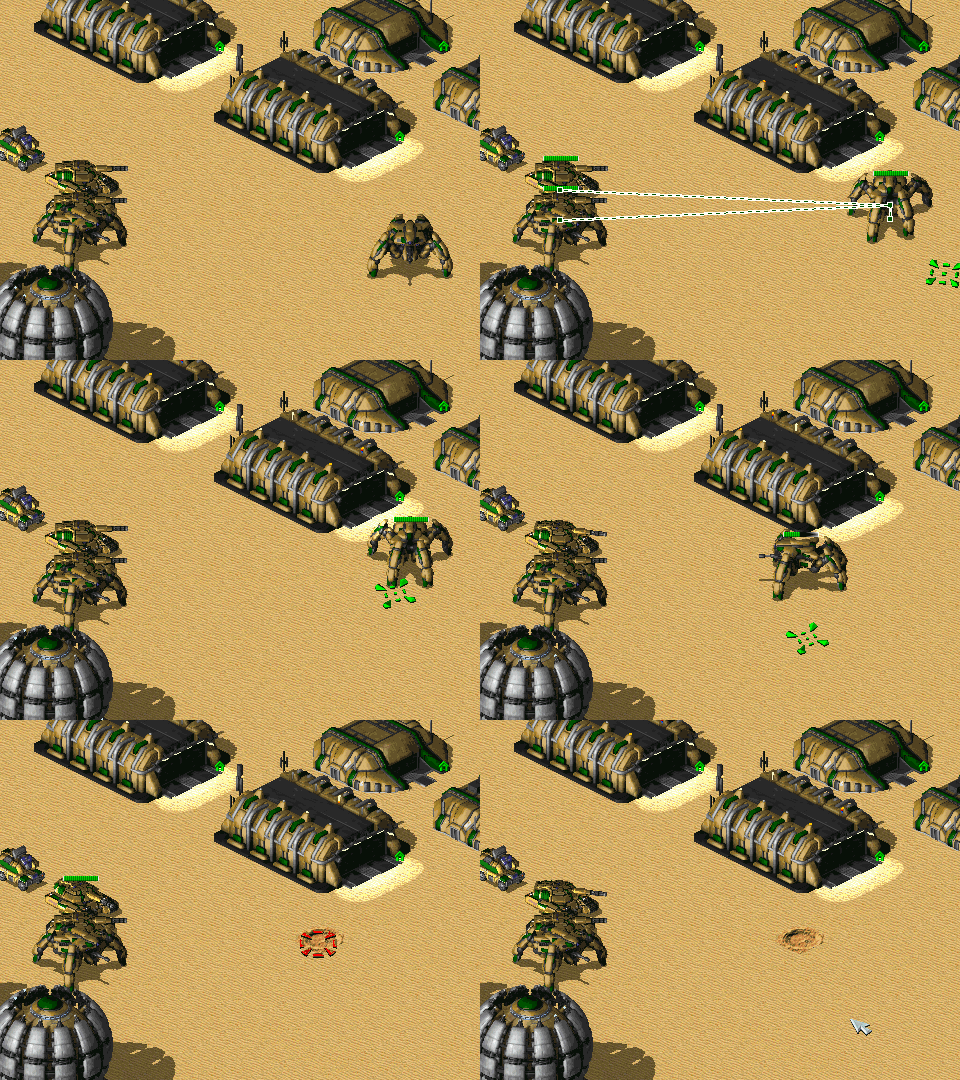 The weapon is no longer able to damage the target at max range. If the target moves closer then it will be damaged properly.
Third case. Uses base code with this value added.
Trajectory.Straight.SnapThreshold=.4
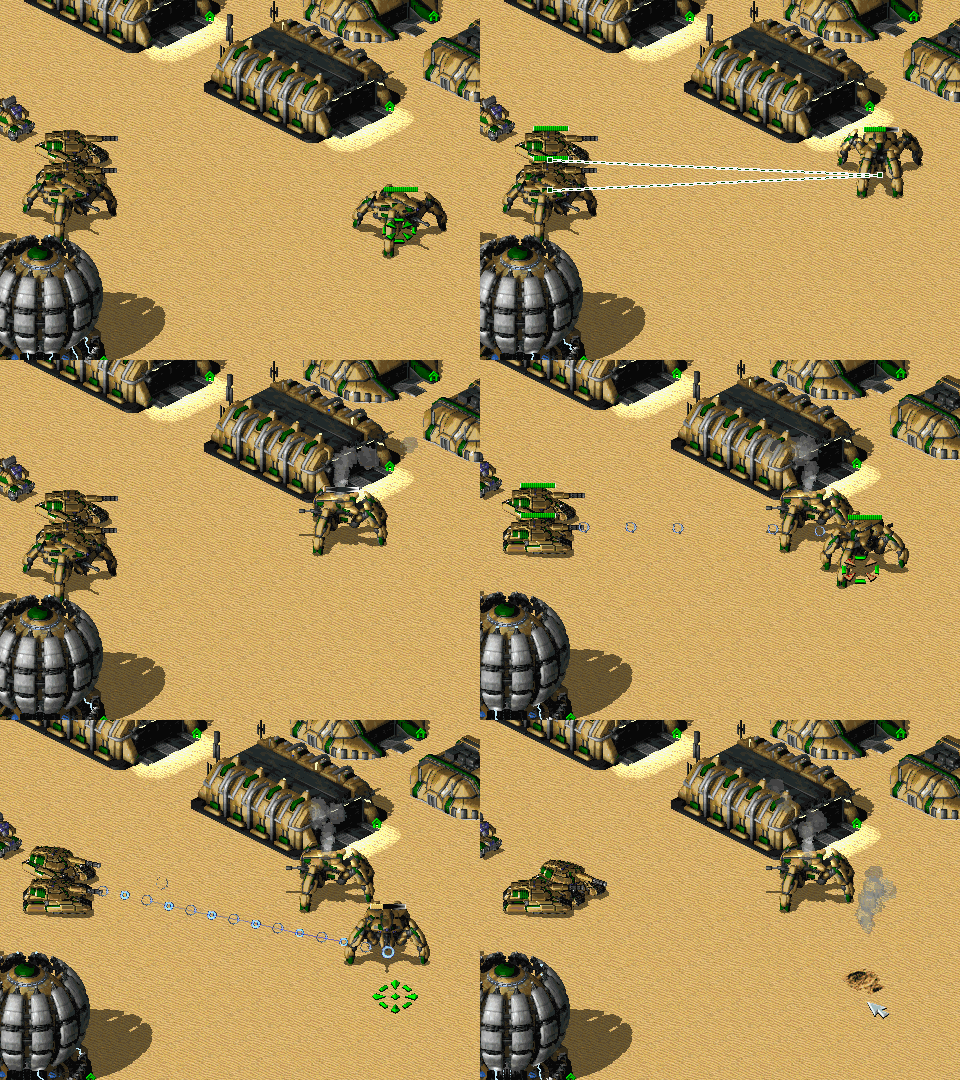 It seems to work exactly as the first case, except that at max range accuracy sometimes suffers and the projectile doesn't always deal damage to the target (like on the image, where sometimes only one projectile registered a hit on the target). I guess it's understandable since i reduced the snap threshold.
Fourth case, but it's actually the first case, just to show how the is always damaged properly.
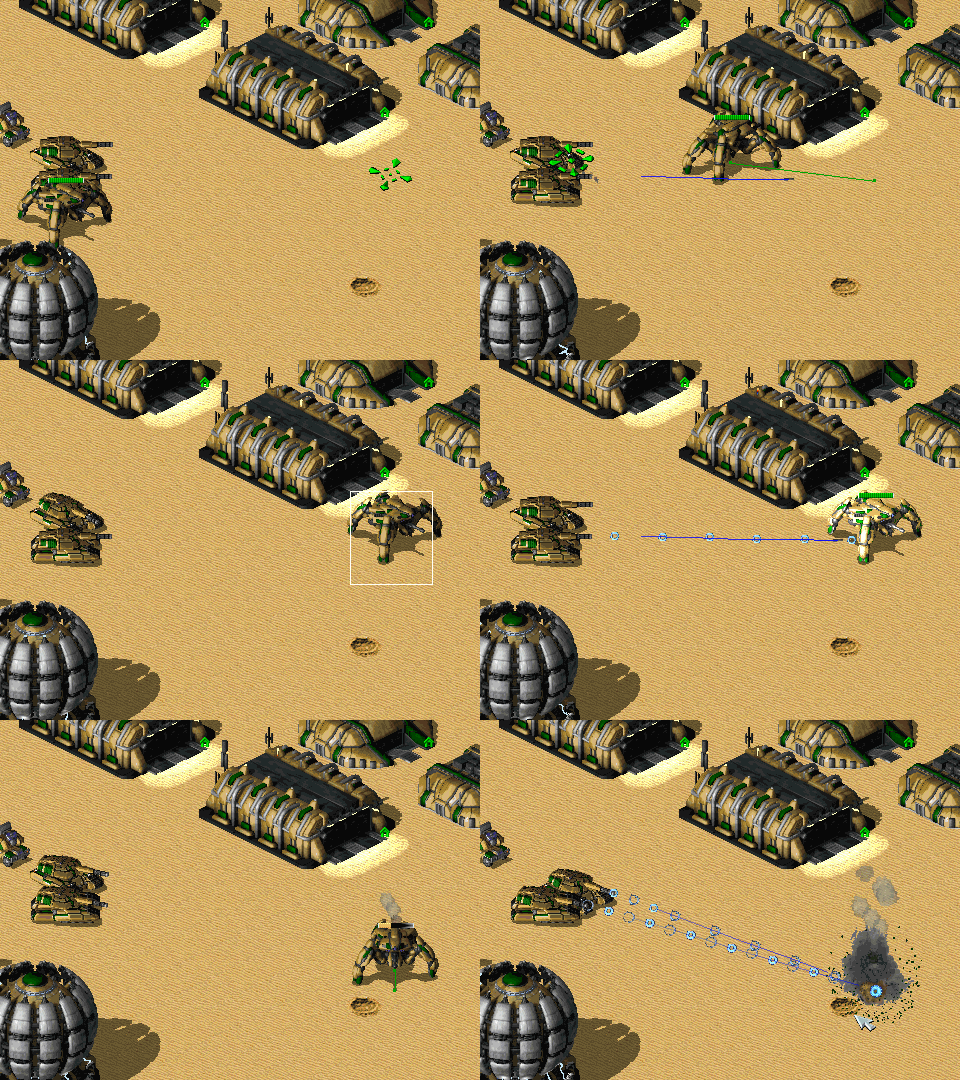
Now, you might be wondering, why did i put ProjectileRange=9 on it. It's because with previous implementation, if Trajectory.Speed= was too high (and my current 300 is dangerously close to what i found to be "too high"), the projectile would overshoot and fly forever. Giving the projectile a maximum range forced it to detonate if it tried to do that. So now that Trajectory.Straight.PassThrough=yes is a thing, i tried to use it on a projectile that has it, but it does nothing. Trajectory.DetonationDistance= completely overrides it and the projectile will go indefinitely if that one is set to 0.
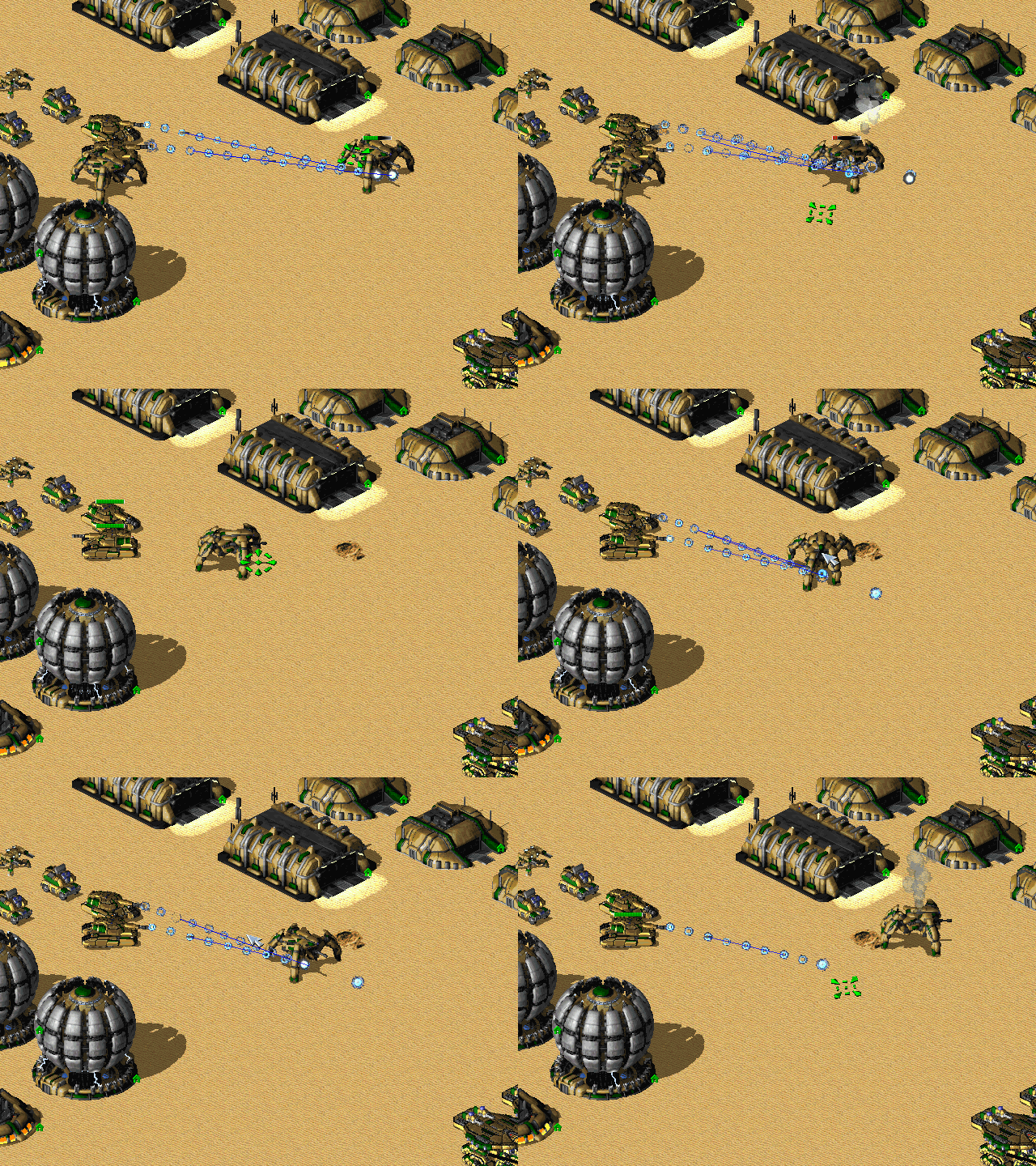
There might also be an issue with certain angles that Trajectory.Straight.PassThrough=yes projectile doesn't actually pass through and instead detonates on the target, as shown below.
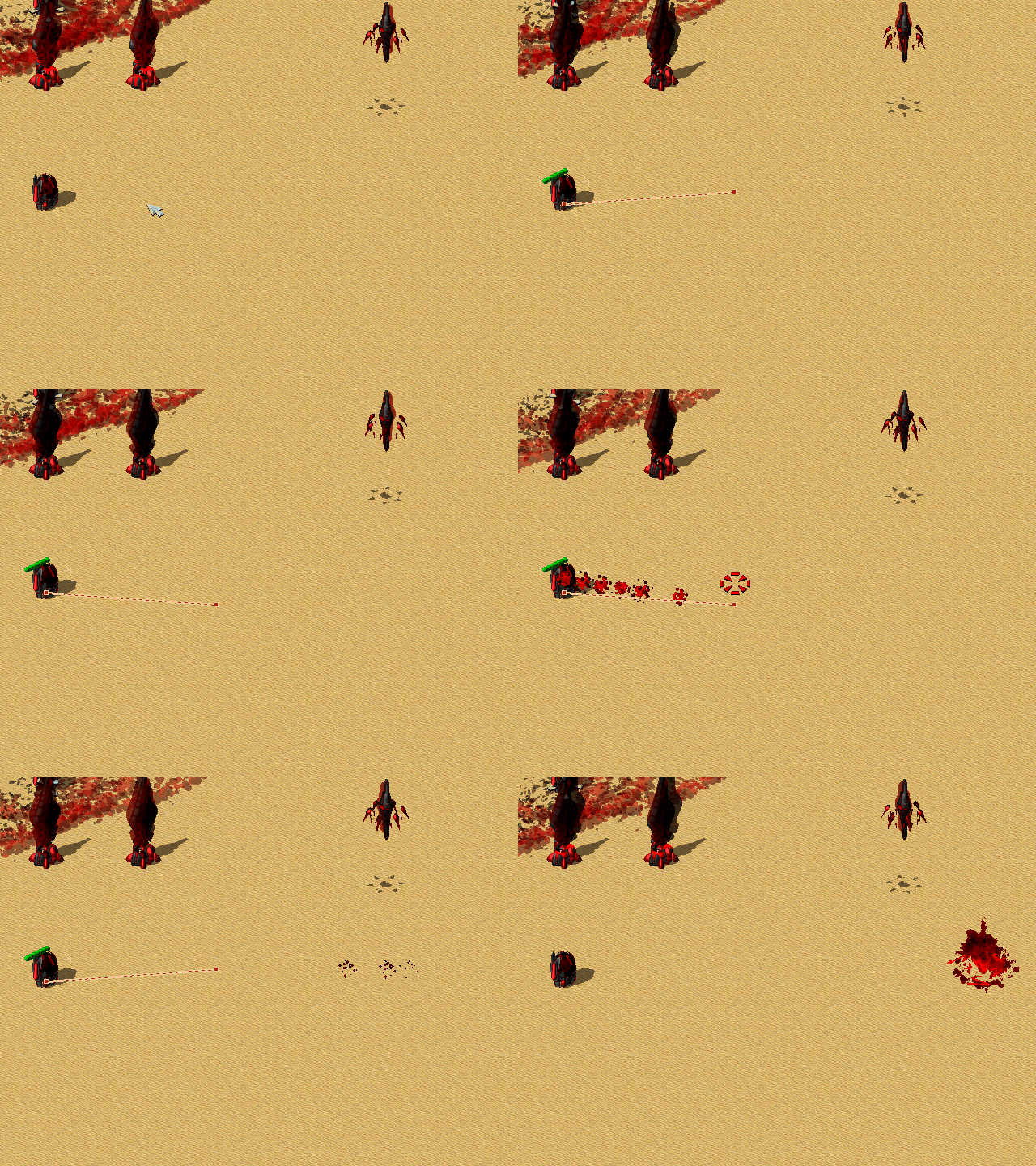
This projectile has the following stats.
[TentacleWhip]
Damage=0
ROF=150
Range=12
Projectile=TentacleBallistic
Speed=30
Trajectory.Speed=150

[TentacleCluster]
Damage=300
ROF=150
Range=6
Projectile=InvisibleMissile
Speed=30

[TentacleBallistic]
Image=TENTAWAVE
Shadow=no

Proximity=yes
Ranged=yes

Airburst=yes
AirburstWeapon=TentacleCluster
AirburstSpread=0

Trajectory=Straight
Trajectory.Straight.SnapThreshold=.4
Trajectory.Straight.PassThrough=yes
Trajectory.DetonationDistance=12

Trajectory.Straight.SnapOnTarget=yes and Trajectory.DetonationDistance=.4 should be roughly equivalent to the previous behaviour (102 leptons vs. the previous 100). I did change the default for Trajectory.DetonationDistance from that to 0 however, for Trajectory=Straight as I didn't notice any difference in my, possibly limited tests. If this is an issue then it can be reverted.
As for Trajectory.Straight.SnapThreshold, the previous behaviour had technically infinite snap distance which caused all sorts of issues, I've defaulted it to 1 cell but again if this is problematic it can be changed.
Low snap threshold and non-snapping projectiles are subject to accuracy issues, this is inherent to the functionality.
ProjectileRange not working on Trajectory.Straight.PassThrough=yes is not intended but not a surprising side effect either. It would have to be manually checked as the current way it functions simply doesn't allow for the default range checks to behave as expected.
Trajectory.Straight.PassThrough=yes has an inherent design flaw that based on my knowledge may be rather difficult to fix. The initial velocity vector (basically the initial angle / trajectory of the projectile) of a launched projectile is determined upon firing a weapon prior to the launch of the projectile in a sequence containing some relatively complex math. What Trajectory=Straight normally does is override the velocity vector by a new one generated from difference between source and target coordinates. However Trajectory.Straight.PassThrough=yes cannot have deterministic target coordinate like this and instead requires the projectile to travel towards an indeterminate target based on some initial trajectory. Currently this initial trajectory is what is generated during firing the weapon, which is why it fails to fire straight towards infinity depending on where exactly the weapon was targeting, especially notable if it picks a target only short distance away. Given this issue I am somewhat hesitant about its inclusion in the first place unless someone else can offer a solution to this problem.
As for Trajectory.Speed not working on AirburstWeapon, this is because Trajectory.Speed is currently defined on WeaponTypes and projectiles of AirburstWeapon do not know what WeaponType fired them (game flaw carried over in Ares implementation, this is also same reason some logics like Radiation do not work on them). Fixing this properly would require moving Trajectory.Speed to Projectile, which is doable but I'd like some feedback on that if possible first.
EAXregister got overriden here , causing crashR->EAX(pThis->Type);
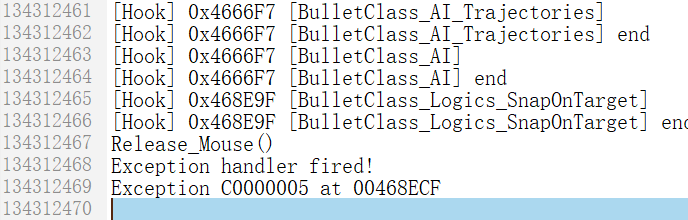 FatalError without using this logic.

Changed how Trajectory.Straight.PassThrough works in an attempt to combat issues stemming from respecting the initial velocity vector generated when firing the weapon. Premature collisions with ground should now occur much more rarely and there shouldn't be as many scenarios where the projectile flies off in an unusual angle (this does still happen if firing at a target within very close range), but there might be some other odd / undesirable behaviour that may warrant further testing.

As test, all Trajectory will crash when loading. Because PhobosByteStream::Offset() will less then PhobosByteStream::Size(), I think this function maybe correct as follow?
PhobosTrajectoryType* PhobosTrajectoryType::LoadFromStream(PhobosStreamReader& Stm)
{
	PhobosTrajectoryType* pType = nullptr;
	TrajectoryFlag eFlag = TrajectoryFlag::Invalid;
	Stm.Process(pType, false);

	if (pType)
	{
		Stm.Process(eFlag, false);

		switch (eFlag)
		{
		case TrajectoryFlag::Straight:
			pType = GameCreate<StraightTrajectoryType>();
			break;

		case TrajectoryFlag::Bombard:
			pType = GameCreate<BombardTrajectoryType>();
			break;

		default:
			return nullptr;
		}

		pType->Flag = eFlag;
		Stm.Process(pType->DetonationDistance);
		pType->Load(Stm, false);
	}

	return pType;
}
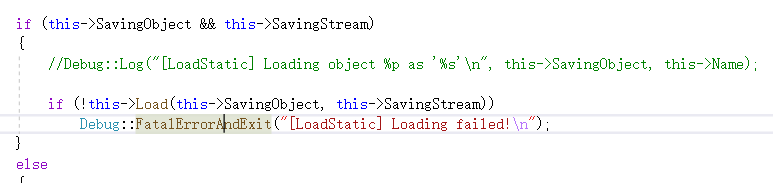
I have a question here, pType is a pointer to the old object, but the old object has been destructed. I think Stm.Load(pType->Flag) while read flag from IStream and write to a destructed object, even this address has been used by other object.
// PhobosTrajectoryType::LoadFromStream
	Stm.Process(pType->Flag, false);
I wanted to not post any more gifs, as visually the projectile behavior is the same as it was the last time i tested. However, when testing the second case, i noticed some issues.
This is with the same values as the second case (except ROF). One of the angles and the projectiles hit further behind the target, despite having Trajectory.Straight.PassThrough=no.
This is after i removed Ranged=yes. As you can see, the projectiles now fly infinitely, despite Trajectory.Straight.PassThrough=no.
This is after i added Trajectory.Straight.SnapThreshold=.75 (but with Trajectory.Straight.SnapOnTarget=no).
Once i added all these tags to the second case, there were no more issues (aside from the slight visual overshoot at max range as in the original first case).
Trajectory.DetonationDistance=.75
Trajectory.Straight.SnapOnTarget=yes
Trajectory.Straight.SnapThreshold=.75
Trajectory.Straight.PassThrough=no
Finally, right now the Trajectory.Straight.PassThrough=yes case from my previous post is unable to pass through its targets - instead of flying pass the target and detonating at Trajectory.DetonationDistance range, it detonates at the target instead. However, after removing both Ranged=yes and Proximity=yes, it works as it should (passes through its target until it reaches Trajectory.DetonationDistance), and it looks like it does so on all angles. Perhaps the old issue with it not flying through on some angles was also because of those tags.
One more thing, i got a crash when testing that Trajectory.Straight.PassThrough=yes case. Didn't get a crashdump as i suspected it might have been an error on my side, but seeing that it didn't crash again after rechecking the code i think that might have been the case. Still, mentioning it here in case it ever happens again (with an except.txt, but it's probably useless anyway). except.txt
Closing because the important parts have been ported over to develop already and the other parts require different approach anyways, something to revisit later maybe.