

 Phobos-developers
Burst projectile retargeting
- The firer will pick targets randomly.
- Works with missiles (no splits, airbusts, etc), cannons, lasers & spawners.
- A valid techno is required for trigger the logic.
OmniFire=yeswill make selectable any targets around the firer, limited by the weapon range.OmniFire=nowill force the firer to pick targets in an area composed by the firer's weapon range around the original target intersected with the firer's weapon range around the firer.RandomTarget.Spawners.MultipleTargets=truegives each spawner it's own target.- This logic should be used only in one weapon of the object.
[SOMEWEAPON] ; WeaponType RandomTarget=0.0 ; double or percentage RandomTarget.Spawners.MultipleTargets=false ; boolean
Summary by CodeRabbit
-
New Features
- Introduced
Burst.Retargetallowing projectiles to retarget after each burst. - Added new projectile behavior for randomly selecting targets within range.
- Customizable trajectory detonation and spawn distance adjustments for airstrike & spy plane.
- Enabled application of
VersesandPercentAtMaxfor negative damage.
- Introduced
-
Enhancements
- Improved targeting logic with the ability to refresh and update random targets for units.
- Enhanced AI logic to handle new targeting and mission behaviors.
-
Documentation
- Updated
New-or-Enhanced-Logics.mdwith examples and conditions for new projectile features. - Added summary of new features in
Whats-New.md.
- Updated
-
Refactor
- Centralized unit availability checks to
TechnoExtclass. - Removed redundant
IsUnitAvailablefunction fromScriptExtclass.
- Centralized unit availability checks to
-
Bug Fixes
- Fixed issues with random target selection and assignment for various unit types.

Appears to work fine (even tried it for Trajectory=Straight projectiles), except for a case where a jumpjet without a turret and with OmniFire=no retargeted its burst fire into a landed AircraftType that was on a straight line behind. Same thing happened multuple times.
The jumpjet also had a secondary weapon that it switches to after running out of ammo, and that one has OmniFire=yes but it doesn't retarget.

Appears to work fine (even tried it for Trajectory=Straight projectiles), except for a case where a jumpjet without a turret and with OmniFire=no retargeted its burst fire into a landed AircraftType that was on a straight line behind. Same thing happened multuple times.
The jumpjet also had a secondary weapon that it switches to after running out of ammo, and that one has OmniFire=yes but it doesn't retarget.
What kind of weapons were used in the jumpjet case? I specified they should be of the type missile (but I noticed that invisible bullets works too).
I know you said that it was designed for regular missiles, but it also appears to works fine for Trajectory=Straight (also tried with Arcing=yes, and it doesn't work there at all). I've encountered this problem by accident while testing Trajectory=Straight, but apparently it's not the projectile, because there's an issue with some jumpjets that they might attack an incorrect target, regardless of what weapon it has. Probably a combination of firing angle + the jumpjet trying to reposition itself + face the target is what caused such behavior, but i'm unable to reproduce it anymore.
I updated with the rewrite of the feature. Now isn't required a Burst > 1 to work and it supports lasers and spawners (I don't know if there are more supported cases).
Now the tag is called "RandomTarget" (docs updated and the first post has been updated) With the new tag RandomTarget.Spawners.MultipleTargets=true the firer gives each spawner it's own random target.
Nightly build for this pull request:
- compiled-dll-91baffa42f5389b24024ede664a76920b589866b.zip These artifacts will expire in 90 days and will not be available for download after that time.
This comment is automatic and is meant to allow guests to get latest nightly builds for this pull request without registering. It is updated on every successful build.
![github-actions[bot] avatar](https://avatars.githubusercontent.com/in/15368?v=4 "Published by a pub.dev verified publisher")
I found a potential issue with spawners on the Sept 22nd build, but can't test it if it still happens later because the newer build didn't build properly.
Walkthrough
The recent updates introduce a new targeting feature for projectiles, allowing them to randomly select targets within range. This includes the ability to retarget each projectile burst and enhancements to AI logic for target selection. The changes span across various classes, focusing on extending functionality for Techno, WeaponType, and Script classes, with a particular emphasis on random target handling and unit availability checks.
Changes
| File(s) | Summary |
|---|---|
CREDITS.md, docs/New-or-Enhanced-Logics.md, docs/Whats-New.md |
Added documentation for the new Burst.Retarget feature and other projectile targeting enhancements. |
YRpp |
Updated subproject commit reference. |
src/Ext/Techno/... |
Added functions and member variables for handling random target selection and updating in Techno classes. |
src/Ext/Techno/Hooks.cpp, src/Ext/Techno/Hooks.Firing.cpp |
Introduced new hooks and updated existing ones for random target management in various unit classes. |
src/Ext/WeaponType/... |
Added new fields to WeaponTypeExt class for random target functionality. |
src/Ext/Script/... |
Refactored unit availability checks from ScriptExt to TechnoExt class across multiple script-related files. |
Poem
In the code where logic weaves,
A rabbit hops with autumn leaves. 🍂
Targets shift with random grace,
In the AI's endless chase. 🎯
Thank you for using CodeRabbit. We offer it for free to the OSS community and would appreciate your support in helping us grow. If you find it useful, would you consider giving us a shout-out on your favorite social media?
Tips
Chat
There are 3 ways to chat with CodeRabbit:
Note: Auto-reply has been disabled for this repository by the repository owner. The CodeRabbit bot will not respond to your replies unless it is explicitly tagged.
- Files and specific lines of code (under the "Files changed" tab): Tag
@coderabbitaiin a new review comment at the desired location with your query. Examples:@coderabbitai generate unit testing code for this file.@coderabbitai modularize this function.
- PR comments: Tag
@coderabbitaiin a new PR comment to ask questions about the PR branch. For the best results, please provide a very specific query, as very limited context is provided in this mode. Examples:@coderabbitai generate interesting stats about this repository and render them as a table.@coderabbitai show all the console.log statements in this repository.@coderabbitai read src/utils.ts and generate unit testing code.@coderabbitai read the files in the src/scheduler package and generate a class diagram using mermaid and a README in the markdown format.
Note: Be mindful of the bot's finite context window. It's strongly recommended to break down tasks such as reading entire modules into smaller chunks. For a focused discussion, use review comments to chat about specific files and their changes, instead of using the PR comments.
CodeRabbit Commands (invoked as PR comments)
@coderabbitai pauseto pause the reviews on a PR.@coderabbitai resumeto resume the paused reviews.@coderabbitai reviewto trigger a review. This is useful when automatic reviews are disabled for the repository.@coderabbitai resolveresolve all the CodeRabbit review comments.@coderabbitai helpto get help.
Additionally, you can add @coderabbitai ignore anywhere in the PR description to prevent this PR from being reviewed.
CodeRabbit Configration File (.coderabbit.yaml)
- You can programmatically configure CodeRabbit by adding a
.coderabbit.yamlfile to the root of your repository. - Please see the configuration documentation for more information.
- If your editor has YAML language server enabled, you can add the path at the top of this file to enable auto-completion and validation:
# yaml-language-server: $schema=https://coderabbit.ai/integrations/schema.v2.json
Documentation and Community
- Visit our Documentation for detailed information on how to use CodeRabbit.
- Join our Discord Community to get help, request features, and share feedback.
- Follow us on X/Twitter for updates and announcements.
![coderabbitai[bot] avatar](https://avatars.githubusercontent.com/in/347564?v=4 "Published by a pub.dev verified publisher")
Something with weapon firing restrictions is terribly wrong, because GI-like infantry is be able to fire while their deploy sequence is playing. This is not the appropriate behavior, nor does it happen in the dev build or without Phobos - they should wait with firing their weapon until their deploy sequence finishes playing.
Retargetting doesn't work properly for Aircraft Carrier type spawners. Spawned aircrafts can get bugged, and, instead of following the proper target, they will try to fly outside of the map.
This is with RandomTarget=100% and RandomTarget.Spawners.MultipleTargets=yes.
Something with weapon firing restrictions is terribly wrong, because GI-like infantry is be able to fire while their deploy sequence is playing. This is not the appropriate behavior, nor does it happen in the dev build or without Phobos - they should wait with firing their weapon until their deploy sequence finishes playing.
Then I need to add additional checks in that case.
Retargetting doesn't work properly for Aircraft Carrier type spawners. Spawned aircrafts can get bugged, and, instead of following the proper target, they will try to fly outside of the map.
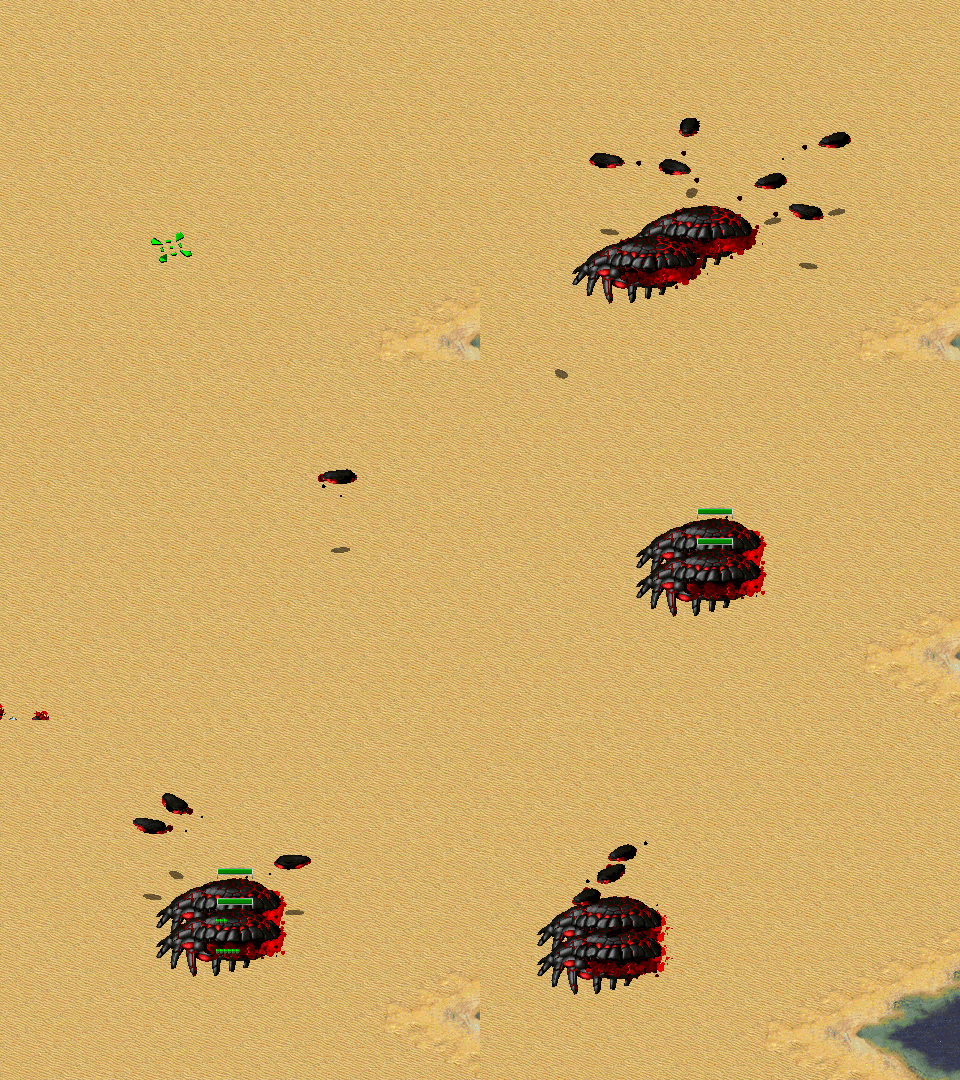
How is that Carrier weapon? The original Allied Carrier works fine with this:
[HornetLauncher]
Damage=1
ROF=150
Range=25
Spawner=yes
Projectile=Invisible
Speed=10
Warhead=Super
OmniFire=yes
RandomTarget=1.0 ; double or percentage
RandomTarget.Spawners.MultipleTargets=true ; boolean
It has nothing to do with the weapon.
The retargeting apparently ignores whether an object is actually targetable by the spawner weapon, which means it will still consider cloaked (and invisible) objects, objects with Immune=yes, and objects with 0% verses armor as legal targets. Thus, this behavior, with spawned aircraft flying away because it is unable to attack the thing it was ordered to target.
Don't know if this happens to non-spawner weapons.
Yes, currently the method for picking the target doesn't ask for the spawned weapons capabilities so I'll address the deploy & this issue in the weekend for covering these examples you mentioned.
The retargeting apparently ignores whether an object is actually targetable by the spawner weapon, which means it will still consider cloaked (and invisible) objects, objects with Immune=yes, and objects with 0% verses armor as legal targets. Thus, this behavior, with spawned aircraft flying away because it is unable to attack the thing it was ordered to target.
I don't know if this was supposed to be fixed or not, but i got to test it in the newest build available, and the issue persists. Cloaked units still cause spawners to fly away.
Sorry, I think I forgot about that case x'D
When I arrive home I would like to update the code.
No need to hurry.
On a side note:
Something with weapon firing restrictions is terribly wrong, because GI-like infantry is be able to fire while their deploy sequence is playing. This is not the appropriate behavior, nor does it happen in the dev build or without Phobos - they should wait with firing their weapon until their deploy sequence finishes playing.
There's something else going with this, it seems. I don't know how did i manage to make it not happen without Phobos before, but i retested it now and it does happen, and i didn't really change anything for the unit in question (at least i don't think i did). It appears to happen randomly, and the more infantry units are in a group, the more noticeable it becomes.
Either way, no need to fix anything with this one, I'll probably report that as a separate issue.