

 PhilippC
Nextcloud (and webdav sync) not working with non-ascii characters in password
I'm not 100% sure it's your fault—it could be something broken on my Nextcloud installation—but since I didn't have any problems before upgrading to the beta version on Google Play, it feels like it's caused by the app.
I can not add a Nextcloud (or Nextcloud-hosted https/webdav) account to sync a database file. I'm just presented with the following error every time:
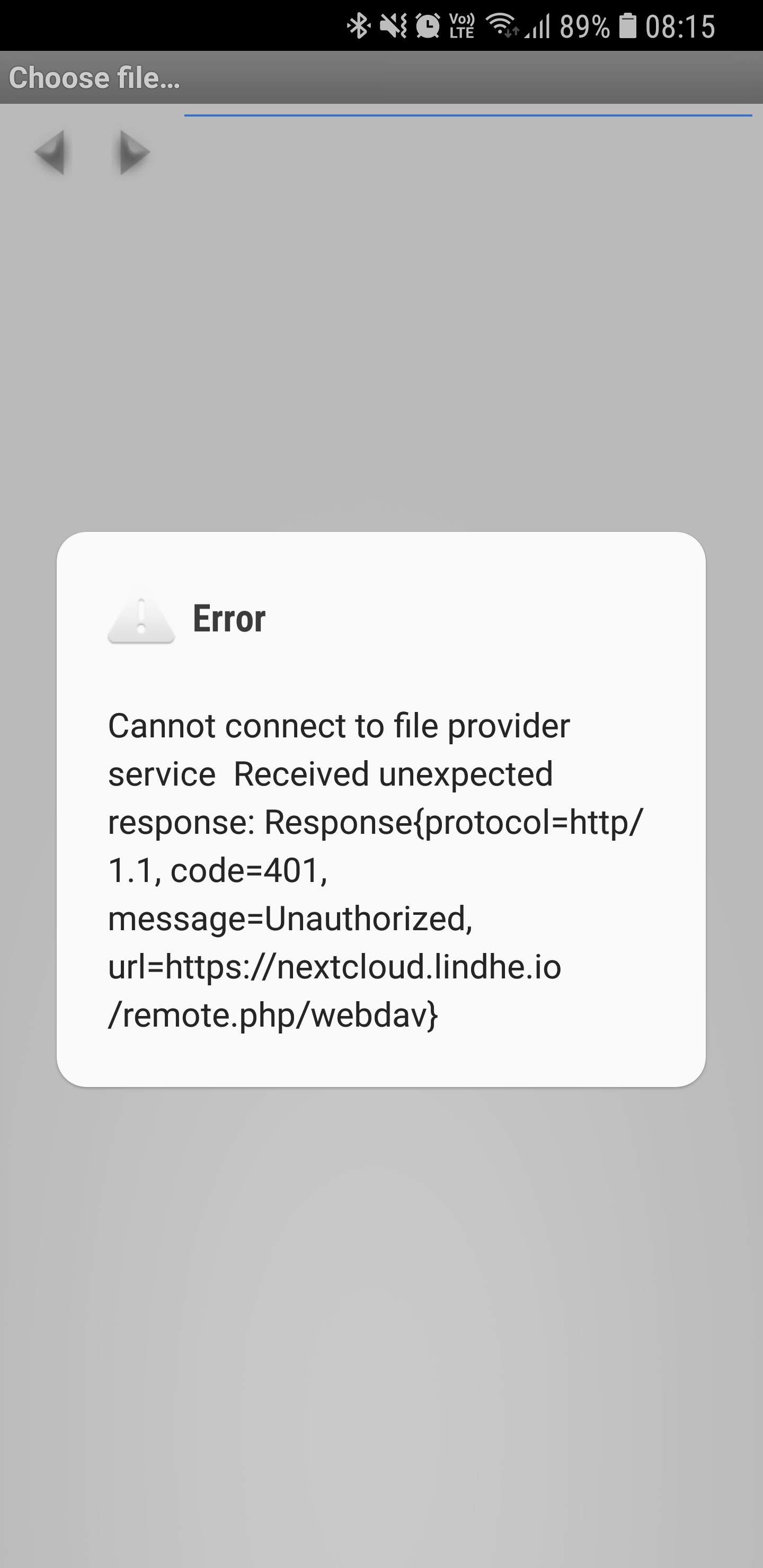
I'll add logs shortly. But today I'm too tired to trust myself to properly vet the log from plaintext passwords.
EDIT: Adding the text so that it can be indexed better in search engines.
Error Cannot connect to file provider service Received unexpected response: Response{protocol=http/1.1, code=401, message=Unauthorized, url=https://nextcloud.lindhe.io/remote.php/webdav}


Webdav works for me. After several testing I found out that I have to use the full username (complete email address) for the login, instead of the short one (without @domain.tld). I don't know if this was the exact same error message, but it was a similar type.

I tried to produce some logs today, but I literally couldn't. Nothing happens when I press the "Send debug log..." button. Is that the case for you guys?
I tried reinstalling the app and restart the phone, but with no avail. If anyone else is having this problem with the logs, we'll probably need to hunt that one down first.
#286 is definitely the same issue. Sorry for missing it when opening this ticket. I'll leave this alive, just to make it easier to find when searching.
I encountered the same issue today. The problem was that I had a german umlaut in my password. I removed the affected character and everything worked out well. Hope this helps someone.

Interesting. Yeah, the same for me. When going only with ASCII characters, it works. Might there be a missing encoding to URL format? It seems like the password is passed in a variable called httpPath, that's why the thought struck me...
https://github.com/PhilippC/keepass2android/blob/ef8b9b06854e1fc68a4510b7f130e9d835c371ef/src/keepass2android/FileSelectHelper.cs#L273-L275

I can confirm @serioustk, thanks btw
In my case the problem was also related to non ascii / unicode chars in the password. I was able to bypass the problem by using an "app-password" generated via nextcloud user menu Settings / Security / Devices&Session / Generate new app password .
These passwords don't contain any unicode chars and you don't have to change the main password for your account.
Had the exact same problem with the desktop version of keepass. Are there any libraries which are used by both android and pc?
Today it happened to me as well, getting a 401 as long as I have a German umlaut (non-ASCII) in my password. If I remove it, everything is just fine.. I'm not very deep into the topic, but the cause seems to be an encoding mismatch between nextcloud server and your client, see https://github.com/owncloud/core/issues/7894 for explanation. So could you please try a UTF8 encoding in the client?

I was able to bypass the problem by using an "app-password" generated via nextcloud user menu
Settings / Security / Devices&Session / Generate new app password. These passwords don't contain any unicode chars and you don't have to change the main password for your account.
@firesoft-de Thanks for this nice workaround, by the way!
I just tested this with an account on https://webdav.smartdrive.web.de and did not have any problems with password encoding. Is this maybe related to https://github.com/nextcloud/server/issues/1731?

Please reopen, the issue still exists.
I changed my password it includes umlauts and I couldn't sign in with Keepass2Android.
No Problem with the WebUI, the Clients on Mac, Windows and Android. Sign in to the WebDAV direct by the URL and BasicAuth works find. I downloaded WebDAV Navigator Lite to try it with a WebDAV client also no problem.
Is there a URI encoding for the password for the request?
@firesoft-de good to know, I have done it this way now. Thanks!

Here an Account: https://next.fetzen.rocks
User: philippC Password: las13iKä9#9w
thanks a lot for sharing the credentials. Sorry that I didn't find time to look into this earlier. I just tried to connect (using Cyberduck) but received 405 Method not allowed. How do you test?
I just had keepassxc generate RzD#8MK=X+%"xiA9 for my Nextcloud (YunoHost SSO) password, but that fails with h2 401, and dialing it back to just ascii worked.

I just had keepassxc generate RzD#8MK=X+%"xiA9 for my Nextcloud (YunoHost SSO) password, but that fails with h2 401, and dialing it down to no symbols worked.
Just had same issue (code 401 Unauthorized) corrected after I set a new password only with ASCII characters on my NextCloud account (at zaclys.com). Keepass2Android Version 1.08d-r5 (have Android 8.0.0 — Samsung) Thanks for this very good software (otherwise!)

I use Keepass2Android version 1.09a-r3 on Android 10 and had the same issue. @firesoft-de 's workaround with the app password worked fine.

Using v1.09d-r0 we have the same problem with Nextcloud v24.0.5 and a password containing umlauts. Changing the password did however solve the issue.

Facing the same issue. However, it seems it is related to OTP. I had to deactivate it to make it work again. Non-ASCII caracters do not seem to be a problem. Version: 1.09c-r0

I was able to bypass the problem by using an "app-password" generated via nextcloud user menu
Settings / Security / Devices&Session / Generate new app password. These passwords don't contain any unicode chars and you don't have to change the main password for your account.
@firesoft-de: Thank you, that solved the problem for me!
The only weird thing is: the problem just appeared recently for me, although I have been using Keepass2Android with Nextcloud for 1 1/2 years now with the same password.

When we created a Keepass db for one of my sons today and were trying to open it from our Synology NAS via WebDAV, we also encountered this problem. He has german umlauts in his password.
