

 PhilipK
Optimize for Big Picture option not applying (Windows)
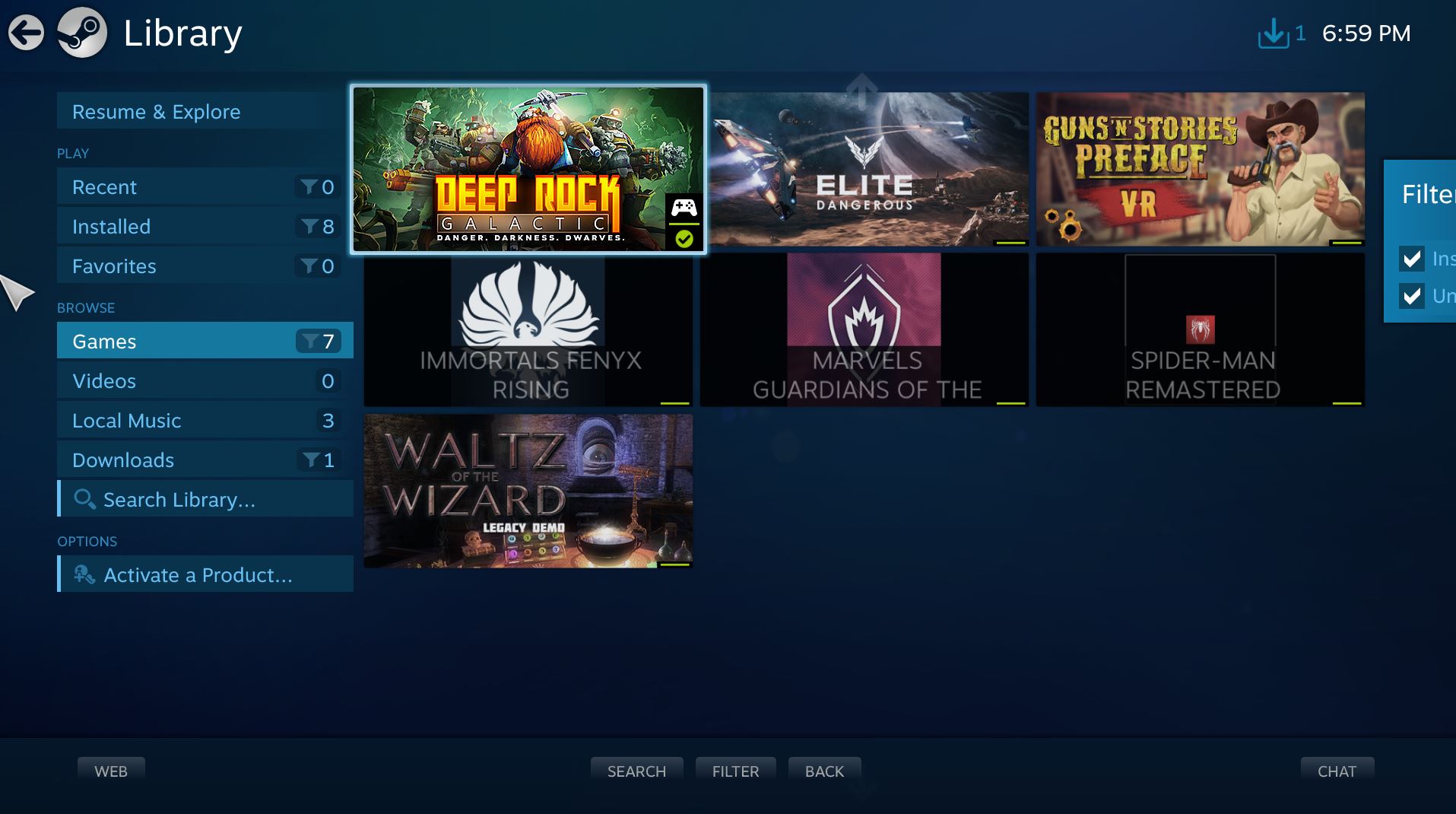
I added a non-Steam game through Steam manually and had BoilR pull in the art work for the game. It pulled in the correct art, but it did not apply the Optimize for Big Picture icon correctly. The problem might only apply to games that are already added to Steam? Just started using BoilR and have yet to import launcher games from it.


I'm having the same issue on windows. it just keeps the standard icon instead of putting the image I chose. everything else works great.

Can someone try this version? https://github.com/PhilipK/BoilR/releases/tag/v.1.6.2
It fixes another problem with shortcut icons, but I think it will fix this as well.
the import button is missing in version 1.6.2. ill try the app id fix.
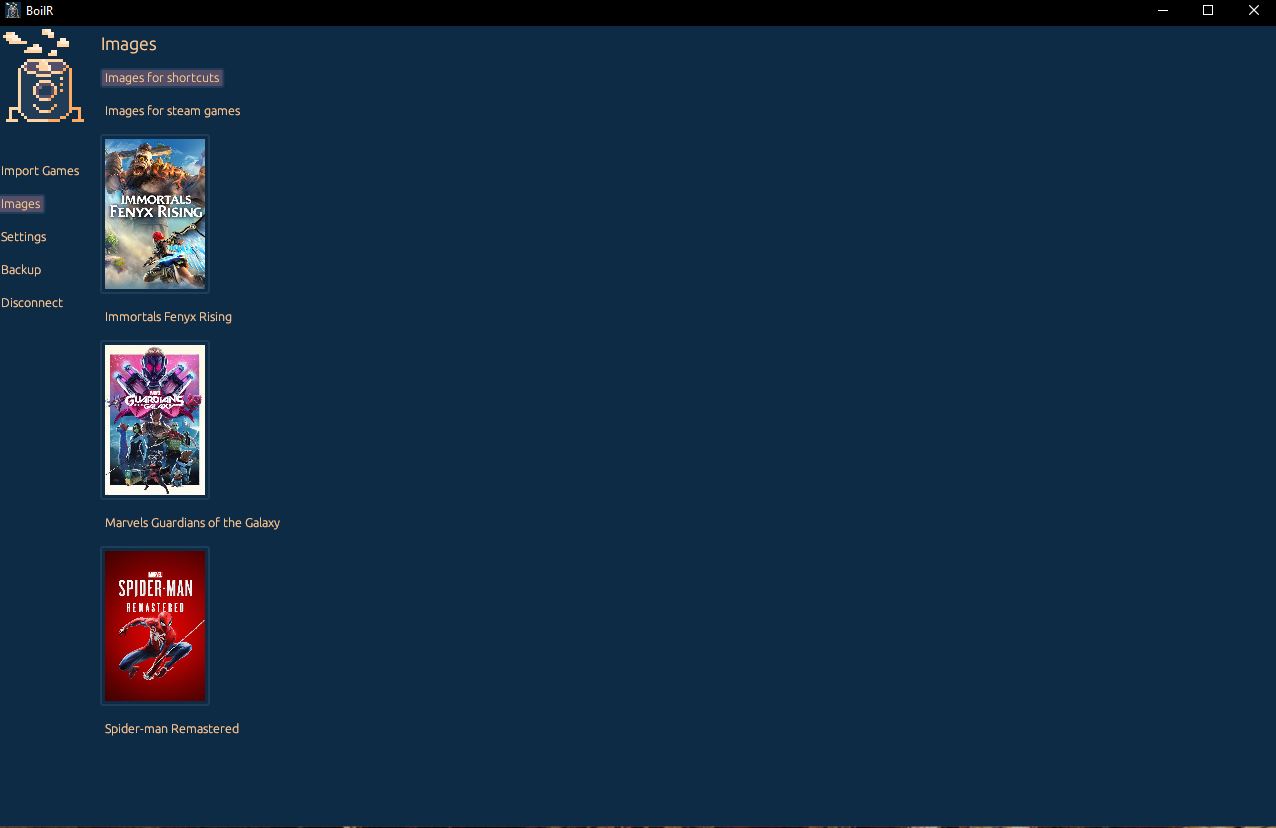
You are in the images menu, there is nothing to import there. Is the button also missing in the import games menu?
On Fri, Oct 7, 2022, 01:45 Kingabomination @.***> wrote:
the import button is missing in version 1.6.2. ill try the app id fix. [image: Boilr] https://user-images.githubusercontent.com/115125879/194437674-773de6da-e775-4050-8165-7f987fc801ac.JPG
— Reply to this email directly, view it on GitHub https://github.com/PhilipK/BoilR/issues/199#issuecomment-1270847740, or unsubscribe https://github.com/notifications/unsubscribe-auth/AAEE7DD4CV66T5AG3IW6YQDWB5P75ANCNFSM55VHTMOQ . You are receiving this because you commented.Message ID: @.***>
it is in the import games menu but me and the original poster aren't importing games from other launchers. we are adding our .exe's manually to steam and using BoilR to add the artwork. the import button does show up in the images section on the latest release.
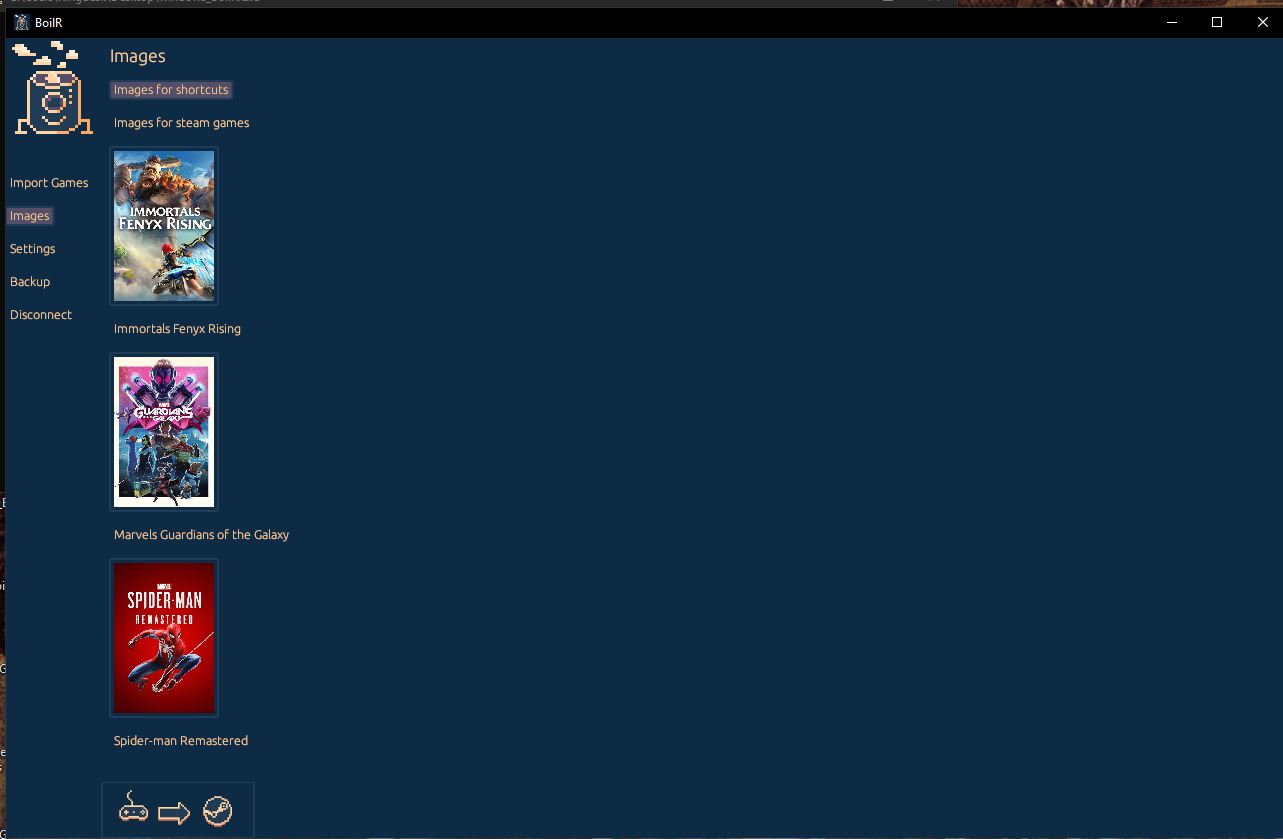
Oh that might be a clue to what is going on. Also, maybe a "download images" button would also be good.
On Sat, Oct 8, 2022, 04:05 Kingabomination @.***> wrote:
it is in the import games menu but me and the original poster aren't importing games from other launchers. we are adding our .exe's manually to steam and using BoilR to add the artwork. there isn't anything to import as far as games go.
— Reply to this email directly, view it on GitHub https://github.com/PhilipK/BoilR/issues/199#issuecomment-1272196320, or unsubscribe https://github.com/notifications/unsubscribe-auth/AAEE7DH2YZLRBJW6SLSNZHDWCDJE3ANCNFSM55VHTMOQ . You are receiving this because you commented.Message ID: @.***>
Does this only happen for non boilr imported games? Or is it for all games?
On Thu, Oct 6, 2022, 04:03 Kingabomination @.***> wrote:
I'm having the same issue on windows. it just keeps the standard icon instead of putting the image I chose. everything else works great. [image: steam-Boilr] https://user-images.githubusercontent.com/115125879/194197732-e8168bf2-a74c-4dfd-88f5-180c18f85c96.JPG
— Reply to this email directly, view it on GitHub https://github.com/PhilipK/BoilR/issues/199#issuecomment-1269209822, or unsubscribe https://github.com/notifications/unsubscribe-auth/AAEE7DEECL6VIQGAFBA23SLWBYXPNANCNFSM55VHTMOQ . You are receiving this because you commented.Message ID: @.***>
its for all games. I just imported GOG copies of factorio and secrets of monkey island with the latest release of boilr.
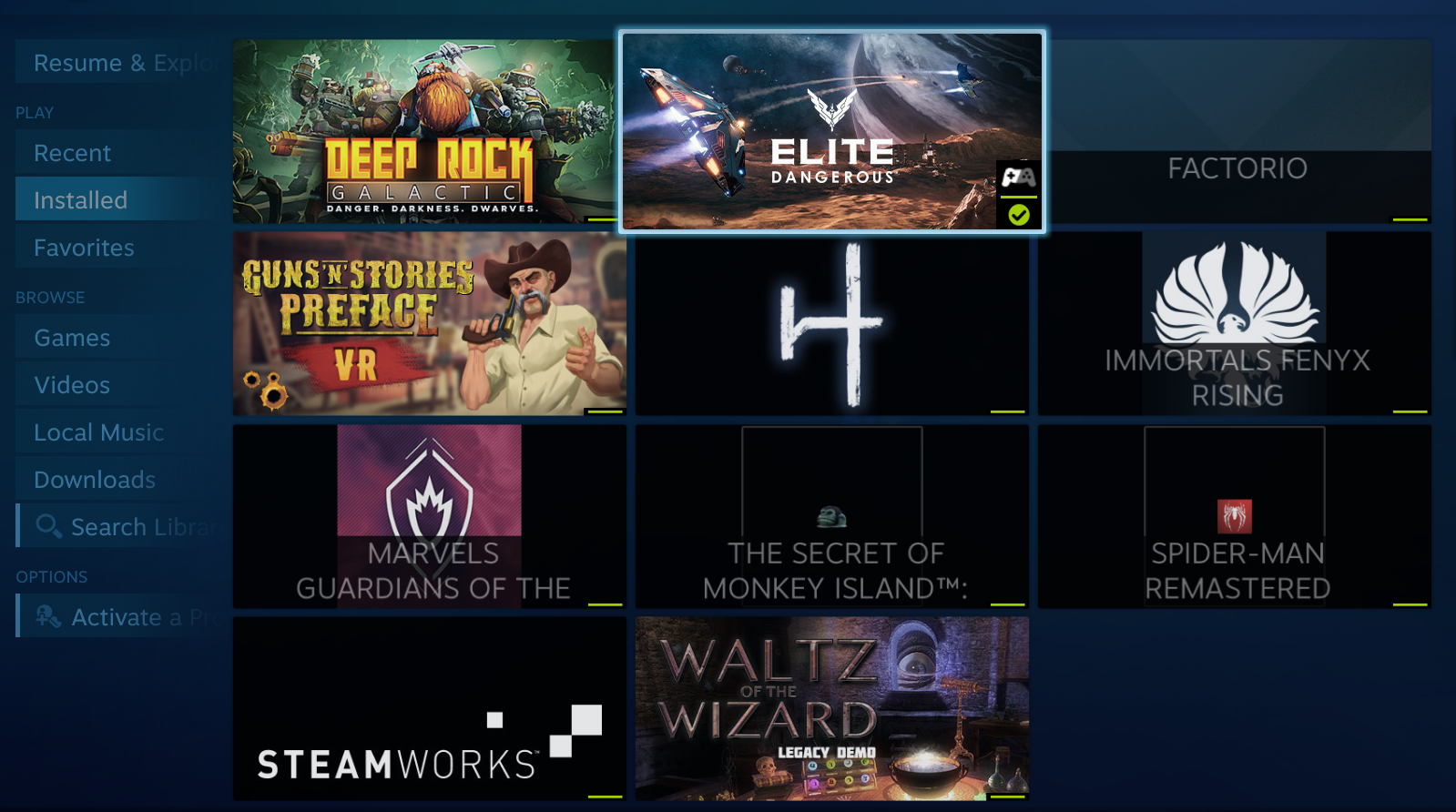

Have you tried running an import, even if you just have 0 shortcut imports enabled it should try to fix up shortcuts icon field.
On Sat, Nov 5, 2022, 19:18 Elkin Torres @.***> wrote:
This issue is still happening on version v1.7.6. Any way to fix it?
— Reply to this email directly, view it on GitHub https://github.com/PhilipK/BoilR/issues/199#issuecomment-1304604890, or unsubscribe https://github.com/notifications/unsubscribe-auth/AAEE7DETOXCSUMQCY5GG74TWG2QH5ANCNFSM55VHTMOQ . You are receiving this because you commented.Message ID: @.***>
Yes, in fact I'm just trying this on windows for the first time, since I primarily use playnite. I discovered this app to be used for my steam deck, but I figured to also use it on my main gaming PC.
honestly Philip, this issue isn't really worth fixing since valve is replacing the old big picture mode with the new steam deck UI. Elkinjosetm you can opt into the new steam beta and get access to the new UI right now. this video will show you how to do it. https://www.youtube.com/watch?v=mMj8CNGKtFc
Yeah, I must admit that I also knew that was around the corner, so this has not been my nr. 1 priority.
You are right, this is more like a "nice to have" for now, but I agree with you, I think Big Picture could be replaced with the steam deck UI, mainly because it'll unify the experience for steam users with gamepad.