

 PavlikPolivka
Cannot Create Merge Request: Can't find GitLab remote

Hi, yes subfolders could be a problem :D What is a address for your remote? (git remote -v)

For example https://domain1/gitlab/group/project.git git@domain2:group/project.git
I experience the same issue now, but in different situation. I was able to create merge request without any problem. This was my working configuration:
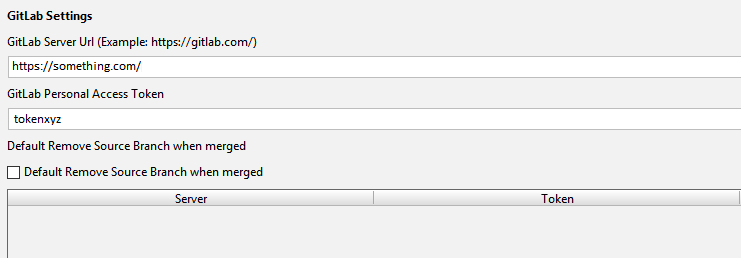
Then i was testing another gitlab server, so I added another token there. So I had two. When I stopped testing second gitlab, I removed the second API token. And the originally working repository is now not working as it generates error:

Funny thing is, that I have only one API token in configuration, and IntelliJ IDEA always asks me what token I want to use when I want to create merge request, like this:
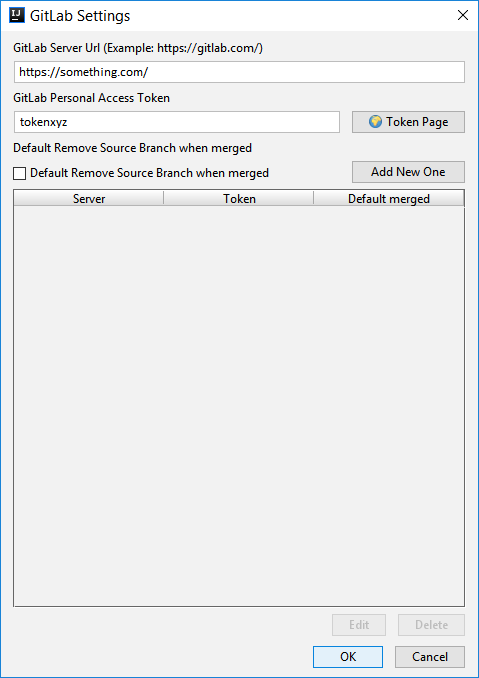
If I "Add New One" it has the same result. Also reinstalling plugin doesn't help at all. Plugin has the same behavior after reinstallation.


