

 PathOfBuildingCommunity
Error on PoB Launch
When i launch Path Of Building, it says an error (c.f screenshot) and i cant save any build


Some more system details would be nice. e.g. os, cpu, gpu. This is likely due to some kind of file permission of where the builds are saved.
		if fileHnd then
			local fileText = fileHnd:read("*a")
			fileHnd:close()
			fileText = fileText:match("(<Build.->)")
			if fileText then
				local xml = common.xml.ParseXML(fileText.."</Build>")
				if xml and xml[1] then
					build.level = tonumber(xml[1].attrib.level)
					build.className = xml[1].attrib.className
					build.ascendClassName = xml[1].attrib.ascendClassName
				end
			end
		end
In case it not related people have luck reinstall PoB and or graphics drivers to fix various crashes / problems.

 hi, im on windows 10 (22H2), i got an AMD Ryzen 5 2400G 3.60 GHz and NVIDIA GeForce GTX 1660 Ti.
ce screen i sent to you is what i got when i run PoB
hi, im on windows 10 (22H2), i got an AMD Ryzen 5 2400G 3.60 GHz and NVIDIA GeForce GTX 1660 Ti.
ce screen i sent to you is what i got when i run PoB
Don't worry about those warnings, they aren't relevant to your problem. Have you tried re-installing PoB? Have you tried re-installing graphics drivers?

So you turn on PoB it this screen closes.
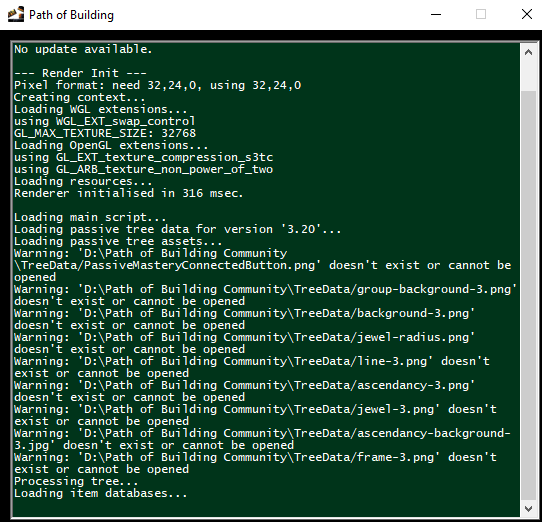 Then it crashes as in the above screenshot?

I suspect this might be antivirus or weird file setup.
What is the path of your save files and install location. What files do you have saved in the saves directory if possible provide samples. This code should be fairly robust fileHnd:read("*a") shouldn't really fail it will just return an empty string. So it is interesting to see it break here it is probably only failing due to an invalid non nil file handle.
Someone in the discord suggested this is caused by having your save files in one drive. Try https://github.com/QuickStick123/PathOfBuilding/archive/refs/heads/check-filetext-is-not-nil-as-well.zip from https://github.com/PathOfBuildingCommunity/PathOfBuilding/pull/5390 and see if it still crashes please.
its not crashing, i can run the app properly, i just cant save build and create an other. Anyway, i tried to fix it with your help, but still cant save builds and still have the first error screen. Thanks anyway !
@ZSFALCON Hi @zao on discord suggested this fix to a user that has seemed to resolve the problem.
For this individual we found a workaround in disabling "Save space and download files as you use them" as per https://support.microsoft.com/en-us/office/save-disk-space-with-onedrive-files-on-demand-for-windows-0e6860d3-d9f3-4971-b321-7092438fb38e, section "How to turn on Files on Demand" (but unchecking the box):
