

 PartialVolume
USB boot stick stuck at 100%
shredos image boots to 100% on screen. The screen remains at 100% and never boots. Its stuck at 100%. Waited approximately 2 hours with no screen changes
hardware:
- USB img image on scandisk 16 gb and 64 gb stick (Linux created)
- HP DL80 gen 9 server (dual Intel E5-2640 V3 processors, 16 GB RAM, (2) H420 bus smart adapters, (12) 3.5" SAS bays/drives)
I can confirm shredOS works on the HP DL380e and DL380p gen8 servers without issue. Not sure why its doing this on the HP DL80 gen9. If you need any more information about the system please let me know. Thanks

After it gets to 100%, can you check whether alt f2 and alt f3 each bring up a virtual terminal and if so is there any text in the alt f3 terminal?
What display hardware if any is on the failing server, or are you logging into ShredOS via the network?
If you are not logging in via the network, can you enable ShredOS for telnet access and then log in to that server from the network as per the instructions on the ShredOS readme. If network access is successful it would suggest we have some frame buffer/display hardware issue.

Did they change the HP RAID controller when they went from gen 8 to 9? The H420 might not be supported in ShredOS because of a missing driver?

Thanks for the help. I need to provide a little more background on the current setup and hardware The server is isolated and not connected to any network. An old usb keyboard is being used as the control. All the SAS drives are connected through the H420 bus controllers and not the on board RAID controller. The display hardware is VGA analog to a HP w19b monitor @ 1024 x 768 60Khz V75hz. I am booting from a scandisk 16gb usb stick drive.
The current intent for the server is to be a SAS drive wiper until I get the server setup for other applications.
Using the Alt F2 or Alt f3 did not result in anything different happening. I have not tried logging in via my network but I will try it this weekend.
Would an unsupported bus controller prevent a full boot of ShredOS?
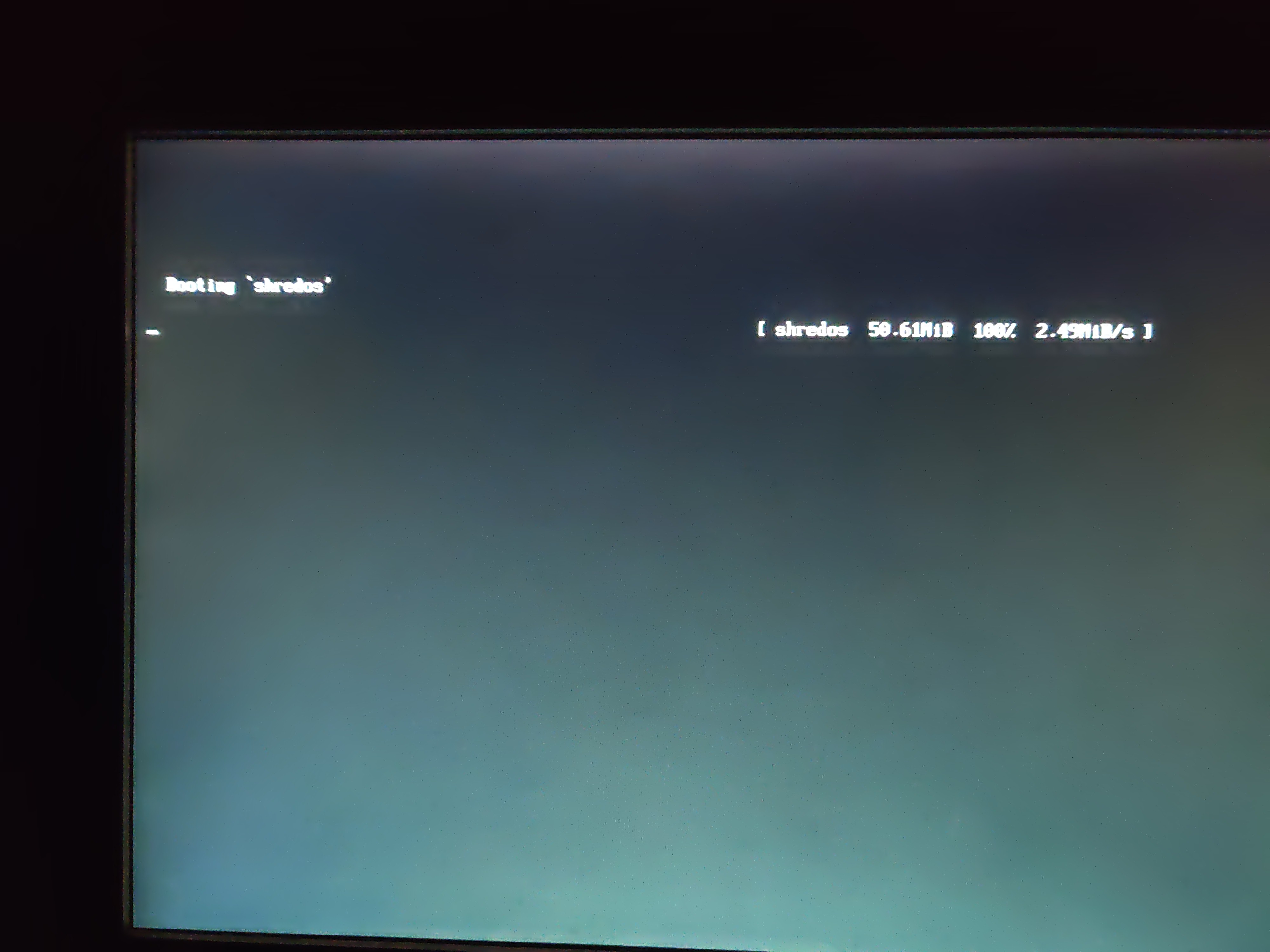
Would an unsupported bus controller prevent a full boot of ShredOS?
I don't think so, you would at least see the text shown below before the kernel is even uncompressed and it looks like you are not seeing this text? Does it momentarily appear then disappear?
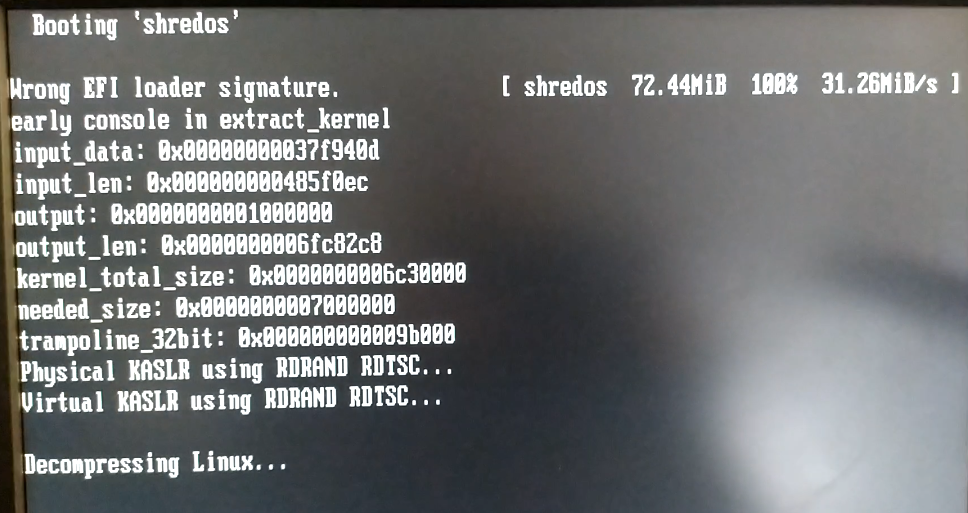
The symptoms you are seeing are identical to the situation where you try to boot on 32 bit hardware with 64bit ShredOS. The grub loading 'progress' works because that's 32bit code but after that it's all 64 bit code on the 64 bit ShredOS.
The graphics switching is done after the kernel is already booted so it's nothing to do with resolution switching.
This is failing very early in the boot sequence before the kernel is uncompressed and running.
At least that's what it looks like at the moment going by the screenshot however it could still be a graphics issue, so I'd keep an open mind.
I would probably start with some basic troubleshooting like ruling out faulty hardware on the server.
I'd download memtest and write it onto a USB stick and run at least one pass with zero errors.
Burn ShredOS on to a different USB stick, just in case the USB stick is corrupting ShredOS.
Correct me if I'm wrong but doesn't this server have a discrete graphics card rather than integrated? Maybe try a different card if that's the case. I believe the other two servers you mentioned have integrated graphics hardware.
Assuming the server has a disk activity light you could edit grub cfg and add autonuke and nousb, you should see disk activity as all discs will be immediately wiped. That's assuming it's a graphics issue and ShredOS is actually booting despite what the screen looks like.
Also try enabling telnet, you will need a DHCP server or router with DHCP enabled as ShredOS is only configured for dynamic IP.
I've run this on a dual processor Xeon before so hopefully we should be able to find what the problem is.
One other thing I just noticed is your kernel image size. My example above shows 72.44MB at 100% while yours shows 50.61MiB at 100%. What version of ShredOS are you running? Although the discrepancy may be because I'm running a development version, I'm not on site at the moment so can't check what version I was using.
I had time this weekend to troubleshoot and try different methods to get ShredOS to work.
Let me answer some of the questions about the hardware, what the software was doing and describe my troubleshooting.
When ShredOS (shredos-2021.08.2_21_x86-64_0.32.023_20220123) would boot the screen would load as in the photo image and nothing else would happen. I observed it boot several times and I saw no indication of any other text after the boot hit 100%.
I wrote the img image(s) to four different USB sticks all sandisk and all had the same result at 100% with versions (shredos-2021.08.2_21_x86-64_0.32.023_20220123) and (shredos-2021.08.2_20_x86-64_0.32.014_20211129) . I used Linux (disk image writer and dd) and windows 10 (rufus).
The video card was integrated on the motherboard for the HP proliant DL80 gen 9. I do not have another video card setup in the server.
After reading your post regarding the kernel size I re-downloaded shredos-2021.08.2_21_x86-64_0.32.023_20220123. The image is 60.6 MB after download and only ~60 MB on the partition on the USB. What happened to the other 10 MB since it says 100% at 50.6 MiBs?
Memtest passed with no issues and I was able to boot from a usb stick lubuntu and Ubuntu.
In legacy BIO mode on the server version shredos-2021.08.2_21_x86-64_0.32.023_20220123 did exactly the symptom you described where you try to boot on 32 bit hardware with 64 bit ShredOS.I saw the same screen shot you listed and it froze up. Its weird I know because its 64 bit hardware.
I started back tracking versions and ShredOS began working in version shredos-2020.05.017_x86-64_0.32.003_20211111. The only issue I encountered was Shredos-2020.05.017_x86-64_0.32.003_20211111 did not recognize my second BUS (H420) adapter card for the remaining 4 SAS drives. What do you think could be different and causing these issues from version shredos-2020.05.017_x86-64_0.32.003_20211111 to shredos-2021.08.2_20_x86-64_0.32.014_20211129?
I did not have time to change the grub but I will try that next to rule the graphic issue out 100%. I also will go into the intelligent provisioning and make sure the bio firmware is up to date. Its the 2019 version but their could be a newer version.
Let me know if I can identify anything else that would help. Thanks again
updated firmware tonight and no change in the result when booting shredos-2021.08.2_21_x86-64_0.32.023_20220123.
Hi everyone,
I had exactly the same problem on an HP DL160 G9
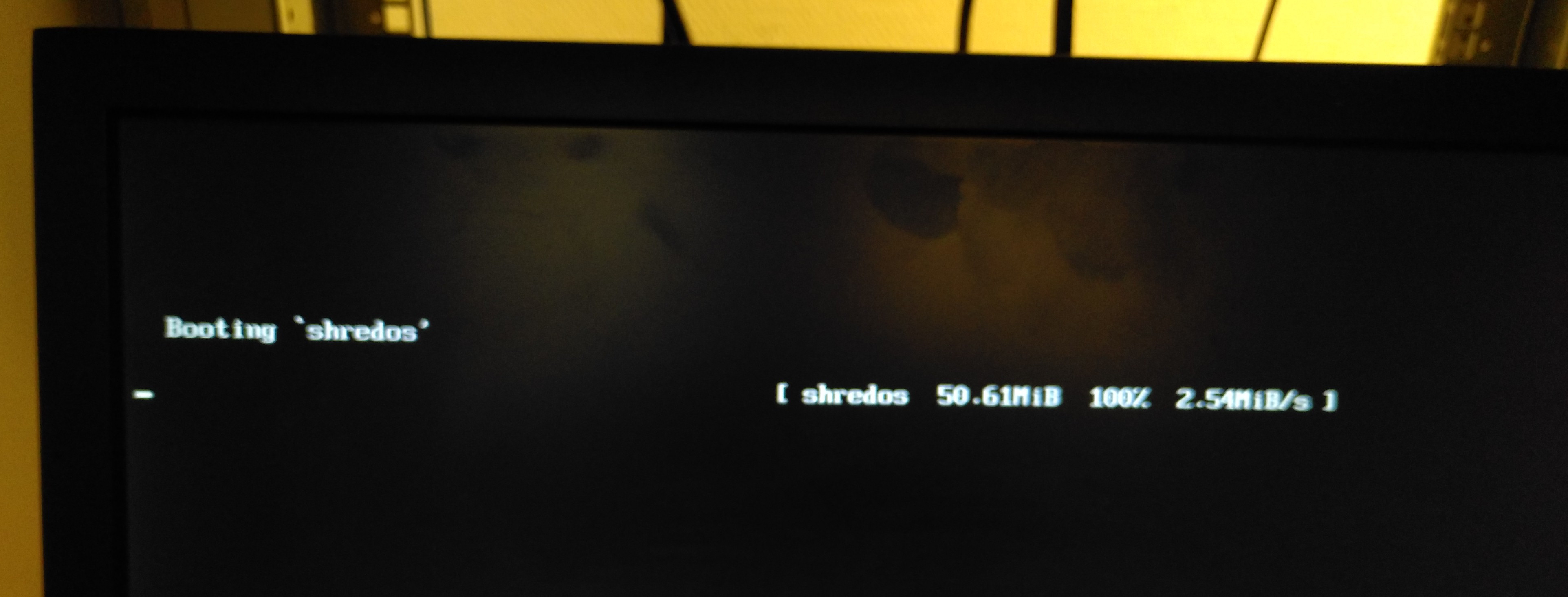
Sadly I don't have access to the machine any more so can't give you any more details - in the end I had to use the built in RAID Controller zeroing function, which took about 12h for 2x146gb drives :(
It's also weird that it takes a long time to boot, even on USB2, it should be fairly quick to load 50-60MB!

Looking at the specs of the DL80 Gen9 it uses a Matrox G200 GPU. I'll check that we have a driver loaded for that. Has anybody still got one of these systems available for testing?
I have a DL380p G8, which also has a Matrox G200, is that good enough? I will test it and let you know what happens.
I pulled the DL80 from my rack but I can set it back up for testing and let you know too.
Do you want to test the latest version or do you need to do an update? it will be this weekend before I can rack the server and do testing.
Let me upload a new pre-release, this has matrix FBdirect drivers but also some X2APIC support for some servers that require that. Will be sometime in the next 12hrs as I want to sort out some UTF-8 issue related to tmux at the same time so I can run multiple nwipes simultaneously in one terminal.
If you you able to try the latest pre-release version thanks.
Closing, please reopen if this is still an issue when using the latest pre-release version