

 Parik27
Warning: Multiple Meshes with same Atomic index. Export will be invalid
Hi, while using the addon I am having an issue that sometimes happens when importing a model from Spongebob Battle For Bikini Bottom and The Spongebob Squarepants Movie Game.
what's odd is that some models from the game work, while others don't, what can I do to avoid this?

Unfortunately it isn't possible to avoid this. The add-on doesn't support these kinds of models yet. At the moment, you can only export single mesh objects for BFBB properly.

@EthanBoiLol Added support for this case for your game. Raw and poorly tested. https://github.com/Psycrow101/DragonFF/tree/multi-mesh
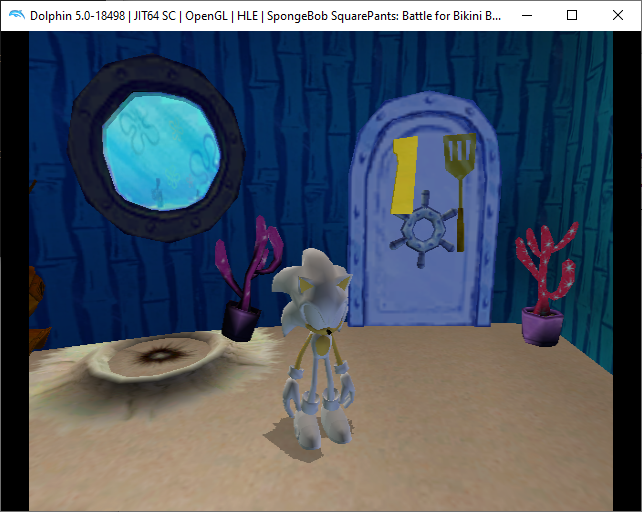

@EthanBoiLol Added support for this case for your game. Raw and poorly tested. https://github.com/Psycrow101/DragonFF/tree/multi-mesh
I don't understand a bit, in which cases it is better to use this script branch? When there is a lot of geometry in the scene?

DragonFF is currently trying to merge meshes into one if Atomics have the same Frame index.
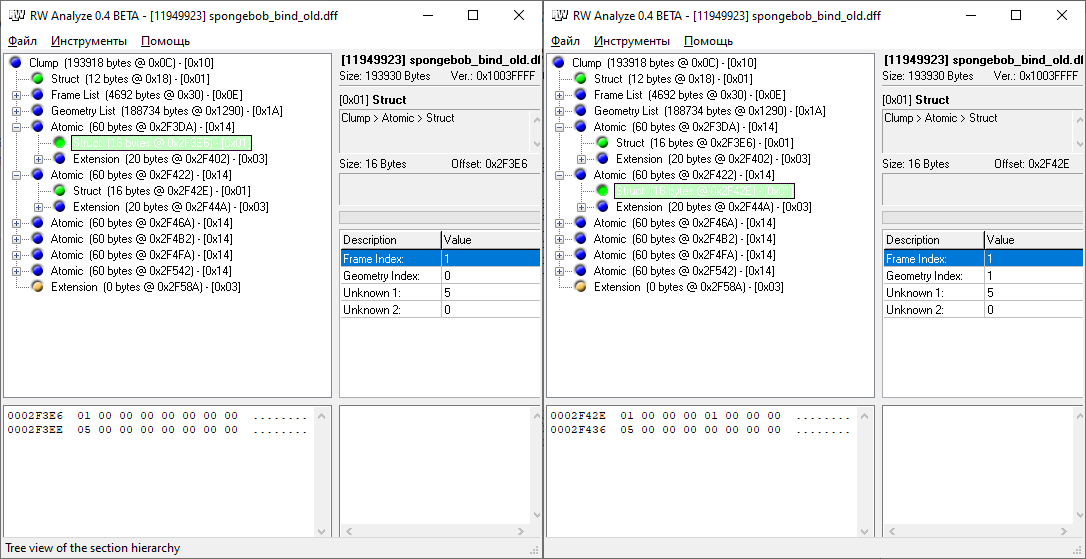
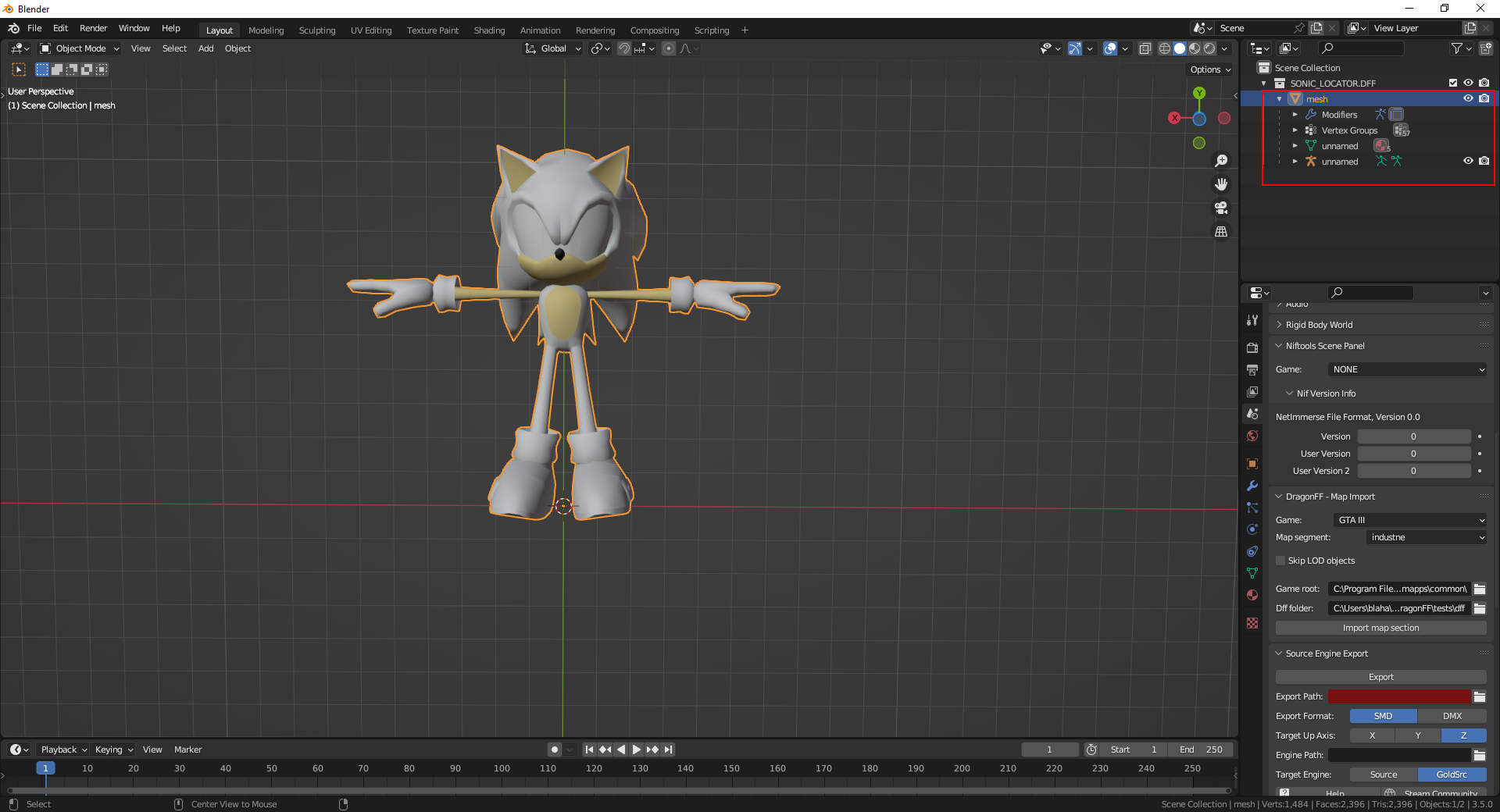
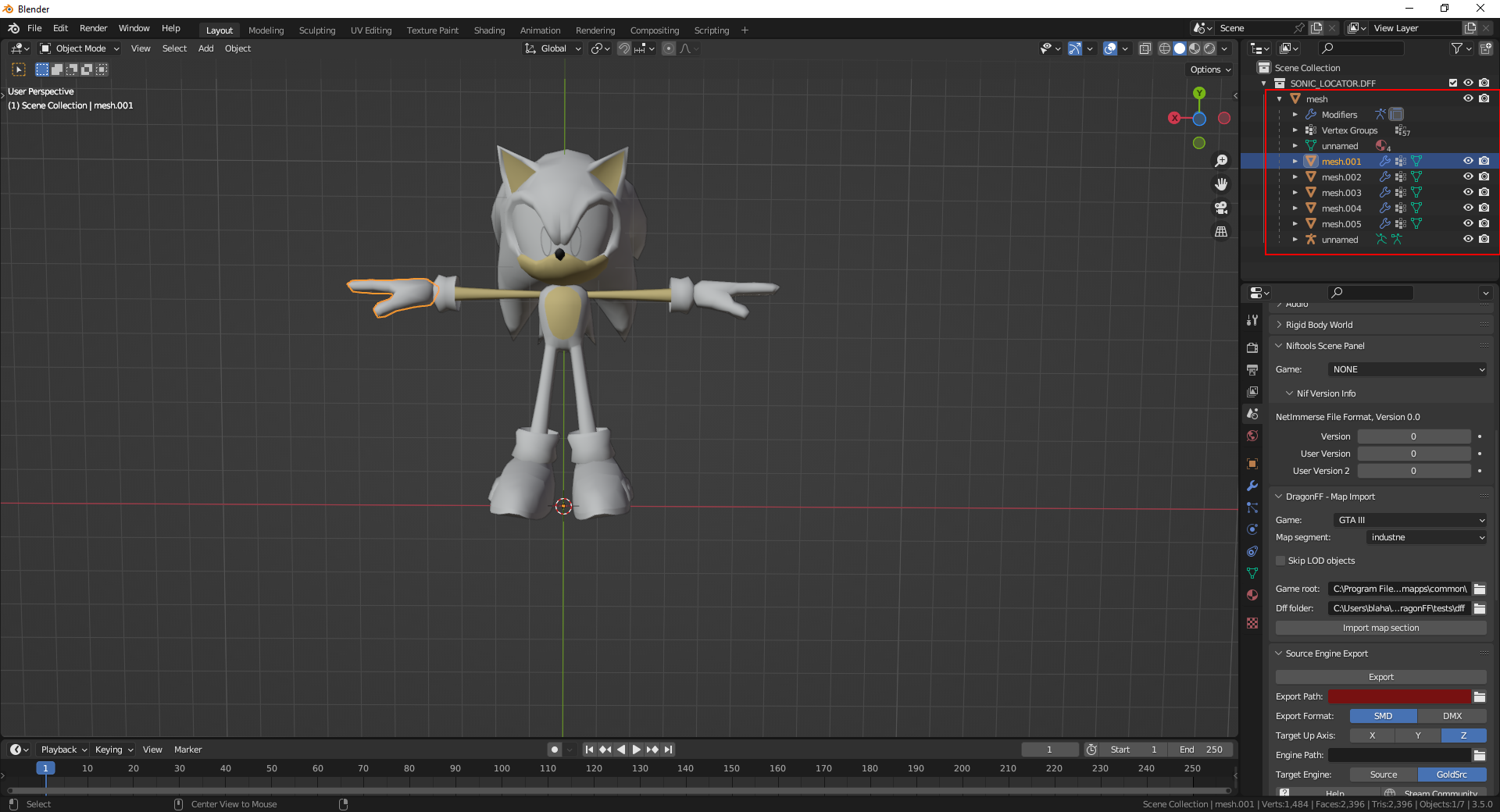
As a result, only one Atomic is exported after import. In my branch, in this case, instead of merging meshes, several are created, which are inherited as children from the first mesh.
Import behavior in main branch:
Import behavior in multi-mesh branch:
But as I said, I did not test the accuracy of the export well. In more complex cases problems can arise.
@Psycrow101 I haven't had a look at the code, but how does it work? How does it keep track of these objects? If it uses the parents to do so, would that cause issues with models which already have a parent in the DFF file (say GTA vehicle/ped models)?
@Parik27 Unfortunately, so far I'm not handling models with inheritance correctly. Didn't figure out how to group them for such cases. I'm thinking of tagging meshes with a common atomic with a custom property or something.