
DragonFF
 DragonFF copied to clipboard
 Parik27
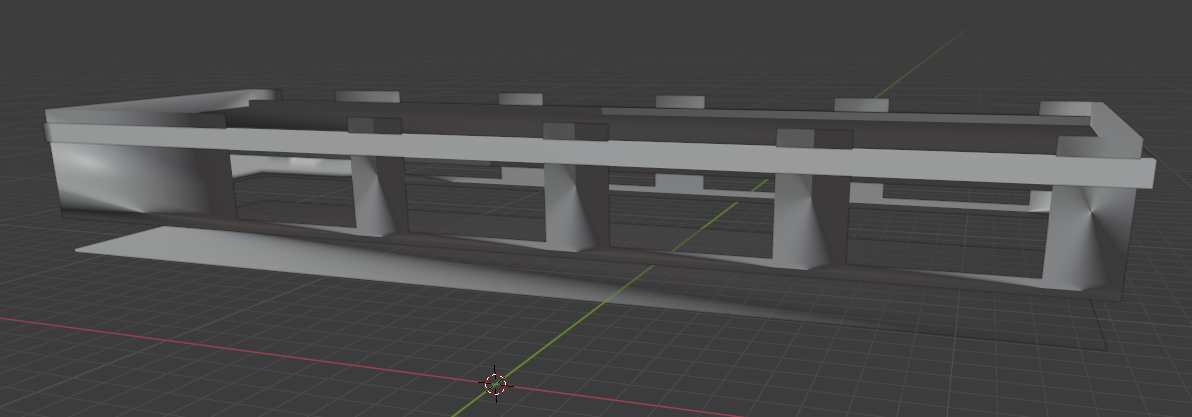
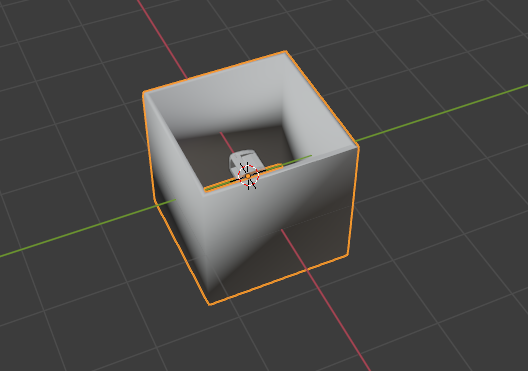
weird shades, destroyed model
When i export model from blender and i want import it again weird shade appears. In game (MTA:SA) model is glitched. Larger models are crashing down, walls are shifting, or the ceiling is buried, someone can help? I do not know what to do.

Use the new-export branch (https://github.com/Parik27/DragonFF/tree/new-export)

These are buildings. They don't use normals. It's normal that when you import these models that the shading looks strange, as Blender had to make up normal vectors out of thin air, in a sense. Just ignore the shading by setting your viewport shading to Flat. The distortion issues you are having ingame are probably due to unapplied transformations on the objects. Select your objects (in object mode) and press Ctrl+A to apply Scale and Rotation. In the object panel, DragonFF - Export Object tab, make sure you have Export Normals disabled, both vertex colors enabled (you have to paint these) and only UV1 enabled (you can only make use of UV2 ingame using a custom shader).
