
pcsx2
 pcsx2 copied to clipboard
 PCSX2
PCSX2
[BUG]: Missing Blending Layer in Enthusia Professional Racing
Describe the Bug
The blending layer is missing on cars, it can be seen on the car select screen or during races. The only way to "fix" it is to switch to software mode and then switch back to HW mode. You have to do it everytime there is a screen transition.
Tried other backends, other blending accuracy levels, native resolution, no luck.
HW Mode:

SW Mode:
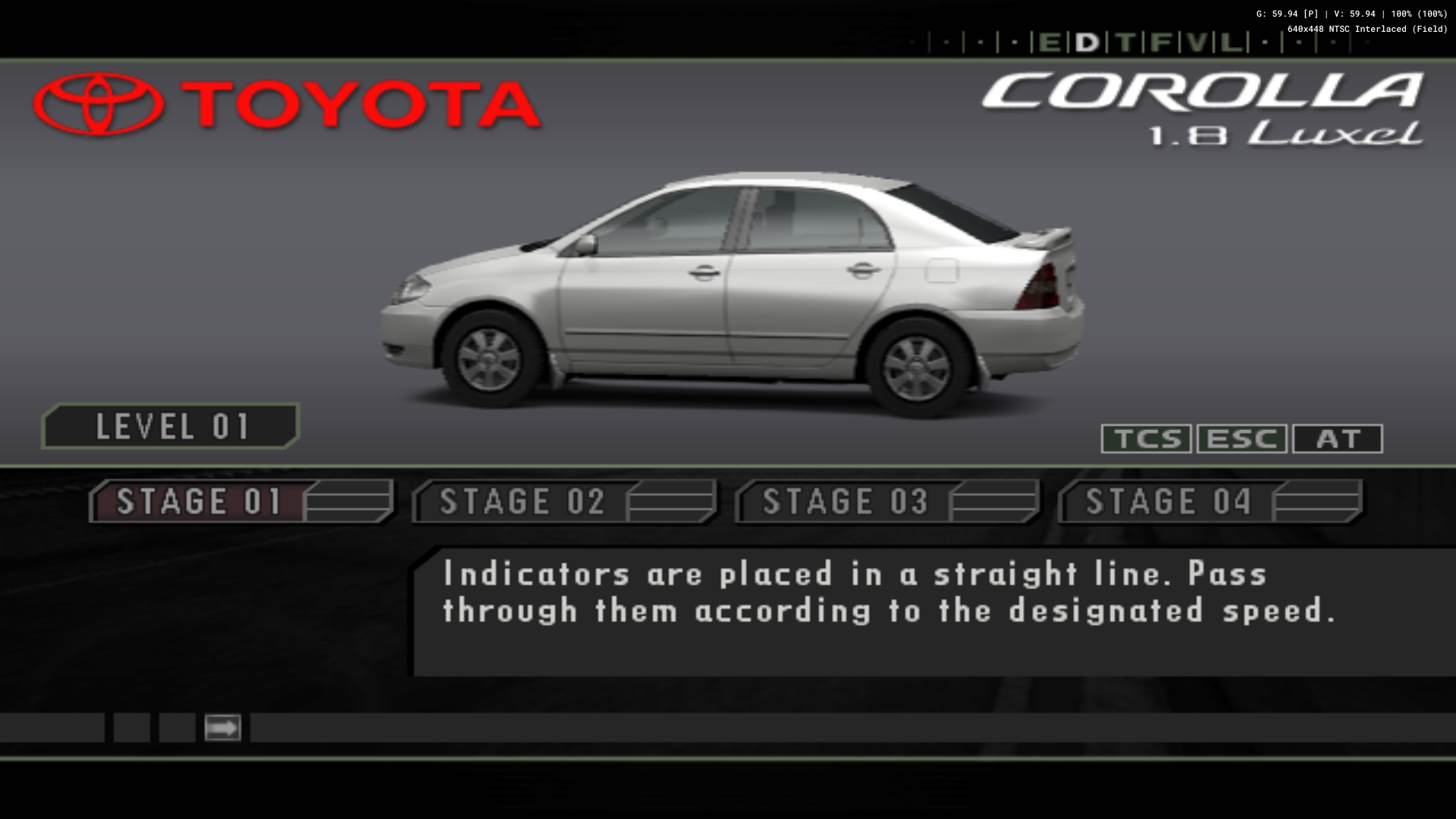
HW Mode (after switching back from SW Mode):
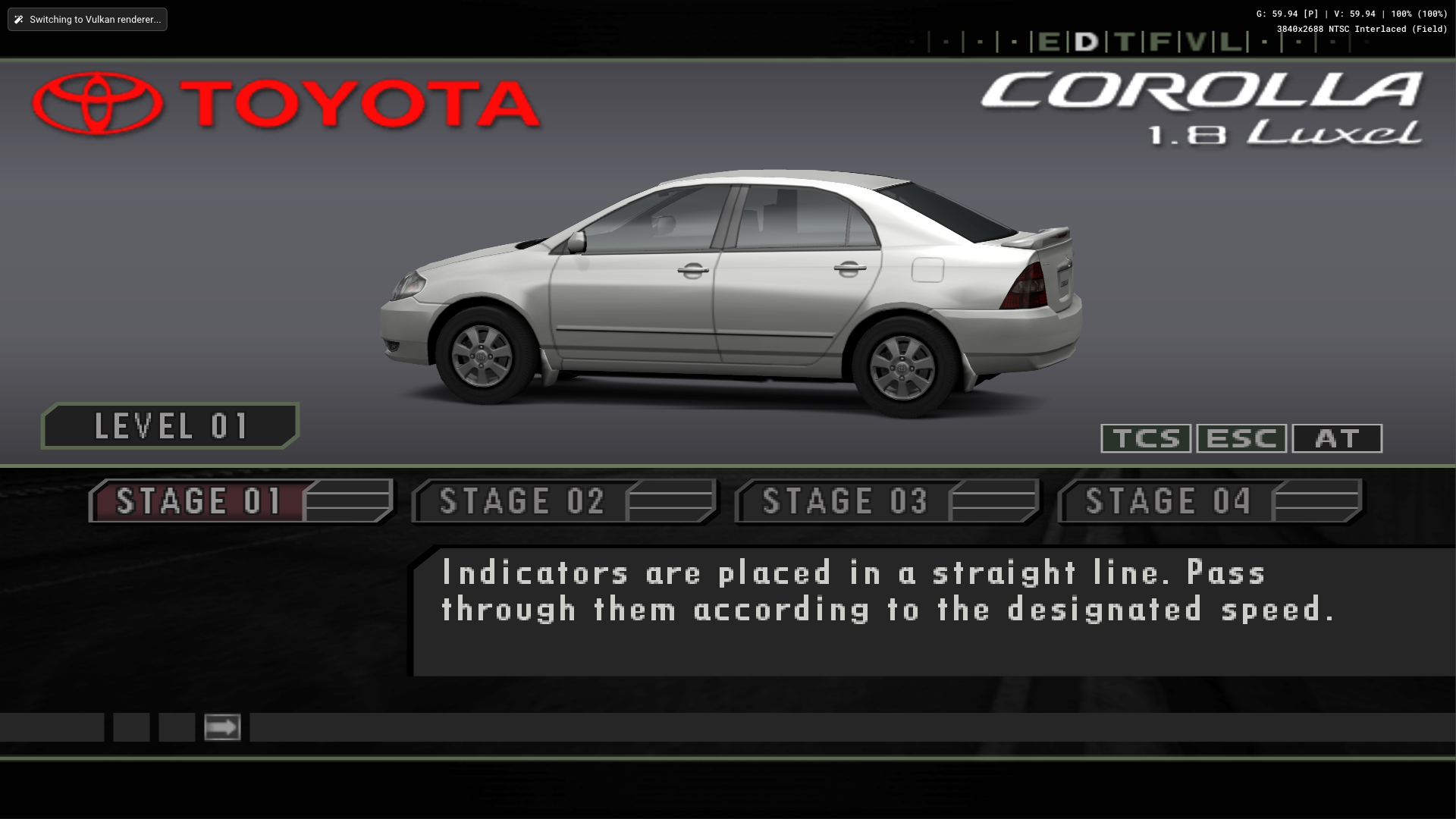
Reproduction Steps
Boot the game and get to a car selection screen, swtich to SW mode, see the difference, switch back to HW mode and see the difference vanish.
Expected Behavior
Proper bleding.
PCSX2 Revision
v1.7.4147
Operating System
Windows 10 (64bit)
If Linux - Specify Distro
No response
CPU
Ryzen 5800x
GPU
GTX 1070
GS Settings
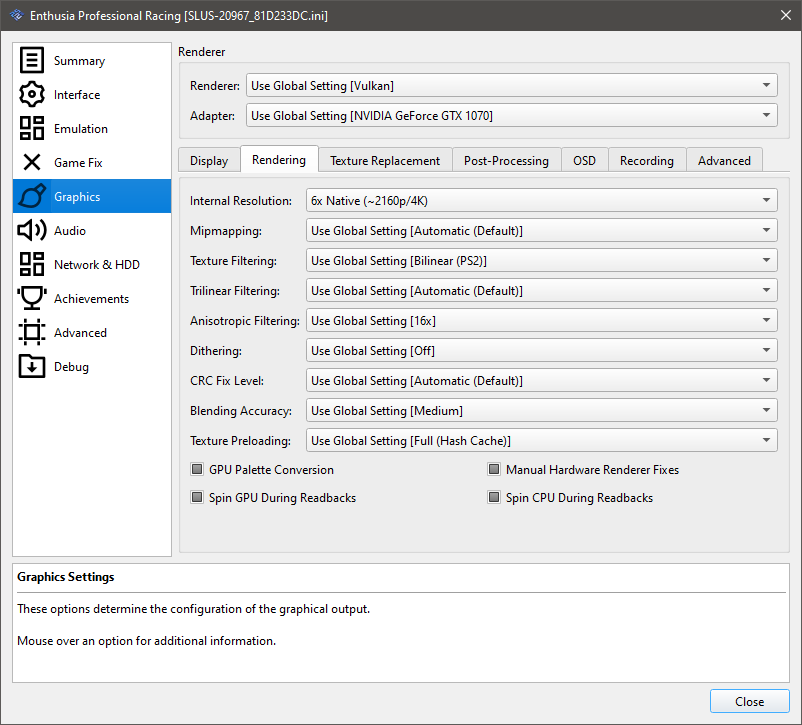
Emulation Settings
No response
GS Window Screenshots
No response
Logs & Dumps
No response


GS dump?
Shift+F8 isn't working. Do I need to enable an option?
tools> single frame gs dump , preferably in SW

On a related note, it appears the game displays nothing on the screen when Bilinear Sharp is used specifically on the D3D12/Vulkan renderer. The others work fine. Very weird.

Nothing to do with blending, it was tex-in-rt, but using a C32 target with a C24 texture (the opposite of what you normally get).. part of the Tomb Raider fixes also sorts this out.
