
pcsx2
 pcsx2 copied to clipboard
 PCSX2
PCSX2
WIP: Fancy downsampling shaders
At some point when internal resolution is high enough compared to the viewing area, bilinear filter stops being useful and aliasing occurs. For the few people that use such high internal resolutions, these supersampling filters might help.
Included filters are 4x rotated grid (4 fetches), quincunx (5 fetches), jittered stochastic (3x3 fetches) (wiki on patterns). I tried other filters like bicubic and lanczos but while those seem to work well when upsampling, it was quite the opposite when downsampling. There's an approximation for gamma correction, which I have yet to compare. To do so, edit the present_xtra.fx file and change the define.
Also added an antialiased nearest filter for upsampling that can achieve the sharp bilinear effect. This last filter is mostly for comparing performance between the two methods. Should be used with bilinear (smooth) option.

Tested here and it looks even better than setting your desktop to PCSX2's internal resolution using DSR. Great work!
4x rotated grid and jittered stochastic looked the best to me and almost identical between them.

Any reason why we need this in a separate fx/glsl file, and it can't be combined in the main file?

Any reason why we need this in a separate fx/glsl file, and it can't be combined in the main file?
Bad habit of making forum shaders which were seperated because of plugin system?

Any reason why we need this in a separate fx/glsl file, and it can't be combined in the main file?
Just a minor convenience thing. I had already lost some changes due to copy pasting files, this helped mitigate that too. It can certainly be combined later.
I prefer if it was combined now, also needs Metal implementation btw.

Added heavier shader version up to 9x9 as suggested by Jordan. Test performance and quality difference, folliage might be a good thing to test with.
I prefer if it was combined now, also needs Metal implementation btw.
I'd rather wait until settling what remains and what's gone. As for Metal though... I have no idea how to do that, I'll leave that to last.

You can't download it anymore since all the build artifacts have expired. @KrossX will have to do a rebase or trigger another check to create another build
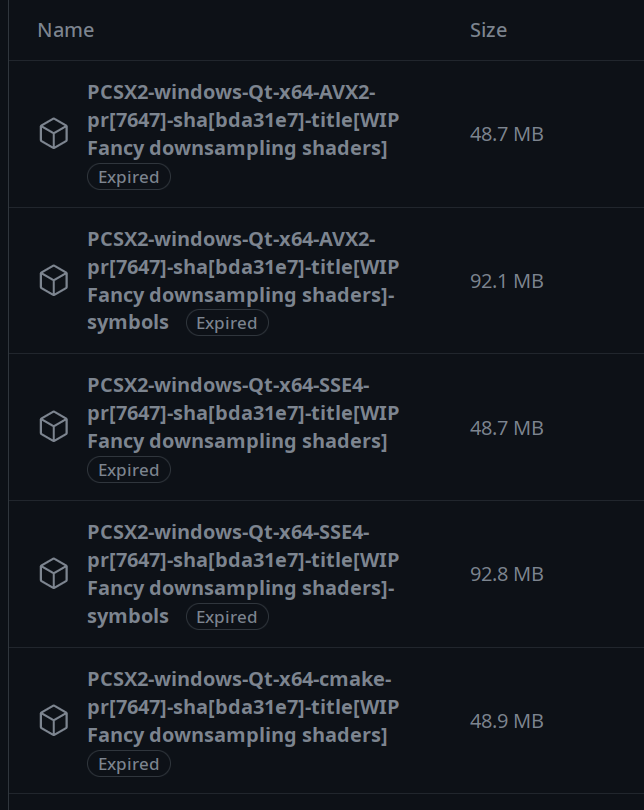

Oh, ok. Do you mind teaching me where to look for those files in the future or in other pull requests?
On top of the PR page you should see the "Checks" Tab, click on it and pick your operating system on the left. Once you're in that page, click on Summary on the top-left. Scroll down and you should see a bunch of build files you can download.
Rebased.
For those that try and find this feature useful, please provide feedback on your results with the different methods and take special notice if the jittered versions show any improvement and/or annoyance during gameplay.
Am I doing something wrong? None of the SSAA shaders seem to work for me, other shaders like Scanlines work.
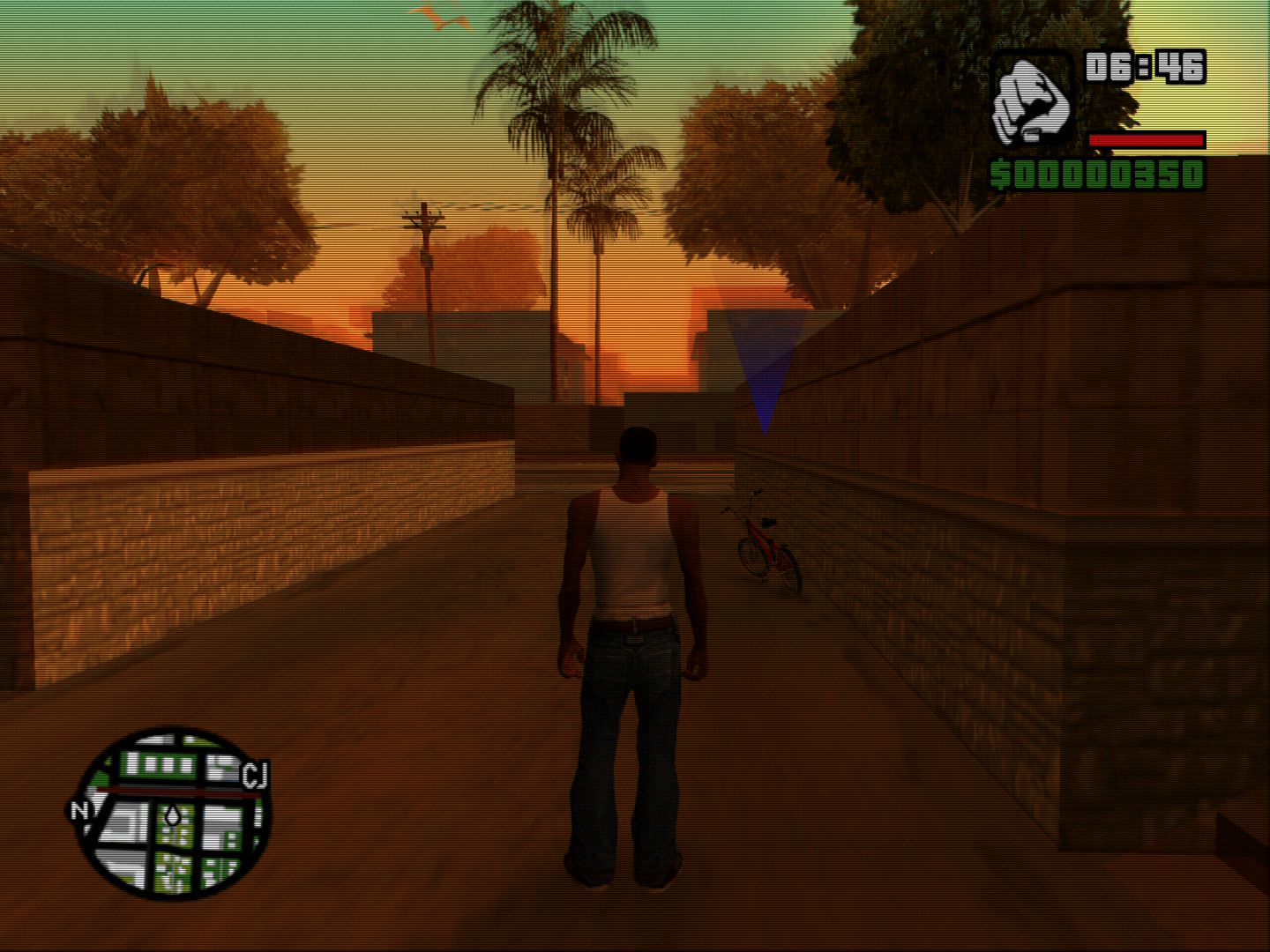
All screenshots are at 3x Internal Res.
No shader :
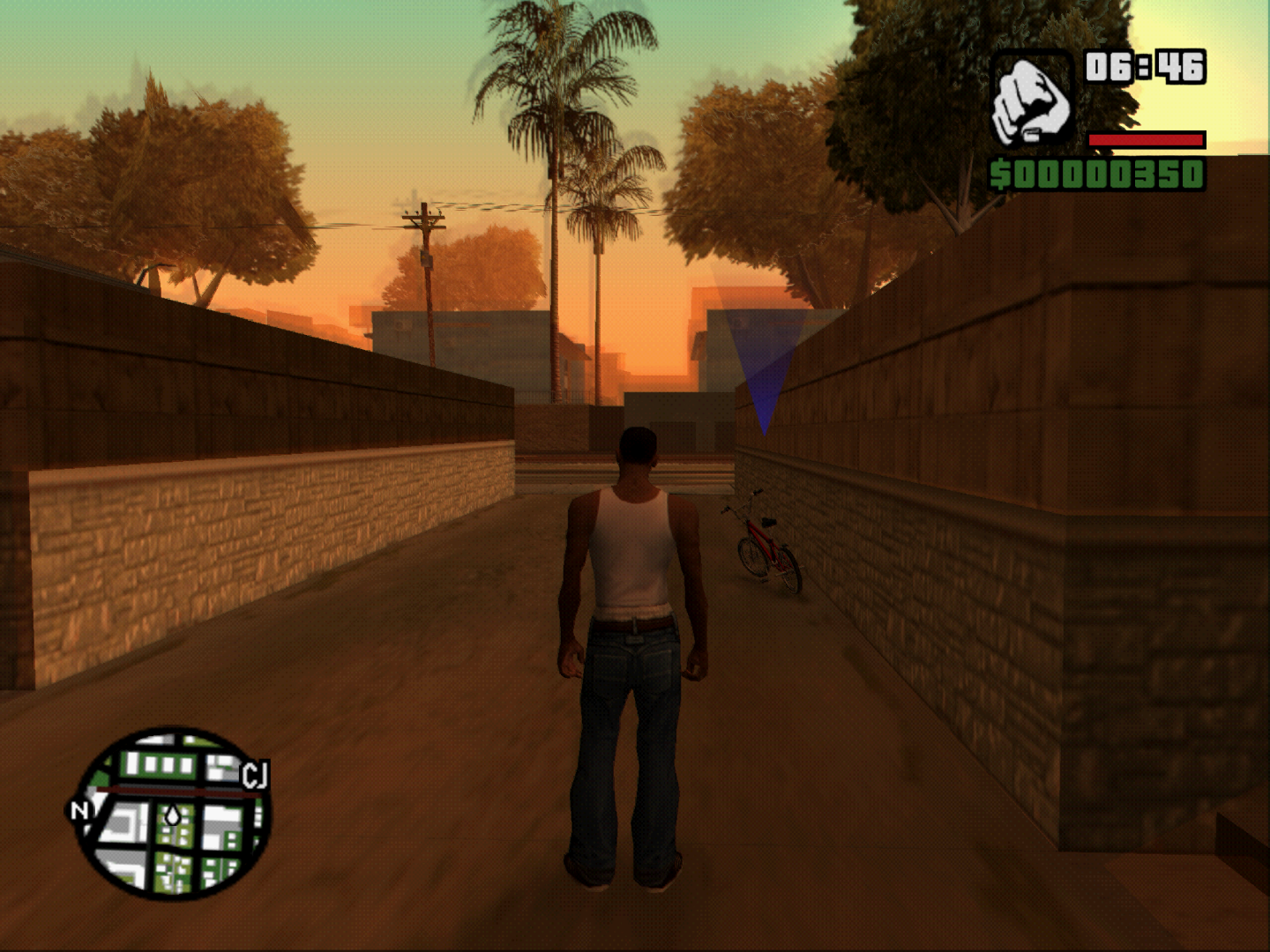
Quincunx :
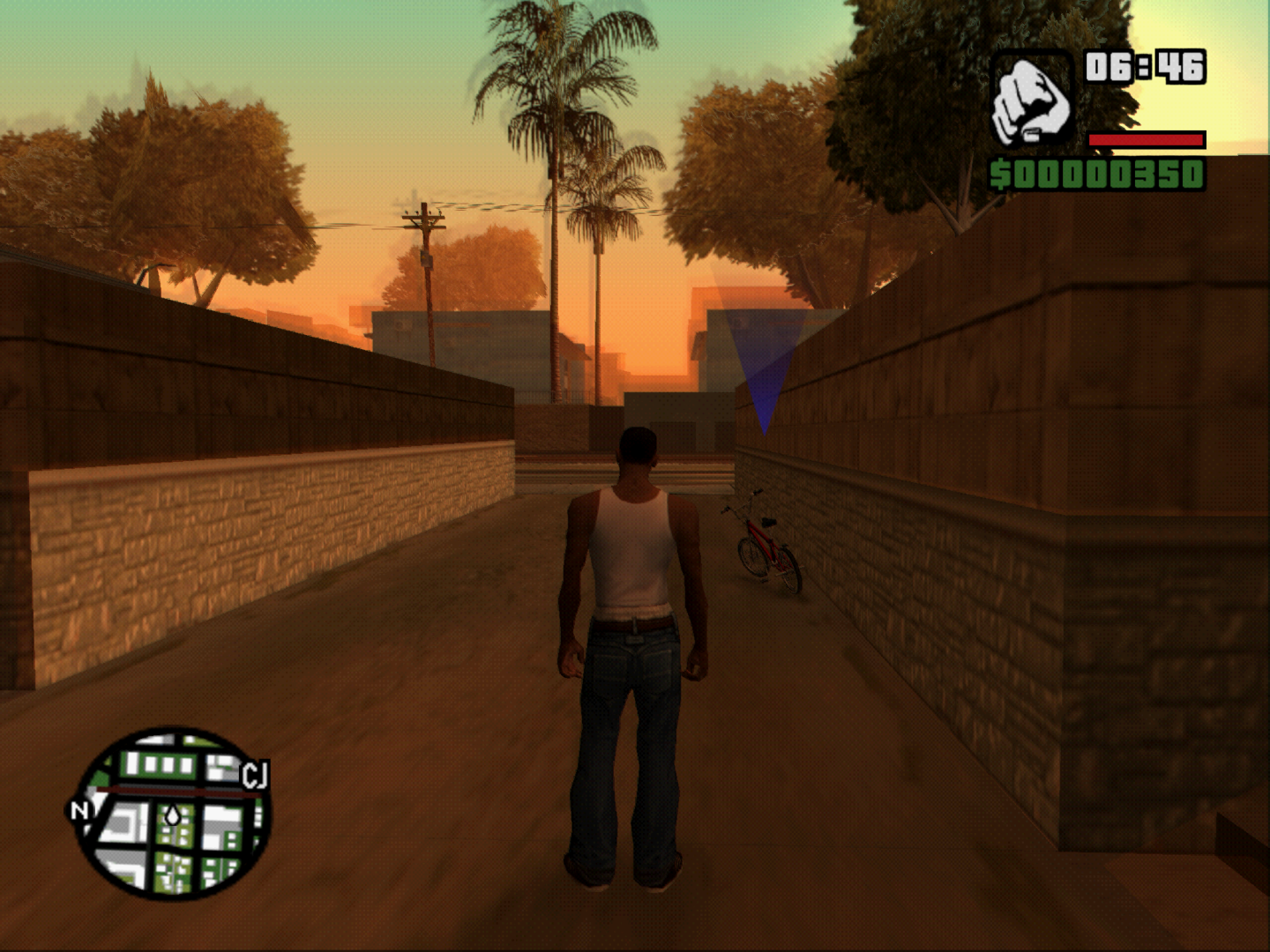
Scanlines :
@HelelSingh You need to run the game at a higher internal res than the display resolution. The SSAA shader doesn't run it at 6x res when it is set to 3x res like a game that would support SSAA in the driver control panel.

Thanks, that works. I assumed it would behave just like in the Dolphin emulator where you select a SSAA value from 2x to 8x and then select the Internal Res (like 3x in my case) to which the SSAA downsamples down to. Something similar is also available in DuckStation.
@KrossX will that be possible here in PCSX2?
No idea, the MSAA or SSAA you're thinking of is making use of multisampled framebuffers that need to be resolved and work with all the trickery with format changes and whatnot. Seems not a trivial task and quite the pain in the bum. It is indeed a feature I use with DuckStation as I quite like the result as opposed to higher IR.
This PR is just for people using an absurdely high internal resolution expecting a smoother image but getting a jagged result instead. If you're using 3x IR to sort of match your screen/window resolution, try multiplying it for the SSAA value you would've expected; 6x IR for 2x SSAA, 24x IR for 8x SSAA, etc...
If you're using 3x IR to sort of match your screen/window resolution, try multiplying it for the SSAA value you would've expected; 6x IR for 2x SSAA,
I believe 6× IR in this particular case is 4× SSAA, as the pixel count is quadrupled, not doubled. This should be clarified in the documentation as it's easy to get wrong :slightly_smiling_face:

Needs a rebase as the patches have changed so any new builds will fail unless a rebase is done.

Added new shader, this one tries to get the number of samples at runtime. Dunno if there's much of a performance impact from having a known loop.
If performance is fine compared to the other methods, maybe this is the method to keep.
Dunno if there's much of a performance impact from having a known loop.
The loop count not being constant means the compiler can't unroll it, so it will have a performance impact. But since it's uniform across all shader invocations, it shouldn't hurt too much (plus, it's only running once per frame).
Edit: Wonder if we should considering using spirv-cross for this and other post-processing type shaders. Would save writing them multiple times..
Edit: Wonder if we should considering using spirv-cross for this and other post-processing type shaders. Would save writing them multiple times..
Would that mean auto Metal shaders? Cuz that would be worth it.
Alright, now that Metal side seems to be working (thanks Macjestic) this is no longer WIP.