
pcsx2
 pcsx2 copied to clipboard
 PCSX2
PCSX2
[BUG]: Shadows are broken with hardware renderers in Disney's Stitch - Experiment 626 (USA)
Describe the Bug
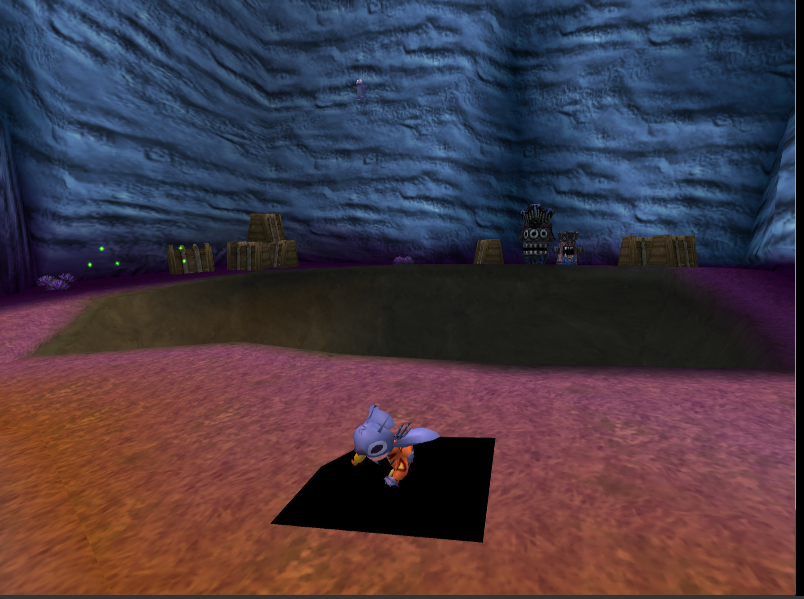
Using hardware renderers causes Stitch's shadow to turn into a flashing black square.
Reproduction Steps
Play any level with a hardware renderer.
Expected Behavior
The shadow shouldn't be broken.
PCSX2 Revision
pcsx2-v1.7.3137-windows-64bit-AVX2-Qt
Operating System
Windows 10 (64bit)
If Linux - Specify Distro
No response
CPU
Intel i5
GPU
GTX 1070
GS Settings
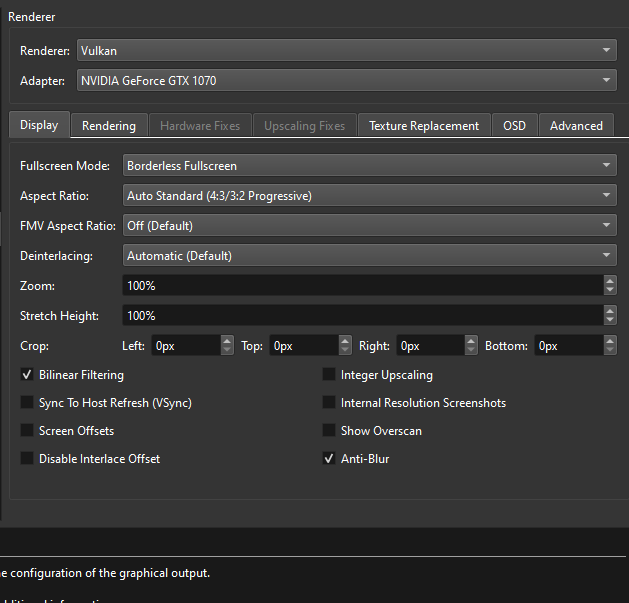
All settings default. Tested with Vulkan at native and at x4 resolution.
Emulation Settings
All settings default
GS Window Screenshots
Logs & Dumps
Disney_s Stitch - Experiment 626_SCUS-97145_20220810130850.zip


I can't reproduce this on and old version or new version
This is from 3139 (closest I had to hand)
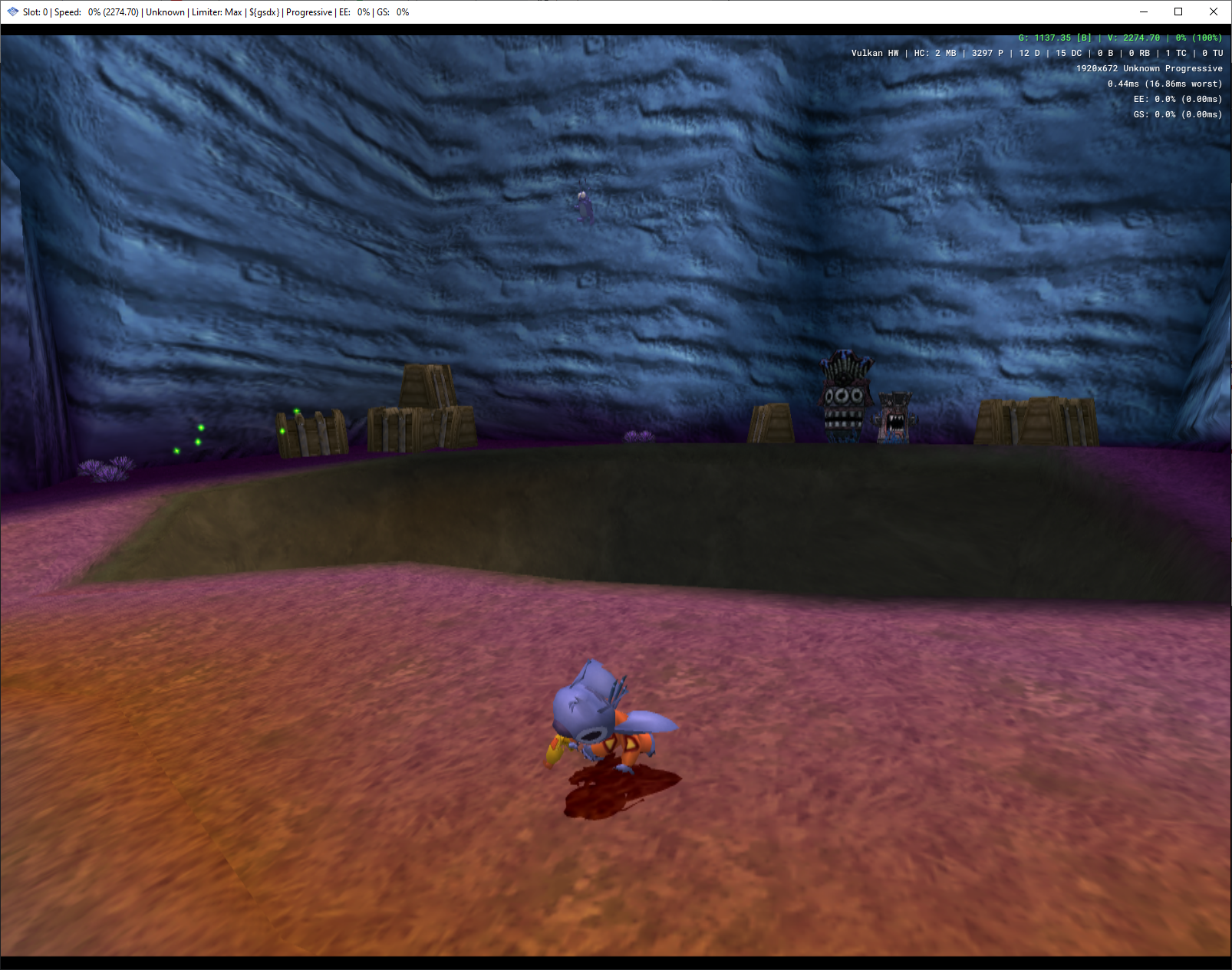

Retested on V1. .7.3191. Still happens. It seems to be random when it starts breaking. Try running around for a few minutes.
My exact settings.
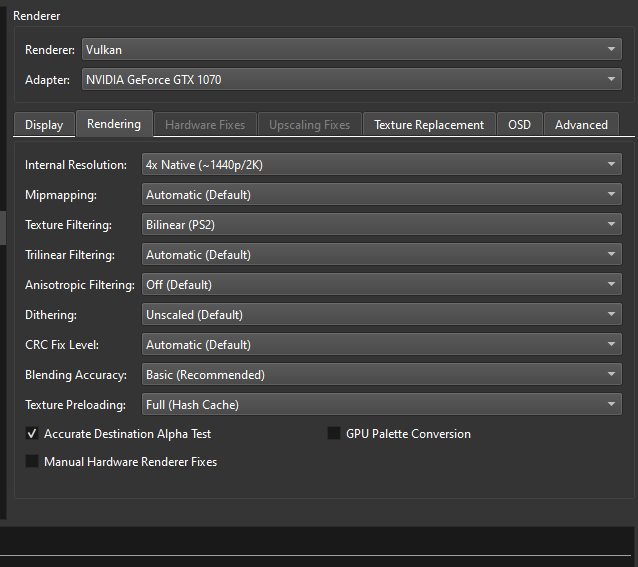
And my computer specs
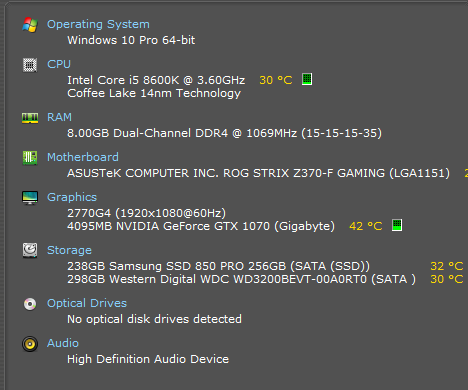
Let me know if you need any more info.


Also I can't run around for a few minutes, because I'm using your GS Dump :P
@refractionpcsx2 Sorry, I took it while using framestep since the flashing was happening too quickly to get a good screenshot. That might have screwed it up. You'll have to test the game for yourself.