
pcsx2
 pcsx2 copied to clipboard
 PCSX2
PCSX2
GS:HW: Fully accurate blend equation for blend mix
Description of Changes
Takes into account what the hardware blend will be doing when calculating for blend mix
Rationale behind Changes
Fixes #6755
Suggested Testing Steps
Test games from #6755 Test SOTC bloom, which breaks on normal HW blend

Musashi Samurai Warriors is still banding. SotC seems underbright (master is too, if it matters).

Can you send a screenshot? It looks like this for me:
Before

After
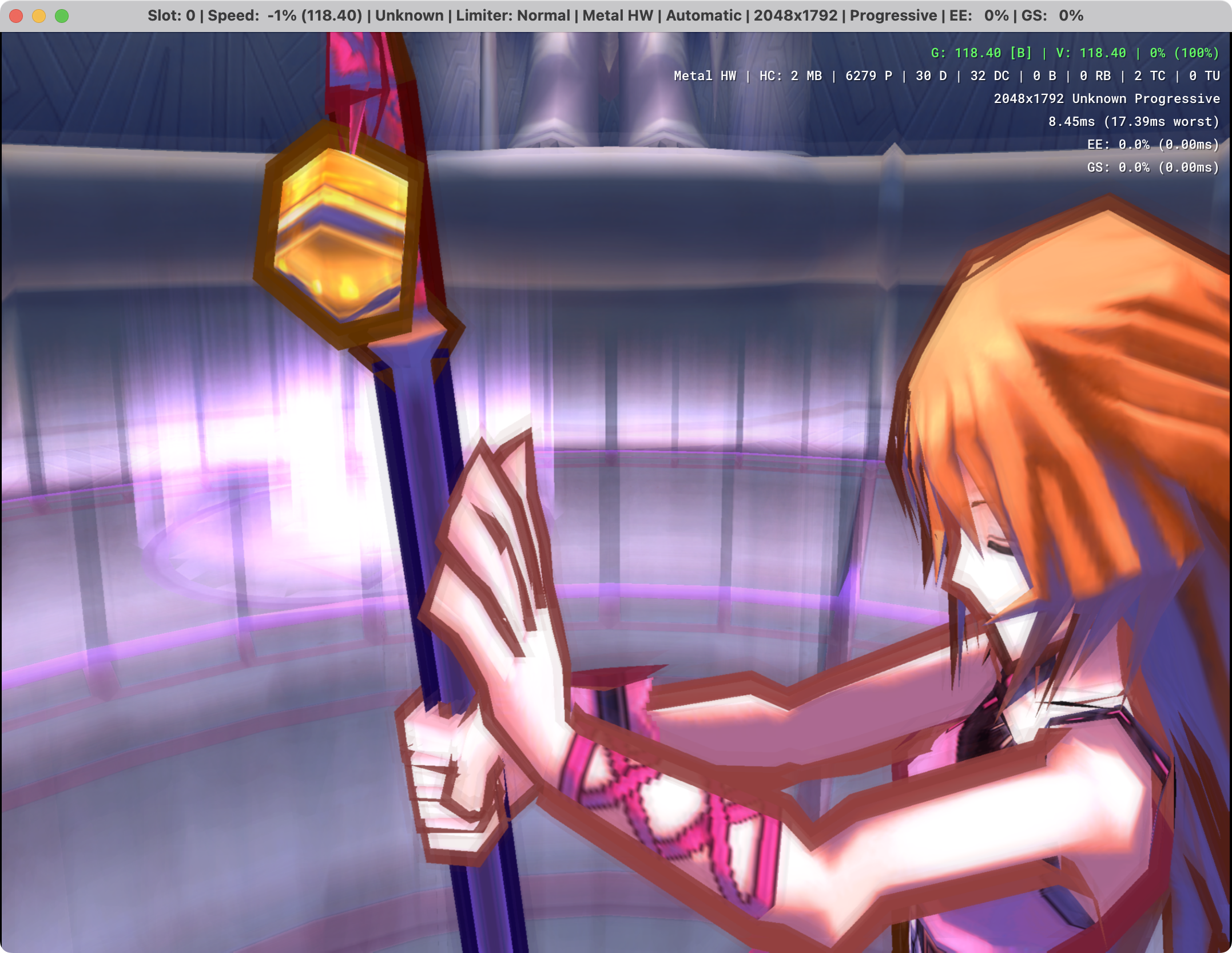
Maximum Blending
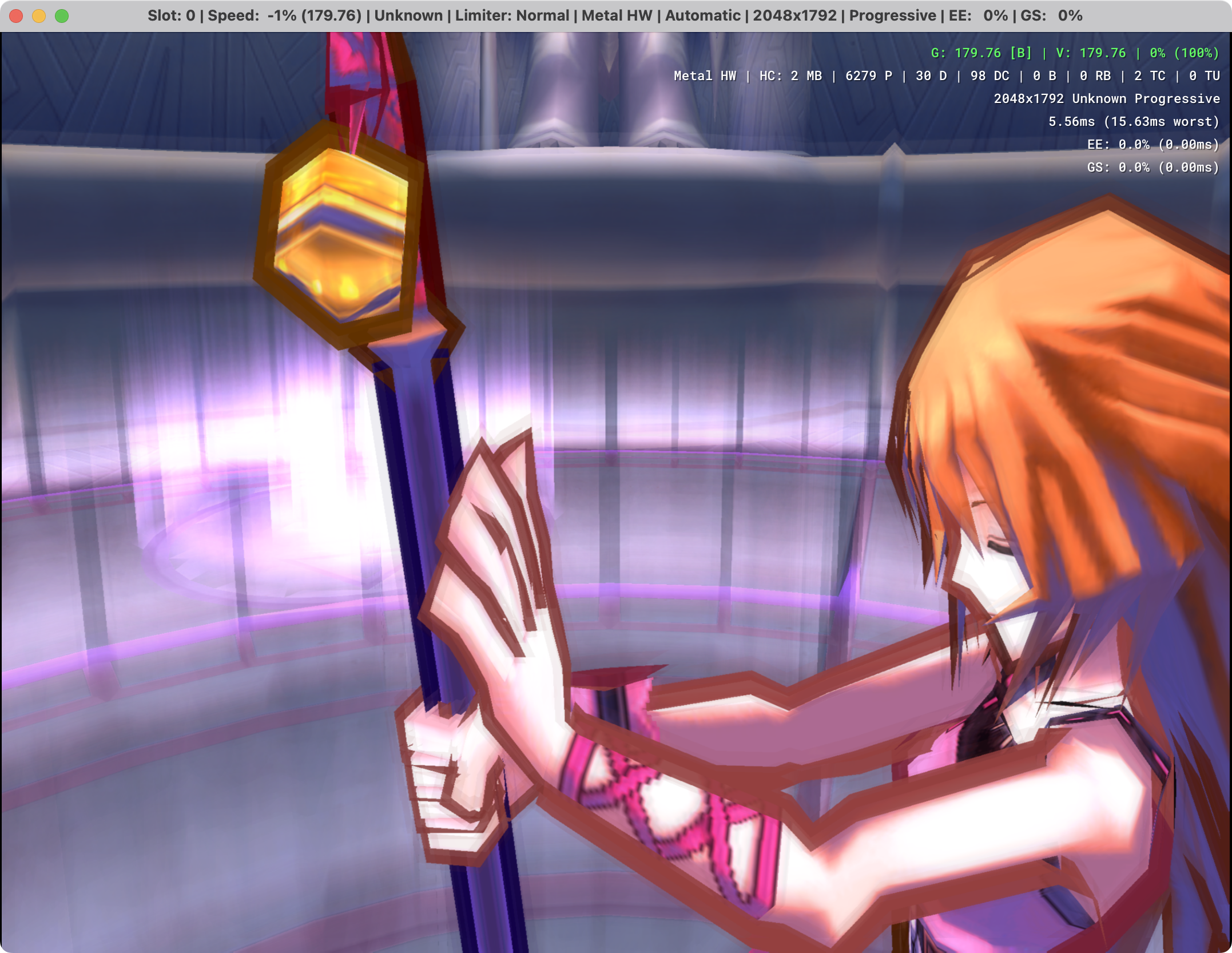
And I don't expect SotC to look any different from Master
The new and old blend mix equations should give the same result for the bloom accumulation on SotC

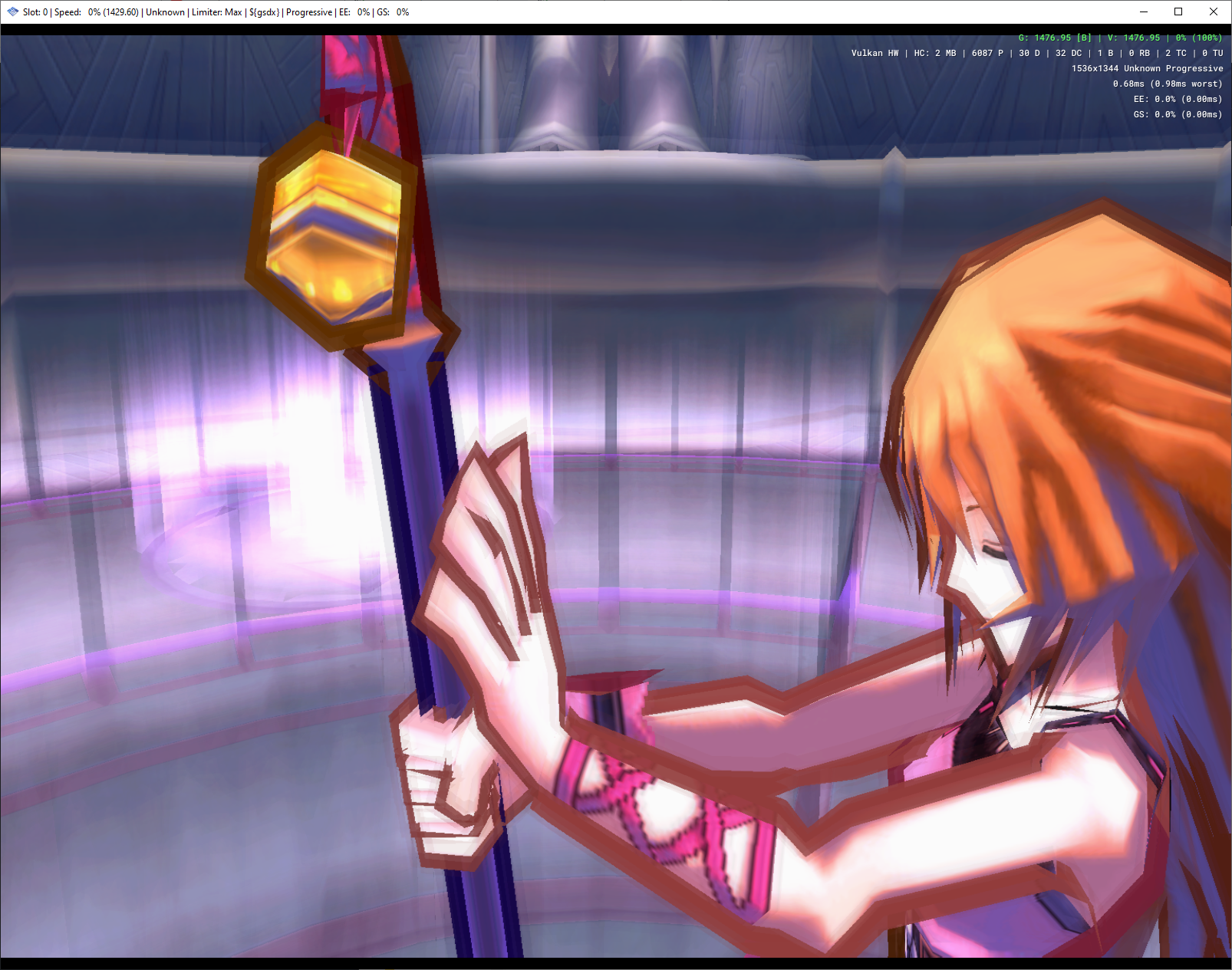

Just in case, can you wipe your shader cache to make sure it's not having issues there? Also test other renderers to see if it's everywhere or not.
I always extract PR's in to entirely new folders, the only thing I use from a backup in the WX builds is ini files for folders and default graphics settings, all resources/cache are built from the PR.
Edit: humoured you anyways, and it was still banding :(
It doesn't seem to be making a difference in my test cases.
Shadow Man:
Minimum:
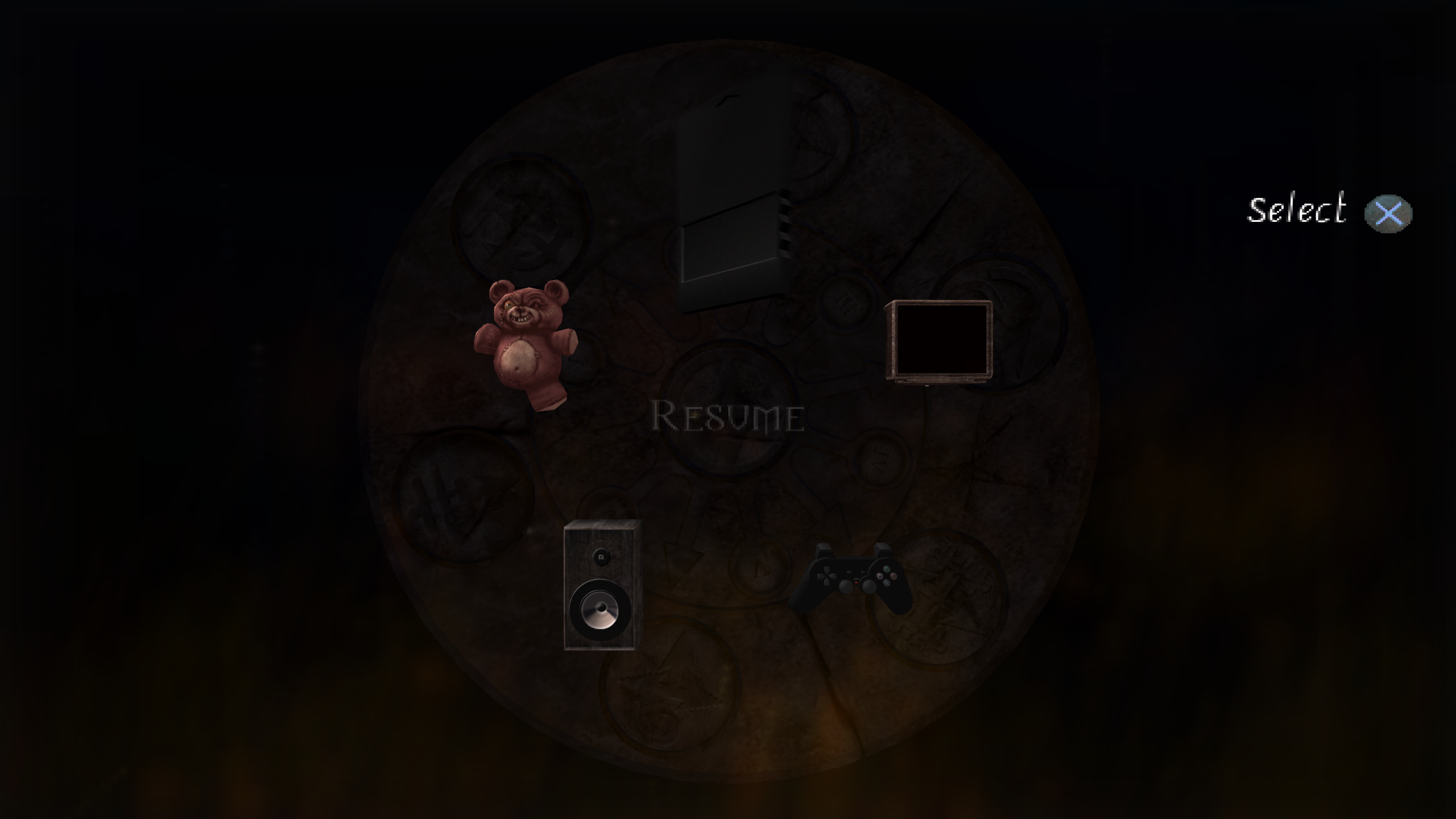
Basic:
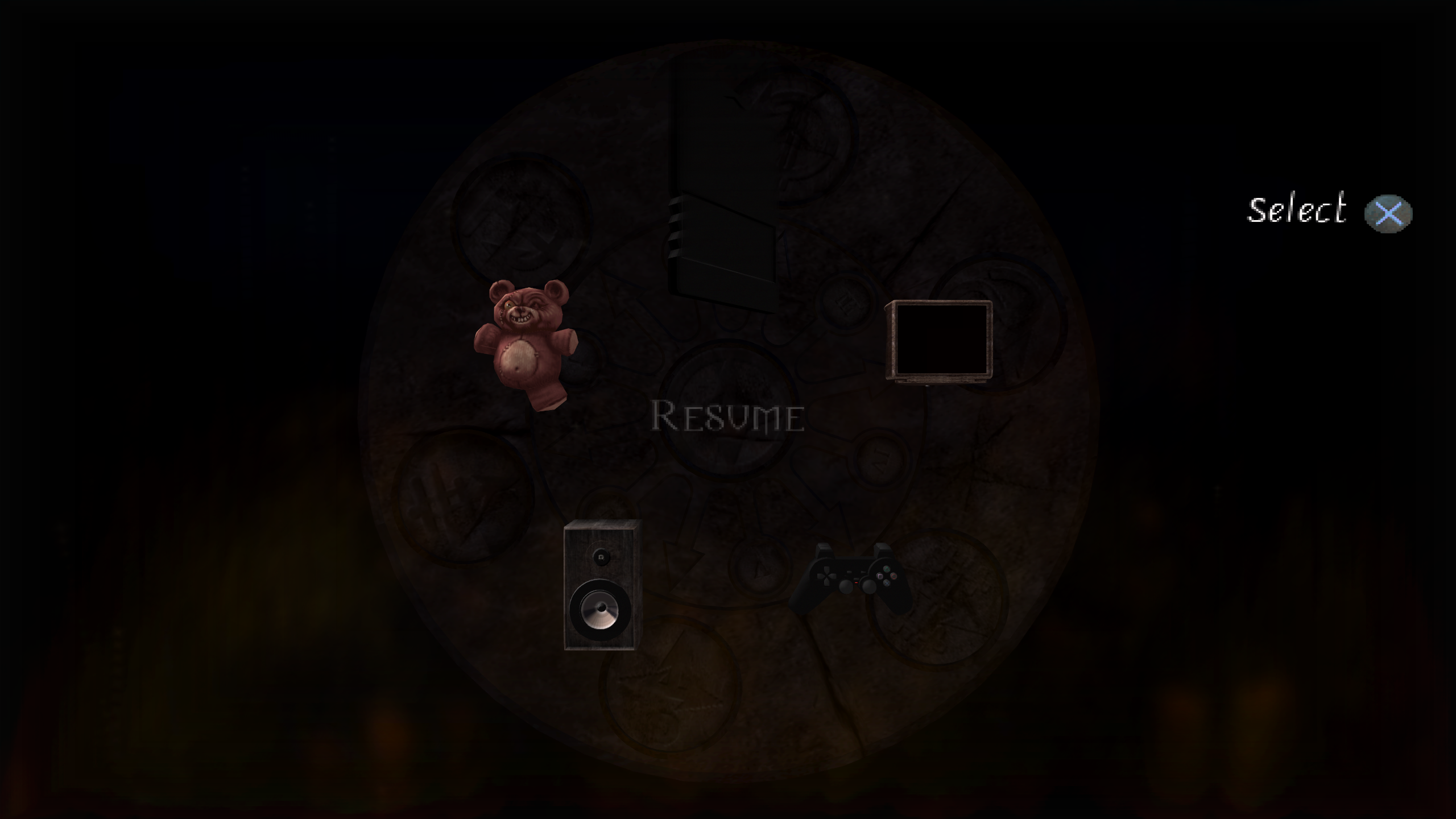
Fatal Frame 3:
Minimum:
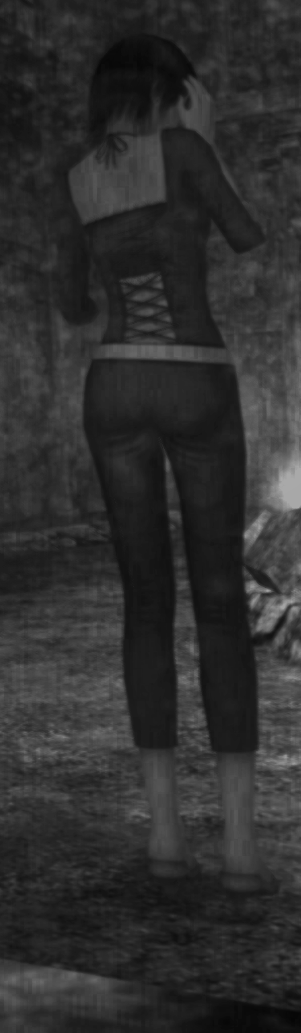
Basic:
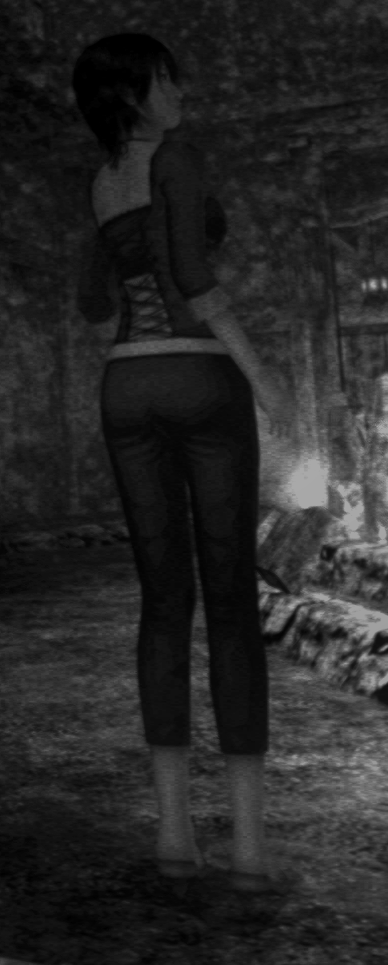

Fatal Frame 3 should look darker, there are some slight differences tho.
Minimum:
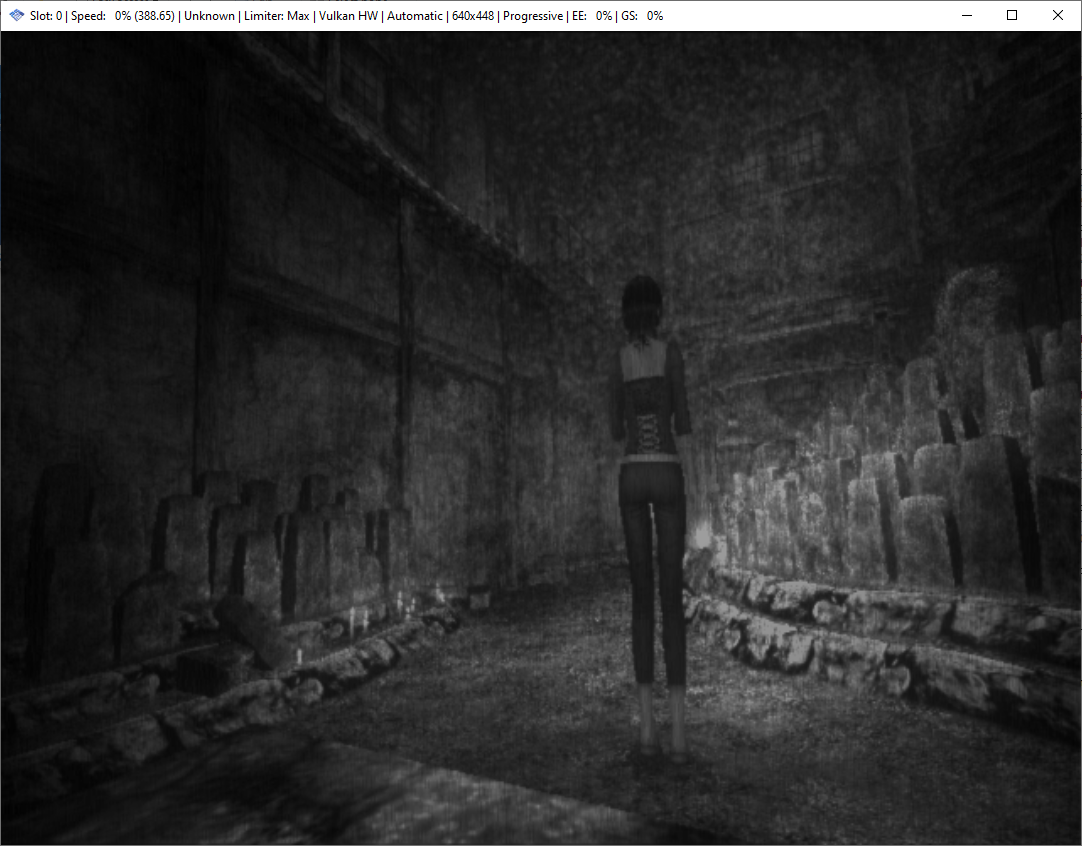
Basic:
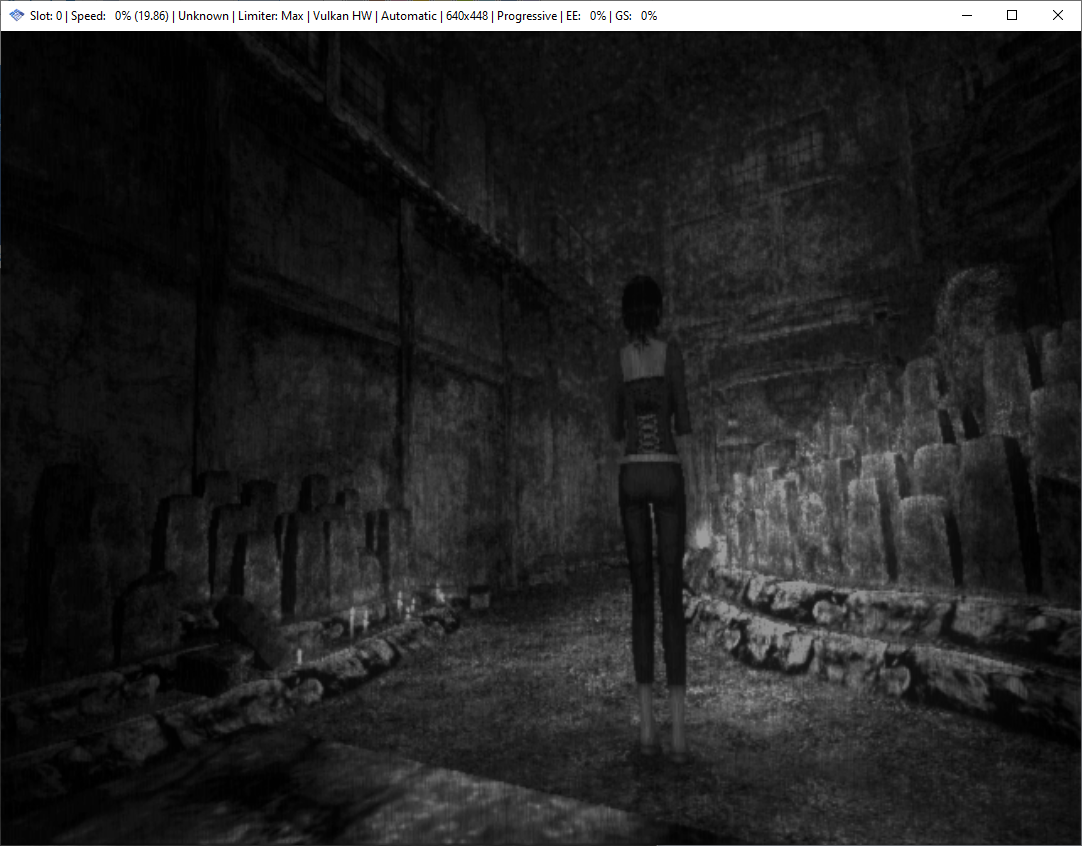
Maximum:
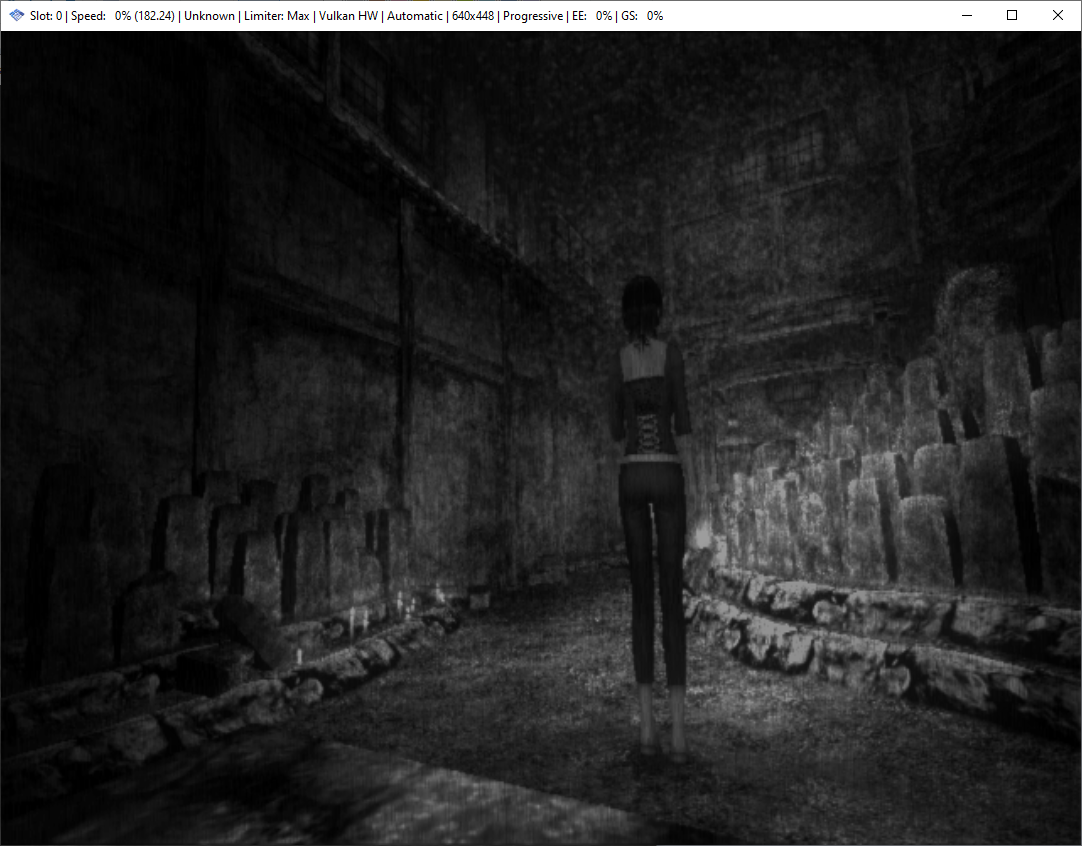
Software:
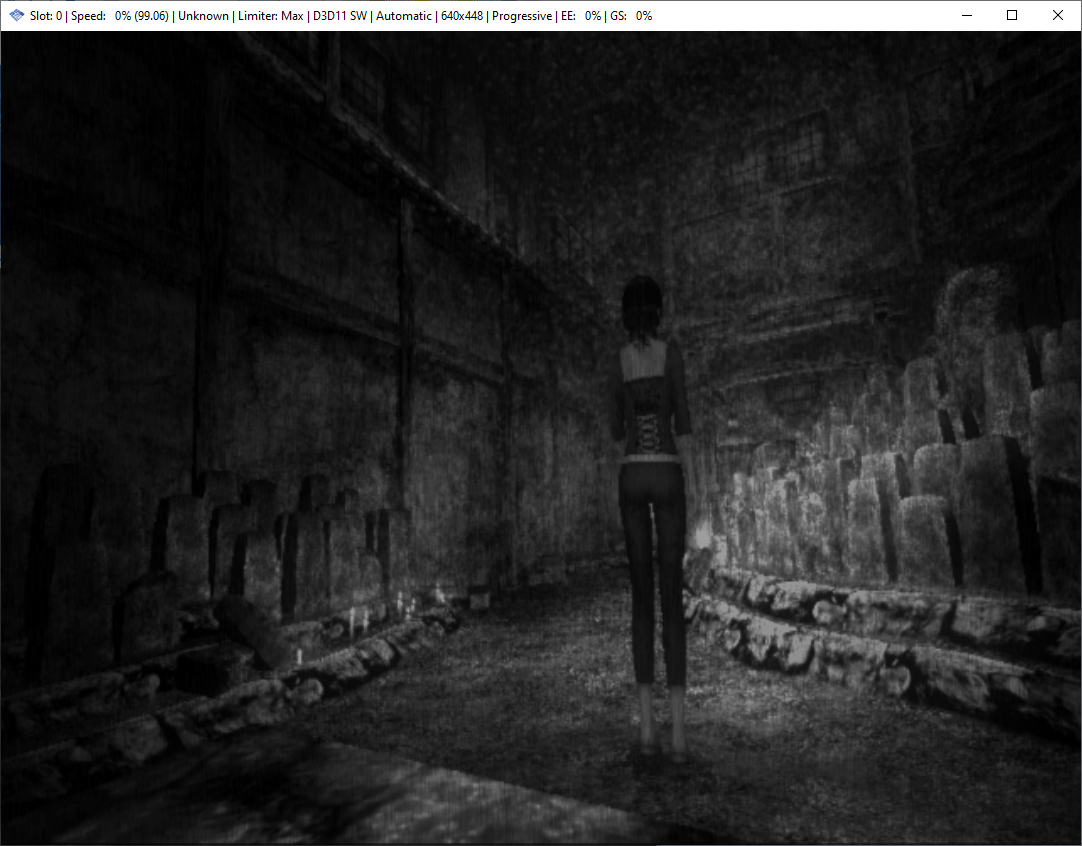

I know it's supposed to be darker, I'm just pointing out that there's banding in basic whereas there isn't with minimum, just like with Shadow Man, and all the other cases. With pure hardware (minimum) or pure software (maximum) it doesn't happen. As I said earlier contrast is generally higher with Basic+ so I've just been using shade boost afterwards to make up the difference with it set to minimum.
Edit: humoured you anyways, and it was still banding :(
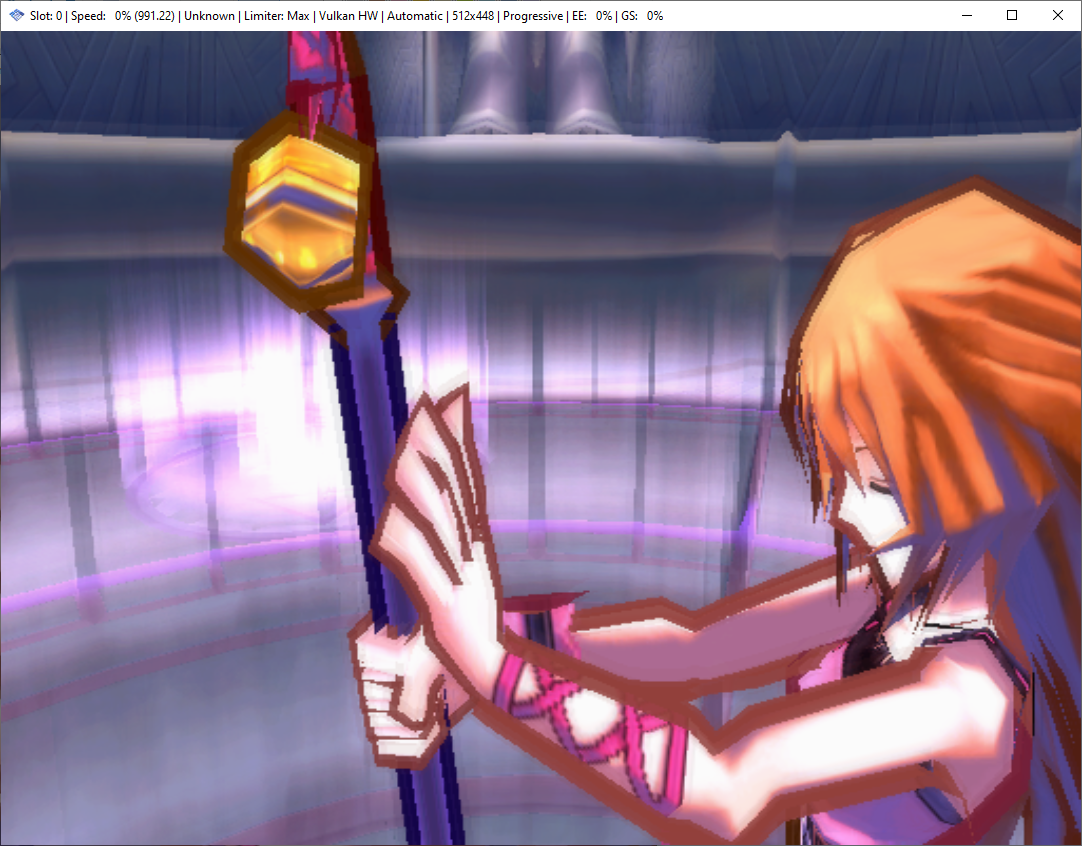
I want to make sure you're hitting the new shader modifications. Test the new build on Vulkan. It should make Musashi a completely black screen. If you see any image at all in Vulkan, something's very broken.
Sure, as soon as it's built, I'll give her a spin, I'll do exactly what I do for setting up any new test PR
Complete black screen here.
And did you still have banding on the previous commit?
Master Vulkan:
Master DX11, intel igpu:
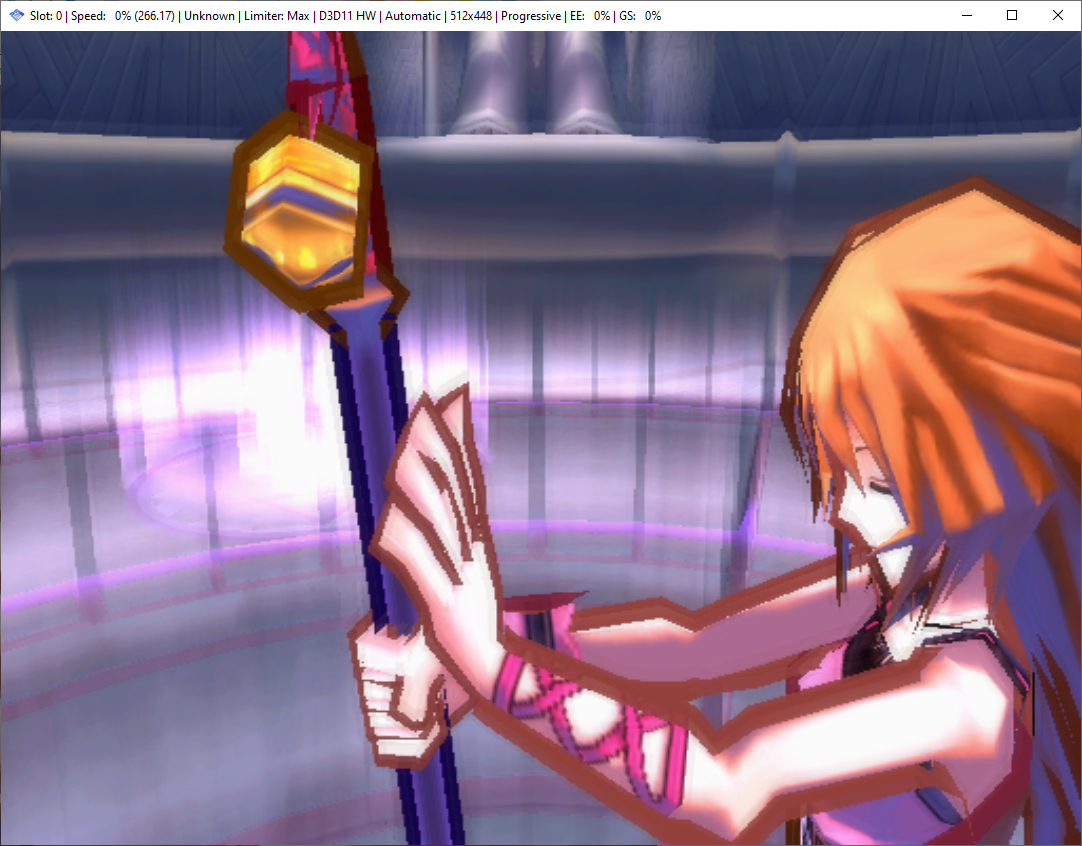
PR Vulkan:
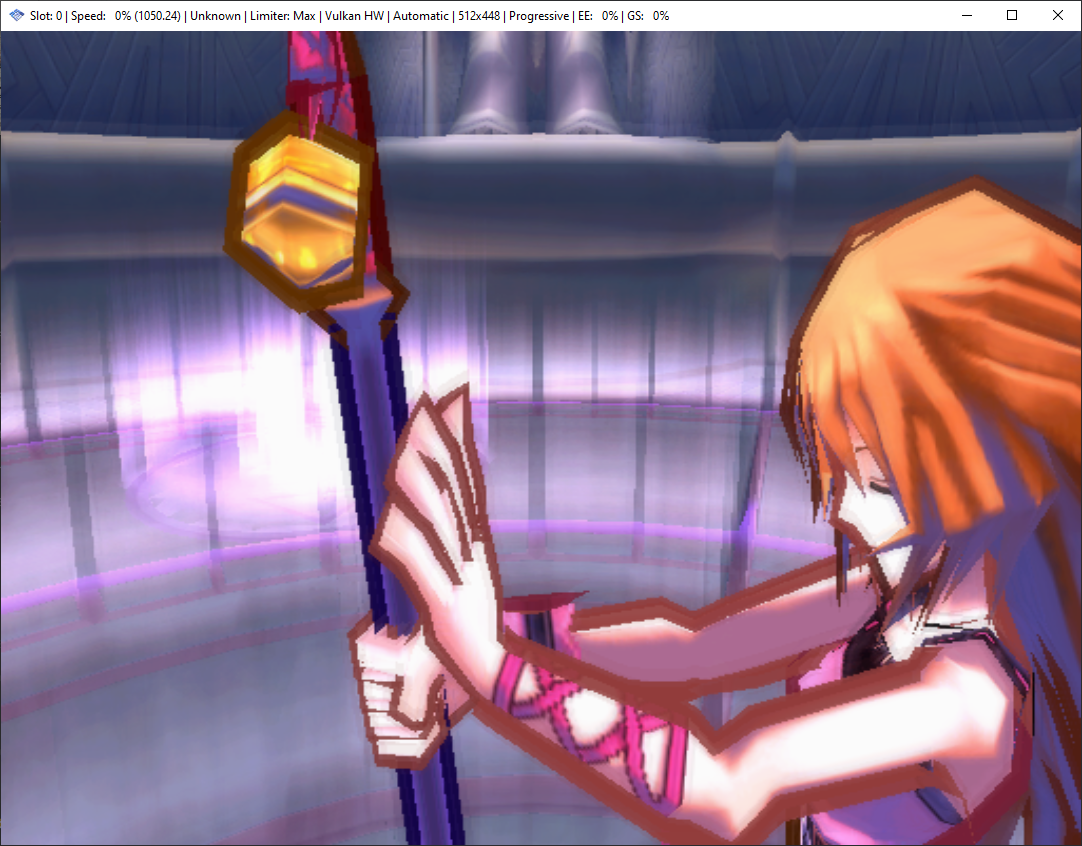
PR DX11, intel igpu:
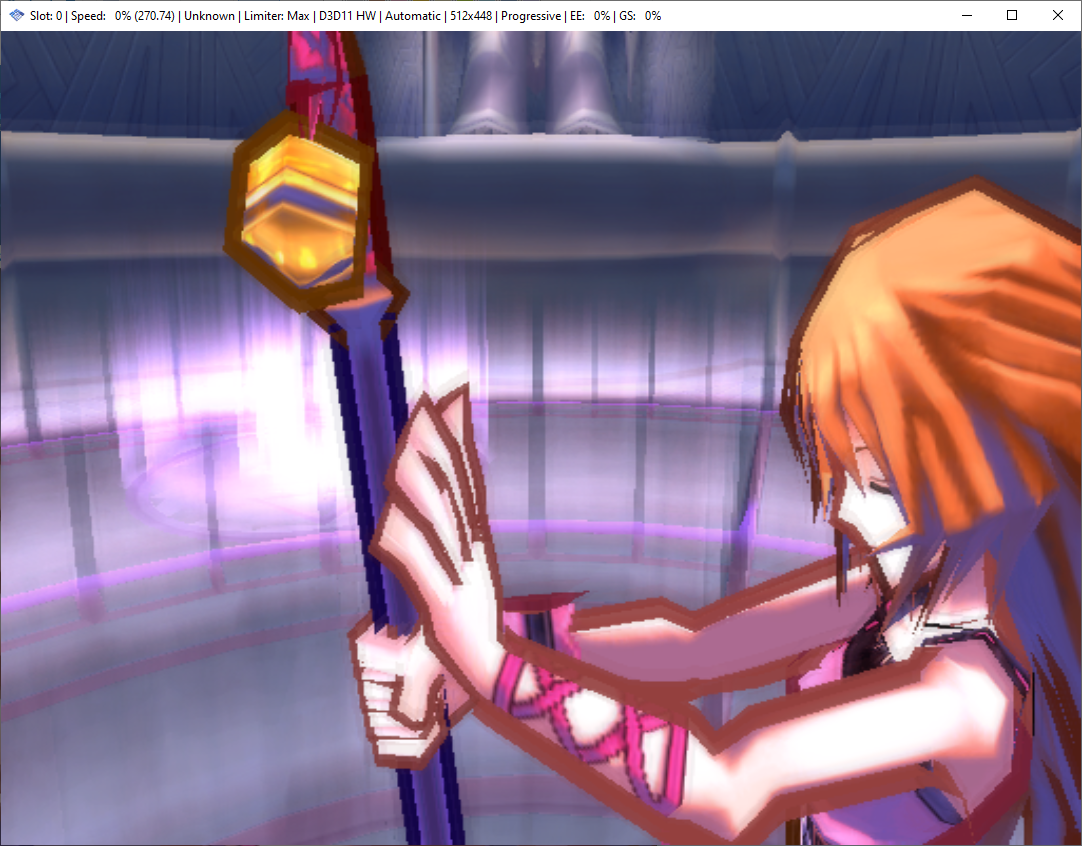
PR DX11, Nvidia:
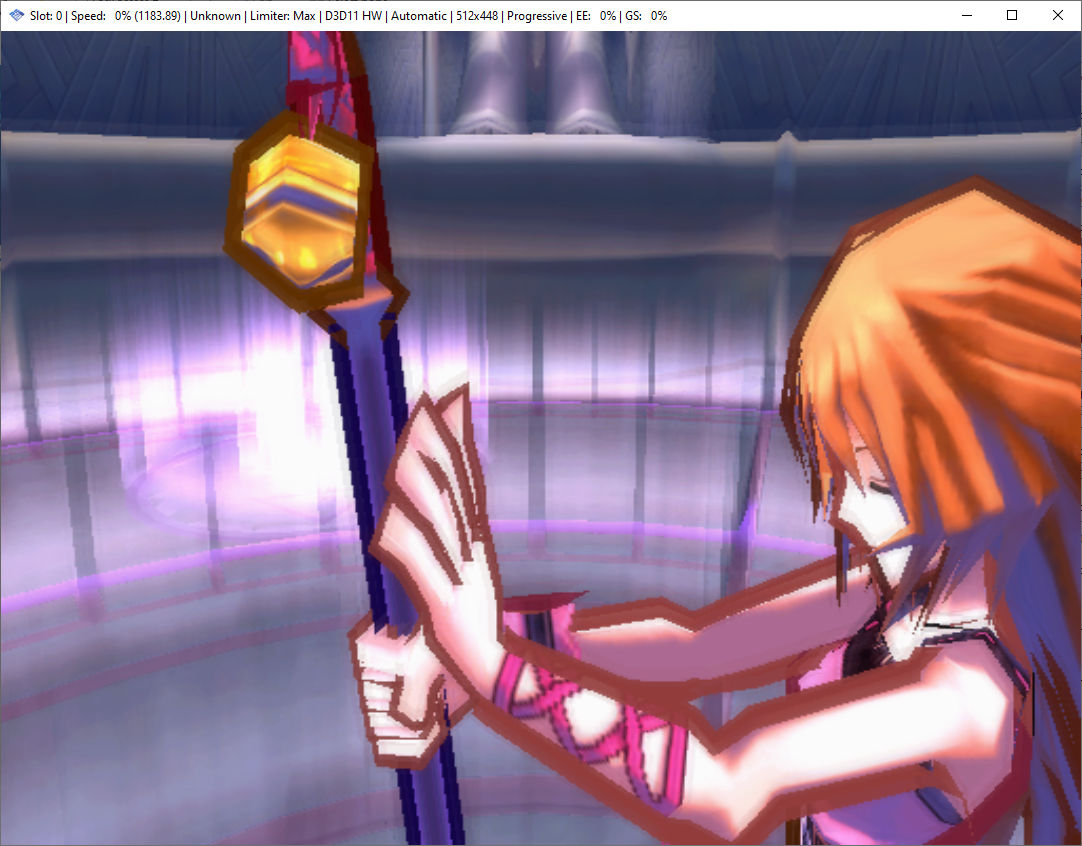
okay, extracted and copied inis exactly the same way as the first revision of the PR, aaaaaaaand
Edit: as a side note, I really need to let it update the status bar template.. lol
Did some testing on how various GPUs round results going through blending. Looks like Nvidia converts to 8-bit integers between the shader and blending (pretty much what we were doing before with the floor), so it will never be able to do blend_mix well.
AMD and Intel have some error, meaning that the optimal value is slightly different than what I originally put there (120/256 is optimal for AMD, 126/256 for Intel), but we should be able to get generally good results out of those two.
Results for alpha 10/128 (Musashi's blend) in a spreadsheet (X is output color, Y is input dst color, cells are the minimum shader output required to achieve the given output color) Results for all alpha values (view included README.txt for details)
C program to calculate optimal offsets for a given GPU
#include <stdio.h>
#include <stdlib.h>

struct TestData {
	float data[129][256][256];
};

int main(int argc, const char * argv[]) {
	if (argc <= 1) {
		fprintf(stderr, "Usage: %s gpuData.bin\n", argv[0]);
		return EXIT_FAILURE;
	}
	FILE* handle = fopen(argv[1], "r");
	if (!handle) {
		fprintf(stderr, "Failed to open %s\n", argv[1]);
		return EXIT_FAILURE;
	}
	struct TestData* file = (struct TestData*)malloc(sizeof(struct TestData));
	if (fread(file, sizeof(*file), 1, handle) != 1) {
		fprintf(stderr, "Failed to read %s\n", argv[1]);
		return EXIT_FAILURE;
	}
	fclose(handle);

	const int total = 129 * 256 * 256;
	int resLo[769] = {};
	int resHi[769] = {};
	for (int alpha = 0; alpha <= 128; alpha++) {
		for (int dst = 0; dst < 256; dst++) {
			for (int src = 0; src < 256; src++) {
				int ps2 = (((src - dst) * alpha) >> 7) + dst;
				float blend_mix = src * alpha * (1.f/128.f);
				float loCutoff = file->data[alpha][dst][ps2] * 255.f;
				float hiCutoff = ps2 == 255 ? 255.f : file->data[alpha][dst][ps2 + 1] * 255.f;
				float loAmt = blend_mix - loCutoff + 1.f;
				float hiAmt = blend_mix - hiCutoff + 1.f;
				int loIdx = loCutoff == 0 || loAmt >= 3.f ? 768 : loAmt < 0.f ? 0 : (int)(loAmt * 256);
				int hiIdx = hiCutoff >= 255.f || hiAmt < 0.f ? 0 : hiAmt >= 3.f ? 768 : (int)(hiAmt * 256);
				resLo[loIdx]++;
				resHi[hiIdx]++;
			}
		}
	}
	for (int i = 768; i > 0; i--) {
		resLo[i - 1] += resLo[i];
		resHi[i - 1] += resHi[i];
	}
	int best = 0;
	int bestVal = resLo[0] - resHi[0];
	for (int i = 0; i <= 768; i++) {
		int inRange = resLo[i] - resHi[i];
		if (inRange >= bestVal) {
			best = i;
			bestVal = inRange;
		}
		printf("Subtracting %4d/256 would be correct for %2d%% of values (%7d/%d)\n", i - 256, inRange * 100 / total, inRange, total);
	}
	printf("For this GPU, the best value to use would be %d/256, which is correct for %2d%% of values (%d/%d)\n", best - 256, bestVal * 100 / total, bestVal, total);
	return 0;
}
Hmm, that's interesting. Any ideas for how best to deal with Nvidia in that case?
Nvidia will have to use higher blend modes to avoid banding
There's nothing we can do to make blend_mix more accurate on Nvidia
Since no matter what we do in the shader, the GPU will do the equivalent of round(shaderOut) before running the hardware blend
So the only options we have that don't double-round are full software blend and full hardware blend
On the bright side, a lot of Nvidia GPUs run higher blend modes fairly well.
So why is it that with 1.6.0 this issue wasn't present on any blending level? Was it always pure hardware at that point? Because I went back and checked there and I can't replicate the behavior here in any of them at any blending level.
I have an RTX 3080 and a Ryzen 5900x and basically all of the problem cases that I'm reporting are unplayably slow at maximum, which most of them require in order for them to display without banding other than with minimum. To any end user, the result of what you have currently is going to be a noticeably worse visual quality in some situations with the same or even higher settings than they were using previously. I'm not sure that telling people "Oh you'll need to use maximum to prevent that, which is unplayable even on a 3080" is exactly a great solution.
1.6 didn't have BLEND_MIX, that's why, it forced software (or hardware) blend.
Just out of curiosity I went back and did some testing with maximum and at times when performance takes a complete nosedive to around 50% speed it's not even pushing the GPU or CPU to any extreme degree when it comes to utilization. GS is sitting at about 10% and EE and VU are at about 15%. In the case of Shadow Man GS is sitting at about 2% while the game is running anywhere between 30% to 60% speed.
1.6 didn't have BLEND_MIX, that's why, it forced software blend, which is what the higher blending level does.
So then why can't that just be done here? Why does it suddenly require maximum to take advantage of that, tanking performance horribly? If it was software blend across the board before I don't know why that couldn't be used here. Whatever impact that, on its own, had on performance seems completely negligible.
Yep, always pure hardware
Which had bloom issues in SotC that were so bad that we had dedicated code in GS to detect the bloom draw and skip it.
At least here it's just some banding. The sky doesn't look like it's melting or anything. And it's only really an issue for one generation of one manufacturer's GPUs, since Nvidia's 2000 series should have no trouble with Maximum blending there. It's just the 3000 series that has trouble. (And all of AMD, but this PR should fix it for AMD)
Out of curiosity, I ran Shadowman 2 on my 2080ti to see the performance impact.
Maximum blend = 105fps Basic = 535fps
So yeah, it's pretty chonky to do that much SW blending lol
The only thing I can suggest, is I don't think this game affected need any fancy blending, so you can play them on minimum blending, which will use hardware and not have the perf impact.
it's only really an issue for one generation of one manufacturer's GPUs, since Nvidia's 2000 series should have no trouble with Maximum blending there. It's just the 3000 series that has trouble.
Why are you assuming that this is the only place where it is/will ever be an issue? Doesn't it seem like a safer bet to assume that if it's an issue on 3000 cards that it will continue to be an issue going forward? Calling Nvidia "one manufacturer" in the GPU space seems a bit intentionally obtuse to me. If there is an issue on current hardware, not aging defunct hardware mind you, that strikes me as problem. The fact that it's slowing to a crawl while barely even utilizing the hardware available makes it pretty clear that something is wrong.
The sky doesn't look like it's melting or anything.
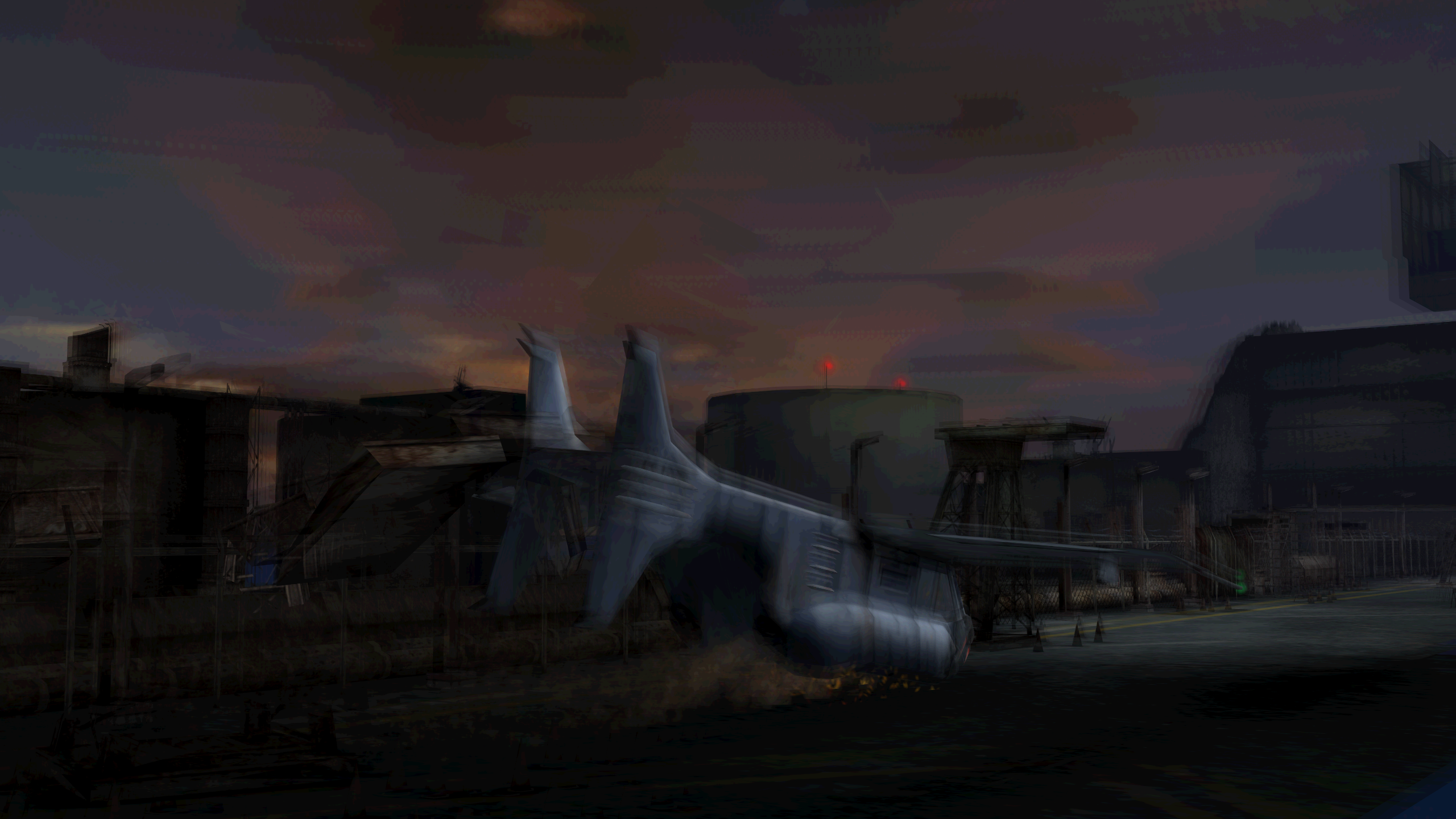
I dunno man. I'd actually say that's actually a pretty apt description.
Dude, what do you expect us to do? Nvidia is fucking us, if you don't like it use minimum blending and it'll act like 1.6 in these games.
Or use 1.6 (less possible for shadowman, sure).
The only thing I can suggest, is I don't think this game affected need any fancy blending, so you can play them on minimum blending, which will use hardware and not have the perf impact.
Nvidia is fucking us, if you don't like it use minimum blending and it'll act like 1.6 in these games.
Well yeah, that's exactly what I've been doing in all these cases because it's effectively my only option.
Dude, what do you expect us to do?
I don't know man, I'm not a dev. I reported it, because I was asked to report it, by you in fact, because the behavior seemed problematic. So now if the final response to that is to say "nothing that can be done" that's certainly your prerogative. I think it's shortsighted to assume that this is just going to magically resolve itself on GPUs in the future though.
I'm just trying to speak on the behalf of the end user here. That's all I'm trying to stress. The reality is that the average user doesn't know about or care about any of this. The only thing they're going to care about is the fact that situation X looked one way before and now looks worse than it did. This is on default/recommended values, mind you.
Look, I know you're frustrated because it doesn't do what you want it to do, but honestly this isn't an issue we can resolve.
Blend mix was introduced because hardware is inaccurate on its own and software is slow on its own (as you see in max blending), blend mix made it so most blending can be mixed with both and still be fast and accurate.
Were not going to remove blend mixing when it works so well, that would regress us back to a worse step. Minimum blending in these games will act like 1.6 if, that's your benchmark nvidia will handle that fine.
I'm sorry you're upset at us because nvidia made poor choices, but there's nothing we can do.
Look, I know you're frustrated because it doesn't do what you want it to do, but honestly this isn't an issue we can resolve.
Blend mix was introduced because hardware is inaccurate on its own and software is slow on its own (as you see in max blending), blend mix made it so most blending can be mixed with both and still be fast and accurate.
Were not going to remove blend mixing when it works so well, that would regress us back to a worse step. Minimum blending in these games will act like 1.6 if, that's your benchmark nvidia will handle that fine.
I'm sorry you're upset at us because nvidia made poor choices, but there's nothing we can do.
I'm not upset, I'm really not. If I'm coming across that way, I'm sorry. I'm too old to get bent out of shape about old video games. I'm just trying to do whatever I can to push things in a positive direction. That's really all. If my only option is minimum and the end result is equivalent to 1.6 (which I think it is, but would need to take a closer look at that) then so be it. Though keep in mind that minimum is not the recommended/default value and there will presumably be other users that have 3000 cards, so this may be somewhat counterintuitive depending on the situation.
Yep, always pure hardware
If this is the case, what was the actual difference in blending steps previously? If there was some granularity in blending accuracy while always being pure hardware would there not be the potential to maintain some degree of that here? i.e. could there be a "more accurate" level of pure hardware above minimum? Or is the implication that current minimum is more accurate than (or at least the same as) old maximum?
minimum will be as accurate as 1.6 was on those games. the choice you have is use pure hardware (1.6/minimum) or pure software (maximum), there's no real inbetween.