

 OriginProtocol
Settings update and cancel buttons
#229
Admin UI changes:
-
The Cancel and Update buttons in the following pages under Settings are disabled on page load: Settings/General Settings/Payments Settings/Shipping Settings/Checkout Settings/Advanced
-
The buttons are enabled when the form fields are updated.
-
Clicking Cancel displays a confirmation dialog for the user before (optionally) reloading the document.
Video
https://user-images.githubusercontent.com/10854442/104089067-a2343c80-5291-11eb-81cf-08bdb43b26e4.mov
Update [21st May, 2021]
A (self) review of this PR revealed some omissions from the initial description:
- The Save button in the page Products > Edit Product will be disabled by default. Making changes to the page will activate it.
-
Bug fixes
-
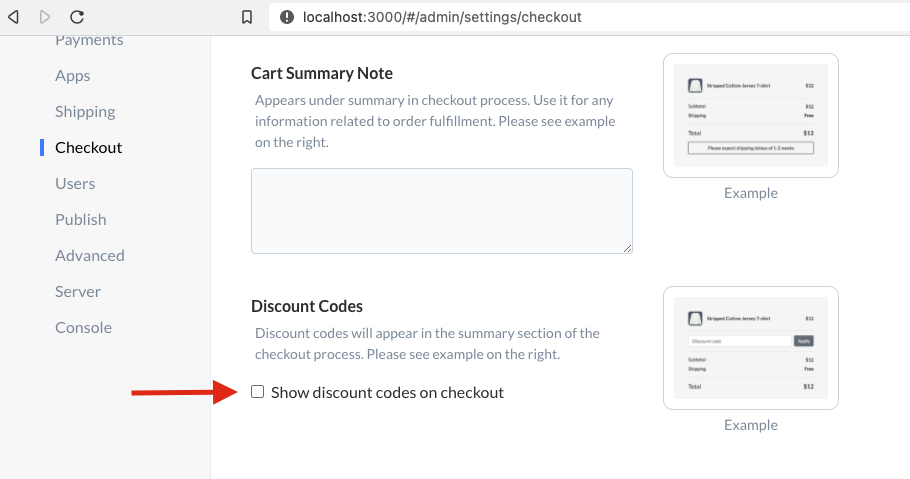
The app will detect that there have been changes to the form when a shop admin
- Makes changes to Offline/manual payment methods
- Checks the box 'Show discount codes on checkout':
-
It will also notify the admin that they need to 'Publish Changes' after clicking 'Update' in Settings > Checkout.
-
