

 OrchardCMS
Admin menu feature : Icon not applied to all content types menu items.
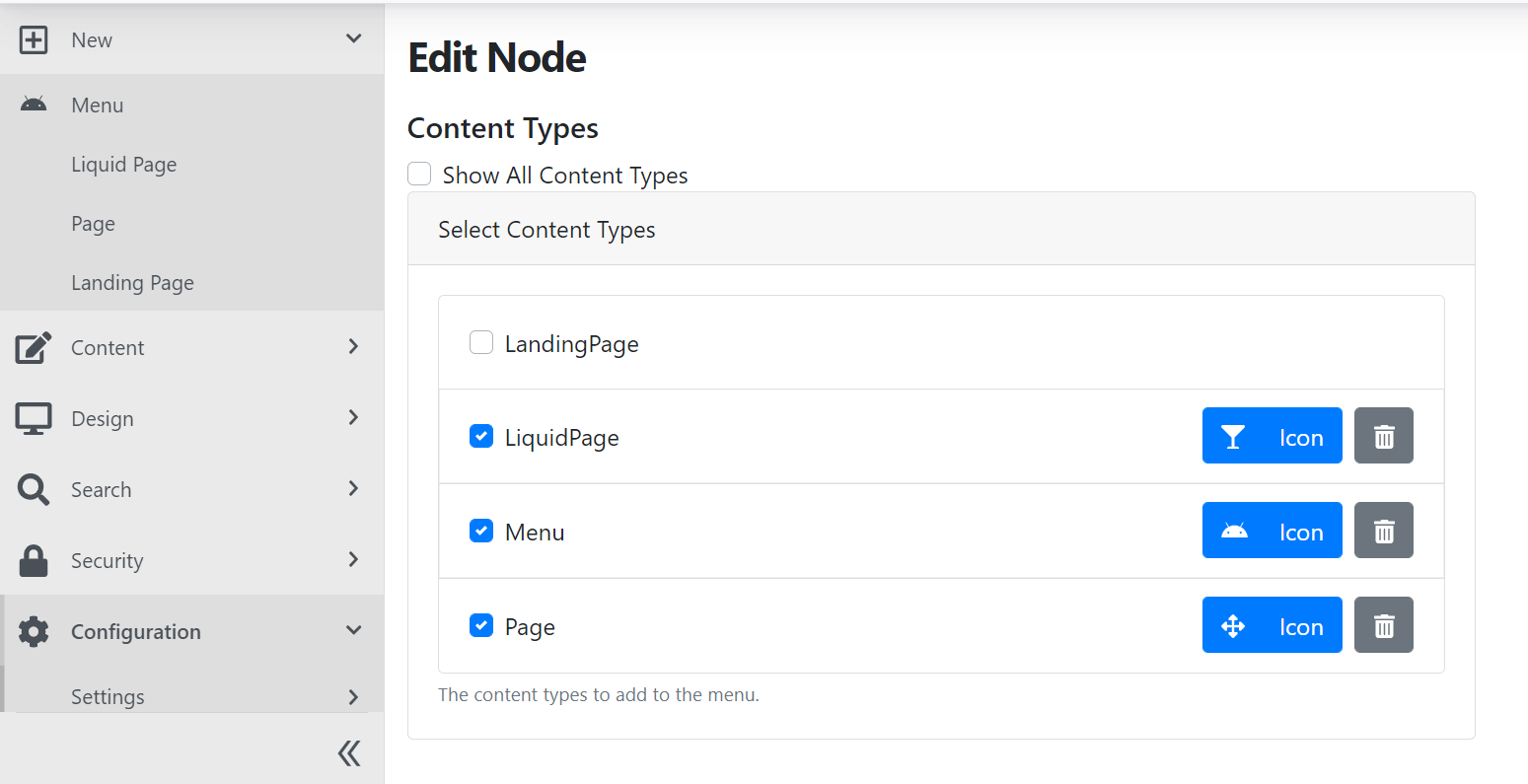
If you create an admin menu node in which you decide to display all content types and that you set a global icon to use on all of them it will display the icon only on the first content type item in that node. It should display the same icon for all the menu items.
The issue seems to be in the ContentTypesAdminNodeNavigationBuilder where it does GetIconClasses.


Hello guys.. been looking at this issue, and found out that this also happened on individual selection.
Traced the sources, seems like its happened on Merge method on the line as stated below.
https://github.com/OrchardCMS/OrchardCore/blob/e93de03087aa9e2919fcc52d3aa38a48e2120647/src/OrchardCore/OrchardCore.Navigation.Core/NavigationManager.cs#L141-L142
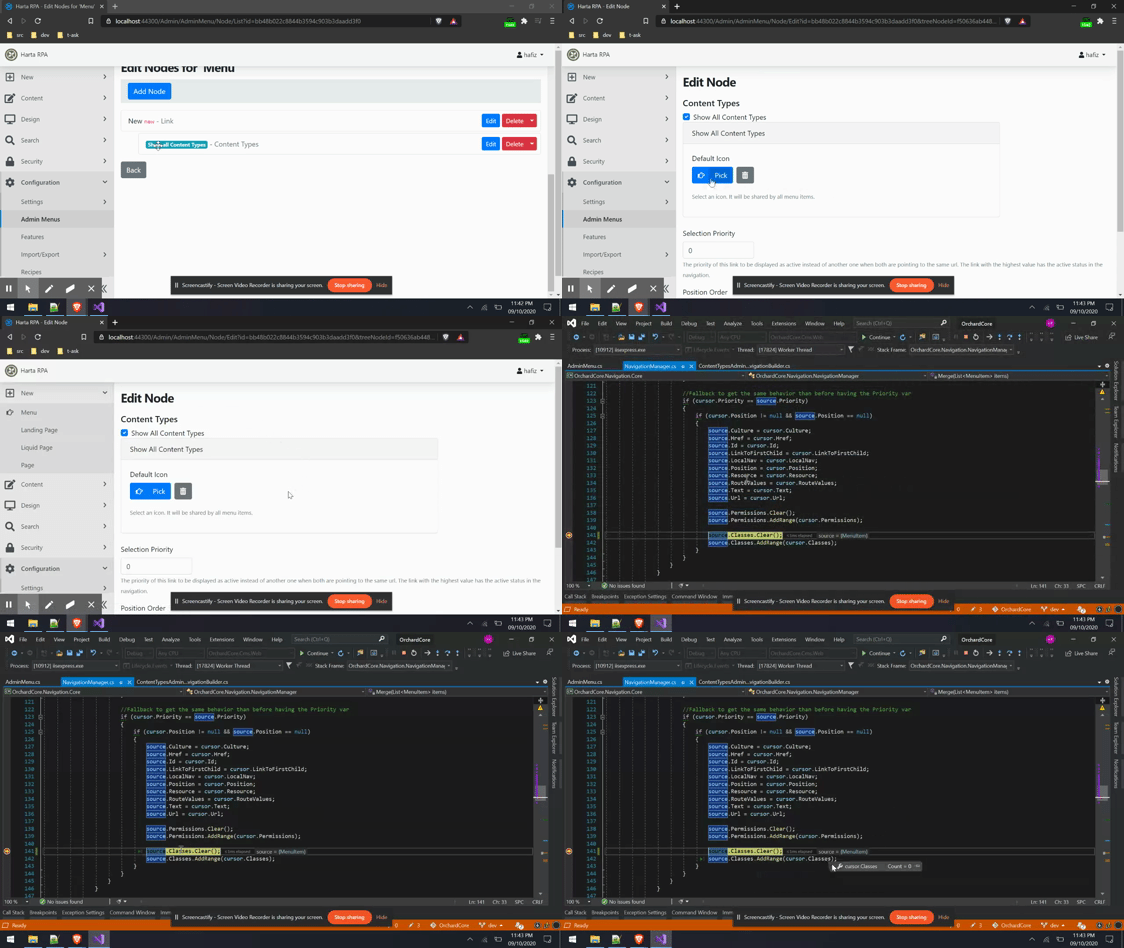
Got it working by commented out line 141, but not sure whether its the right thing to do without damaging other. I`m quite new with OrchardCore btw.
private static void Merge(List<MenuItem> items)
{
  ...
  if (cursor.Priority == source.Priority)
  {
     ...
-   source.Classes.Clear();
    source.Classes.AddRange(cursor.Classes);
  }
}
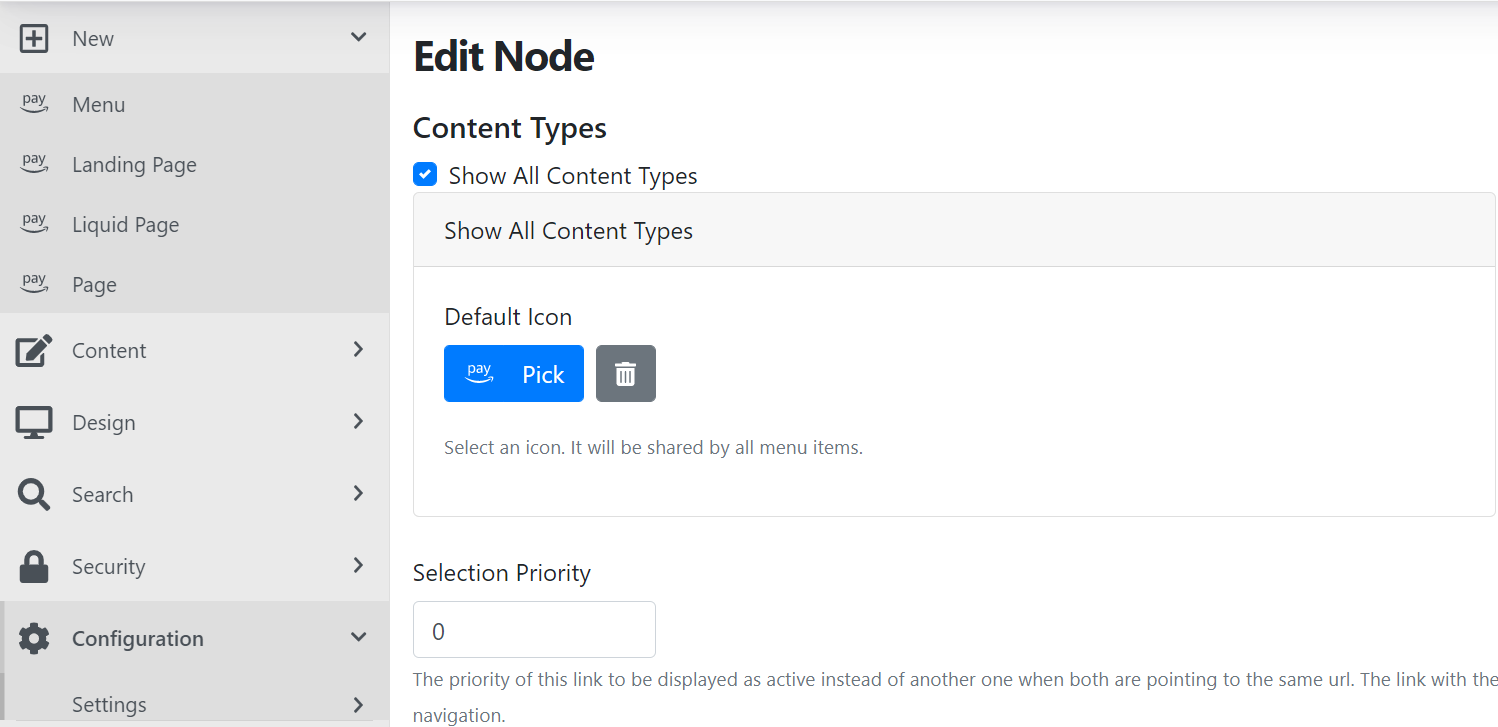
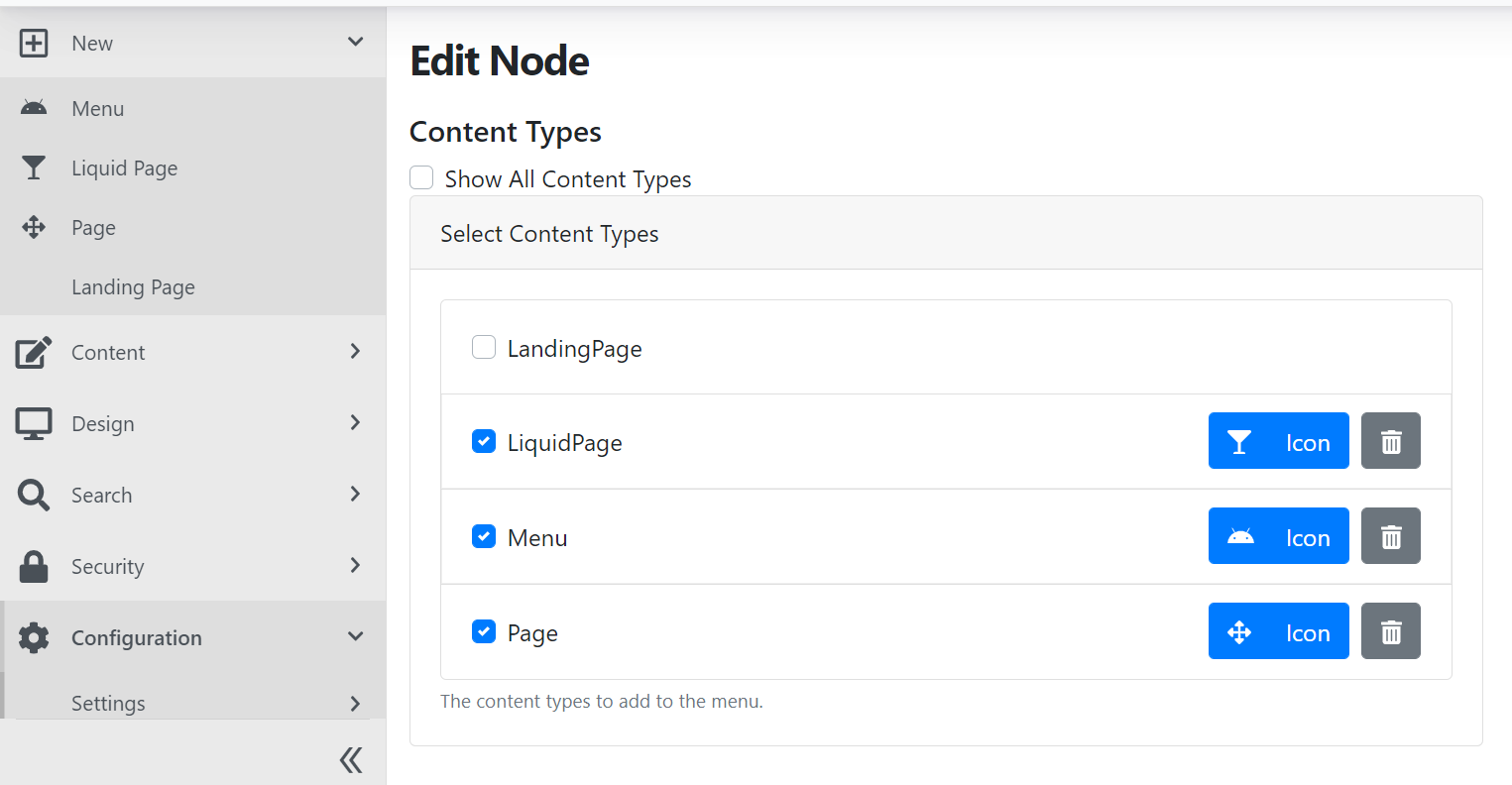

Seems like a legitimate fix. Need to know why we do a .Clear(); there. Maybe look at the commit history and see if there's some hint. Else, we might accept a PR with the proposed change.
Well I looked at this proposed solution and while it works ; it's not the appropriate fix unfortunately.
The issue is about Priority of Admin Menus. If you are trying to override an existing Menu Item you need to set the Priority at least to 1 so that when it does the Merge it uses the proper Menu Items coming from that custom Admin Menu. This is why we get Menu Items that has icons and some others don't. It's because it renders the actual default Menu Items which has a Priority of 0 instead of the custom Admin Menu Item that has also a Priority of 0.
One way to fix the issue would be to document how the Admin Menu Priority works. Another solution would be to make the Admin Menus always use a high Priority by default. So let's say the base Priority could be 1000 + the Priority set on each of the menu elements. But doing this will also change the menu item rendering order which makes the user experience kind of weird.
We need to try different things to have some easier user experience coming out of this. Using a base Priority is definitely a good start.
