

 OrchardCMS
Problem with the NumericField when changing to Arabic
When the language changes to Arabic, the negative number in NumericField is read in reverse For example -5 becomes 5- Any help please?


We have two options here, either we convert the numbers to Arabic or make the sign on the left. @Aurwa-Karrom is the issue in edit or display mode?
display mode.
The numbers are written in the Arabic version of the Content Item in this way,
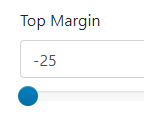 but when obtaining the values, they are like this
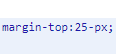 Also, when you try to make the sign on the left, the NumericField does not accept or return it to its place depending on the type of field

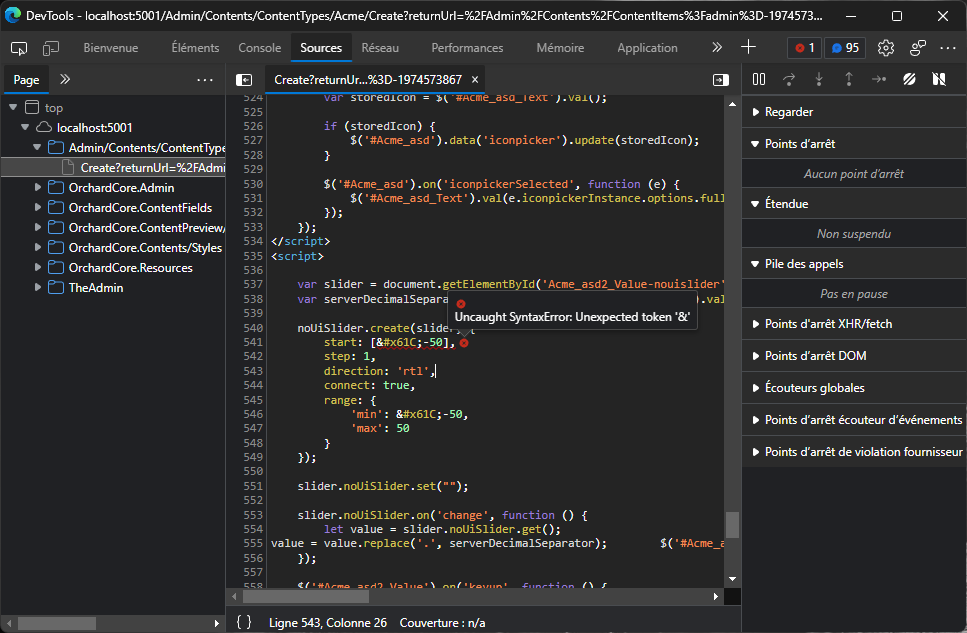
Ok, the issue is that the value passed when CultureInfo.CurrentUICulture == "ar" then a negative value is represented as "20-". Though, in javascript, the value is returned as "-20" which causes the NumericFieldDisplayDriver to return a validation error about the fact that it can't parse the form string value passed as a Decimal because of the position of the negative sign.
So, here, I tried using CultureInfo.InvariantCulture in the Driver and it works. But the issue then remains with the "Select" editor which doesn't display the properly selected value because the asp-value="value" on the input expects the values to be localized with a minus sign appended before the number.
So, another option would be to localize the decimals with javascript TolocaleString("culture-code") though it doesn't work as expected.
I think here in the end we won't have a choice to use InvariantCulture at some point for these numeric values.