

 OpenShot
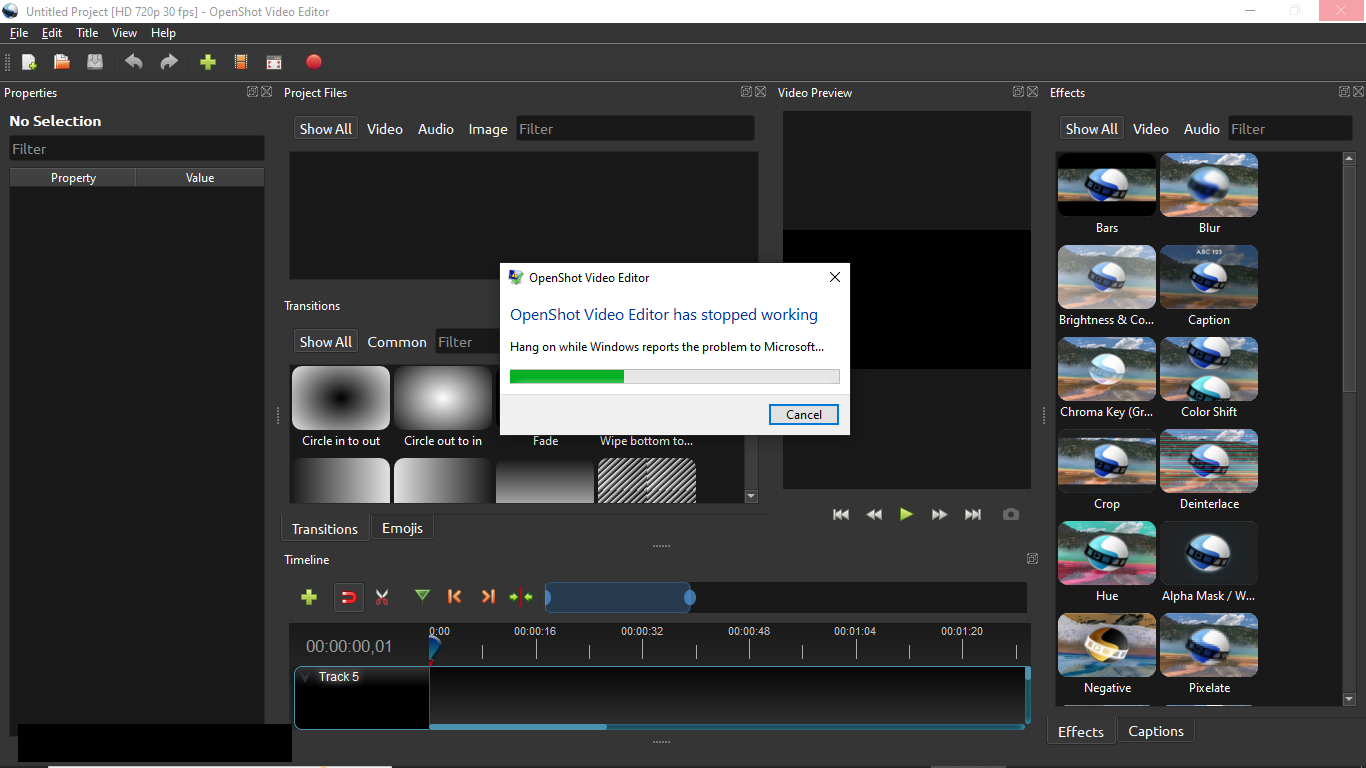
When I import a video to work on the prigram closes, time and time again.
Describe the bug: A clear and concise description of what the bug is.
Steps to reproduce the behavior:
- Go to '...'
- Click on '....'
- Scroll down to '....'
- See error
Expected behavior: A clear and concise description of what you expected to happen.
System Details:
- OpenShot Version [e.g. 2.4.3]: {{ log_context.openshot_qt_version }}
- Operating System / Distro: [e.g. Windows 10, Linux Mint 17.1]
Log Files:
If you are experiencing a crash, please collect and attach logs of the problem. Log files can be found in the .openshot_qt folder in your user home directory. Log files over 2 MB in size will need to be compressed, please attach a ZIP file instead of the raw logs.
Exception / Stacktrace: If you are experiencing a crash or strange output on the command line, please attach a small snippet of the exception here, but please keep it as small as possible (for readability).
Screenshots: (Optional) If applicable, add screenshots to help explain your problem. To include screenshots, copy/paste them here, drag the image(s) into this form, or click the link below this edit field to load images saved to your computer. All images are public, so please don't post screenshots containing personal information.


Please go to openshot.org/download/#daily and download the latest DEV Daily Build (v3.0.0).
If you are still experiencing issues then please provide a bit more details like the version of OpenShot, the Operating System and Version, what kind of files you are working with, etc. The more information your provide the better we can assist you.

I installed it on my W11 Insiders Preview machine (same one I first tested on). OpenShot won't even run. It launches then immediately goes away.
A bug has been identified in v3.0.0 that the program will crash on certain system upon startup. This applies to Win 7, win8, Win10, & Win 11.
A fix is on the way...stay tuned.
A fix for this issue has been released. Please go to openshot.org/download/#daily. Get the latest DEV Daily Build, install it and give it a try.
I installed the latest dev build and the app will launch and run now. I did some elementary work and it was stable.
On an unrelated side note, all of the hardware acceleration is broken. I'm also disappointed that it has to re-encode just because of trimming. It also seemed to do something weird with msedgeview2 after closing the app.
Thank you @JustinWebDev for the update and glad all is running for you now.
Hardware acceleration hasn't worked, if ever, in Windows. I started using Openshot v2.5.1 and it was never functional or supported. This is on the docket for a future release and I can not give you an ETA.
When you say re-encode are you talking about the Cache bar being constantly rebuilt (the solid blue bar right above the top most track)? From what I've been told, this has to do with the timeline code being very inefficient. The lead developer has plans to rewrite the entire timeline code to address this (ETA?).
What is msedgeview2? Not familiar with that.
With v3.0.0 there are a few more controls over the Cache. It isn't bullet proof and kind of experimental. If you have a descent computer then don't make your Cache Limit too large. I cap mine at 2048 while I am in heavy editing mode. When I get into Preview mode and my project is somewhat complex then I up the cache limit to 8192, change my Cache Pre-roll: min Frames to 48, Cache Pre-roll: Ma Frames to 96, and Cache Max Frames to 1024. It will take a bit for your Cache to build but once done, playback becomes much smoother. This will get further fine tuned in upcoming releases.
Please close this ticket and submit a separate ticket for the issues you mentioned here (re-encoding and msedgeview2) and any other ones you encounter.