

 OpenShot
can't use graphic interface
hi I am using OpenShot Video Editor to edit videos I have a problem with GUI
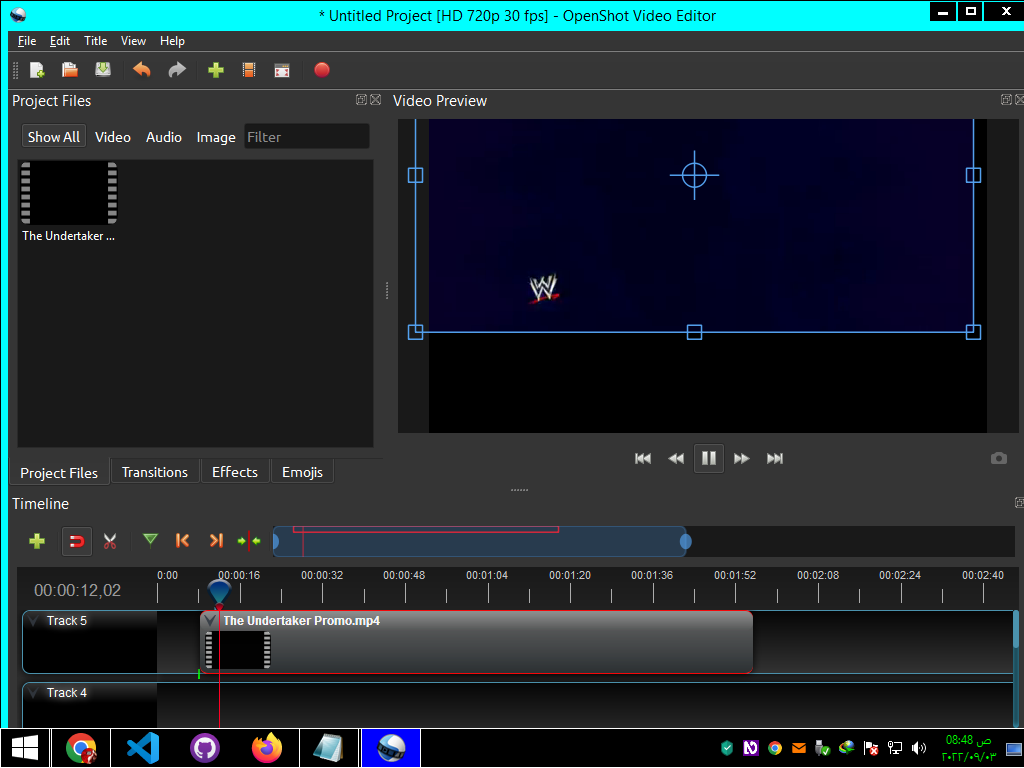
In the screenshots, the program's graphic interface appears in an organized and simple form But it appears to me overlapping and difficult to use
I am using OpenShot-v2.6.1-x86_64 on windows8.1
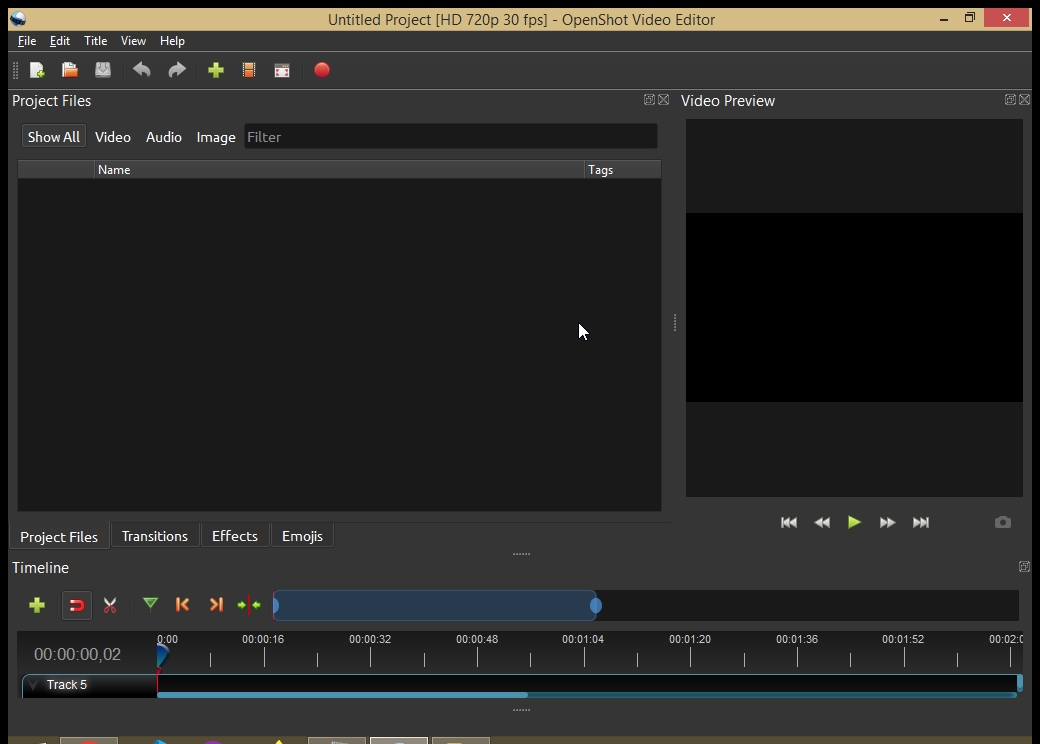
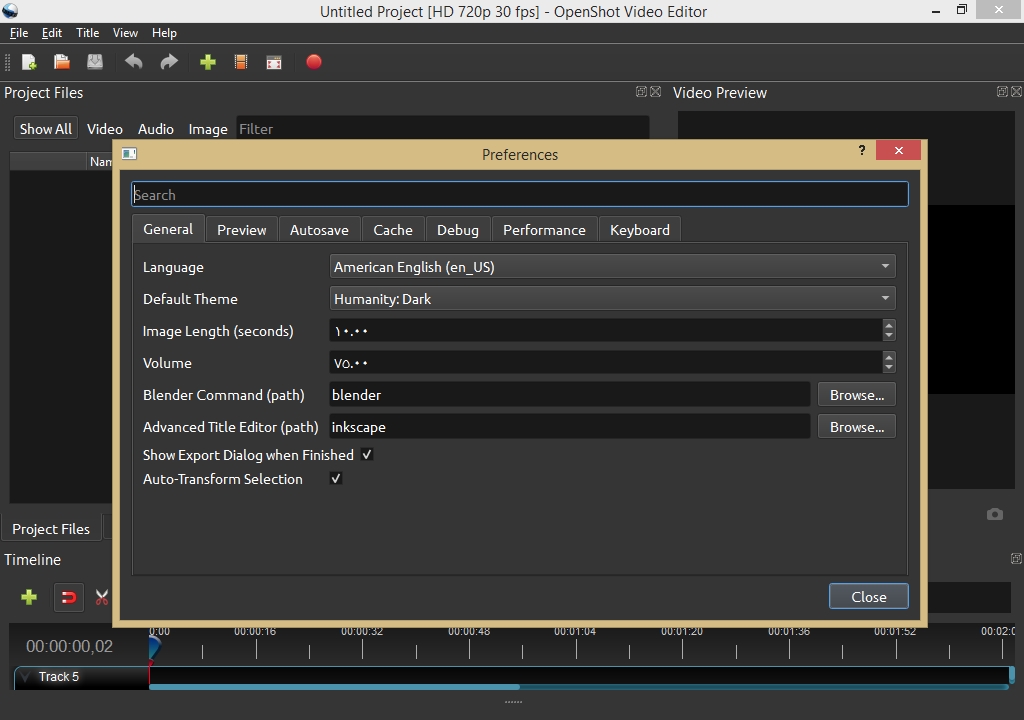
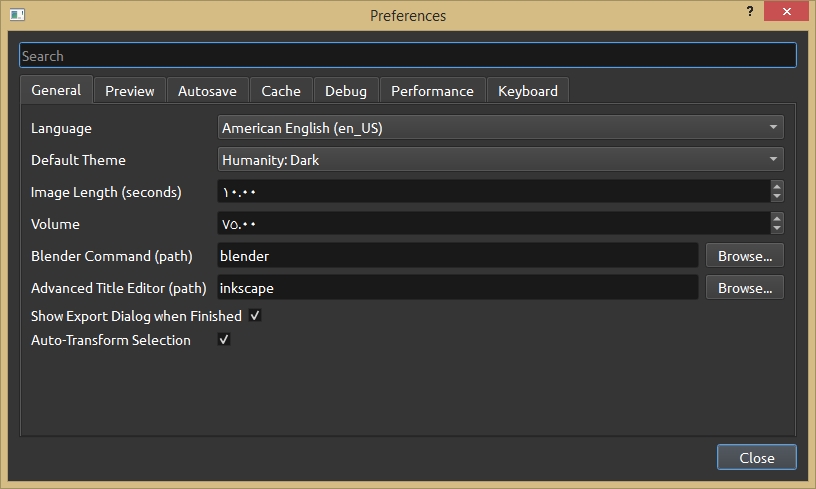

I'm not sure I understand what you mean by overlapping and difficult to see. You can click on the ..... symbol right above the timeline to make the timeline taller. Also under View -> Views in the top menu bar, you can choose a different layout for the windows. Otherwise, you can drag them to any positions you like.

I'm not sure I understand what you mean by overlapping and difficult to see. You can click on the
.....symbol right above the timeline to make the timeline taller. Also underView -> Viewsin the top menu bar, you can choose a different layout for the windows. Otherwise, you can drag them to any positions you like.
I actually had a problem with the view of the program and I was able to change the view from the View menu View >> Views >> Simple View I have another problem When I add audio and photo files to Timeline The audio files will work without sound
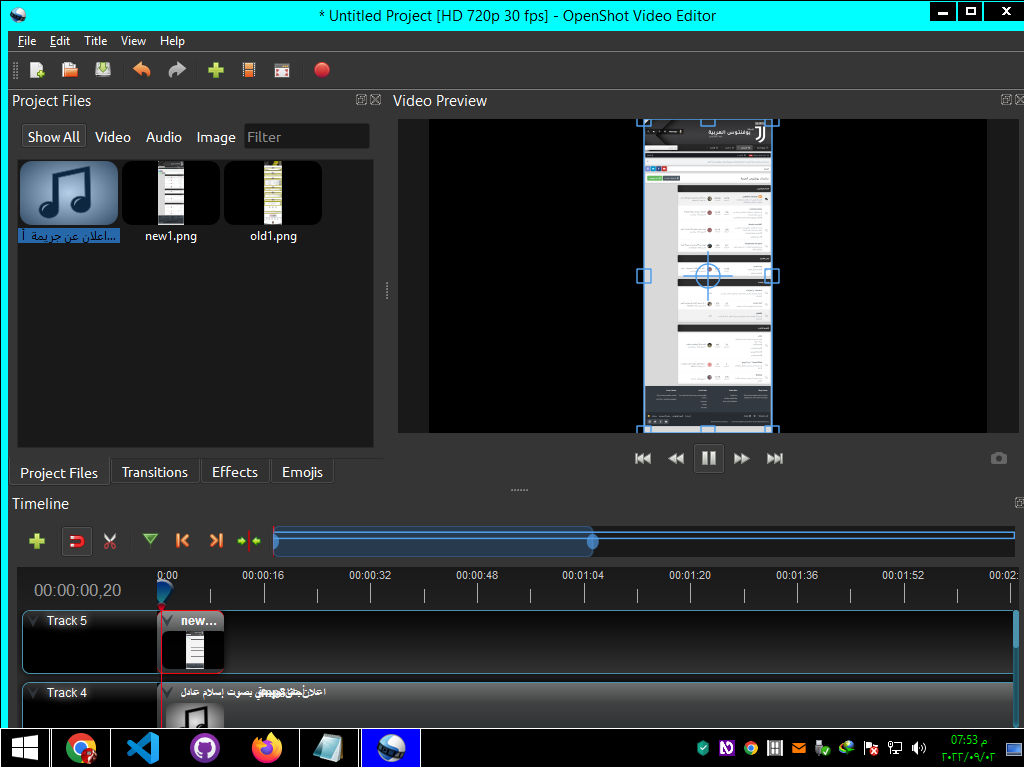
Interesting, what format of audio file are you using? It may help to convert them to a common format like MP3. You can use a tool like handbreak for conversions like that.
Interesting, what format of audio file are you using? It may help to convert them to a common format like MP3. You can use a tool like handbreak for conversions like that.
I already use mp3 files
I have this problem even with video files
If you want, I can make a short video showing the steps I'm doing
Please download the latest DEV Daily Build v3.0.0 at openshot.org/download/#daily and give it a try. Let us know if your problem persists.

Please download the latest DEV Daily Build v3.0.0 at openshot.org/download/#daily and give it a try. Let us know if your problem persists. ok