

 OpenEnergyPlatform
Very large tables cause multiple failures in viewer when leaving the browser window while data is loading
So I've imported a 25 GB dataset into our test OEP via the backend, and the largest table in the dataset can't be displayed in summary view. It does not show "No records", it shows null records:
 This table has over 235 million records. That might seem like a lot, but it's not unusual in building automation.
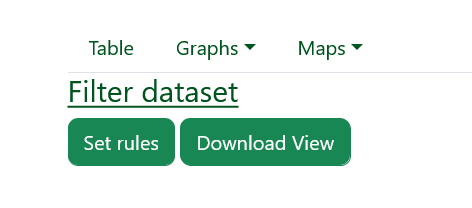
The Filter function doesn't work, either (rule editor does not appear):
Handling large datasets in the OEP has been a problem from very early on: #273 #286 #223.
This is important; useful real-world datasets are often this large, and we're not even talking about something we would call "Big Data" yet.

That's odd, we have tables in the OEP that contain (at least that's what I was told) terabytes of data. I found this one with almost the same number of rows:
https://openenergy-platform.org/dataedit/view/climate/openfred_series

What are the dev tools telling you? And are there any errors raised in your Django backend?
But probably it's actually the OEP, I'm not sure what steps have been taken so far to handle such large datasets.

Okay, that's encouraging. At least it's possible, then. It's probably a configuration issue or has something to do with the way the data was imported (again, I did this using SQL via the database).
I wanted to do some more troubleshooting of this kind. I have a log for the gateway interface, /var/log/uwsgi.log (which is not showing anything unusual). Where can I monitor the backend to see what is happening?
The webserver gives me this error:
2022/09/29 10:32:41 [error] 210#210: *4697 upstream timed out (110: Connection timed out) while reading response header from upstream, client: 91.64.152.106, server: mondb.dgs-berlin.de, request: "GET /api/v0/schema/bigly_data/tables/point_value_raw/columns/ HTTP/1.1", upstream: "uwsgi://unix:///tmp/oep.sock", host: "mondb.dgs-berlin.de:8000", referrer: "https://mondb.dgs-berlin.de:8000/dataedit/view/bigly_data/point_value_raw"
It looks like it might simply be taking too long to respond.
Sure enough. I tried it again, this time without changing the window focus (I just watched the spinner), and lo, this time it worked:
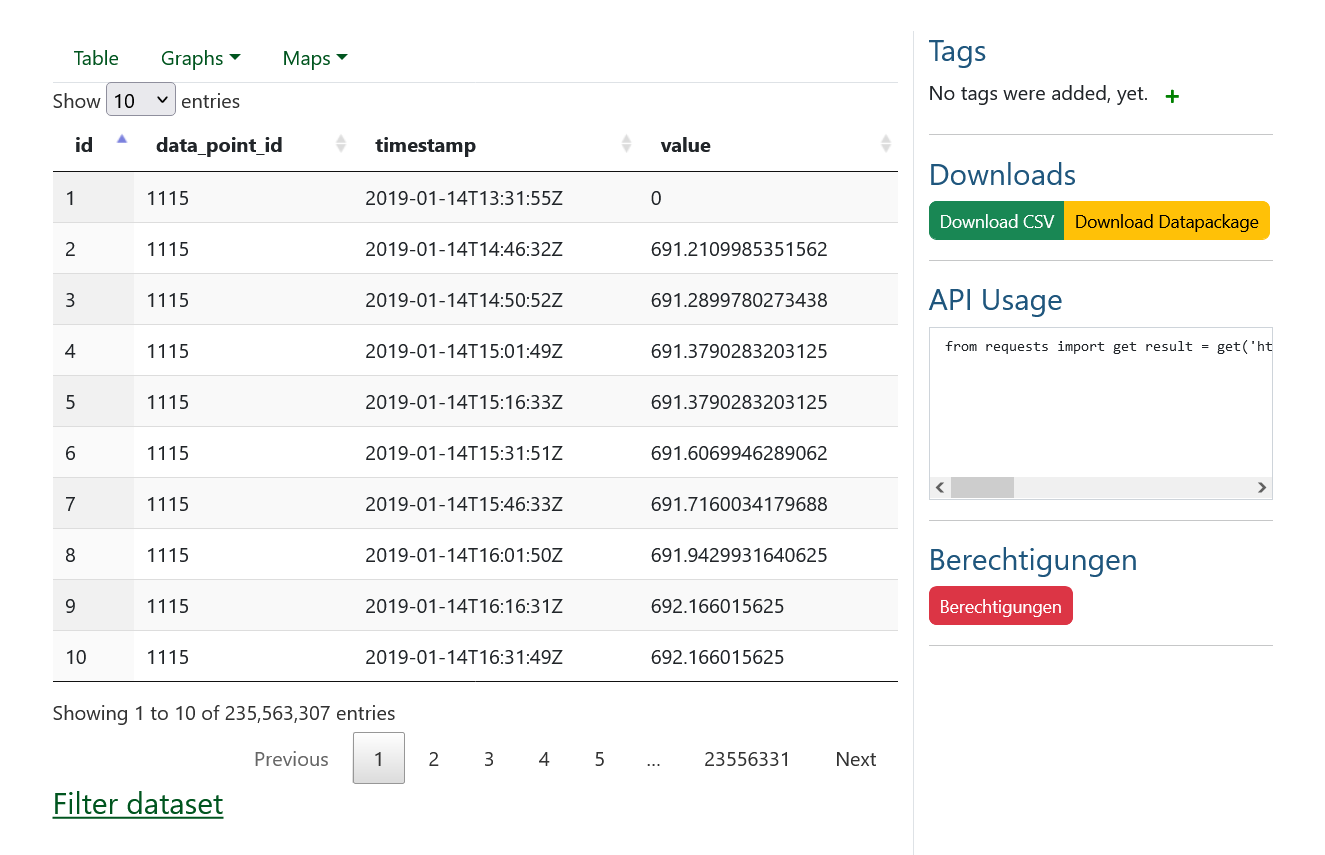
It took about a minute.
Obviously, that's not acceptable performance. Yes, I probably need to tune the database. But I doubt that this is just a database problem if Martin and others have already filed issues about it.
Can you tell me how that large table in the live OEP is configured?
I see, I also observed the load spinner on the other table till the data was showing up 👍 . Definitely not acceptable.
I think the API-view/view (whatever is responsible for this data request) should be reconfigured. We should load the data based on the current page (which the user is viewing (paginated) and/or then use an asynchronous load function that loads the rest of the data in the background - without blocking the user view (load spinner) and meta information like the amount of records in a table should be generated beforehand and saved every time the user changes the table, so it doesn't have to be done every time the table is loaded (In case this process also swallows a lot of computing time).
I think the API-view/view (whatever is responsible for this data request) should be reconfigured. We should load the data based on the current page (which the user is viewing (paginated) and/or then use an asynchronous load function that loads the rest of the data in the background - without blocking the user view (load spinner) and meta information like the amount of records in a table should be generated beforehand and saved every time the user changes the table, so it doesn't have to be done every time the table is loaded (In case this process also swallows a lot of computing time).
Yes, this makes sense. If you suggest the best place in the code to start investigating, I would be happy to try to figure out how this could be done.
- the html div is in
dataview.htmlin<table class="display" id="datatable" style="width:100%"> - the code to load data into it is in
backend.jsinfunction request_data(data, callback, settings)(I think) - this queries data from the advanded api endpoint:
POST /api/v0/advanced/search

Just noticed this again ... 2 This table needs 2.3 minutes to load :) We should optimize this.
https://openenergy-platform.org/dataedit/view/climate/openfred_series
it might be necessary to implement pagination / limiting of the query in the backend. This would split the query into smaller responses instead of one big response.
After further investigation, the main load is caused by the count(*). The first time the page is accessed, it is called 2 times.
In [#15] (https://github.com/OpenEnergyPlatform/oeplatform/issues/1531) I describe what I think we can do about this.
In general, I think this is quite a bottleneck. The most viable solution would be to add more usability options to the Dataviewer page. This would mean that we should recognise which table has more than 100m+ rows and in this case only show the first 10 entries and then prompt the user to actively request the full table content and warn them about the load time.
Also, caching or calculating these values for each update of a table would help a lot. But this would still not reduce the loading time below the 10-second mark, but rather in the region of 30 seconds.
In addition, the count(*) function is called again in the database each time a filter is applied.
Perhaps loading data in parallel would also help.