

 OpenCTI-Platform
[ImportDocument]The connector does not work at all
Description
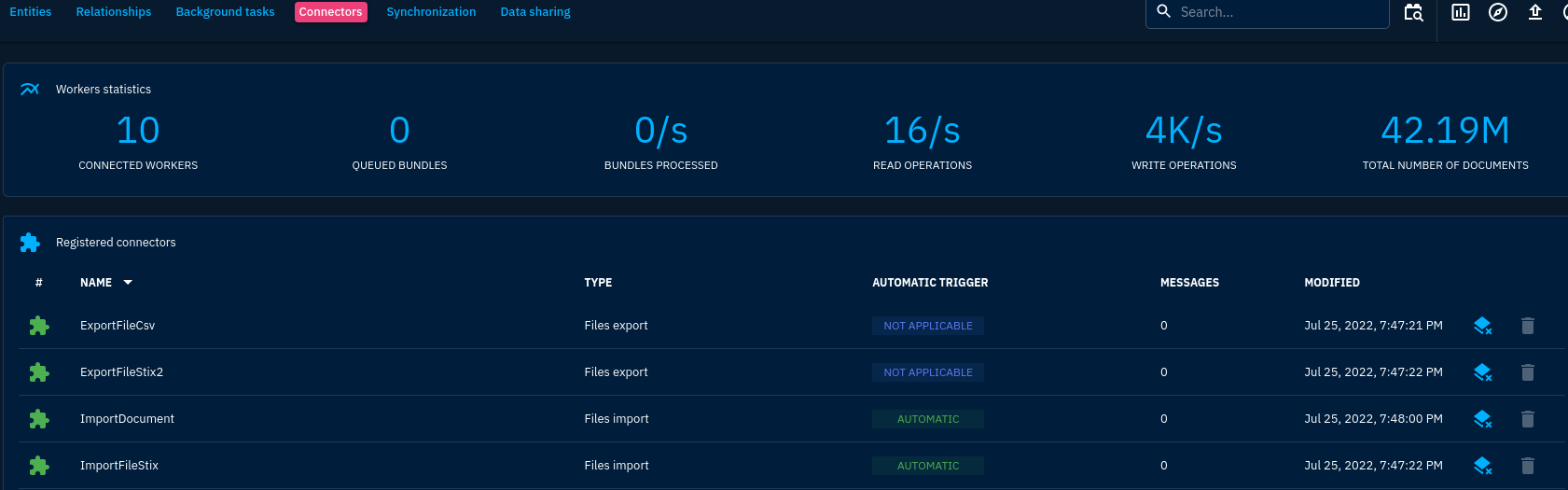
The import-document connector is shown on the "connector" web page.
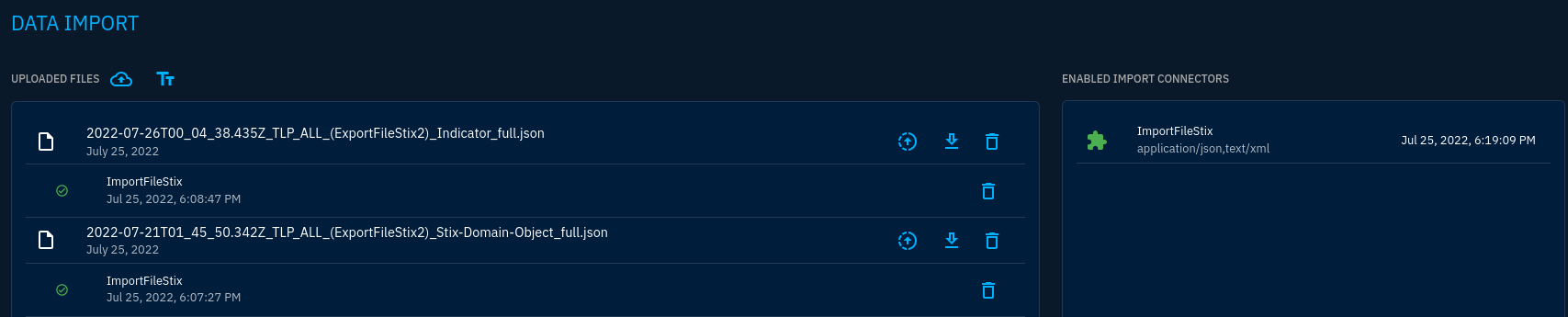
 But it is not shown on the "Enabled import connetors" panel.
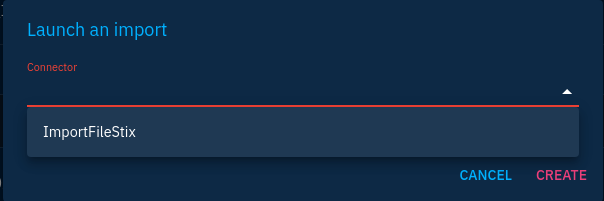
 When I launch an import, the "import-document" is not shown in the connector list.
 When I import a pdf or csv file using the import-document connector, nothing useful is recorded in the log.

Environment
- OS: Ubuntu 20.04.4
- OpenCTI version: 5.3.7
Reproducible Steps
Steps to create the smallest reproducible scenario:
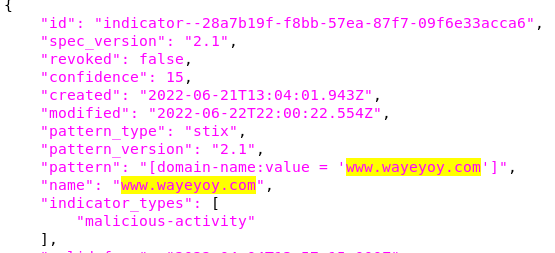
- I export the indicators of the "Conti" intrusion set using the export-file-csv connector and the export-file-stix2 connector. The csv file contains hostname "www.wayeyoy.com".

- I then delete all "www.wayeyoy.com" entities in the opencti.

- I import the csv file which contains "www.wayeyoy.com".
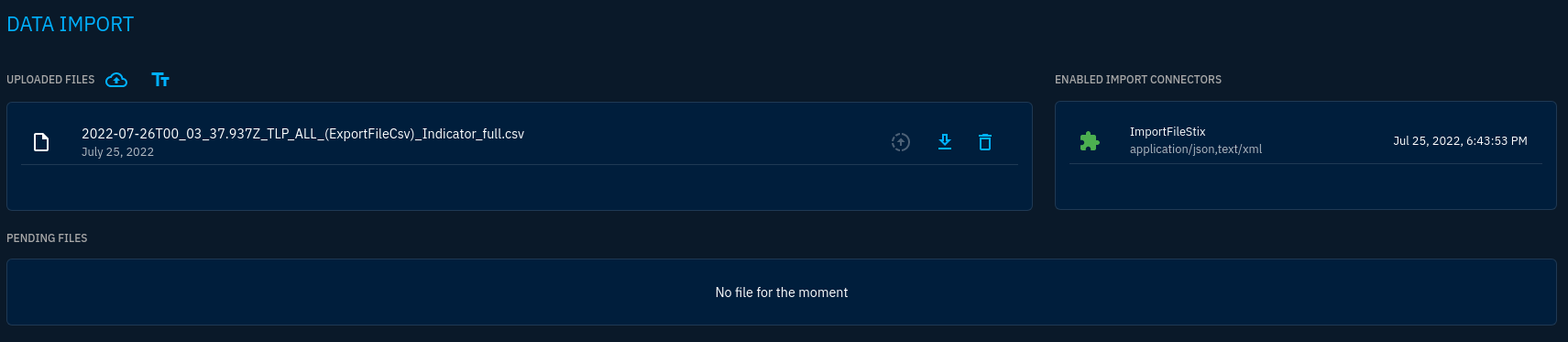
- I search "www.wayeyoy.com" and noting is found.
- I import the json file which contains "www.wayeyoy.com" using the "import-file-stix" connector.
 Why does the successfully uploaded json file show up in the "pending files" panel, but the uploaded csv file not?
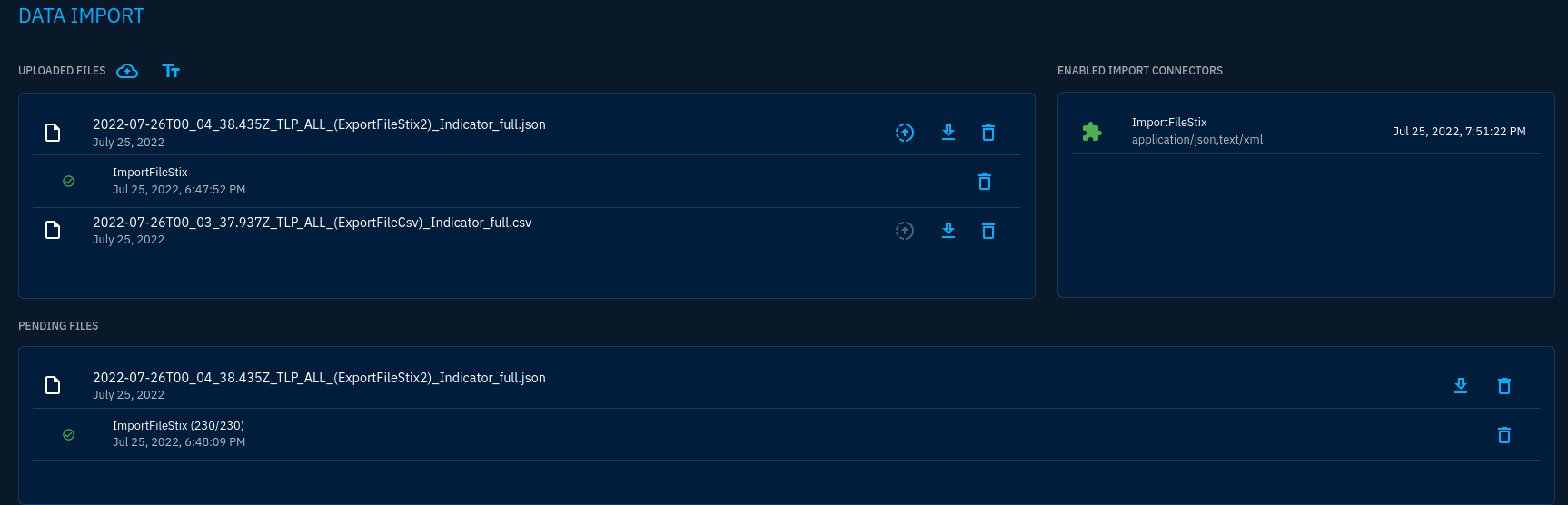
- The json file is imported successfully.


Hey @Ken-Abruzzi
Could you please share your connector config? It seems like the connector is active, but the scope isn't properly defined
Regards

Hey @Ken-Abruzzi
Could you please share your connector config? It seems like the connector is active, but the scope isn't properly defined
Regards
Hello, @nor3th . Please check my configuration. Thank you! connector-import-document: image: opencti/connector-import-document:5.3.1 environment: - OPENCTI_URL=http://opencti:8080 - OPENCTI_TOKEN=${OPENCTI_ADMIN_TOKEN} - CONNECTOR_ID=${CONNECTOR_IMPORT_FILE_PDF_OBSERVABLES_ID} - CONNECTOR_TYPE=INTERNAL_IMPORT_FILE - CONNECTOR_NAME=ImportDocument - CONNECTOR_VALIDATE_BEFORE_IMPORT=true # Validate any bundle before import - CONNECTOR_SCOPE=application/pdf,text/plain,text/html,text/csv,text/markdown - CONNECTOR_AUTO=true # Enable/disable auto-import of file - CONNECTOR_ONLY_CONTEXTUAL=true # Only extract data related to an entity (a report, a threat actor, etc.) - CONNECTOR_CONFIDENCE_LEVEL=100 # From 0 (Unknown) to 100 (Fully trusted) - CONNECTOR_LOG_LEVEL=debug - IMPORT_DOCUMENT_CREATE_INDICATOR=false restart: always logging: driver: "json-file" options: max-size: "10m"