

 OpenBB-finance
Update documentation with more detailed installation instructions, requirements and more
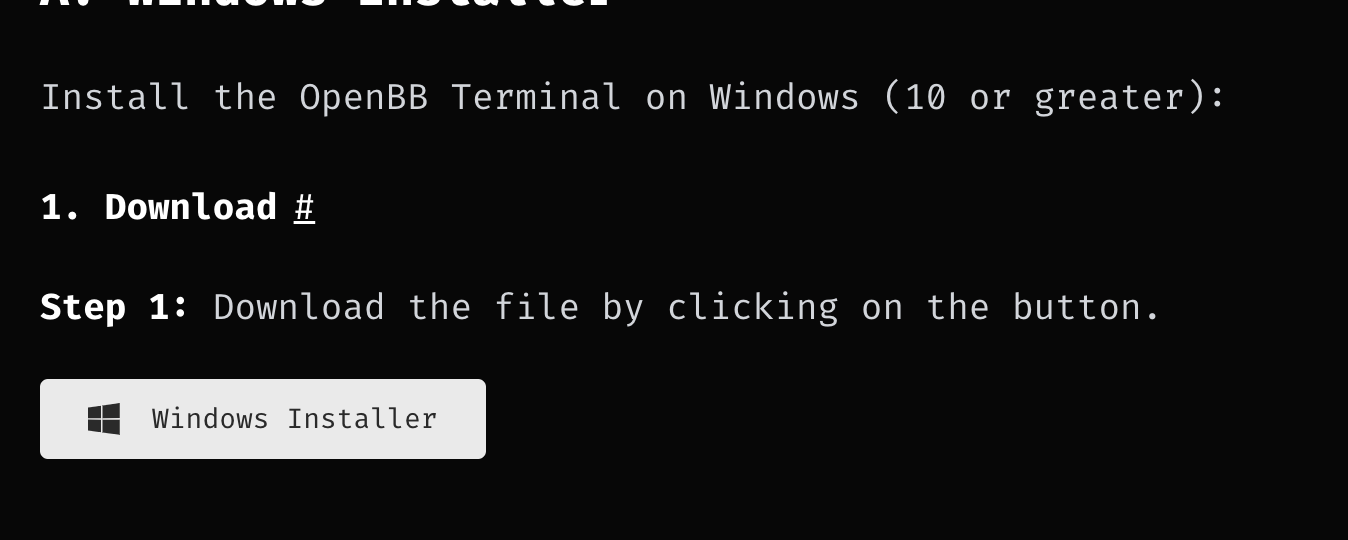
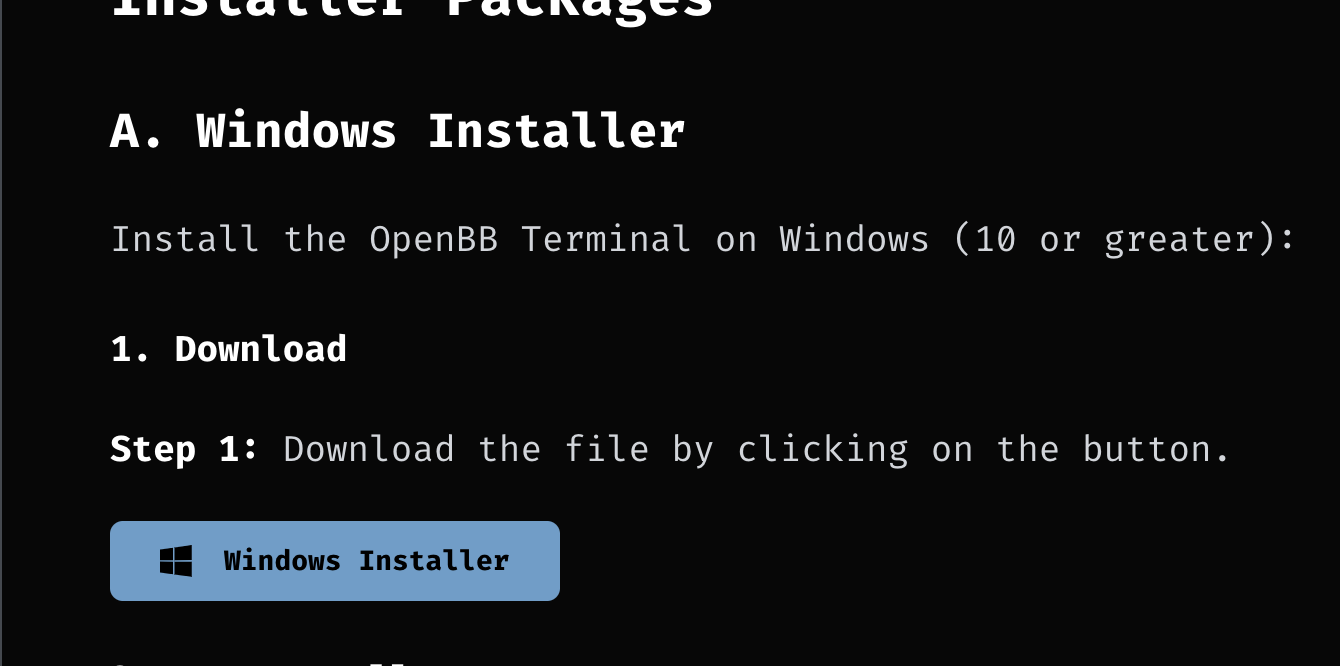


Changed docs:
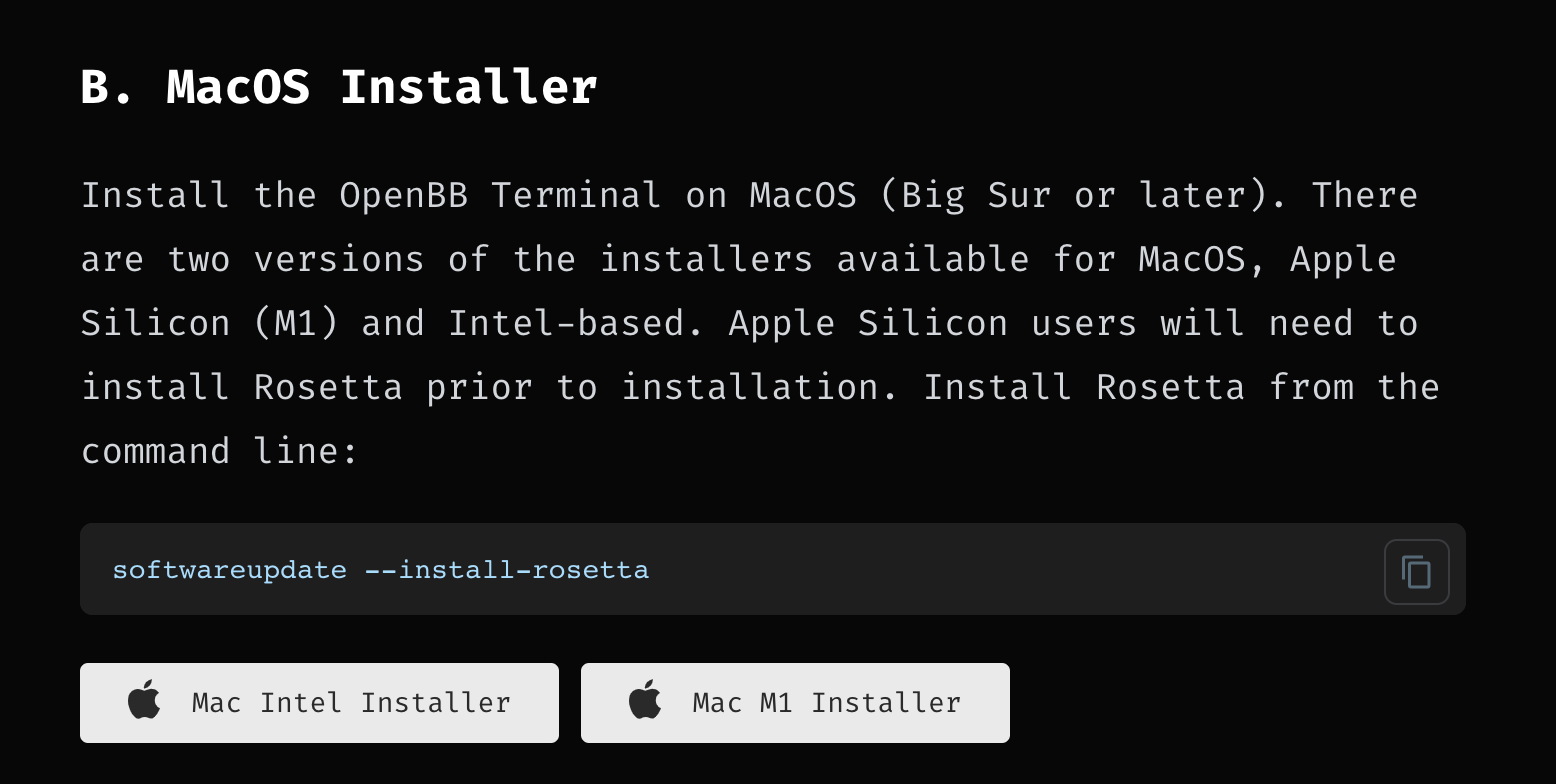
Install the OpenBB Terminal on MacOS (Big Sur or later). There are two versions of the installers available for MacOS, Intel-based and Apple Silicon (M1) . **Apple Silicon users will need to install Rosetta prior to installation**.

Installing Rosetta can be done with the following steps:

1. Press ⌘ (Command) + SPACE to open spotlight search, and type `Terminal` and hit Return (⏎).
2. Copy and paste the following code in the Terminal and hit ENTER (⏎):
   ```console
   softwareupdate --install-rosetta
   ```
3. This will start up the Rosetta installation process and you will receive a message regarding the Licence Agreement. Type `A` and hit Return (⏎).
4. After the installation process has finished, you can proceed t the "Mac M1 Installer" button.

To understand whether you are using an Apple Sillicon (M1) device or an Intel-based device click on the Apple Icon at the top left of your MacBook and select "About This Mac". Then under "Chip" if it says something like "Apple M1 Pro" or "Apple M1 Max", you know you have an Apple Silicon MacBook. If it says for example "2,3 GHz Quad-Core Intel Core i7" you know that you have an Intel-based MacBook and you can continue by clicking on the "Mac Intel Installer" button.
There are some unanswered questions before we proceed:

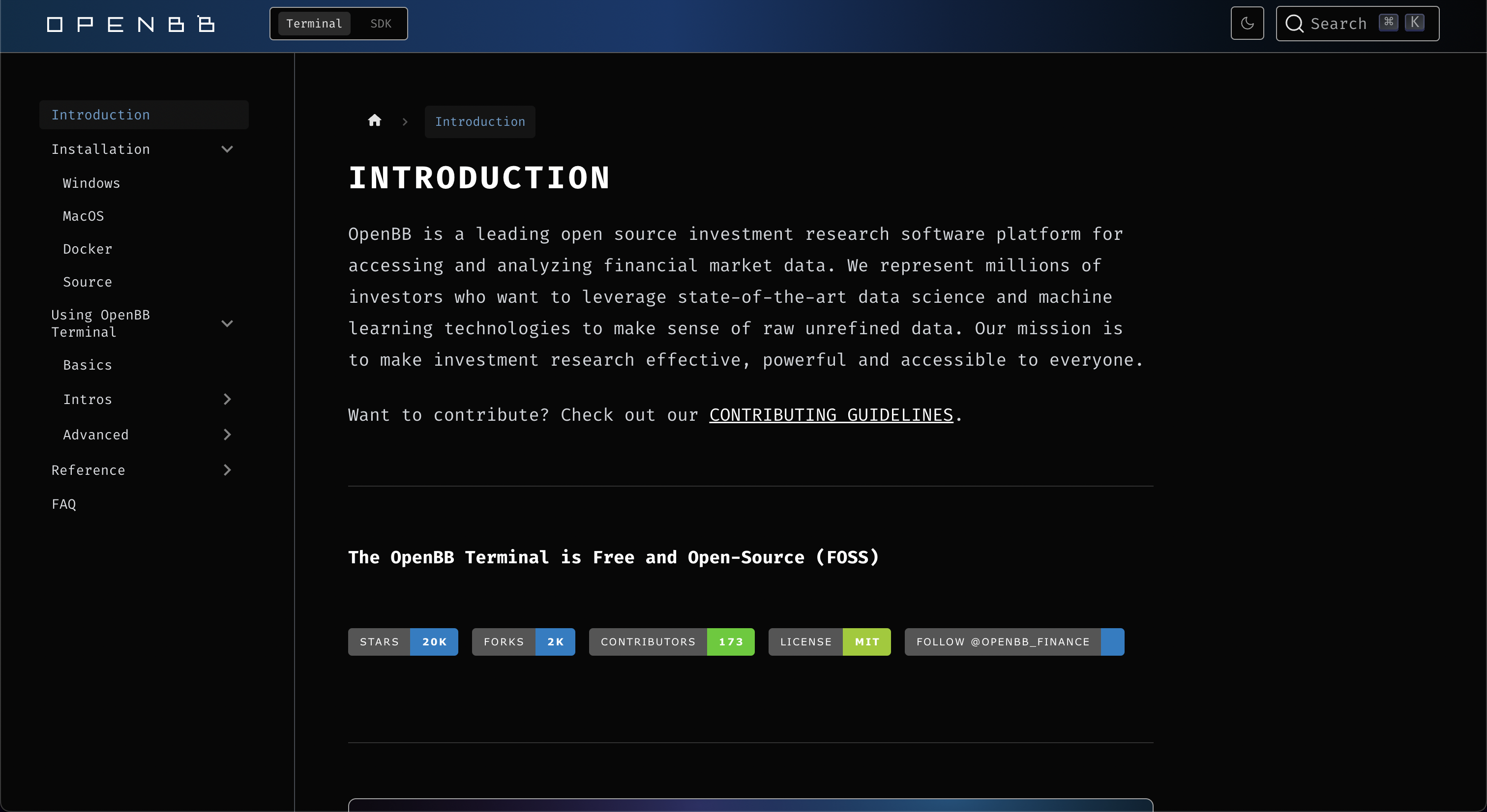
@jose-donato Can you look into making it so clicking on "Installation" sends you to your OS? And can you see what the issue is with the MacOS buttons?
https://user-images.githubusercontent.com/43375532/223431128-0b0ef67e-ecda-4144-b116-e2daec13eea2.mp4
@jmaslek Just asking you to look at it because reviewpad is whining. These are just upgrades to the Docs. The auto-select installation page has been taken out (so Jose's video is irrelevant).
@jmaslek Just asking you to look at it because reviewpad is whining. These are just upgrades to the Docs. The auto-select installation page has been taken out (so Jose's video is irrelevant).
looks fine to me
