

 OfficeDev
Script lab crashing
Bug Report
- Host: (Excel)
- OS: (Windows)
- Browser: (Internet explorer/Chrome)
- Environment: (office 365, version 1908, build 11911.20000)
Expected behavior:
Actual behavior:
sometimes crashing in between when clicked on "register/run" or "console". Also the interface keeps on loading. Also I would like to know why I am seeing "preview" when I register the function, screen shoot attached
Steps to Reproduce:
alt+ctrl+delete to close excel, if normal closing of window does not work Restart Excel
Also can you guide me on my question: https://stackoverflow.com/questions/57464480/how-get-all-details-of-api-in-in-excel-screencells-without-indexing-in-office
Screenshot:

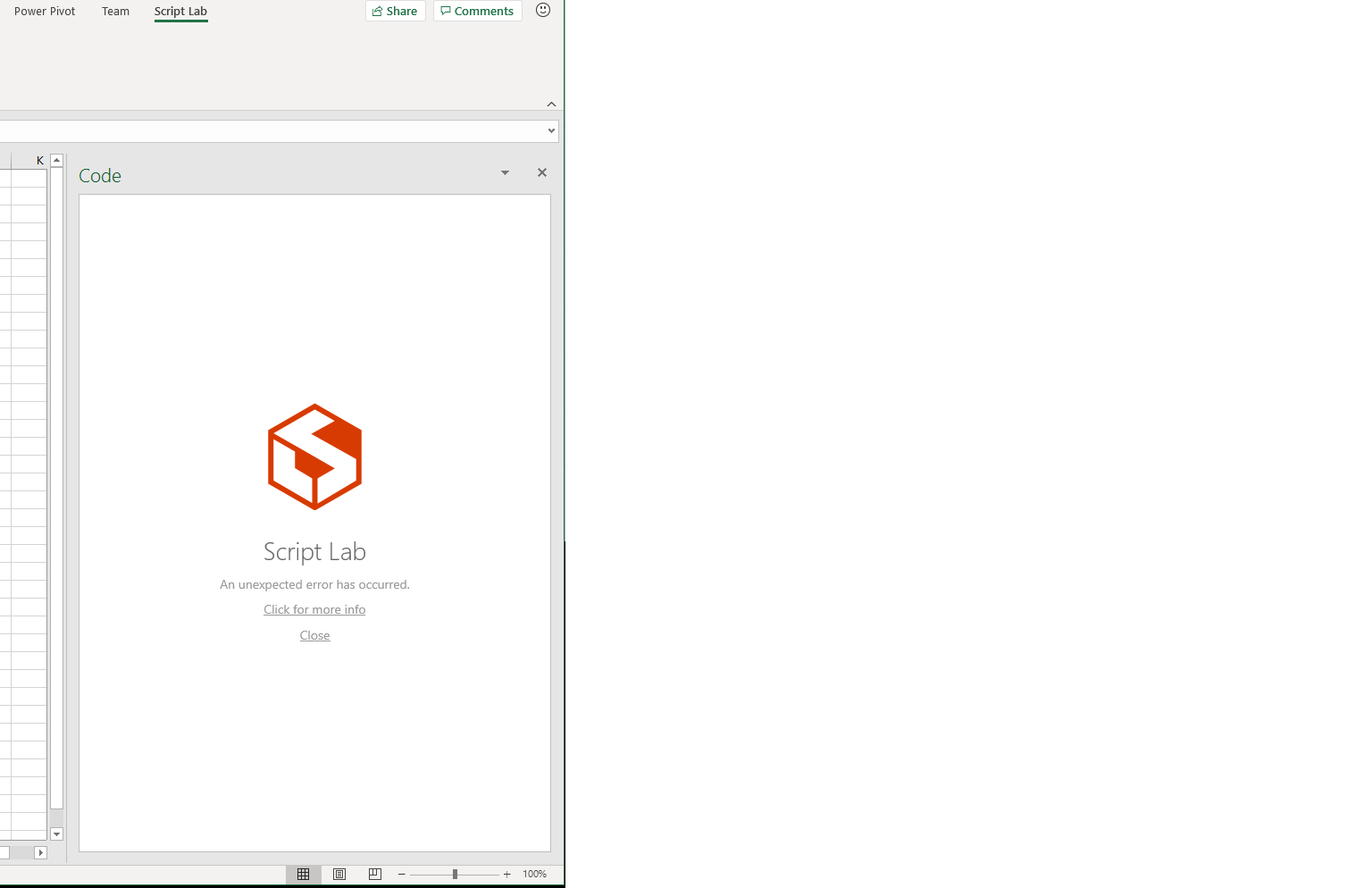


Also I am facing issues of freezing window(not able to scroll or navigate in script lab, ribbons and other menu not responding, no able to select cell in excel). need to forcefully close the Excel window. Is it because I register all functions in single snippet?
@vishwesh17 , for the crashing (by which I assume you mean the "An unexpected error has occured" and/or the blank window): is it happening with particular snippets? If so, can you send me the code you use? I need to be able to repro it locally in order to diagnose it.
Re. the "(Preview)", I think that was just an oversight (from when Custom Functions were still in preview). I'll remove it.
Re. issues of freezing: I don't think it has anything to do with functions being in one snippet vs. multiple. It does seem to be a potential platform bug/instability. If you have more concrete repro steps for when it happens, I can try to pass it on to someone to investigate.

@Zlatkovsky , Thanks for the reply.
I am facing crashing issues quite often from past one week,
Excel online: build 16.0.12010.35902
functions are not active in cell even after registration ("=scr") nothing displays in cell

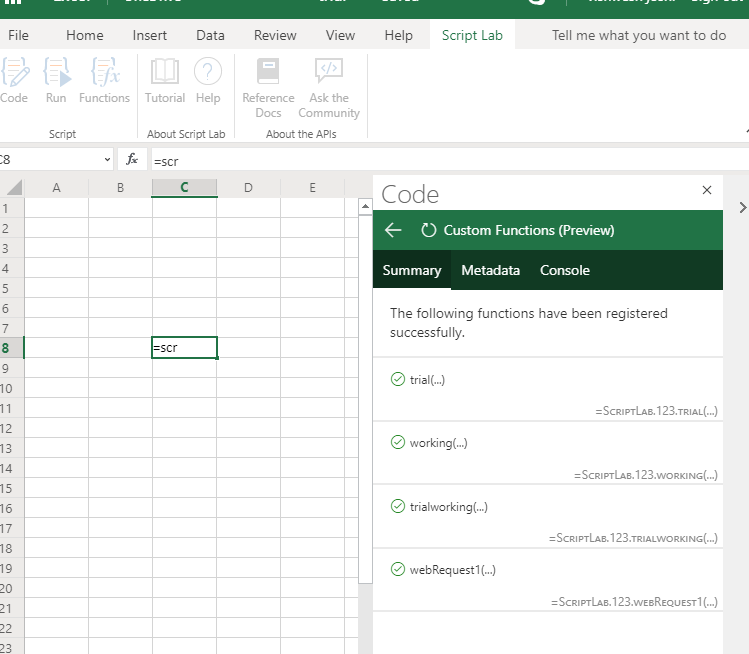
Excel desktop: Updated today morning version 1908 (build 11929.20114)
compile error is seeing for the functions

Freezing issue is seen in all snippets I create. following is the link to the gist I am working on. https://gist.github.com/vishwesh17/0e0abe24c806bd727ab4fb1519740be5
Also if you can solve my problem. In the above Github gist there is a function called "trialworking". I am able to get all the details(not in proper format) but I don't know how to display "name and symbol" or other column (specific column or header) in excel with proper format from url.
Also can you share an example of "excel.run inside custom function"
The below gist contains all codes I am trying around. The above link contains the codes that are giving proper results. https://gist.github.com/vishwesh17/f1a4e24d1e2156fee6f7d51f6d00e769
@Zlatkovsky @nico-bellante @akrantz
When I register a function in excel online I receive this error message, screenshot attached

Office 365 Monthly Channel (Targeted) Version 1908 (Build 11929.20182) updated on 16th August 2019 as per below link https://docs.microsoft.com/en-us/officeupdates/update-history-monthly-channel-targeted Not able to see any functions that are registered before via ScriptLab in Excel. When I tried to register existing function the ScriptLab interface/window keeps on loading(moving red dots) and the same happens if I create new function and register it. Even the sample of "Basic custom function" containing sphere of volume is not being register.The interface keeps on loading.
Can you update when the things will be fixed tentatively? or am I the only one facing such issues as not seeing other such"Issues" recently over here.
