

 ONLYOFFICE
Multi-page layout support
Do you want to request a feature or report a bug? feature What is the current behavior? No option to do that If the current behavior is a bug, please provide the steps to reproduce and if possible a minimal demo of the problem.
What is the expected behavior? Like other office app, a button to select different grid layout instead of just 1 column Did this work in previous versions of DocumentServer? idk DocumentServer version: 5.4.1, on infomaniak kdrive Operating System: Ubuntu 20 Browser version: firefox 77.0.1

You mean this button?
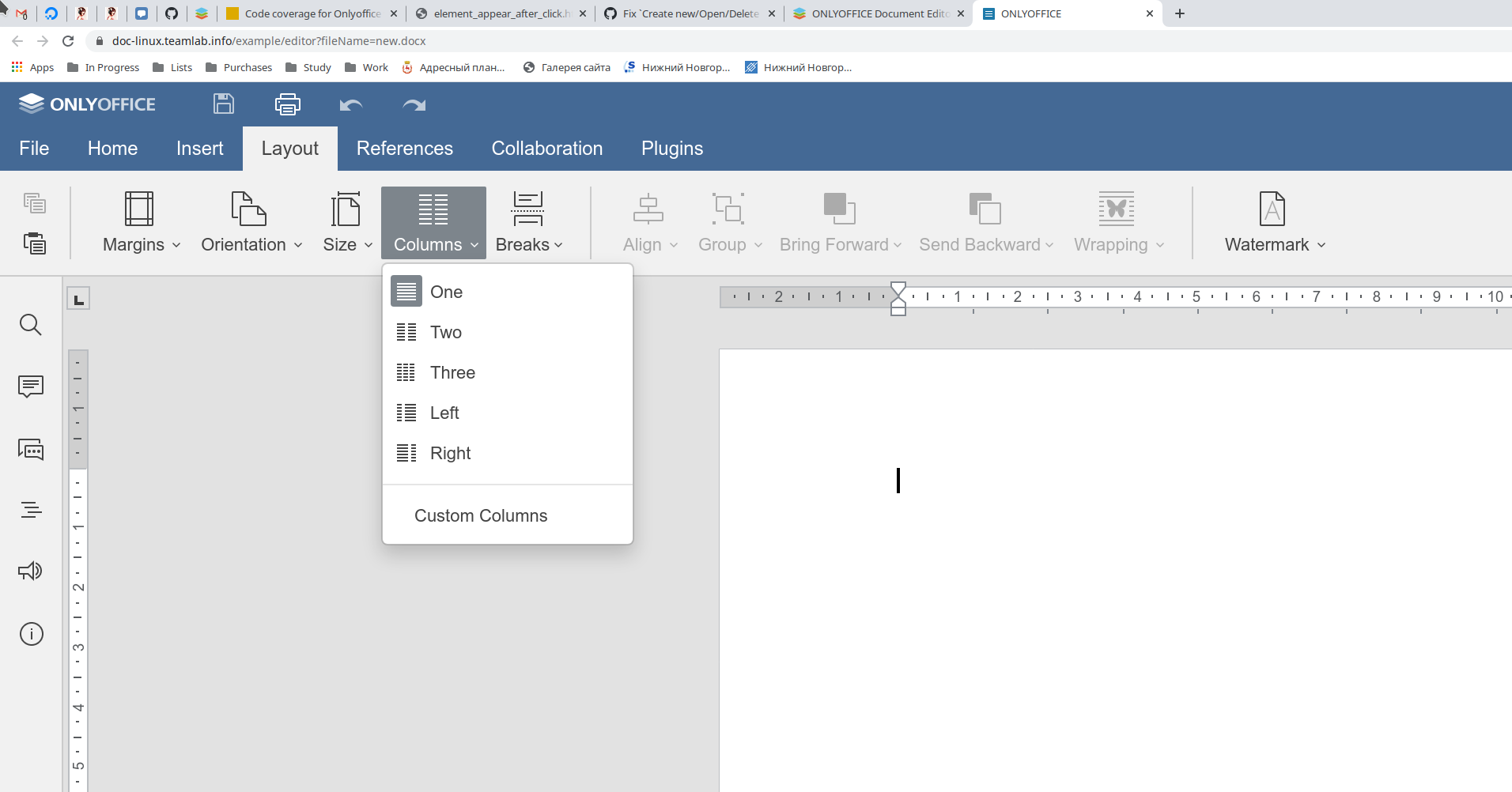
If there is no such - please update DocumentServer to latest version, 5.4.1 is pretty old

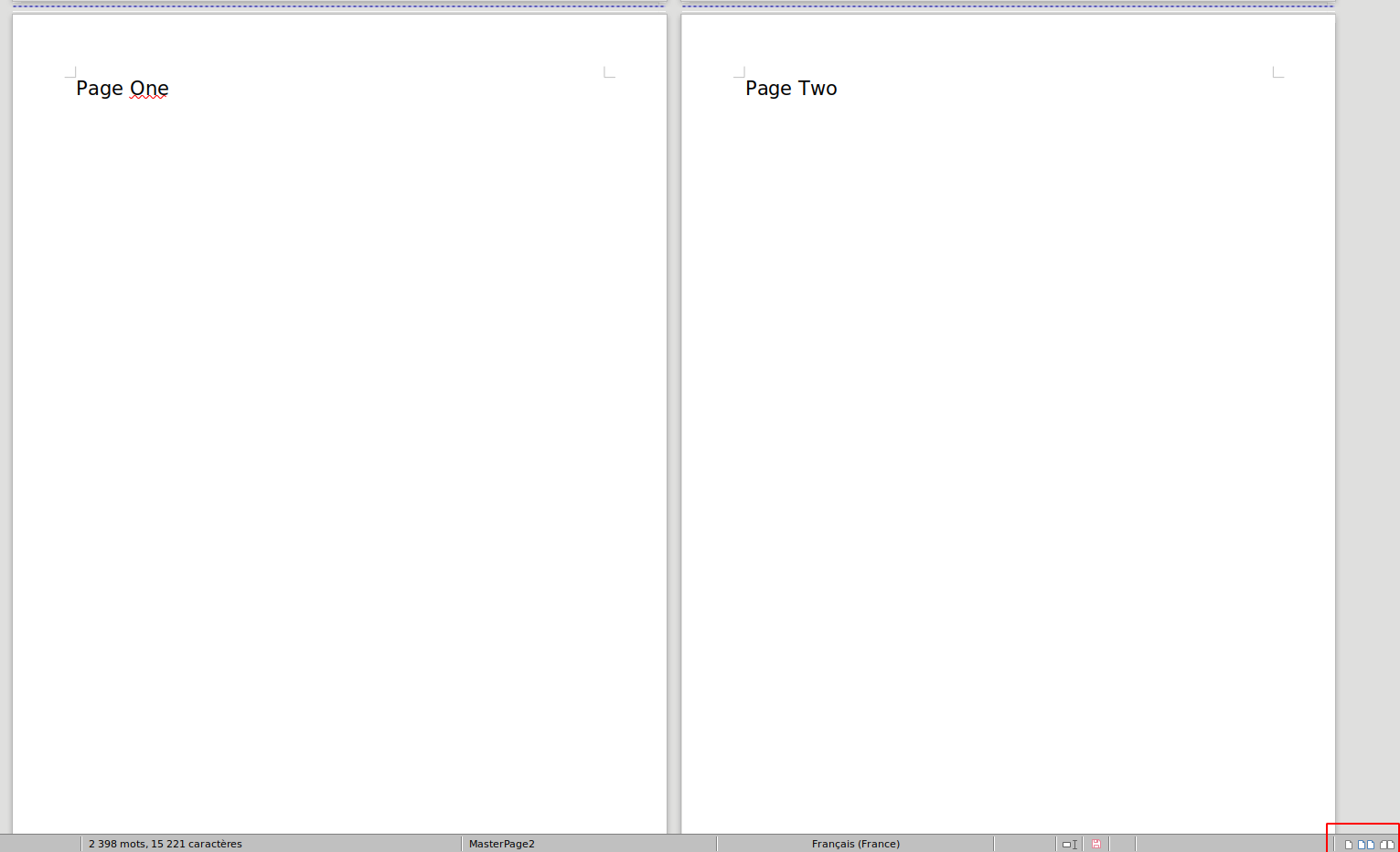 No I mean these buttons (right bottom at my screen) in LibreOffice that allow me to have 2 pages at my screen, I don't need columns in my text. It's about displaying the pages themselves, not their content.
And I can't update myself OnlyOffice, it's provided by infomaniak my drive hoster.
No I mean these buttons (right bottom at my screen) in LibreOffice that allow me to have 2 pages at my screen, I don't need columns in my text. It's about displaying the pages themselves, not their content.
And I can't update myself OnlyOffice, it's provided by infomaniak my drive hoster.
Yeah, I understand you now Thank you for your request, we already create issue about this mode in our private bug tracker (issue #35959) Currently we have technical problems with performance implementing it, so not sure if this feature will implemented any time soon

I need this too. It's the only reason I'm still using LibreOffice. LibreOffice Writer dynamically fits the pages you can see onto the window. So it's not just limited to 2 and you don't need to click anything.


i'm subscribing to this thread hehe. Cant wait for the feature to comes out

Same here - subscribed to comment. I just installed and attempted to edit an existing Word doc, my resume. I immediately needed to view the two pages side-by-side, and can't. I'm not sure I can use this software without that capability. Also, the only format that rendered correctly when saved was PDF (either using "print to" or "save as"). Saving as Word doc formats ruined the formatting. This is not a fancy document - it only has a header, a few bulleted list items, and text.

Also, the only format that rendered correctly when saved was PDF (either using "print to" or "save as").
Hi, I think it's better to create a new issue for that.
This is a blocker for me and a friend of mine, too, and the only thing so far keeping us on Libre Office. :+1:

Another LO user here [& pretty happy with it too, tbh], but i've been curious about OO for a couple of years, & play with it every few months to see if it has any compelling reason to replace my LO. All that time i've puzzled over how i could be so dimwitted as to never be able to discover, nor deduce, where in the OO UI i can change my docs view from single page/column view, to facing-page view like i use in LO all the time. Only today finally i discovered this GH page... & i must say, i feel utterly gobsmacked to learn now, officially, that the reason i can't find it is because it is entirely missing from OO. Tbh, that's a really silly design decision, & is a full showstopper for me bothering to consider OO any further. 🤷♀️🤦♀️🙄

Surprised it doesn't have it by default. I have tried Libre Office and it doesn't have a good dark theme unlike Only Office. But it's still a very young app that lacks a lot of features. May be you can add multi page layout support by a plugin somehow?

If this request exists for 2.5 years, do the developers plan to implement this feature?

@Akrobs, Sorry, I'm just a QA specialist, I can't answer this question, unfortunately. You better contact [email protected]"
