

 ONLYOFFICE
Not see Protection tabs
i have Nextcloud 22.2.3 on local server And Onlyoffice conector 7.4.4 and on second local server apt info onlyoffice-document server i see version 7.1.1-23
On document i dont see tab Protection. (i need lock some cells or rows atc..)
Its necesary acivate this tab ?? Thanks

Hi, this is strange, we do not hide this tab by default and I've not even sure we got option to hide this tab
Could you show a screenshot?

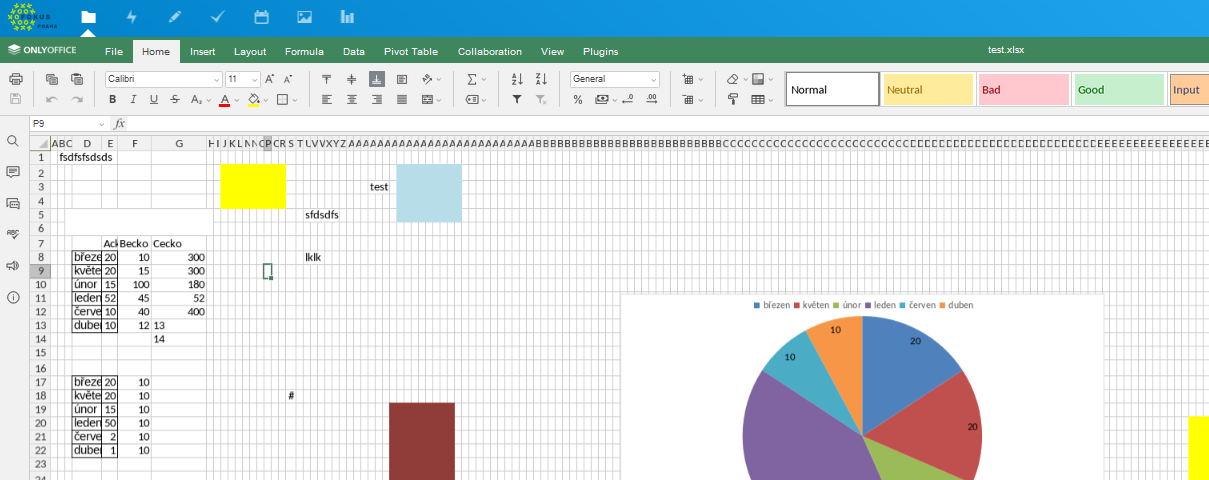
Seems that protection tab was disabled by this config value
Could you check that if you open file via integrated test example (http://documentserver-url/welcome) this tab is present?
If so this is a coming from Nextcloud Integration and I'll transfer this issue there
No in onlyofficedocumente server on example demo o dont see tab protection. Where is location this config ? in Api.js /var/www/onlyoffice/documentserver/web-apps/apps/api/documents ?
Thnaks.
No in onlyofficedocumente server on example demo o dont see tab protection.
This is not right, by default this tab is visible in /example and as far as I remember it's not the easiest task to disable it
How did you run DocumentServer? Any custom parameters? Is this a new installation or upgrade?
Its runing on virtual ubuntu 20.04.1 LTS ( on proxmox virtualizer) . Comon instalation (NO docker) . I dont now if there is extra custum parametr. I think there is normal state. Its 2years old instalation. But i did not install it. Maybe i try new instalation on other virtual pc.
But i did not install it.
Maybe someone disabled this tab or maybe something went wrong during some of updates, but if so we need some detailed steps on how to reproduce it
So yeah, try new install or clean all config files on this one and reinstall