

 ONLYOFFICE
Unable to Open a large CSV file
Do you want to request a feature or report a bug?
Bug
What is the current behavior?
Shows Error when i try to open a csv file that is 242 mb
If the current behavior is a bug, please provide the steps to reproduce and if possible a minimal demo of the problem.
If u want i can link the file i am trying to open just opening it and selecting delimeter =comma then it loads for a while and shows the error message as in screenshot
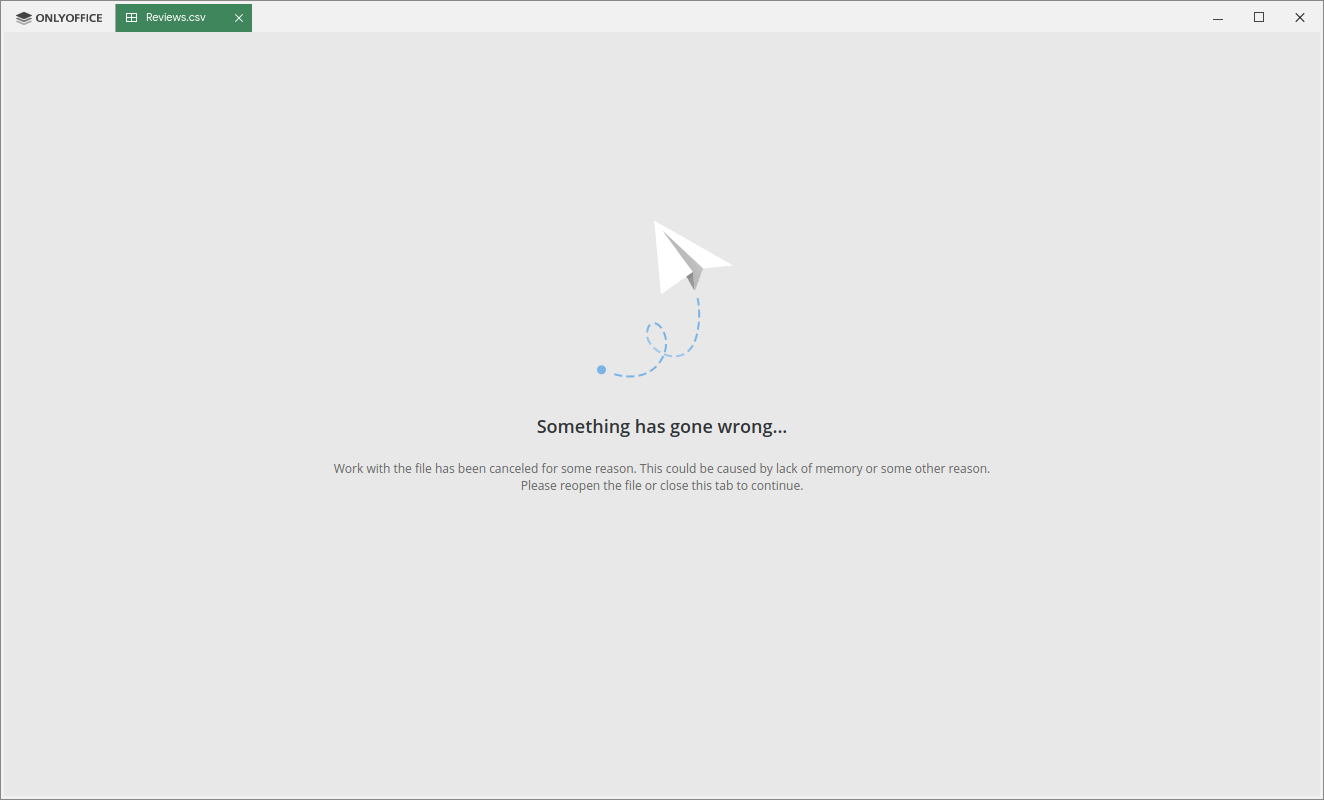
What is the expected behavior? To open the file Which versions of DesktopEditors, and which OS are affected by this issue? Did this work in previous versions of DesktopEditors? this is the first time i am using only office


https://www.kaggle.com/snap/amazon-fine-food-reviews
at this link, there will be a zip of 642 MB but it will be downloaded only of 242 MB after extracting u will get csv. @Rita-Bubnova
I just experienced the same issue, but the file is only about 85MB (less than 600.000 lines). The attached zip file contains the csv file I was trying to open.
- ONLYOFFICE Desktop Editors version 6.0.2.10
- Windows 10 20H2 (OS Build 19042.630)
- This is the first time trying to open the file with DesktopEditors. The file loads in other applications.

@fruitdumonde, I can not reproduce your problem. I use ONLYOFFICE Desktop Editors version 6.0.2.10, Windows 10. What delimiter do you use?
@niksingh710, sorry for late response. I can not download your file.
I use comma as the delimiter and UTF-8 as encoding.
In the appliaction log I found this error around the time I tried to open the file: Faulting application name: editors_helper.exe, version: 6.0.2.10, time stamp: 0x5fadae4a Faulting module name: ucrtbase.dll, version: 10.0.19041.546, time stamp: 0x43cbc11d Exception code: 0xc0000409 Fault offset: 0x000000000007287e Faulting process ID: 0x290c Faulting application start time: 0x01d6c5a900a1fd80 Faulting application path: C:\Program Files\ONLYOFFICE\DesktopEditors\editors_helper.exe Faulting module path: C:\WINDOWS\System32\ucrtbase.dll Report ID: 509db7d0-5d8b-4e45-8157-e0ee7d4ccdf9 Faulting package full name: Faulting package-relative application ID:
I can confirm - this is bug, issue 47736 in our private issue tracker.
@niksingh710, I can confirm - this is bug, also issue 47736 in our private issue tracker.
Issue is still relevant somehow.... This is a dealbreaker for me to use Onlyoffice.
Libreoffice calc does it in a few seconds with no crashes. Meanwhile onlyoffice:
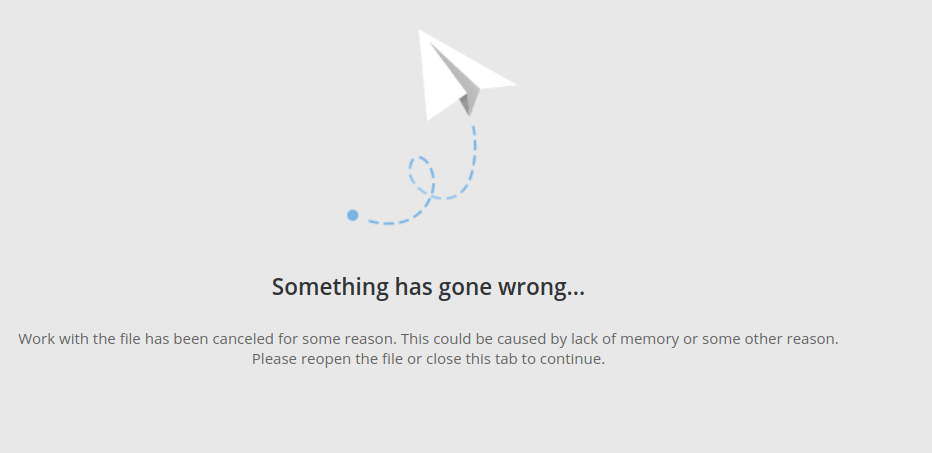
To test: https://eforexcel.com/wp/downloads-18-sample-csv-files-data-sets-for-testing-sales/ Use the '100000 Sales Records' one
EDIT: web editor doesn't have this issue btw. But it has other limitations I just found that also make it a dealbreaker

@thibaultmol I've succesfully opened this file
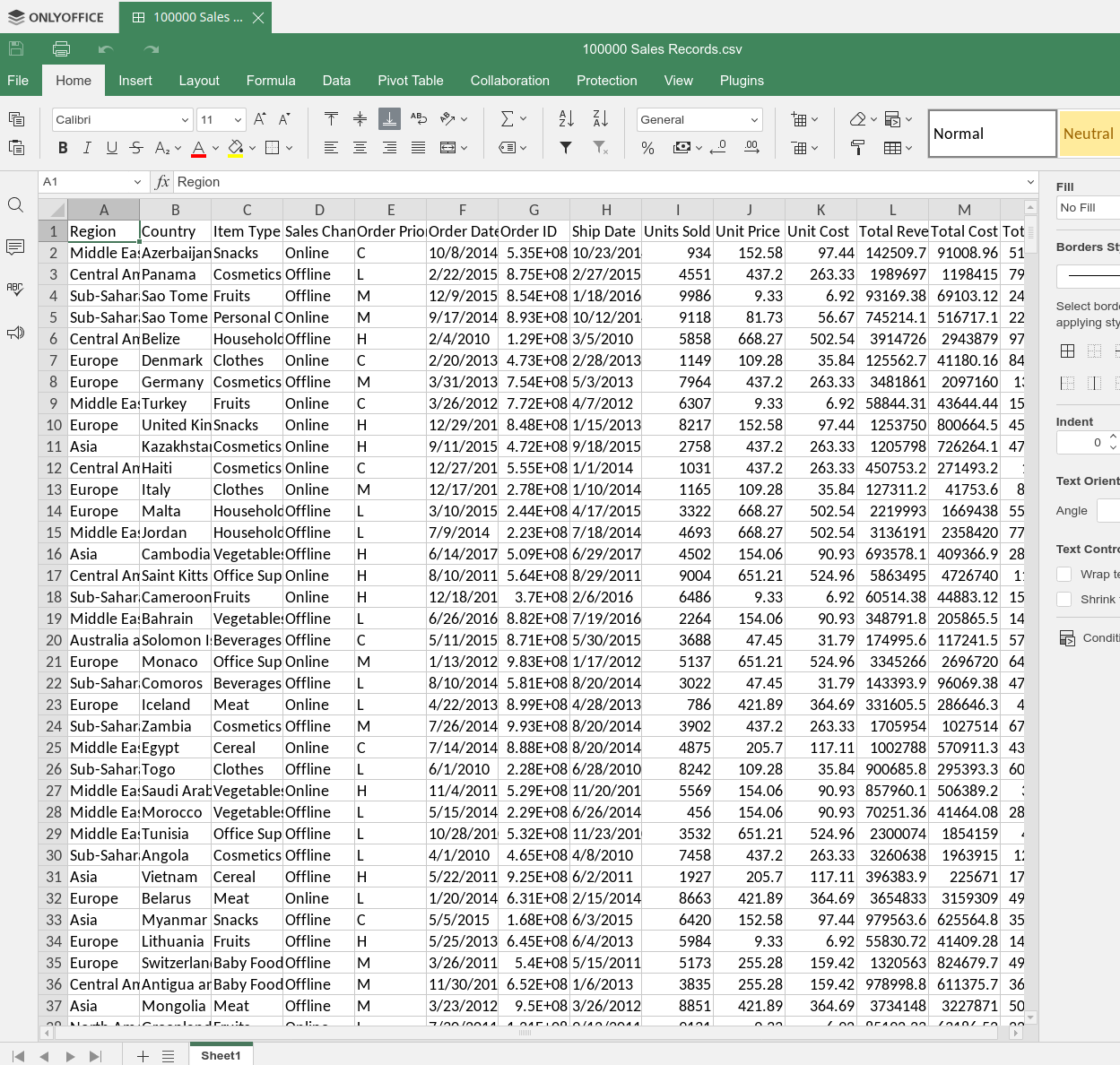
So we need some information about your env and DesktopEditors versions

Onlyoffice 7.1.1.57 (Installed via the AUR. But I just uninstalled that version and installed the flatpak version to verify and that also has the same problem)
Operating System: Garuda Linux KDE Plasma Version: 5.25.5 KDE Frameworks Version: 5.97.0 Qt Version: 5.15.5 Kernel Version: 5.19.3-zen1-1-zen (64-bit) Graphics Platform: X11 Processors: 16 × AMD Ryzen 7 3700X 8-Core Processor Memory: 31,3 GiB of RAM Graphics Processor: NVIDIA GeForce GTX 1080/PCIe/SSE2
So I open onlyoffice, create a new calc (don't save it yet) then 'get data' and import that csv with the basic settings
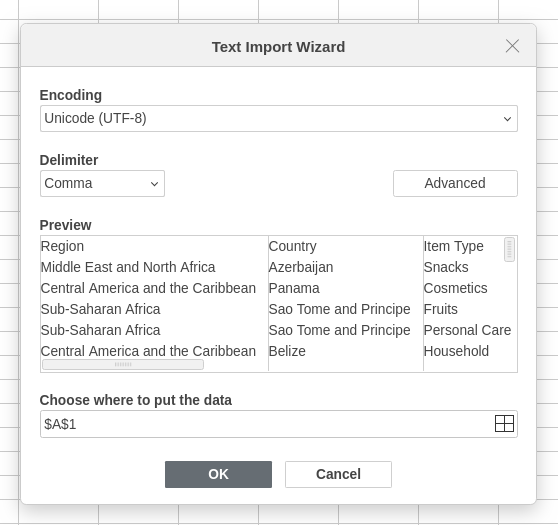
So I open onlyoffice, create a new calc (don't save it yet) then 'get data' and import that csv with the basic settings
You didn't mention you've used Get Data, so I think this is separate issue so please file a new one
Ah sorry yeah. Somehow realized that get data was the only way to get csv's into onlyoffice. Opening the CSV file does indeed work
I have similar issues with large files, in the example file when I try to resize all columns to automatic I got the error "Something has gone wrong" DATAFILE.xlsx

@Juniorsnet I think it's completly separate issue, your file is not csv, it's opened normally by your description and failing on resize
You should create a new issue
@Juniorsnet I think it's completly separate issue, your file is not csv, it's opened normally by your description and failing on resize
You should create a new issue
Yes, is not exactly the same, but I think that the general problem is that onlyoffice can't handle large spreadsheets furthermore I have the same problem that @fruitdumonde.
I suppose that this issue is not fixed yet right?
Please create a new issue and we can detect that
This issue is for csv only and you got no problem opening file, but you got problems resizing - this may be unrelated at all