

 NickeManarin
Simplified Chinese Font Error
Hello!
After setting Simplified Chinese, there are many places where the font is not displayed as expected. As shown in the picture.
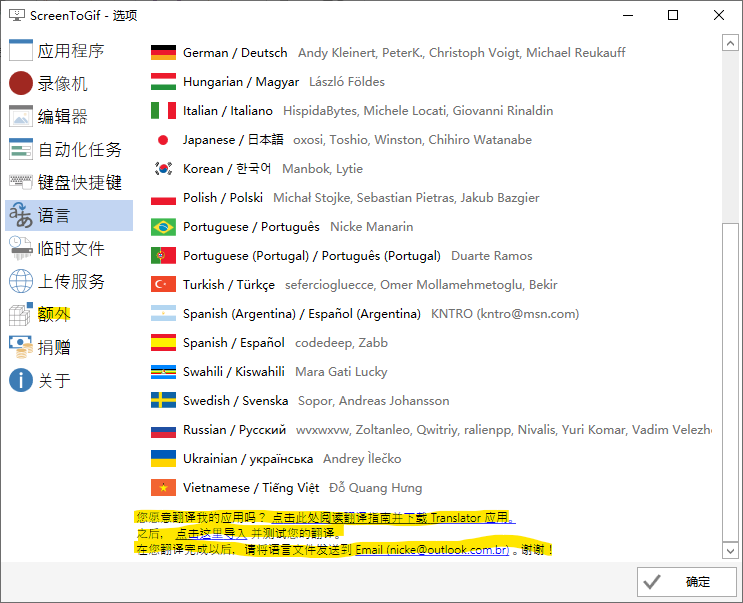
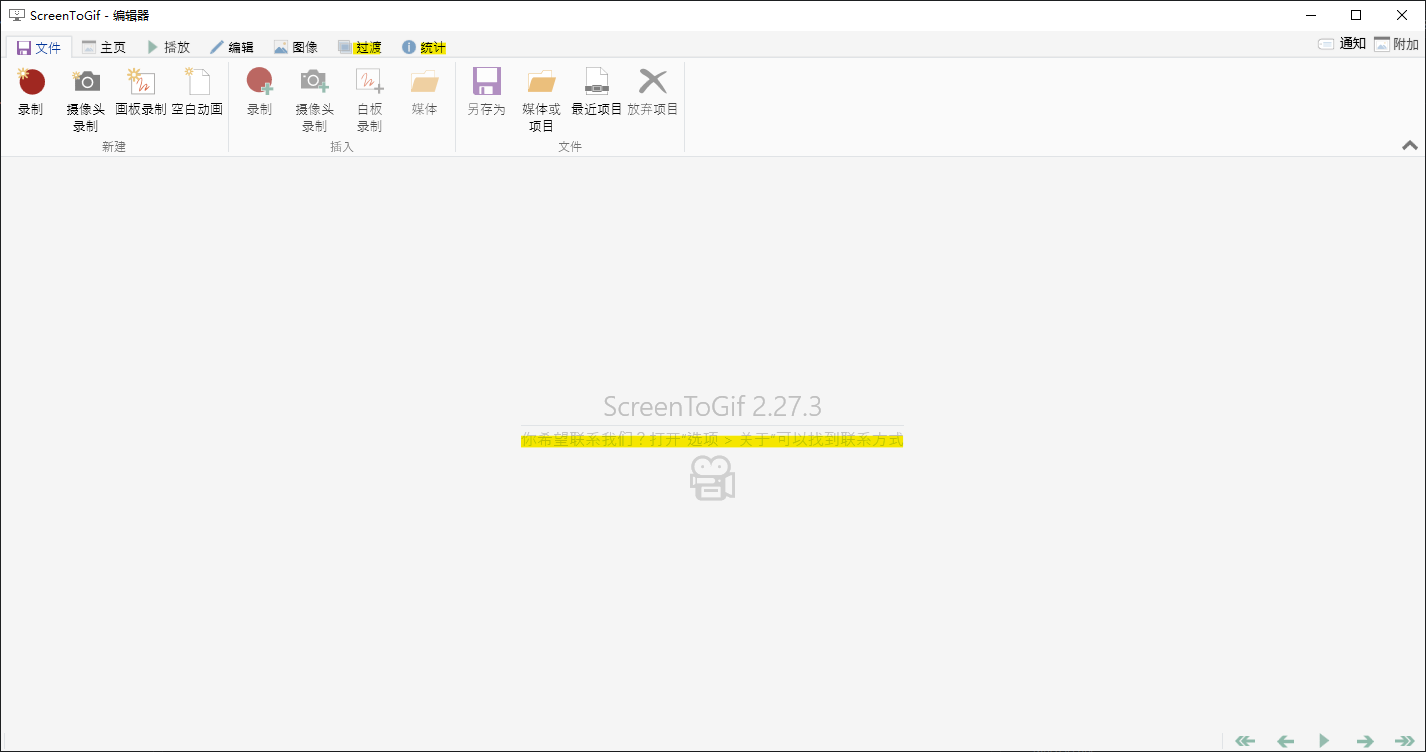 These should be the result of using a non-existent font (probably Ming Dynasty font). Please use Microsoft YaHei or Song as a standard. Thank you!
[Note: The first picture is the editor, the second picture is the "Translation" in "Settings", there are many other places where this problem occurs]
These should be the result of using a non-existent font (probably Ming Dynasty font). Please use Microsoft YaHei or Song as a standard. Thank you!
[Note: The first picture is the editor, the second picture is the "Translation" in "Settings", there are many other places where this problem occurs]


You can remove all the font settings in the code and build it yourself as a workaround. Then the default font will be used:
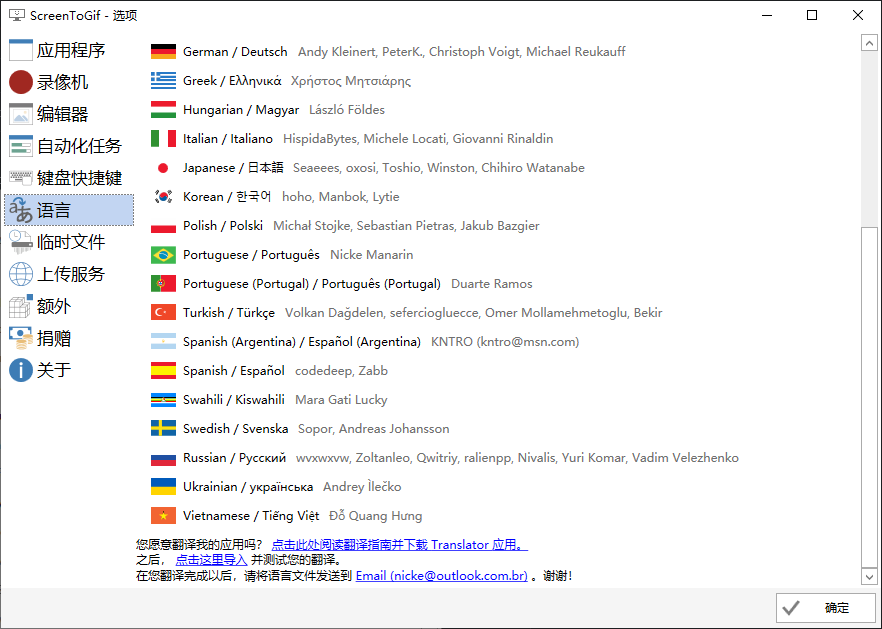 A better solution would be adding font setting in the options window. 🤔

Hi @NickeManarin , I'm trying to fix it by adding a font name selection box there... however how can I apply the selected fontfamily to all the related fonts? Any clues? There're TOO MANY font with Seguo UI.....:(

@MaledongGit There must be a global way of replacing a font. Perhaps creating a dynamic font resource and reusing everywhere?
But yeah, that's going to take a while. If you can create a proof of concept, I can replace all references later.
@MaledongGit There must be a global way of replacing a font. Perhaps creating a dynamic font resource and reusing everywhere?
But yeah, that's going to take a while. If you can create a proof of concept, I can replace all references later.
Now I've used something like "Fonts.SystemFonts" to bind with a Combobox, and handle its SelectionChanged event, write the result directly into UserSettings, and read it out and apply it into the other places. That's a proof of concept.
Everything goes fine with me EXCEPT that:
- Should I replace all the places with "FontFamily=""Seugo UI"?
- I used "{Bind x:Static Fonts.SystemFonts, Path=Source"} to the font family, however it doesn't work properly....Any other clues?