

 NickeManarin
No need to translate keystrokes into Japanese
Japanese localization
No need to translate keystrokes into Japanese
If you display the keystrokes with Japanese localization, Space will be displayed as スペース in Japanese.
-
Japanese localization
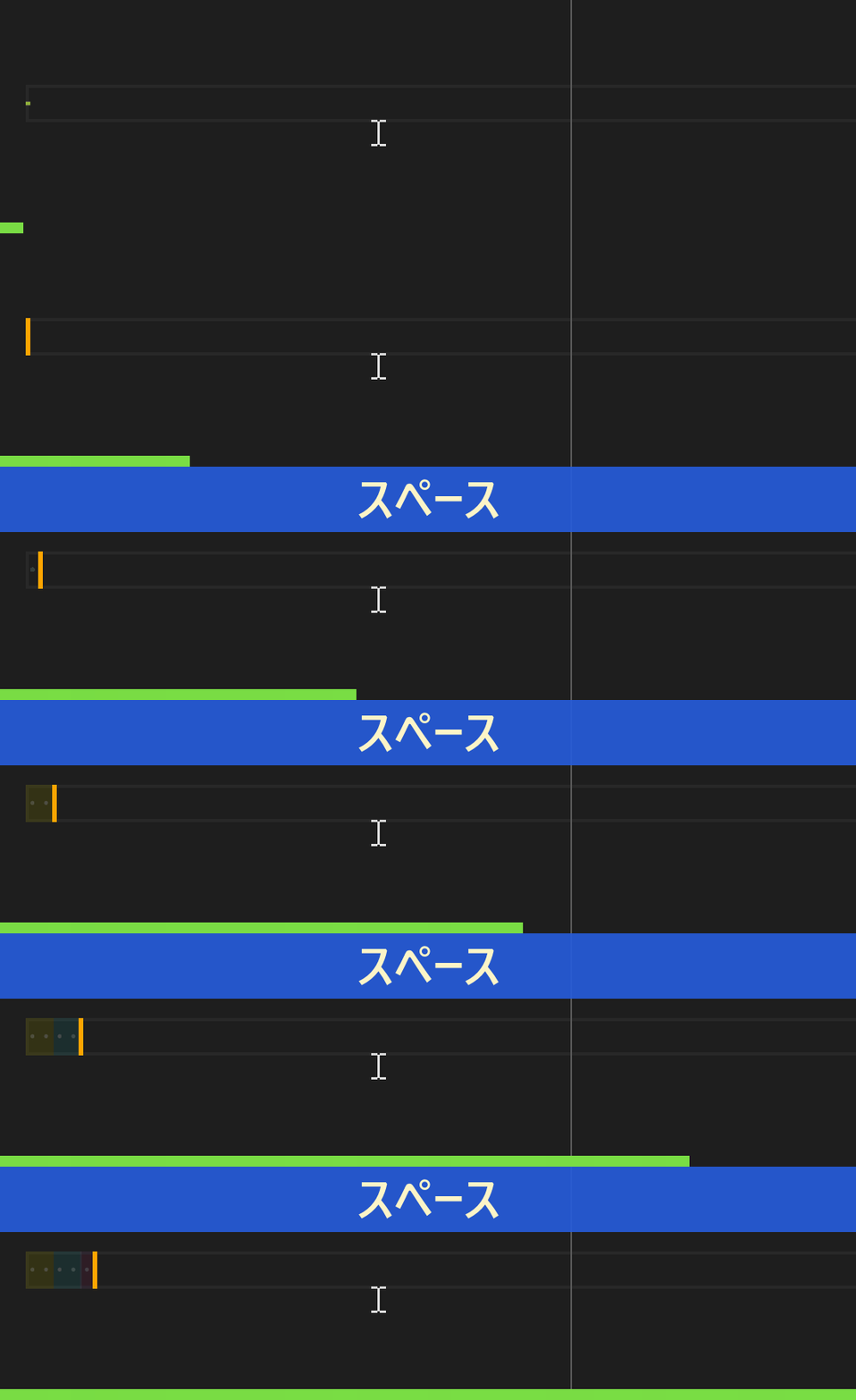
-
English localization
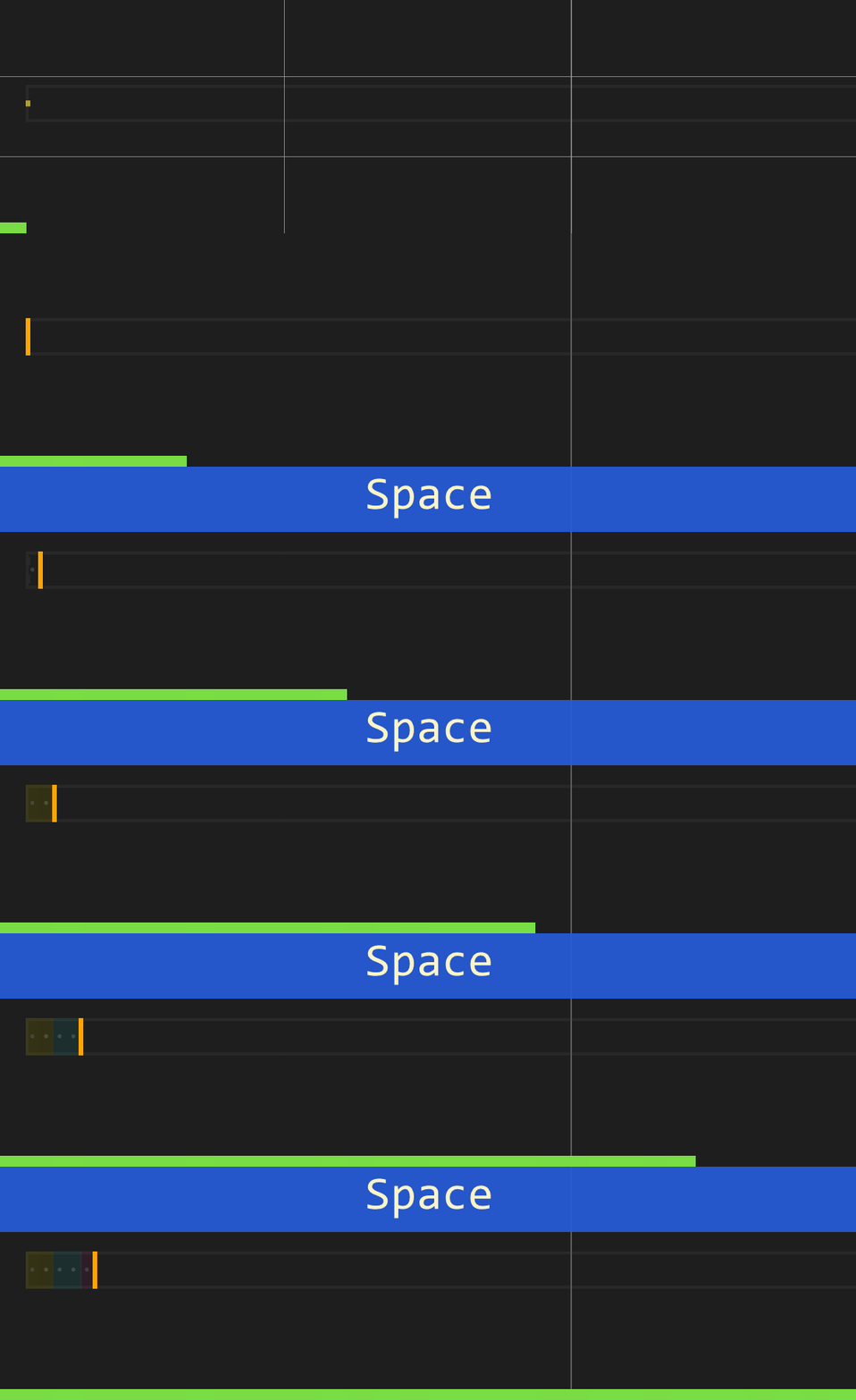
Even in other languages, keystrokes of Space key seem to be expressed in each language, but I find it strange to express keystrokes of Space key in Japanese, at least in Japanese localization.
I think keystrokes of Space key should generally be displayed as Space instead of スペース.
Version
- Windows10
- ScreenToGif: 2.36
Thank you for providing a good tool!! Especially, I really like feature that showing progress bars and automating tasks. :smile:

Upvote this issue. Space is translated in Simplified Chinese here. I think it is better to add a toggle whether to translate the key names or a select of which language you want to use for key names.
