

 NVIDIAGameWorks
Issues with sky rendering in Unreal Engine 2 games
Describe the bug
- Which Remix version (include branch and commit info for dxvk and bridge if not a stable build) - RTX Remix 0.1.1
- Which GPU - 4090
- Which GPU driver version - 531.61
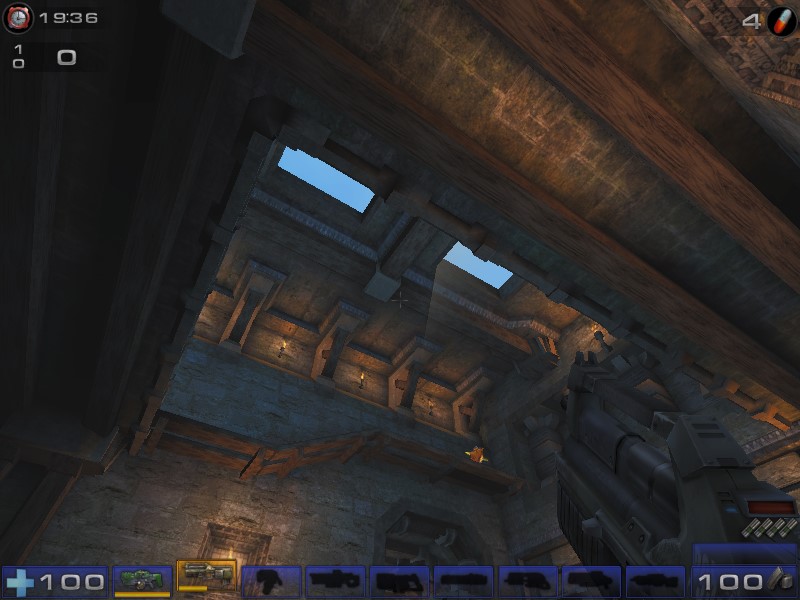
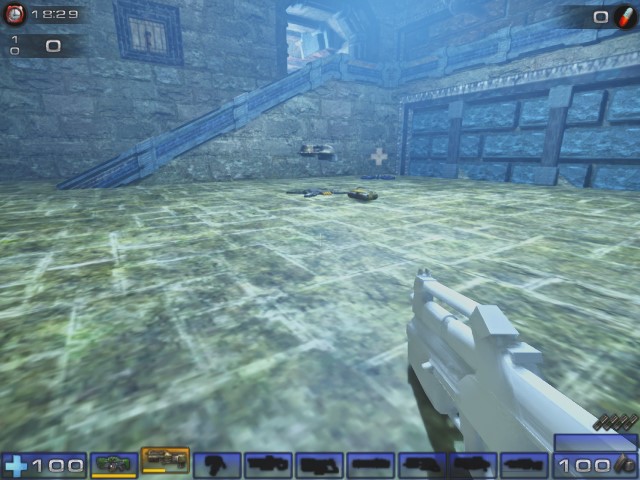
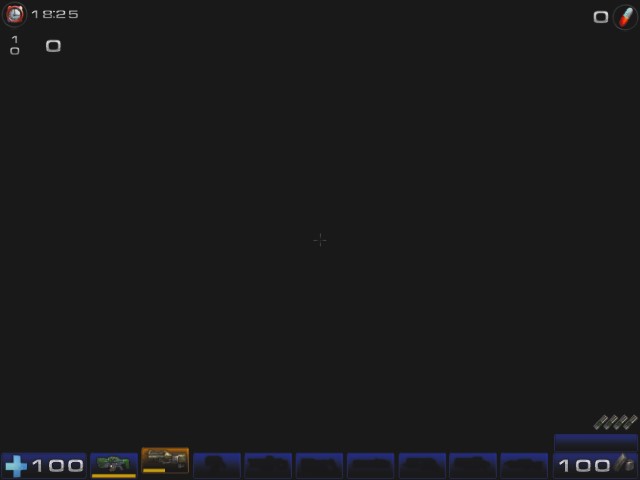
In multiple UE2 titles the sky coming into view renders geometry invisible. I tested UT2K4 (Steam version with 64-bit patch for D3D9 support) and Swat 4 (GOG), but there have been reports of this issue in Spider Man 2 as well.
In order to get UT2K4 working:
- Install the 64-bit patch https://www.moddb.com/games/unreal-tournament-2004/downloads/ut2004-v3369-including-64-bit
- copy files from the .trex folder into the Unreal Tournament 2004\System subfolder
- boot the game via ut2004-win64.exe
Attach logs! ut2004-win64_d3d9.log
- NvRemixBridge.log - doesn't seem to be generated
- d3d9.log - doesn't seem to be generated
To Reproduce Steps to reproduce the behavior: In UT2K4: Go to Instant Action, Deathmatch, and select DM-1on1-Spirit. Looking up at the ceiling will cause the issue because that's when the sky is rendered.
Expected behavior The geometry will turn invisible when the sky comes into view. In some instances a distant sky box can be seen.
Screenshots
Without RTX Remix

 With RTX Remix

I’ve hit this too. Setting the Sky Auto-Detect heuristic to By Camera Position helped.

Hello! Will you please test this on the latest release and let us know if the issue persists? Thank you!

Hello! Will you please test this on the latest release and let us know if the issue persists? Thank you!
Sadly the sky rendering issue still persists, even on the latest build
@gebdag May you try to set Sky Auto Detect to By Camera Position in the Game Setup settings, as mahalis pointed out?
