

 NVIDIAGameWorks
remix not outputting the correct shader model info
ok so i found a bug remix is not outputting the correct shader model info in photo 1this is without remix and its 3.0 as thats what my pc has game only works with 1.1 and 2.0 when i fix this in remix it still telling the game its 1.4 when its not odd


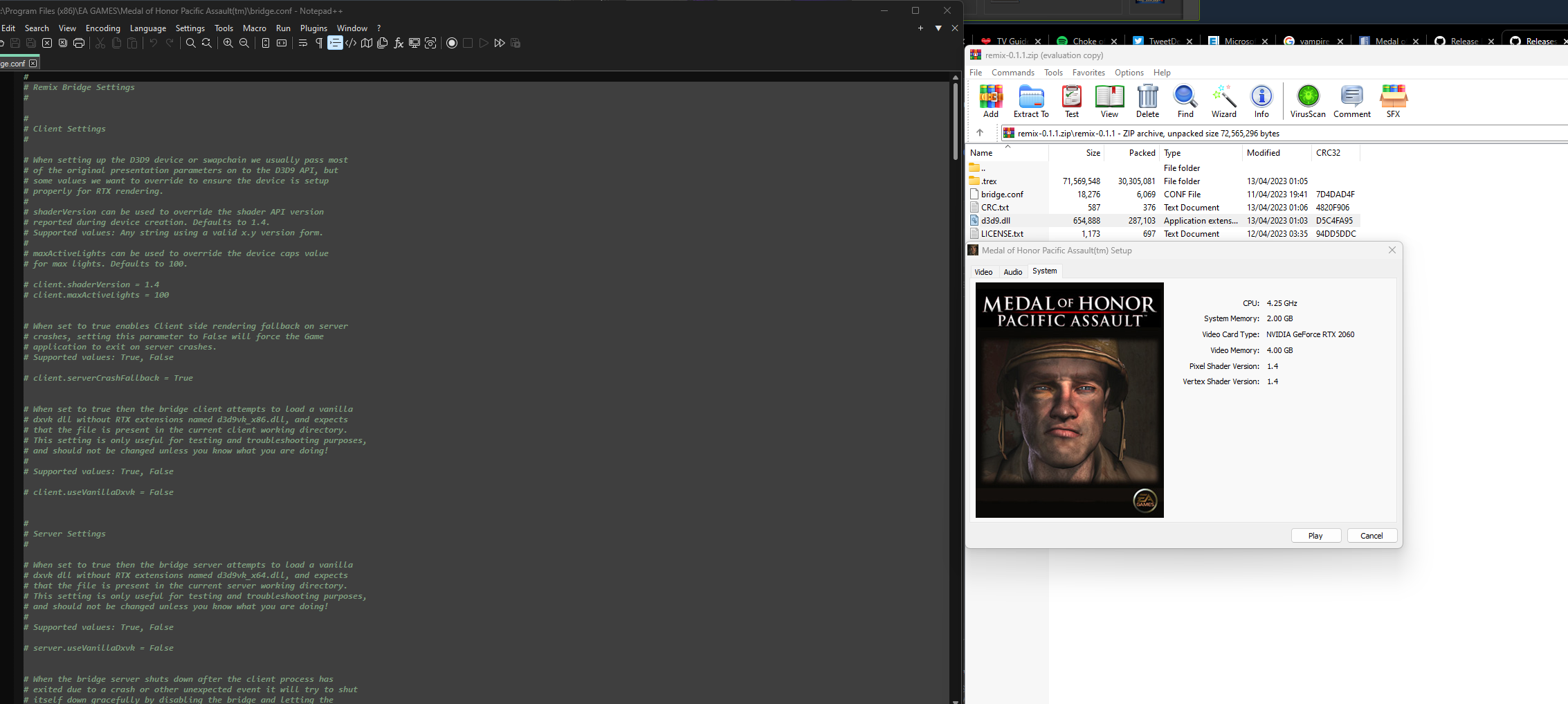 the game may have a odd way of telling what shader it is maybe but its odd the one it shows is the default remix one 1.4 the out of the box setting


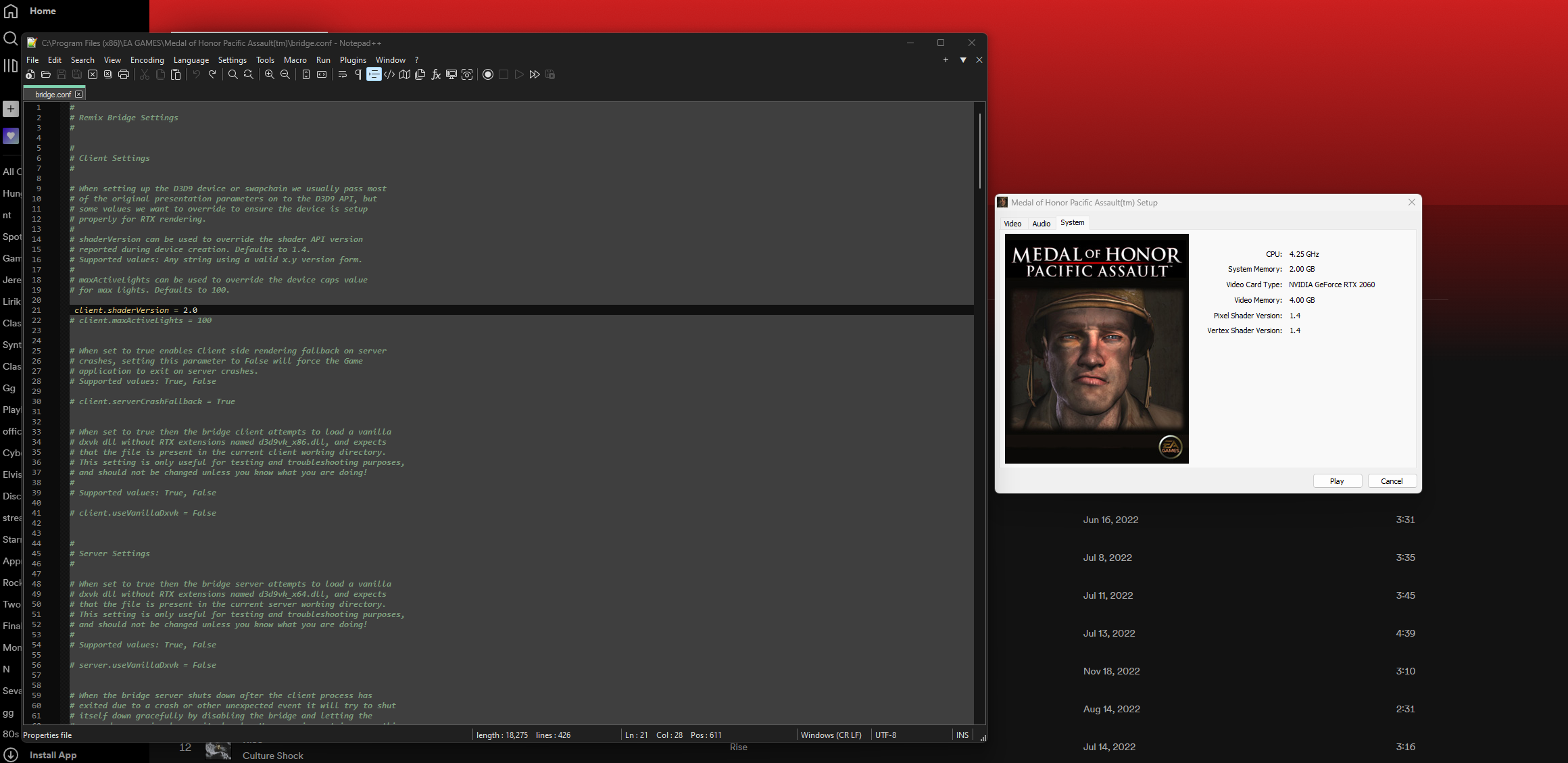
You gotta remove the # before the client.shaderVersion
when i do that it still no work still shows not the right info it's doing something as it moves from 3.0 to 1.4 with remix files so its like its not working at all
Check if the configuration is actually loaded or try copying it to the .trex folder

Check if the configuration is actually loaded or try copying it to the .trex folder
oh wow moving the file did it thanks is one more step to make it work hahah
Hello! Will you please test this on the latest release and let us know if the issue persists? Thank you!

Hello! Will you please test this on the latest release and let us know if the issue persists? Thank you!
I haven't tested on the most recent yet will do but I bet it's still broken but will test soon
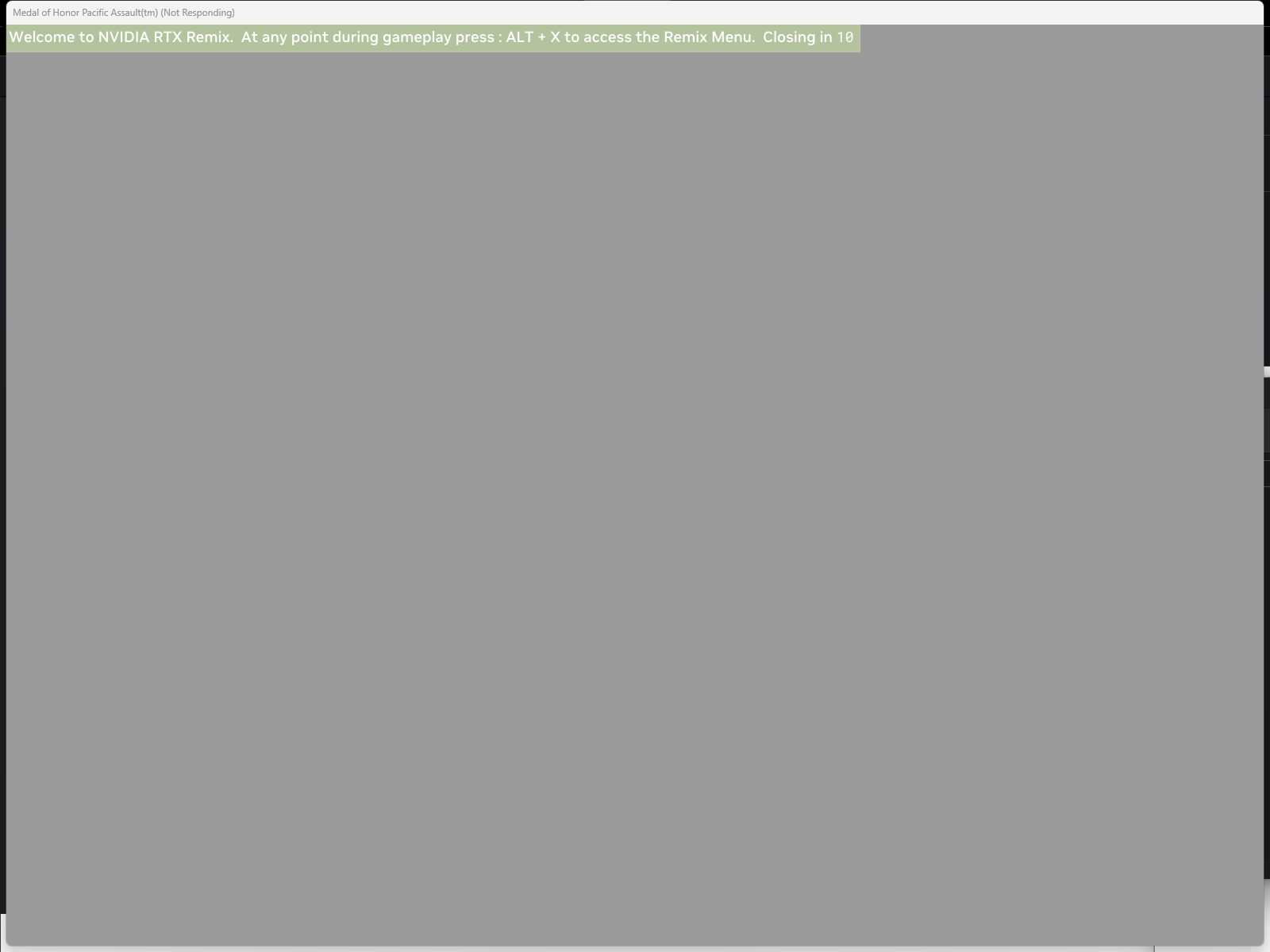
After testing it works like it boots into the game but doesn't hook properly even when using shade and model 1.1 or 2.0 it's so close to working and would be amazing if it could actually work
Thank you for checking! If you haven't already, we recommend checking in with the community on Discord to see if other members know how to address this issue - the runtime-help channel would be a good place to start. If you can help do some user-side troubleshooting, that would make it easier for us to investigate any possible bugs. Thanks!
Thank you for checking! If you haven't already, we recommend checking in with the community on Discord to see if other members know how to address this issue - the runtime-help channel would be a good place to start. If you can help do some user-side troubleshooting, that would make it easier for us to investigate any possible bugs. Thanks!
i use the discord all the time haha
Hi @twitchplayskh - apologies for the long delay. It sounds like the original issue (booting with correct shaders) has been resolved. As for the black screen with the Remix banner, it looks like perhaps UI elements just need to be tagged in the Remix menu. You could try toggling RT off to see if the UI appears, then tag the assets accordingly and turn RT back on.
Hi @twitchplayskh - apologies for the long delay. It sounds like the original issue (booting with correct shaders) has been resolved. As for the black screen with the Remix banner, it looks like perhaps UI elements just need to be tagged in the Remix menu. You could try toggling RT off to see if the UI appears, then tag the assets accordingly and turn RT back on.

it works but shame it will not hook it looks so promising