

 NCEAS
NCEAS
Viewing big datasets
I realize that while we can create a data packages with more than 1000 members but the total number of files displayed in the table at the top is capped at 1000. I know improvements are in the works but in the interim, can we incorporate a couple indicators on the dataset that there is more than what is displayed on the webpage?
- [ ] add a message at the bottom of the table before
Show 995 more items in this data setthat there are more files - [ ] Grey out / Hovering over the download all button prompts users to contact support with help with this dataset something like:
only the first 1000 files are displayed, please contact [email protected] for assistance - [ ] Individual download buttons in the metadata as the download buttons are missing from this test dataset here:
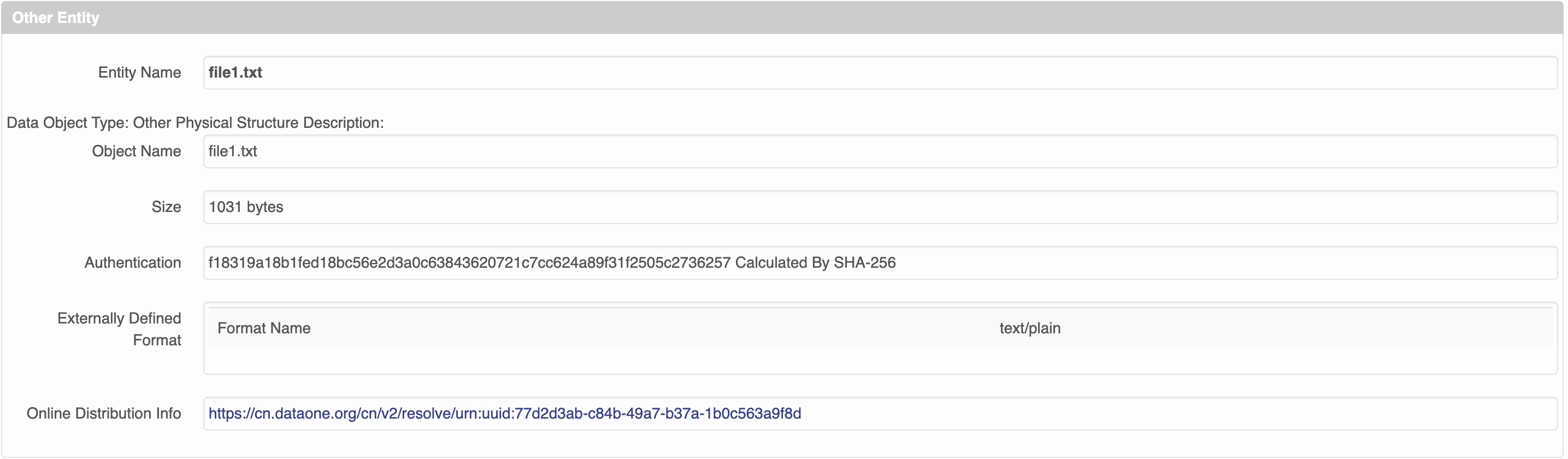
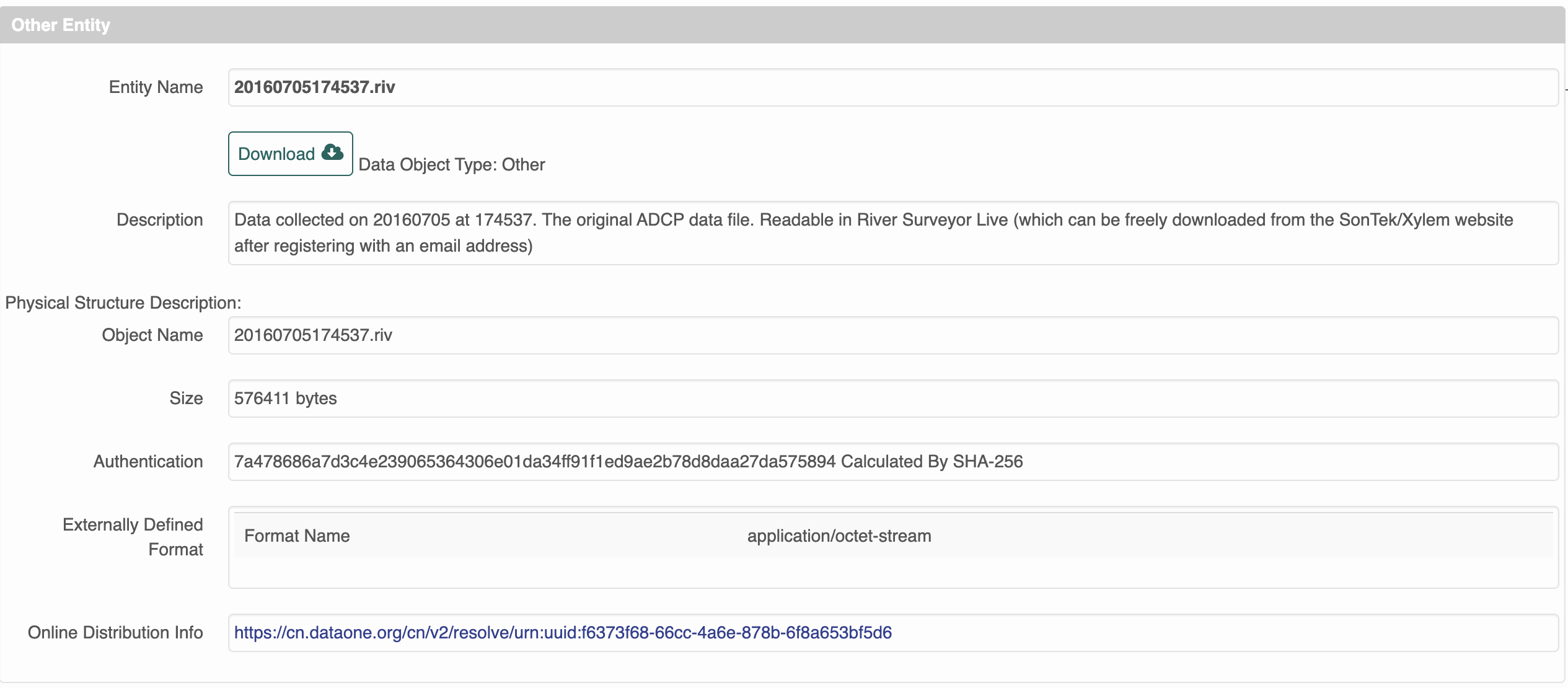

Thanks Jasmine, I think we definitely can fix the issue that the view says there are only 1000 files in the package soon.
The issue with the download buttons is directly related to why we can't display the rows in the table, either. It takes too much time for the app to find the section in the metadata for that object and insert a download button when there are thousands. This should be fixed with an overall refactor of the way that view is rendered.

Feedback about our MetadataView layout:
I think this new approach will make the whole process of getting information to users less effective. At least I believe this is the case for the type of data that I typically upload, which comes in large collections of daily netCDF files that all have the same formatting. When clicking into a given data set there is the title at the top with the "General" information section. But then there is the section with "Data Table, Image, and Other Data Details." For data sets like mine, there is then a list of every file and for each of these a list of every parameter. You scroll down and down and down and down and finally hidden at the bottom of the page is the important information about People, Geographic Region, Temporal Coverage, Project Information, Methods and Sampling, and Data Set Usage. Of the metadata available for these data sets, it is this last information that is most important for the general audience. However, a standard user would have no idea that it is buried down there at the bottom of some lengthy page. With this in mind I have a couple of thoughts:
- The "Data Table, Image, and Other Data Details" information should be represented in a different way entirely, particularly for data sets that include multiple files of repeating type. For this type of data, the appropriate information for a single example for each type of data file could be listed so the user understands the parameter fields, but there is no reason to include the same information for hundreds of identically formated files.
- I think it is essential to put all of that other information (People.... Data Set Usage) ahead of the Data Table so that it is easily findable by a standard user. All of this other information is general about the data set while the Data Table information is specific to an individual file. I think the general stuff should come first, unless the Data Table section is shortened to become very small.
Example large dataset (600+ files) that takes a minute to fully finish: https://arcticdata.io/catalog/view/urn%3Auuid%3A23c5626e-fcad-4ba4-950f-9066ae5e6ba7
