

 MustardChef
Guide: Camera Not Working on WSA
Observation:
- Go to start > run > wsa://com.android.camera2, the camera start0ed working on all apps.
- Remove all Virtual Cams and make sure that there are none interfering

Hello. The start of the Camera app does not resolve the lack of camera for me. It just stays blank. In addition, Google Translate asking for Update of the GApp.
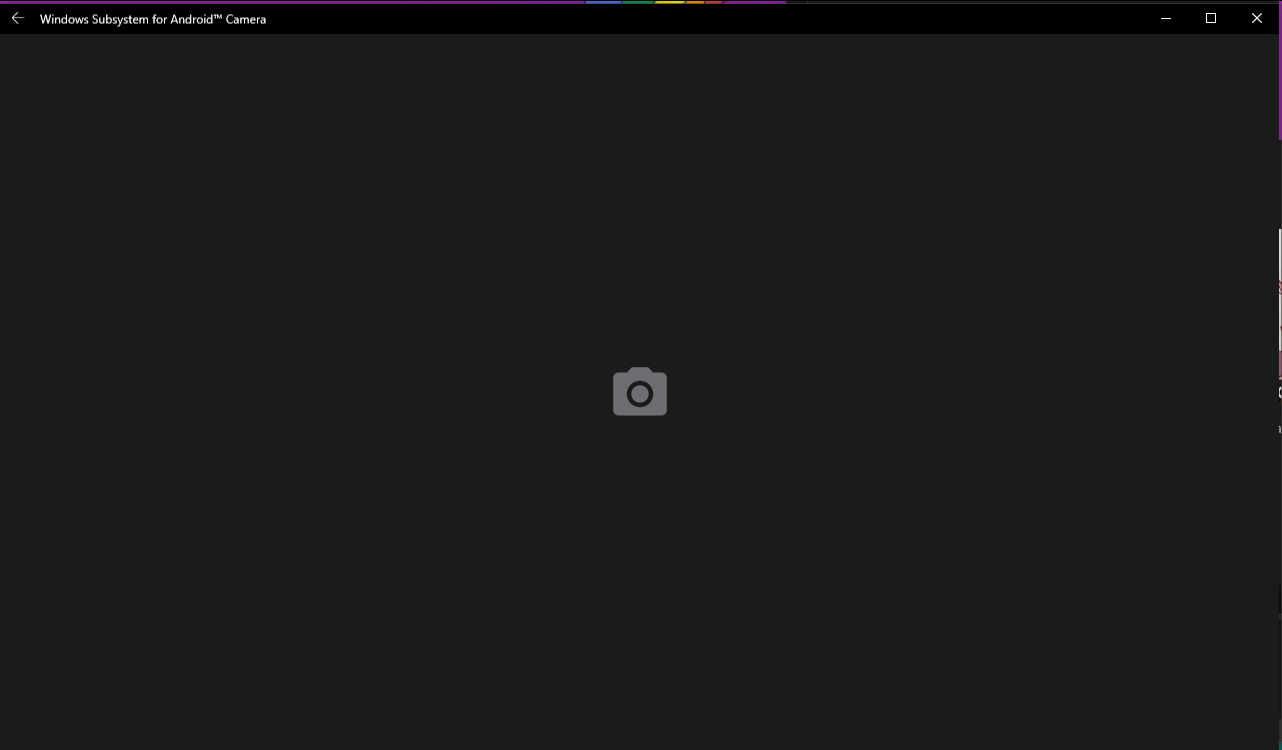
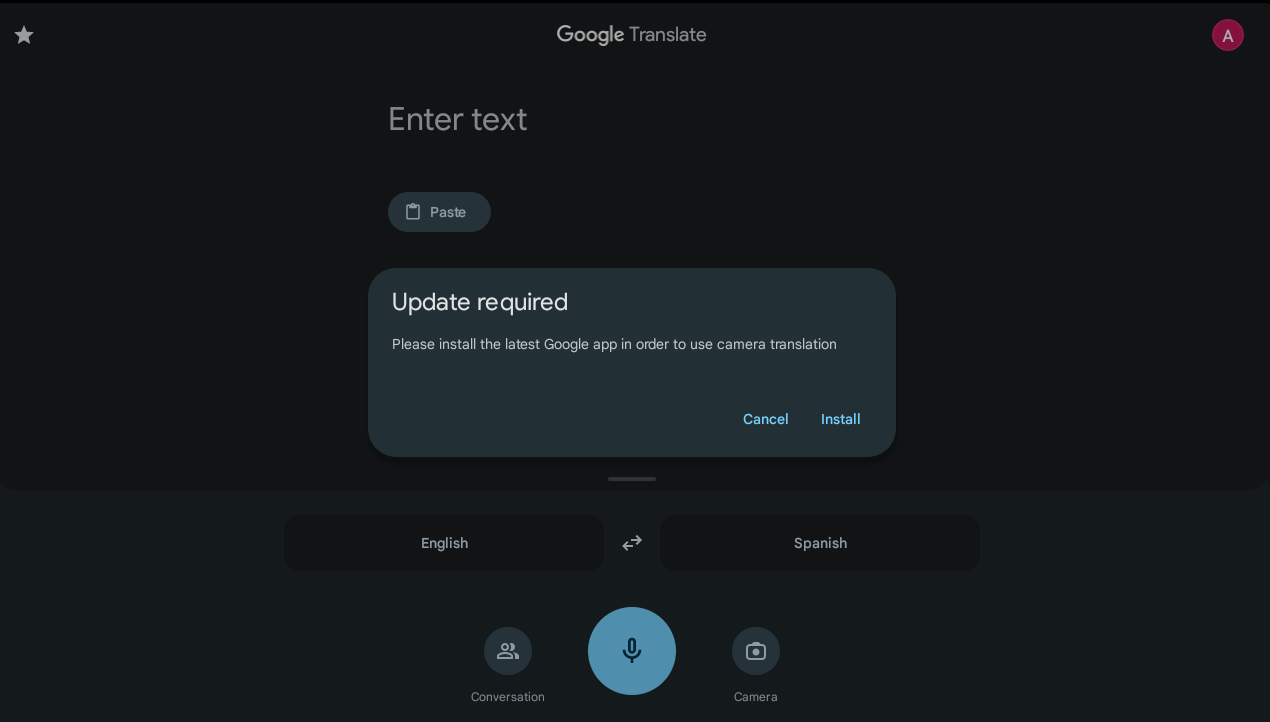
@S-ed So the camera is not working on WSA right, but it is working on Windows?
@S-ed I would check if the camera is working on the Official Builds of WSA. It will help me determine whether this is an issue with the MagiskOnWSA builds or WSA itself. This will help us determine the course of action to be taken to potentially fix this.
@MustardChef Sorry, You've answered before I've retracted my message. I have some virtual cams on my system, and seems those are not accessible by android. Hardware one turned on after I've restarted the WSA.

@MustardChef Sorry, You've answered before I've retracted my message. I have some virtual cams on my system, and seems those are not accessible by android. Hardware one turned on after I've restarted the WSA.
@S-ed Ah, so the issue has been fix?
@MustardChef Yes. And after restart GApps also found some updates, so Google translate not showing an error anymore.
@MustardChef Yes. And after restart GApps also found some updates, so Google translate not showing an error anymore.
I am glad to hear.
Hm. Someone claimed that Virtual Cameras also should work. It doesn't for me. I'm on Win10.
https://github.com/microsoft/WSA/issues/77
Hm. Someone claimed that Virtual Cameras also should work. It doesn't for me. I'm on Win10.
microsoft/WSA#77 has the issue been fixed? I'm asking because I want to this version of WSA

@OpokuKoduah You should test it as there is no definitive answer to whether Virtual Cameras will work with WSA on Windows 10. If it does not work for someone else, it might work for you. So its worth a shot.